Have a feature request or suggestion? Post your idea here!

Post

6 Follower Folgen
0
Avatar

DVS calibration issue

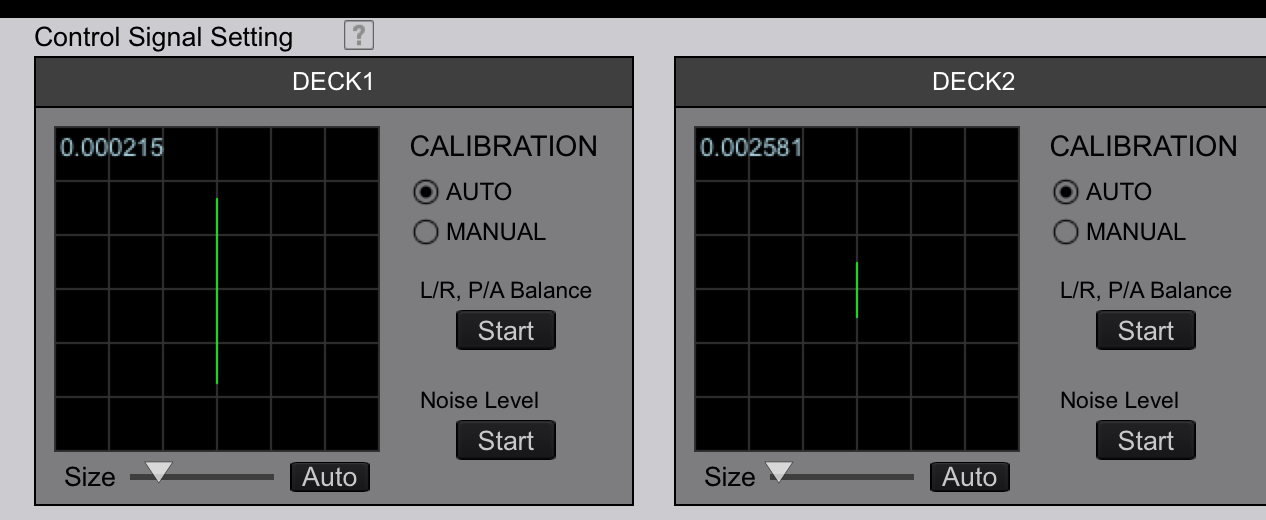
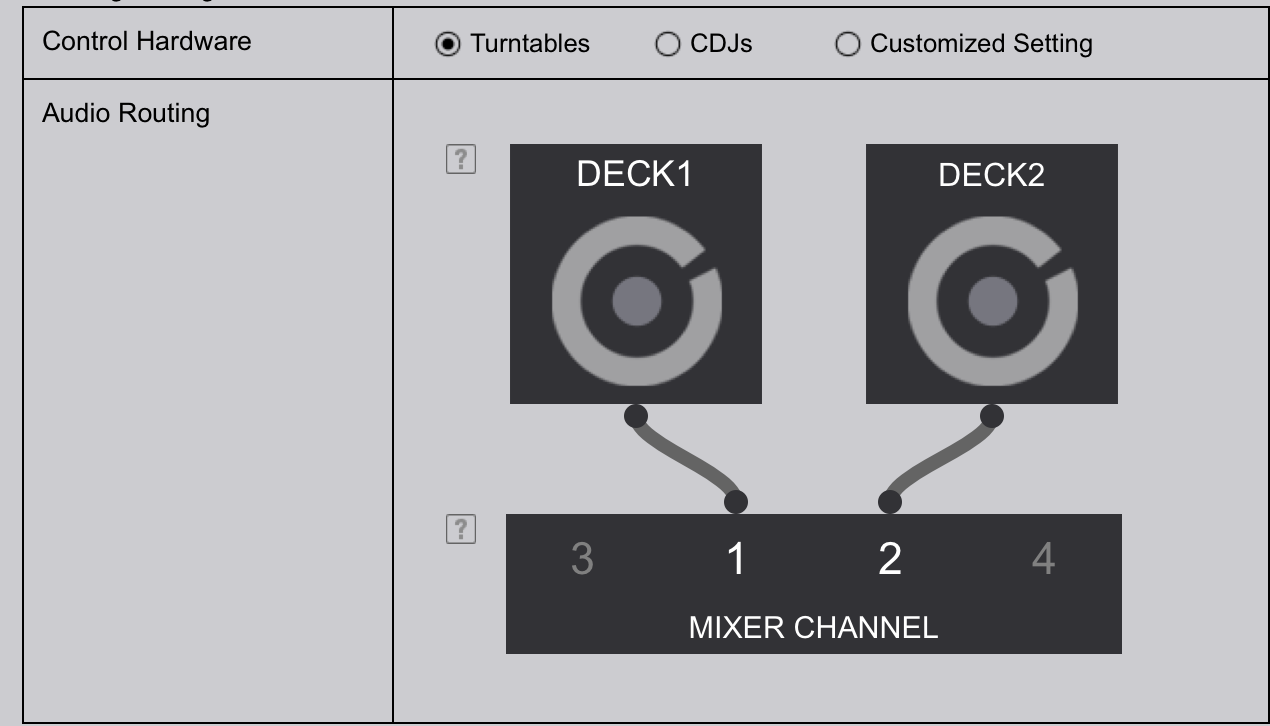
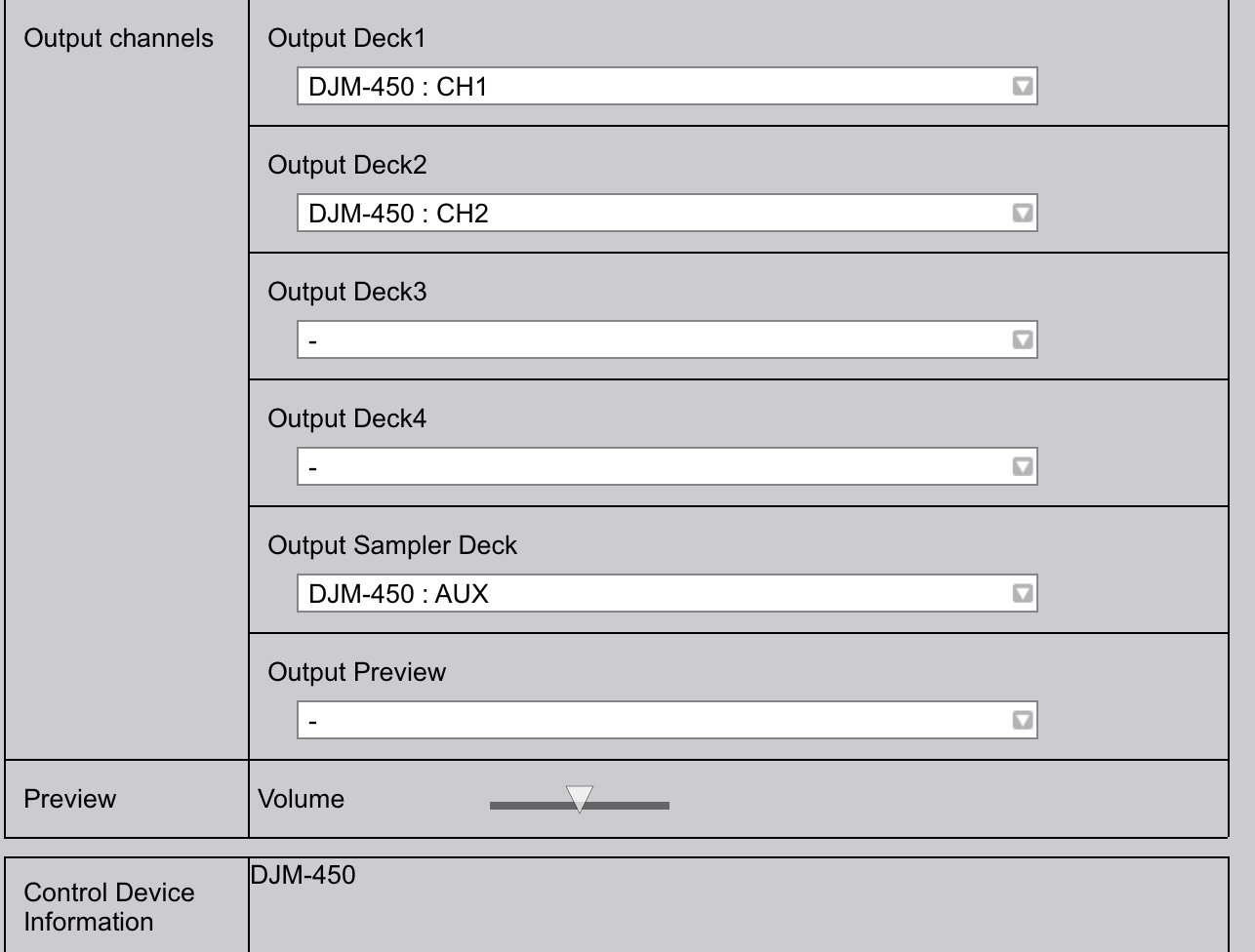
I cannot figure out what I'm doing wrong, i've read the FAQ and looked at the DVS manual, for my settings my DJM-450 is on computer setting instead of photo, in REL mode, auto calibration fails and says error, no circle just a straight line on RB-VSk-1, turntables plugged into phono line, track will play either garbled or backwards. I've linked a video and photos, please help! would love to use this gear, vinyl only works perfectly.

https://youtu.be/0CebYOey7oE 

Cheers, 


Paul Weingart Beantwortet

Offizieller Kommentar

Avatar

@Paul > As @michel says below, the problem is likely that the mixer isn't receiving the signal properly. It looks like it's not getting both left and right signal in both cases. Check the cabling, headshells, cartridge - everything.

Pulse
Aktionen für Kommentare Permalink

Post ist für Kommentare geschlossen.

12 Kommentare

0
Avatar

try to switch the left and right on the turntable that goos backwards.

than if it goos forwards you have a problem with the signal rca cables, or maybe 

your cartridge to headshell cables is wrong connected 

michel 0 Stimmen
Aktionen für Kommentare Permalink
0
Avatar

I'm Having the same problem. So what was the solution ? 

Theo Ladal 0 Stimmen
Aktionen für Kommentare Permalink
0
Avatar

it was the headshells/cartridge cables, try reseating everything, replace wires if necessary hope this helps

Paul Weingart 0 Stimmen
Aktionen für Kommentare Permalink
0
Avatar

I'm having the same issue, but when I plug it into another channel, it works just fine. additionally, when I plug thr good turntable into the faulty channel, I get the same error

Jovan Quintero 0 Stimmen
Aktionen für Kommentare Permalink
0
Avatar

Open the DJM-450 settings utility and try toggling the MIXER OUTPUT for that deck from CONTROL TONE PHONO to something else, and then back.

Pulse 0 Stimmen
Aktionen für Kommentare Permalink
0
Avatar

did not work. I have a DJM 750 mk2 BTW.

Jovan Quintero 0 Stimmen
Aktionen für Kommentare Permalink
0
Avatar

Hi, I am having exactly the same issue and have tried all of the above with no luck. What was the solution?

Tom Acheson-Gray 0 Stimmen
Aktionen für Kommentare Permalink
0
Avatar

same here. never figured it out, I just plugged it in another channel....not a fix but rather, a work around

JOVAN QUINTERO 0 Stimmen
Aktionen für Kommentare Permalink
0
Avatar

Ah thanks okay fair enough. I would do the same but have a 2 channel mixer! The deck works fine with real vinyl, and have changed the carts, stylus, and headshell. Think it could be the RCA, but don't want to take the whole deck apart if it is an easy fix. Would be great if pioneer could get back with some help

Tom Acheson-Gray 0 Stimmen
Aktionen für Kommentare Permalink
0
Avatar

Yeah, they never resolved my issue...which sounds similar to your issue

JOVAN QUINTERO 0 Stimmen
Aktionen für Kommentare Permalink