
Good work mate, I was interested in a mapping but im useless and havent a clue.!
i will keep an eye out1
Aktionen für Kommentare

Hoping there are some like minded people who want to use touch osc with the new midi mapping.
Here is the skin I made which basically is a copy of a sp1
http://postimg.org/image/5gpq7io2n/
it's all kinds of a mess trying to get it to work right though.
Basically I gave all the buttons their own numbers but haven't messed around with the other options in the osc editor so hoping people can help with what I want to do and the problems I'm having.
First off, the on/off for the fx buttons works but don't stay lit when I press them. If I use my mouse on my laptop to turn them on then they come on my ipad though.
The pads at the bottom will stay on once pressed and stay on even though I'm not pressing them anymore. I think it's because the midi says it's a pad but I made them in osc as buttons because there is no pad option.
Finally I would obviously like a modifier for the pads to use them for hot cues, fx pad, slicer and beat jump but I can't figure a way to make that happen.
And oh yeah, where is the midi control for the cfx on/off?
Post ist für Kommentare geschlossen.
Good work mate, I was interested in a mapping but im useless and havent a clue.!
i will keep an eye out1

I tried this works great except when i open "Bridge" for OSC and map some stuff from my phone to Rekordbox, the cues start acting really weird if I trigger them from the keyboard also
for example, I mapped 3 cues on TouchOSC on my phone, they work great, then i hit the same 3 cues using my keyboard on my mac 1,2 and 3 and 2 triggers and then restarts the track, then if I quit the bridge app Rekordbox goes back to normal and at times just completes crashes
After a few hours of playing with it and googling what little is out there it seems there is no way to modify buttons so that the same 8 pads can be used for hot cues/pad fx/slicer/beat jump which is a shame, but still so much can be done it's still amazing. Here is a pic of my new skin
http://postimg.org/image/m2zxos42l/
Dials on top are for the fx on deck 1 and 2 with single or multi toggle and on/off for each
CFX is only dry/wet, can't figure out where the on/off is for it
4 hot cue buttons with red delete buttons above each
buttons to show the pad selection, not very useful but left over from original
and the 8 pads for the PAD FX
What I've found is the software seems to be a little picky about the order you assign midi commands. Found the best way is to add a function for deck 1 and duplicate for deck 2 or sometimes they don't work.
By the way since we can export if anybody wants the files let me know, hopefully we can add to each other's work and get something going. I'm using this with my cdj 350's and djm250s to give me about another $1000 worth of value. Pioneer has my love for opening this up for us.
Looks great. I would love that file. I was just going to build it.
Here is the osc file
http://www.filedropper.com/sp1_1
wife is using my laptop right now so I'll export the midi mapping tomorrow but it's easy enough to do if you don't want to wait.
THANK YOU, looks perfect on an iPad mini, i love it. I wonder if you can set it so the buttons are backlit all the time so they stand out more
The link for the midi file is
http://www.filedropper.com/touchoscbridge
just load that and you should have all the functions I said for deck 1 and 2, gives you an idea of how simple it is for basic control. Depending on how you mix it should be enough.
Don't think there is a way to back light the buttons all the time but I haven't l played around with it much. You can download the touchosc editor and give it a go though.
trying to figure out a way too to map a scroll on another page to scroll up and down tracks, so far i mapped a rotary but it only schools the focus up
i made 2 basic pages on stuff i use the most, works great once i can get the FX mapped right and get a scroll going for library track search
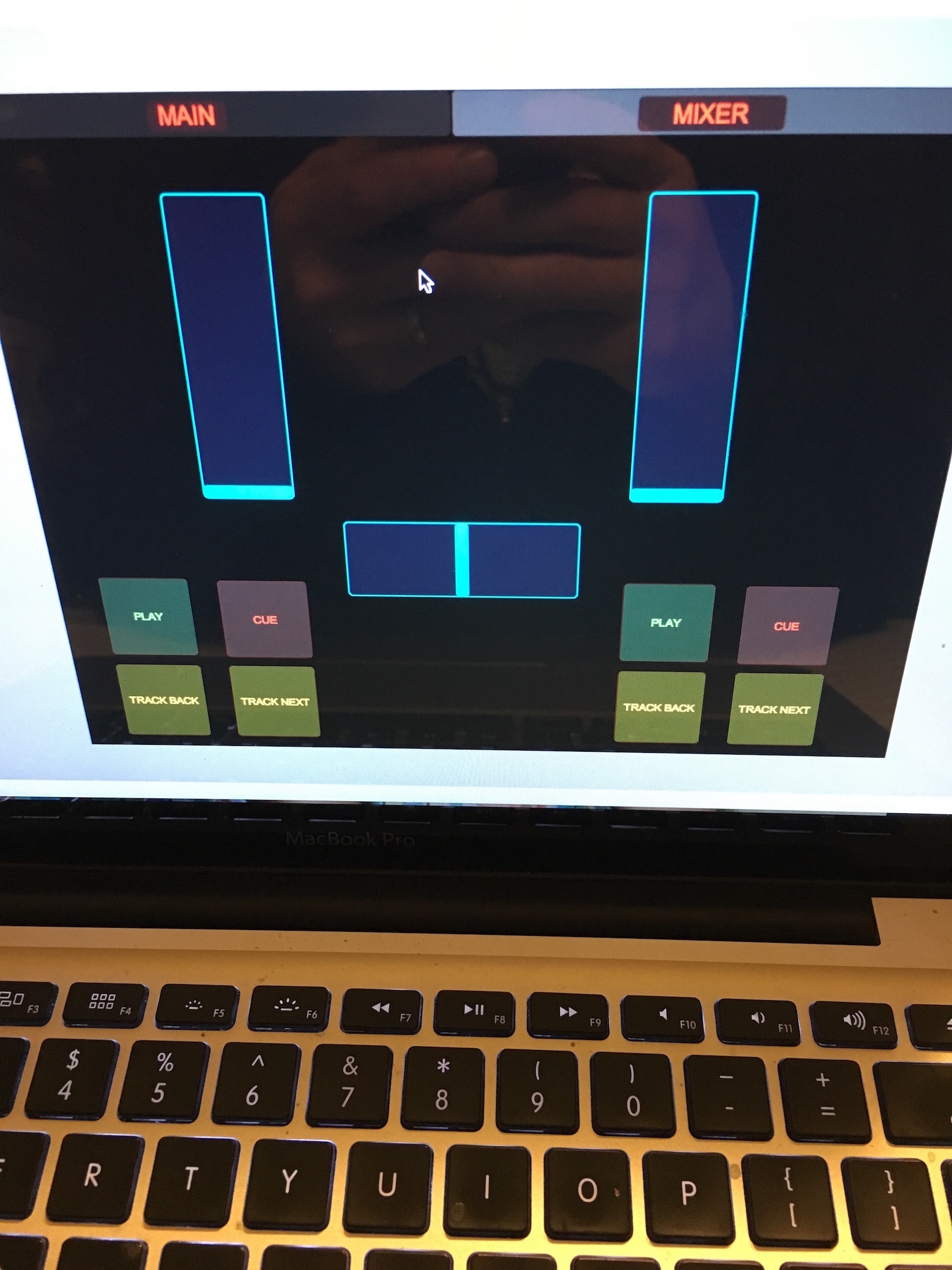
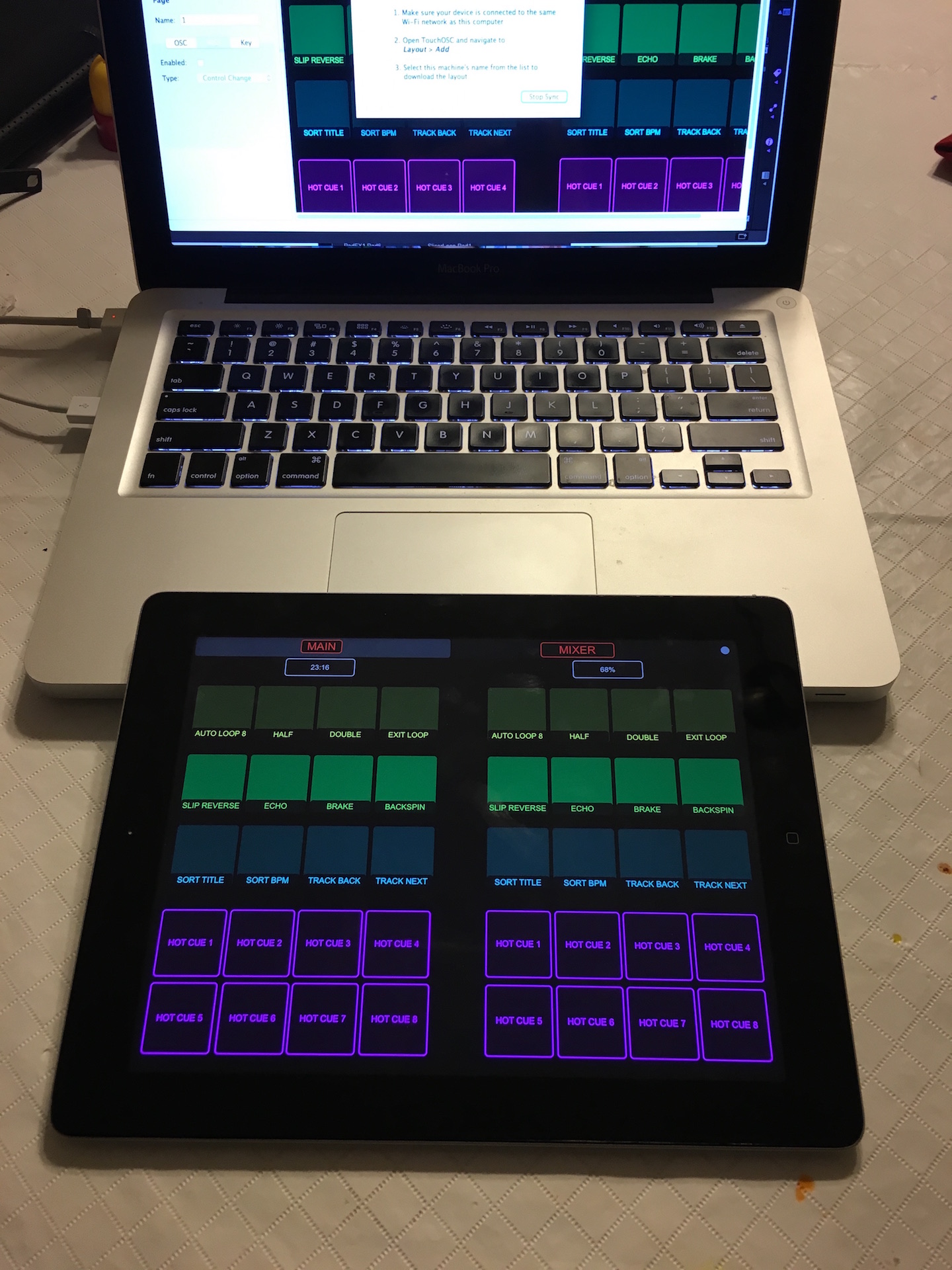
Really like the the bottom one, looking good. I haven't tried scrolling, wonder if you could use a fader in the middle position.
all is coming along, just hate that sometimes the buttons stay lit when you select a page like FXMODE1 or 2, 2 will stay lit on the iPad even though u select 1, 1 and 2 switch back and forth in Rekordbox but random lights stay on or off in the iPad app

Good afternoon, could you give a link to download the mapping Touch OSC. Skin a copy of a sp1?
Sorry don't have it anymore, but only takes a few minutes to make it.
I can not figure out how to assign keys : hot cue, pad fx, slicer, Beat jump.so you can switch both the ddj SP-1 key assignment.

Hi,
Does anyone have a download link for this please? The ones above don't seem to work..
Cheers
Dan

A link to what ... the Touch OSC app? https://itunes.apple.com/ca/app/touchosc/id288120394?mt=8
The other files were on a file sharing service and have expired.
You can certainly create your own layouts.

