I often use the live streaming such as beatport link and from time to time I will find a nice mix and hit the matching button on the waveforms.
I wanted to go back to some of these mixes and clean them up and make a routine of that but I can't seem to figure out how. I have made a smart playlist of matching songs but it returns blank.
What I would like to see with this filter is a split and perhaps a tree.
i.e this was the master track [split window in middle] this was a linked track, and if you do multi-deck any others linked below.
I have been struggling to find a way I have clicked the "matched track" button on a mix, even someone has exported the XML library to see if there is any substantial tags to make aware of- but nothing.
how can I find the tracks I've hit this button with ease?!

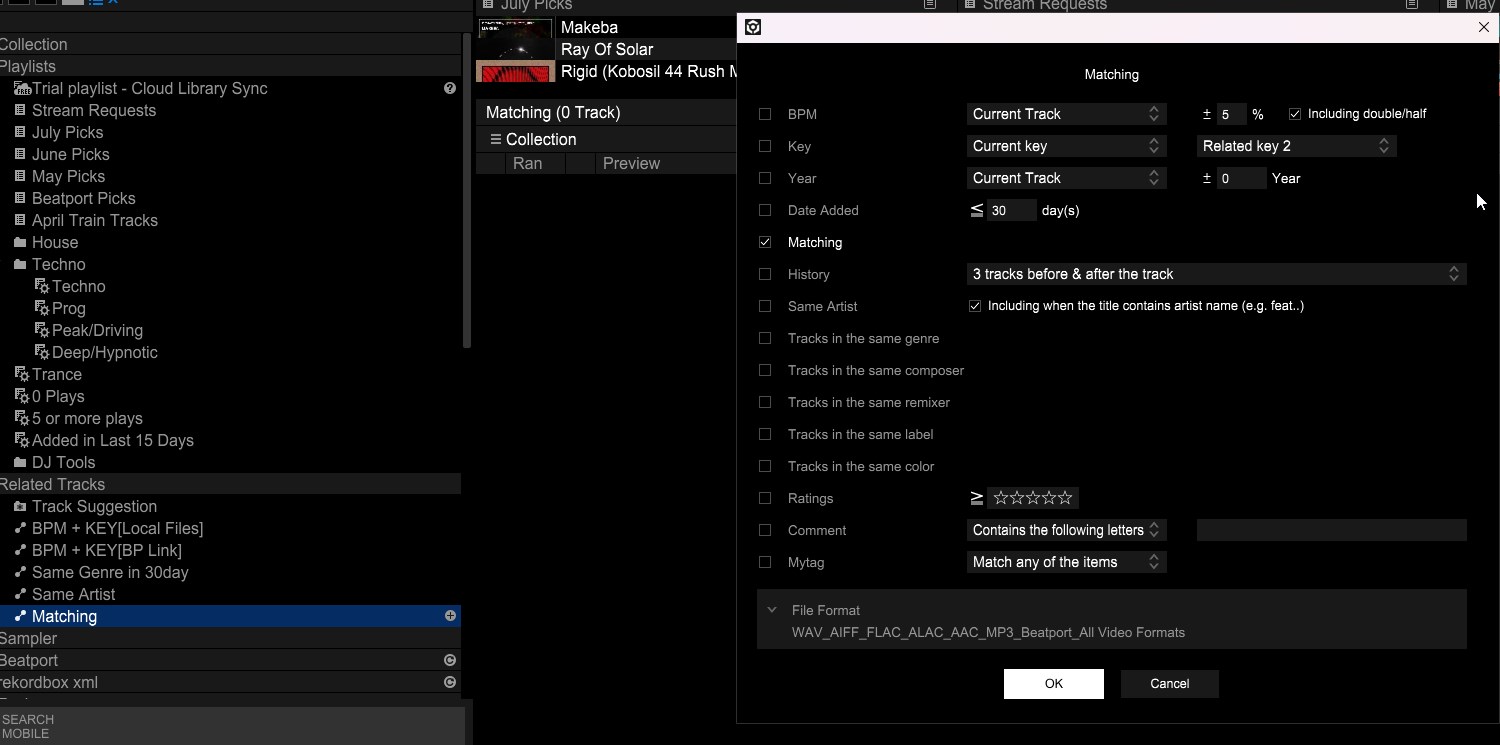 here is a screen shot of the filter, I gues it will only apply and show tracks relating to the master deck, but I cant run through 1 by 1 for that and would rather them appear here for me to choose.

