Have a feature request or suggestion? Post your idea here!

Post

3 Follower Folgen
0
Avatar

DVS not working after Mac High Sierra update

Ok so this seems to be a problem a lot of people are having. After updating my mac book i can't get the DVS to work on my djm 450

Ive tried everything, reinstalling the software, reinstalling the driver. 

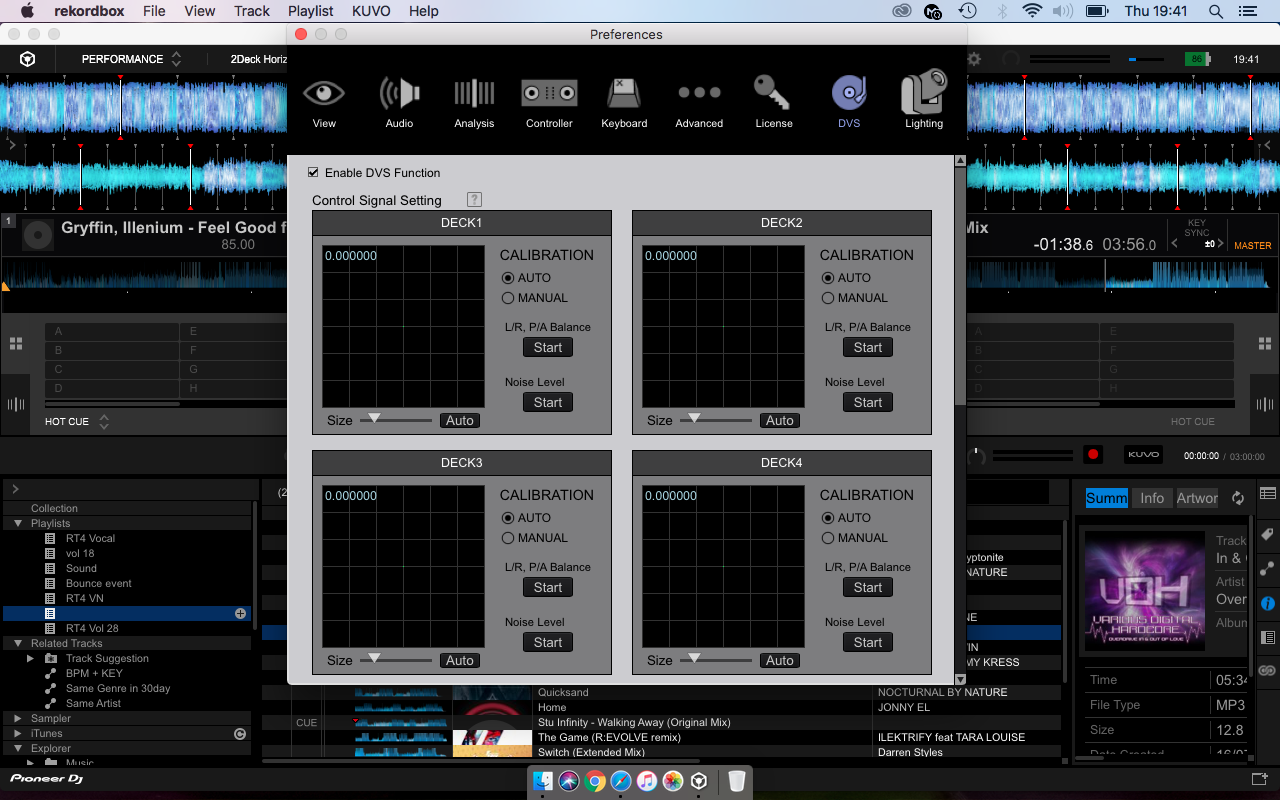
Ive read through all the posts people have put and i don't get the security warning people are talking about. The sound is coming through the mixer fine on internal mode but as soon as i switch to absolute mode the vinyl will not control it. Ive look into all the DVS setting im not getting the free circle like i used to before the update. There must be something....help!

RicTrix4 Beantwortet

Offizieller Kommentar

Avatar

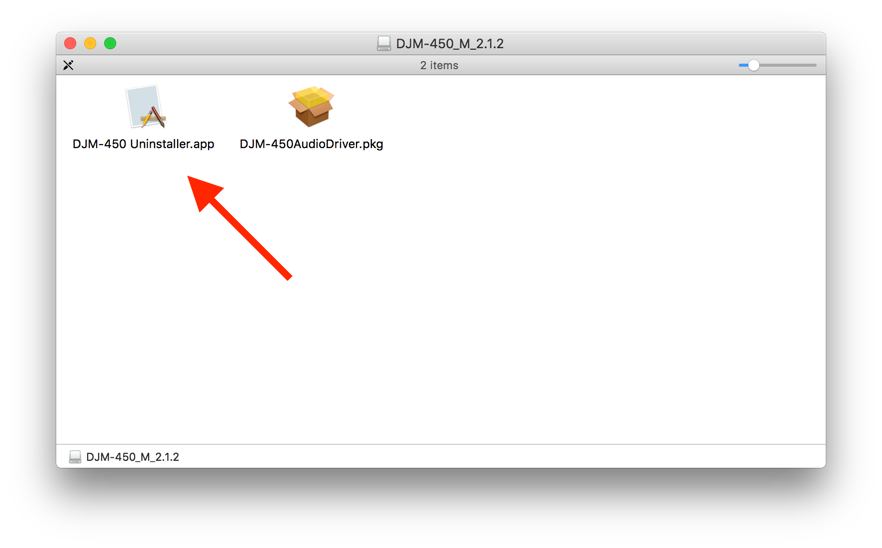
Try uninstalling the driver first, reboot, then install, disable the High Sierra security, then install the driver once more.

The uninstaller tool is located in the driver download package:

Pulse
Aktionen für Kommentare Permalink

Post ist für Kommentare geschlossen.

10 Kommentare

0
Avatar

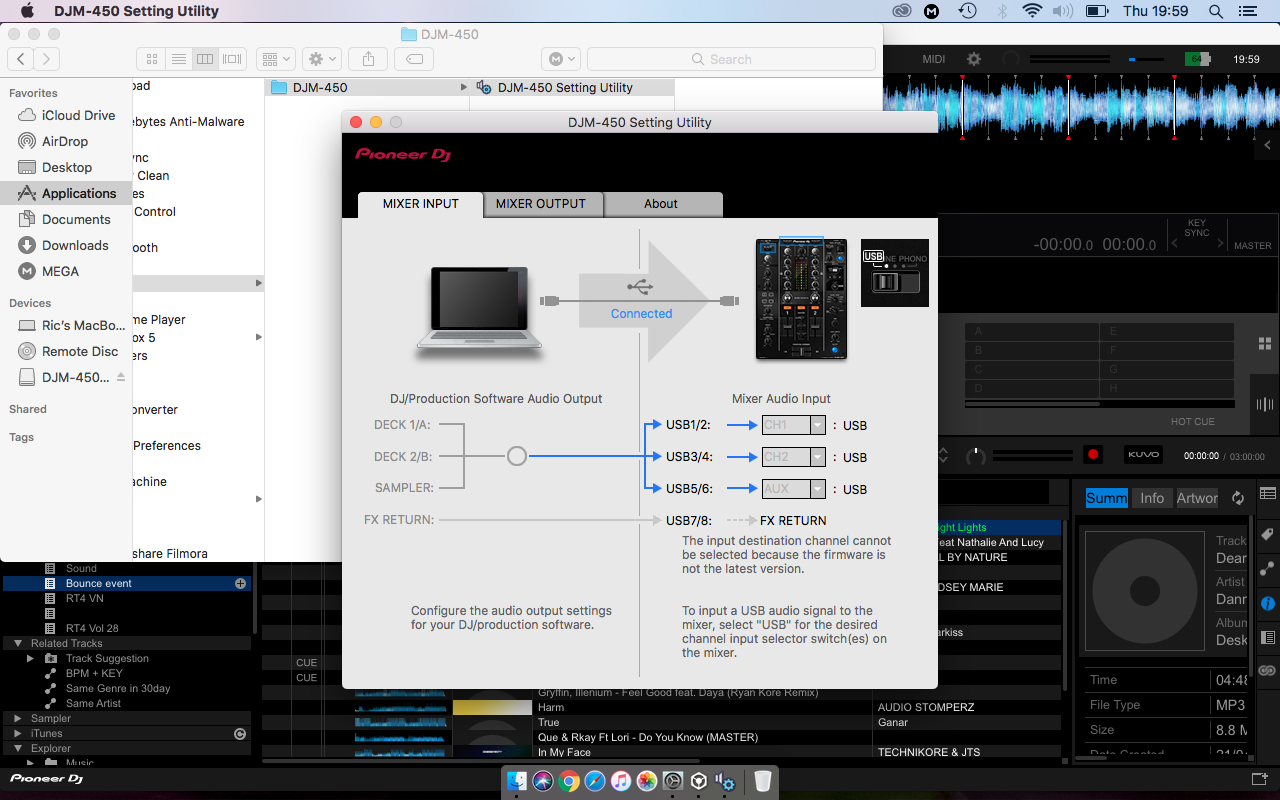
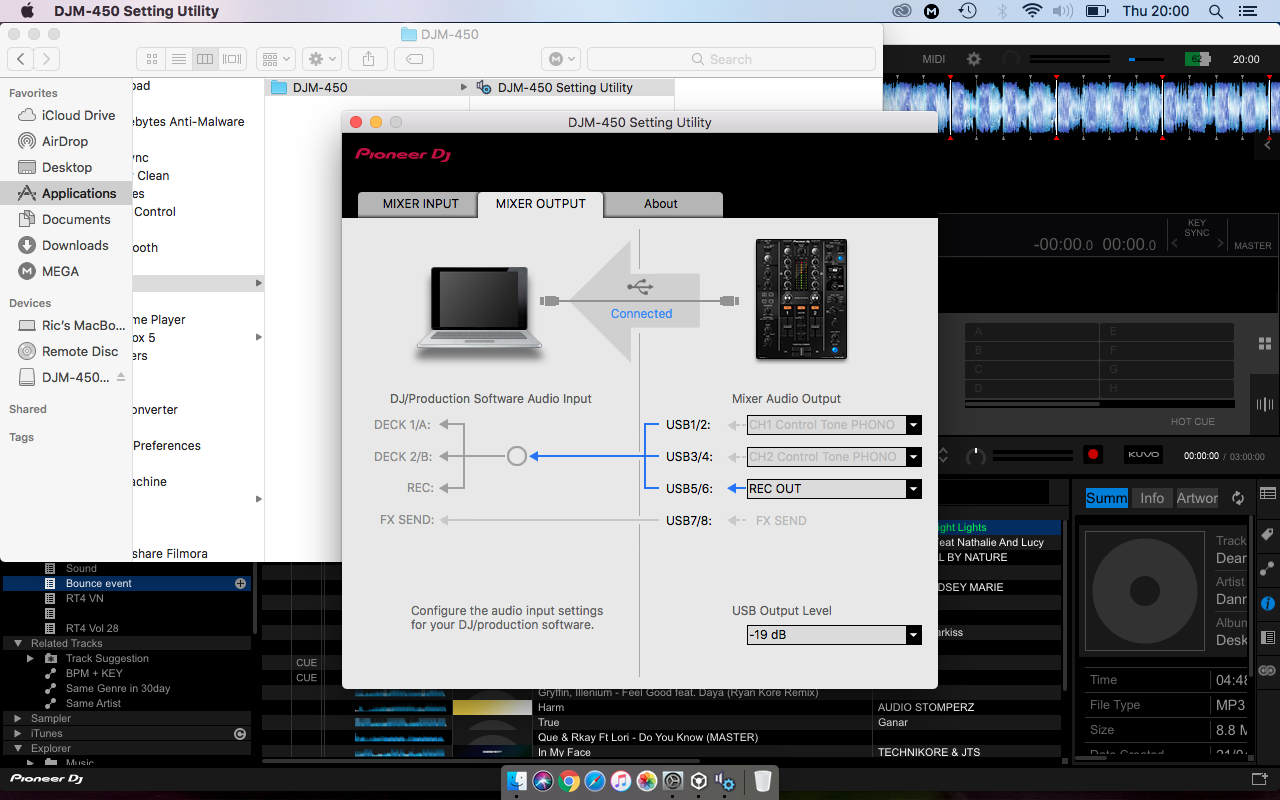
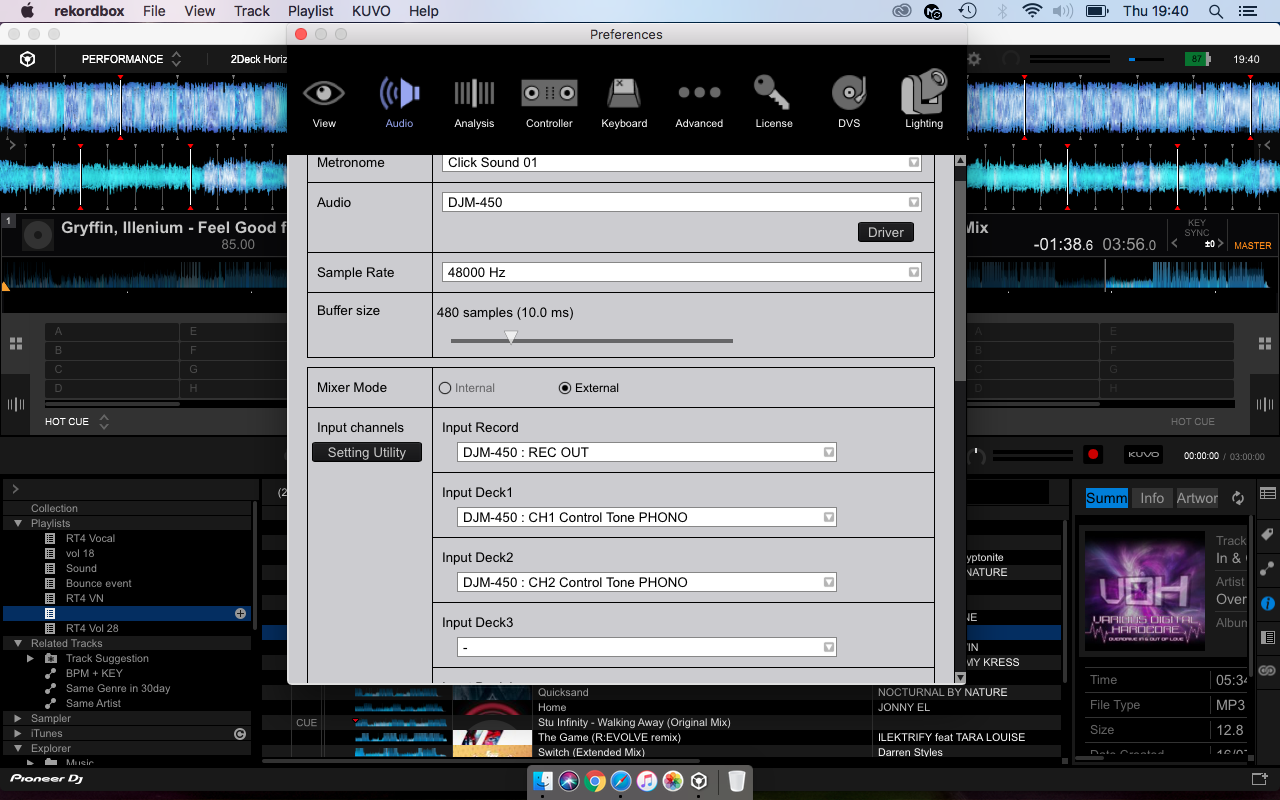
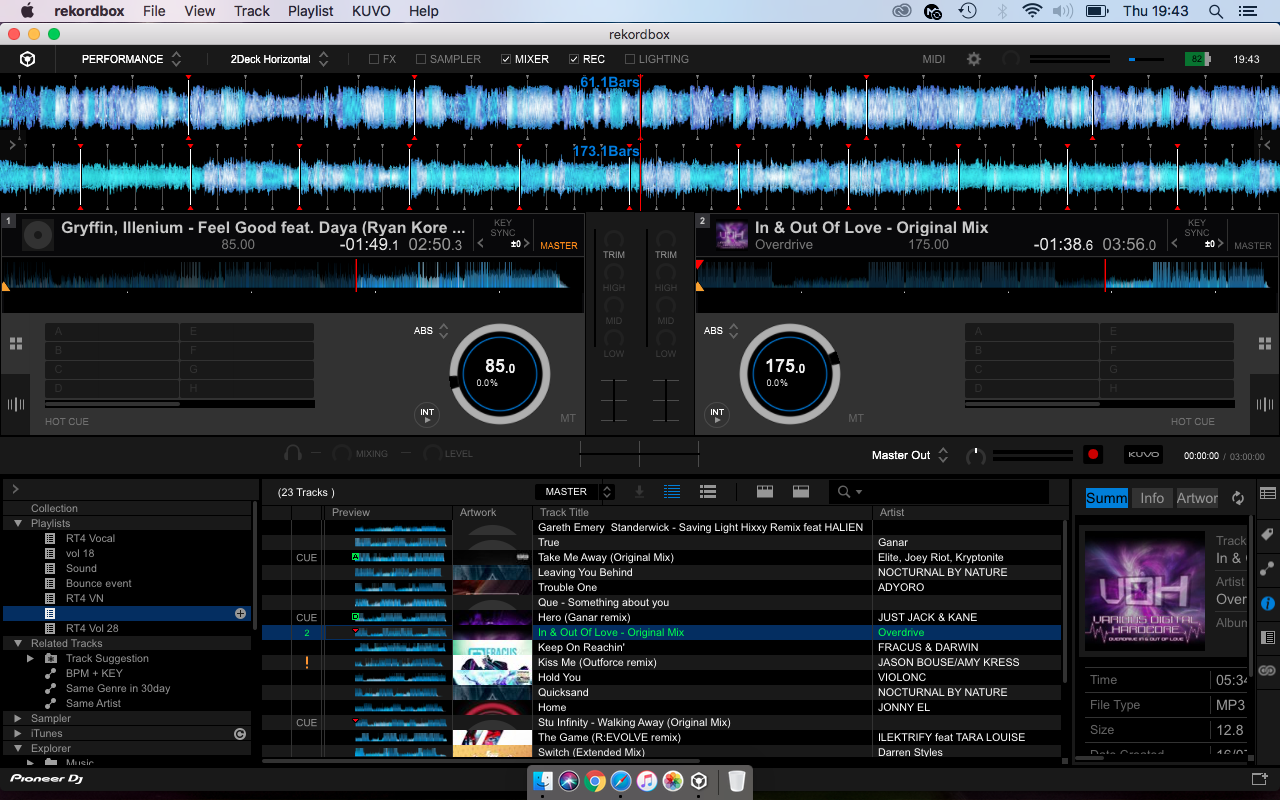
Ive done this a few times but still nothing, ive attached screen shots however im 100% sure its set up correctly as ive never adjusted any settings and all worked fine before the update


RicTrix4 0 Stimmen
Aktionen für Kommentare Permalink
0
Avatar

100% on Absolute mode, checked everything from all the forums to make sure i hadn't done anything stupid. Like i said i can get sound out the mixer on int mode all functions and channels work as they should just DVS doesn't work

RicTrix4 0 Stimmen
Aktionen für Kommentare Permalink
0
Avatar

Also ive read your literature and apparently you do not have to enable the security settings for the DJM 450, but to make sure ive been right through them and there is no block on the driver 

RicTrix4 0 Stimmen
Aktionen für Kommentare Permalink
0
Avatar

Try toggling the "Mixer Audio Output" from the phono to another option and back.

Pulse 0 Stimmen
Aktionen für Kommentare Permalink
0
Avatar

Tried it, still nothing.

Actually done a full uninstall and reinstall of all the software and the drivers now. since then ive lost the option to select the mixer for audio output even though in the dim 450 utility setting it shows the usb connected. Im about to give in.......

RicTrix4 0 Stimmen
Aktionen für Kommentare Permalink
0
Avatar

Hi I have exactly the same problem. I have also done everything by the book and nothing happened. The unit shows that its connected but it doesnt show up as a soundcard. What am I doing wrong ?


Nydan Day 0 Stimmen
Aktionen für Kommentare Permalink
0
Avatar

Still nothing from pioneer about this?

Starting to really get me down, over a month now still no fix?


RicTrix4 0 Stimmen
Aktionen für Kommentare Permalink
0
Avatar

I used to get sound on internal mode but now ive unistalled, reinstalled 100 times i can't even get the sound card option as the person above has stated.......come on guys someone must have this issue sorted?

Ive checked all the security settings, updated all the drivers to latest version....ive tried everything

RicTrix4 0 Stimmen
Aktionen für Kommentare Permalink
0
Avatar

Still no response to my support ticket or to this post?

RicTrix4 0 Stimmen
Aktionen für Kommentare Permalink