
Offizieller Kommentar

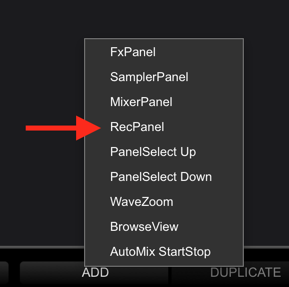
1. No keyboard shortcuts to toggle that, but you can remap the FX PANEL or SAMPLER PANEL buttons from the RZ to act as the REC PANEL control:
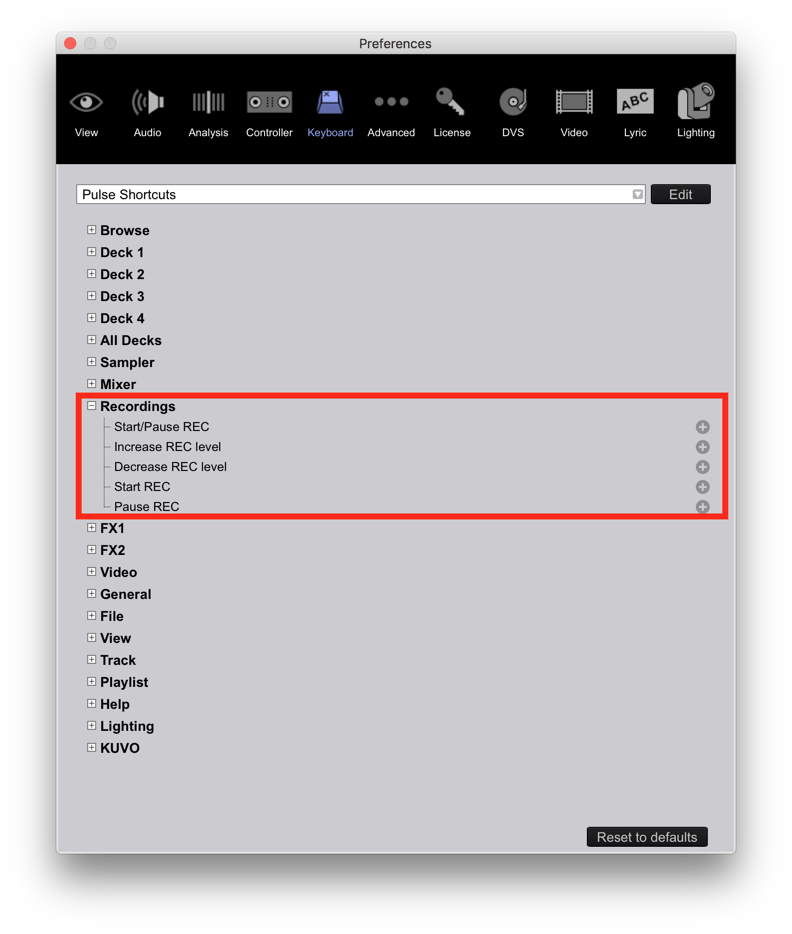
Alternatively, you could simply add keyboard shorcuts for the the recording controls:
 2. Duplicates will only appear if you have duplicates in your collection. I'd start there.
3. I'm not sure I understand what you're asking.
4. No way to do that, sorry.
5. Yes; map it out as you see fit:
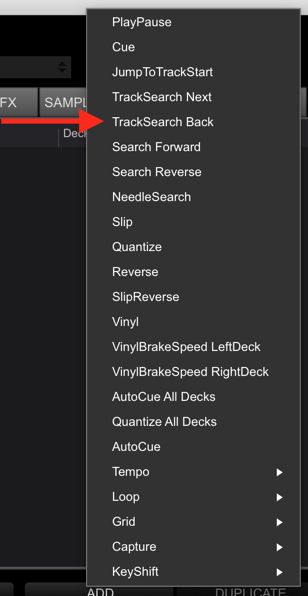
Just hit it twice if the track only jumps to the start.
6. Yep:
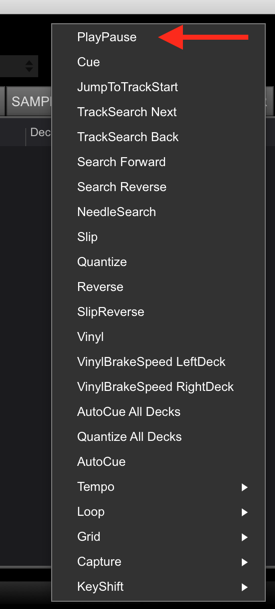
You'll just have to un-map the BEAT SYNC button first.
7. If you have multiples, sell'm! Make some cash back! That was my huge selling point on the DDJ-XP1; if you already owned a rekordbox dj product / license, the cost of the XP1 is about $249US, but includes a $129 dj license, and a $99 dvs license, making the cost of the hardware $21!!
8. The best you can get is by changing the preferences to have the largest line-space sizing, then show the full-size album art here:
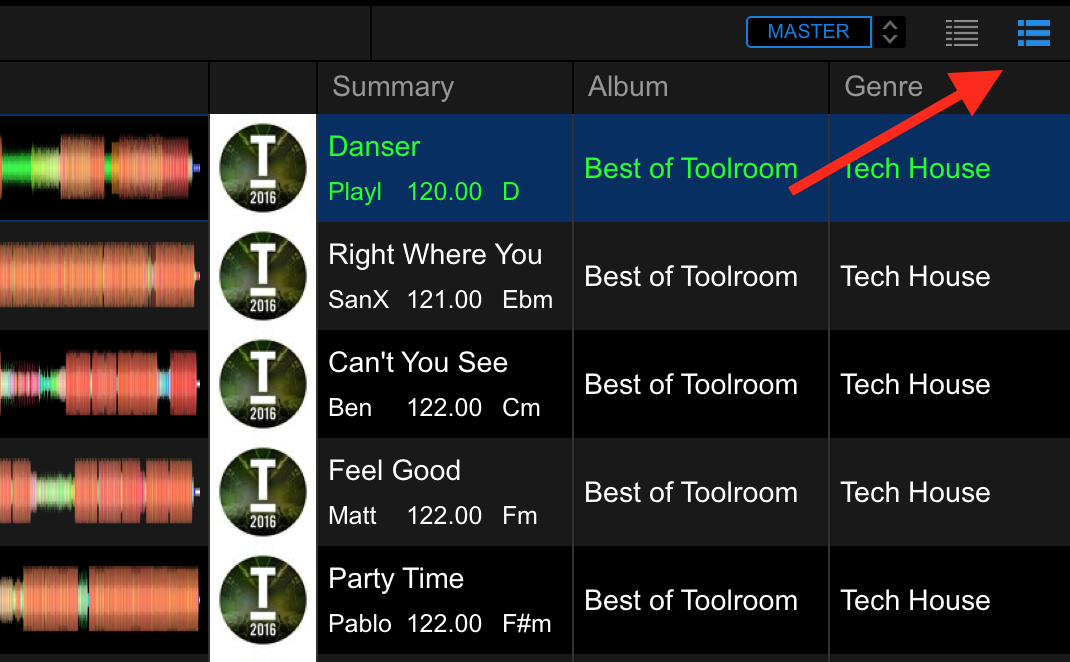
Unfortunately, that's as big as it gets.
9. Those are drawn from entries within your collection. To remove them, sort by that genre, select all the tracks you want to edit, click the info panel open, then delete the genre for them and it will edit all tracks simultaneously to remove that genre.
10. Sorry, no preference for that option.
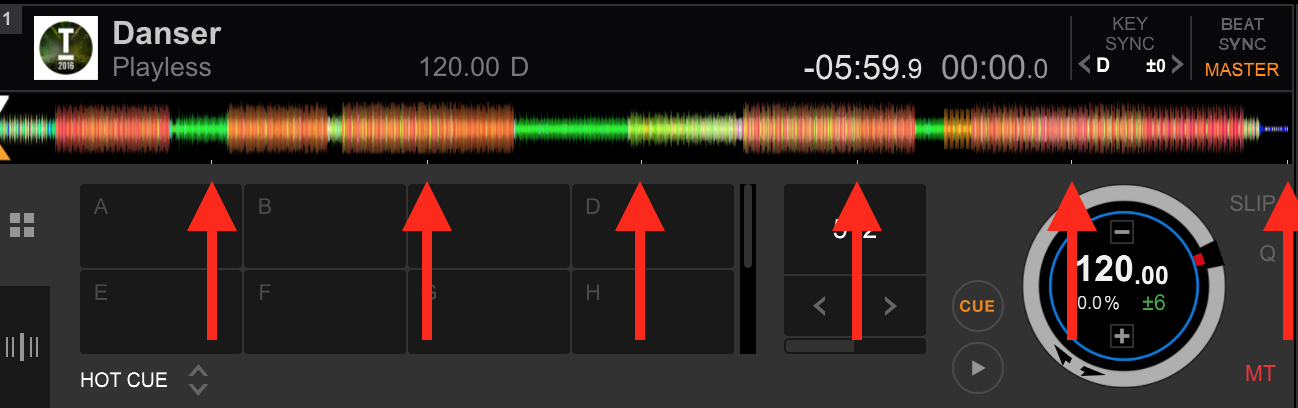
11. No ability for that, but you'll get used to looking at the interface to know where you are in the track, especially once you know these markers indicate 1 minute elapsed:
12. Sorry, no PAD MODE for the RZ, but we're hoping they add it for all products down the road. Unfortunately the only way to do it is to manually re-map it all in the MIDI editor.

