
Are you using rekordbox in Performance mode, and do you have the WeGO configured as the audio device in the preferences?
Aktionen für Kommentare

Hello. I have a problem with the led of channels 1 and 2 of my WeGo 2 ddj using Macbook Pro. With Djay software it works correctly, with RekordBox it does not. I tried to reset the mapping but the problem persists. the Rekordbox version is the latest version 5. How can I solve the problem?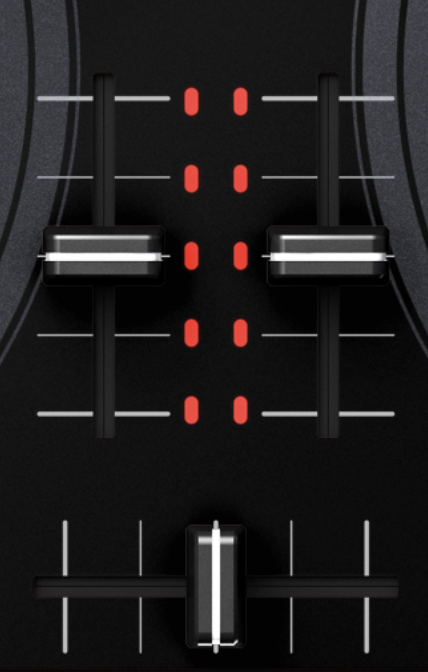
Post ist für Kommentare geschlossen.
Are you using rekordbox in Performance mode, and do you have the WeGO configured as the audio device in the preferences?
Yes, everything is configured correctly. I have been using Rekordbox regularly for over a year with no problems....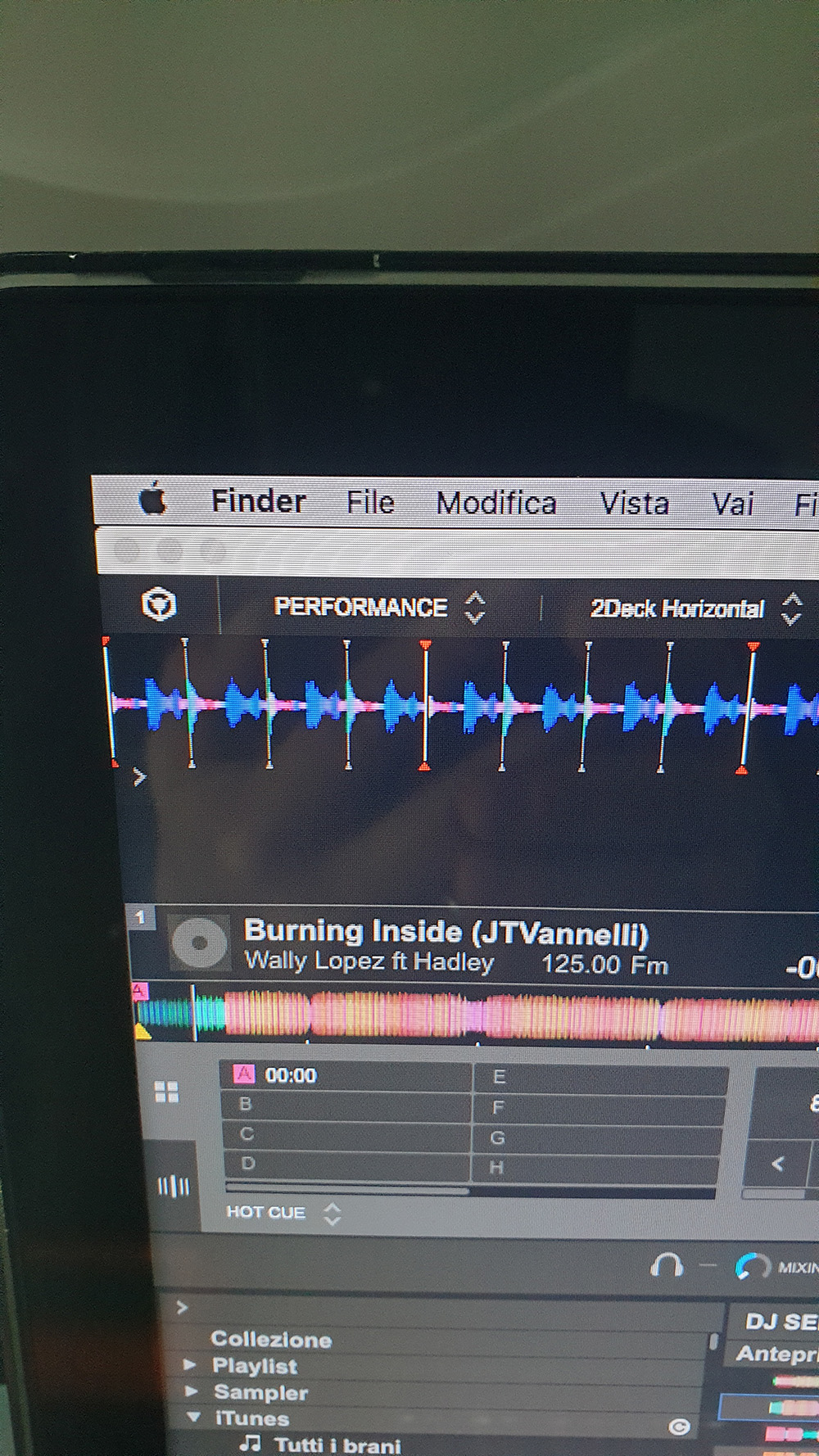
 All the LEDs work correctly except the 2 of the channels.
Hi. Any information on how to solve the problem? Thanks in advance.
Can you elaborate on what you mean by "All the LEDs work correctly except the 2 of the channels." ?

My wego2 updated and now it asking me to buy a license to use my Controller and I was fine before I need a new Keycode
@Bright Star > Updating the controller doesn't change the software license. Are you talking about rekordbox? Which version are you using?
In practice, all the LEDs on the console respond to the commands of the Rekordbox except those of the central Volume channels of the individual decks.
I tried with another software (Djay) and they light up correctly. I tried to install rekordbox on another Mac and the problem still occurs.
Hopefully I can provide a demonstration video of the problem.

Is it possible to reset the console to factory settings or go back to the previous firmware and repeat the update?

