Good day,
I have a pair of XDJ 1000 MK1's running on Recordbox 1.3.
Here are some of the issues I am experiencing, this might just be my lack of knowledge but it truly bugs me.
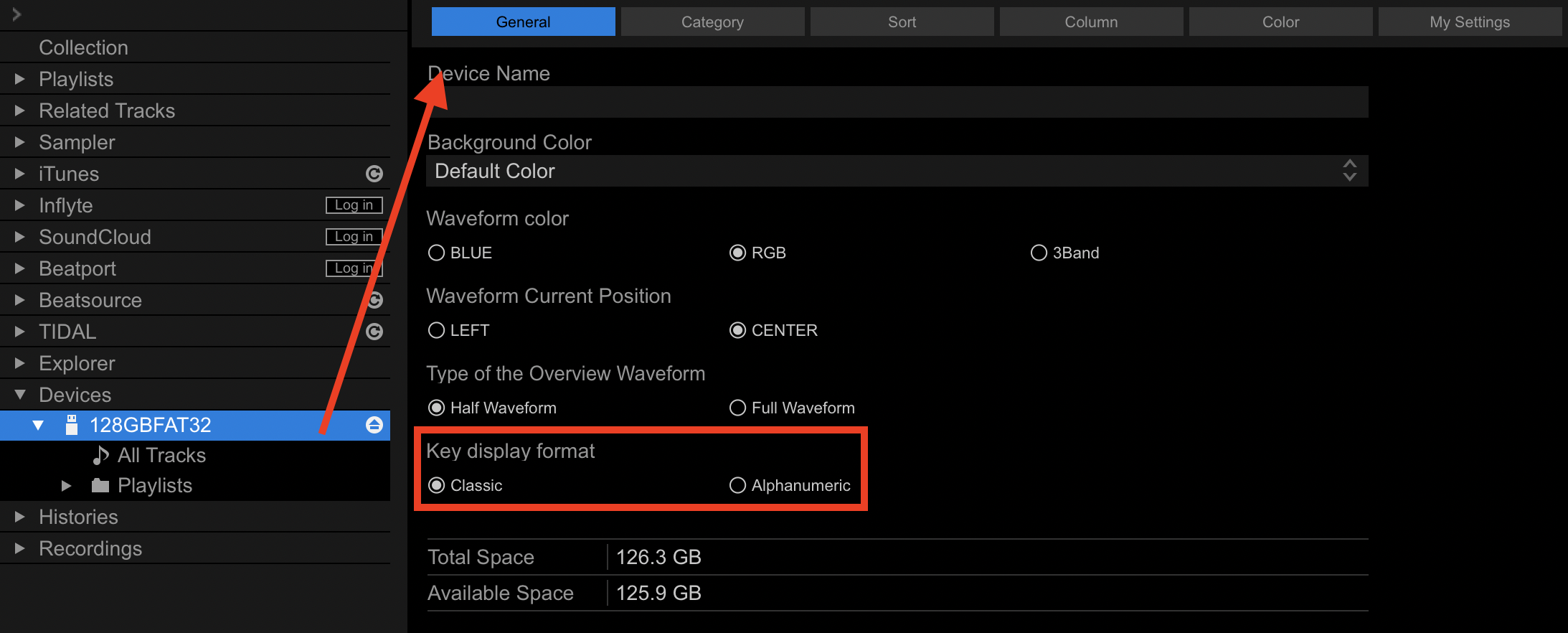
I use the CM (Camelot Notation) to write Keys to my tracks (Mixed In Key), it shows the CM on my rekordbox, and it even showed the CM on my old set of CDJ 350's when I sort by key.
But for the death of me, I cannot get the CM to display on my XDJ's. I have even removed everything off the USB, re-exported and still nothing..I't just shows the traditional keys. The keys are on the tracks info but that is not what I want, I would like to see all 8A's in a list.
As far as I know, the latest current recordbox for the units are 1.4 (I might be mistaken), and a firmware update might solve this particular issue...However, the Pioneer Support site no longer has the Mk1 as a device? So I cannot even confirm if I have the latest firmware..
Link:
https://support.pioneerdj.com/hc/en-us/sections/360006861552-DJ-Players
Can someone please nudge me in the correct direction, please?
Thank you in advance!