Hello,
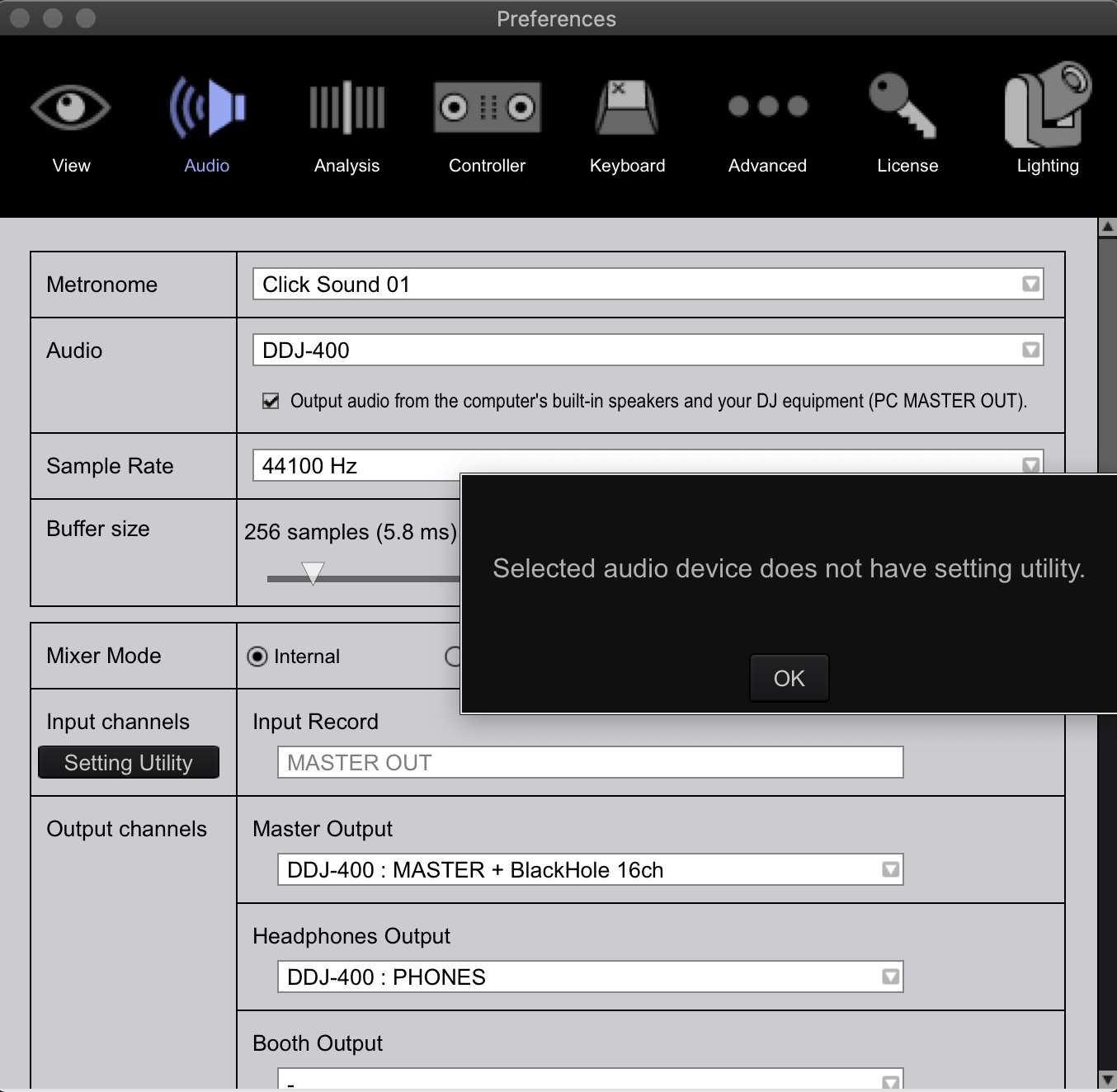
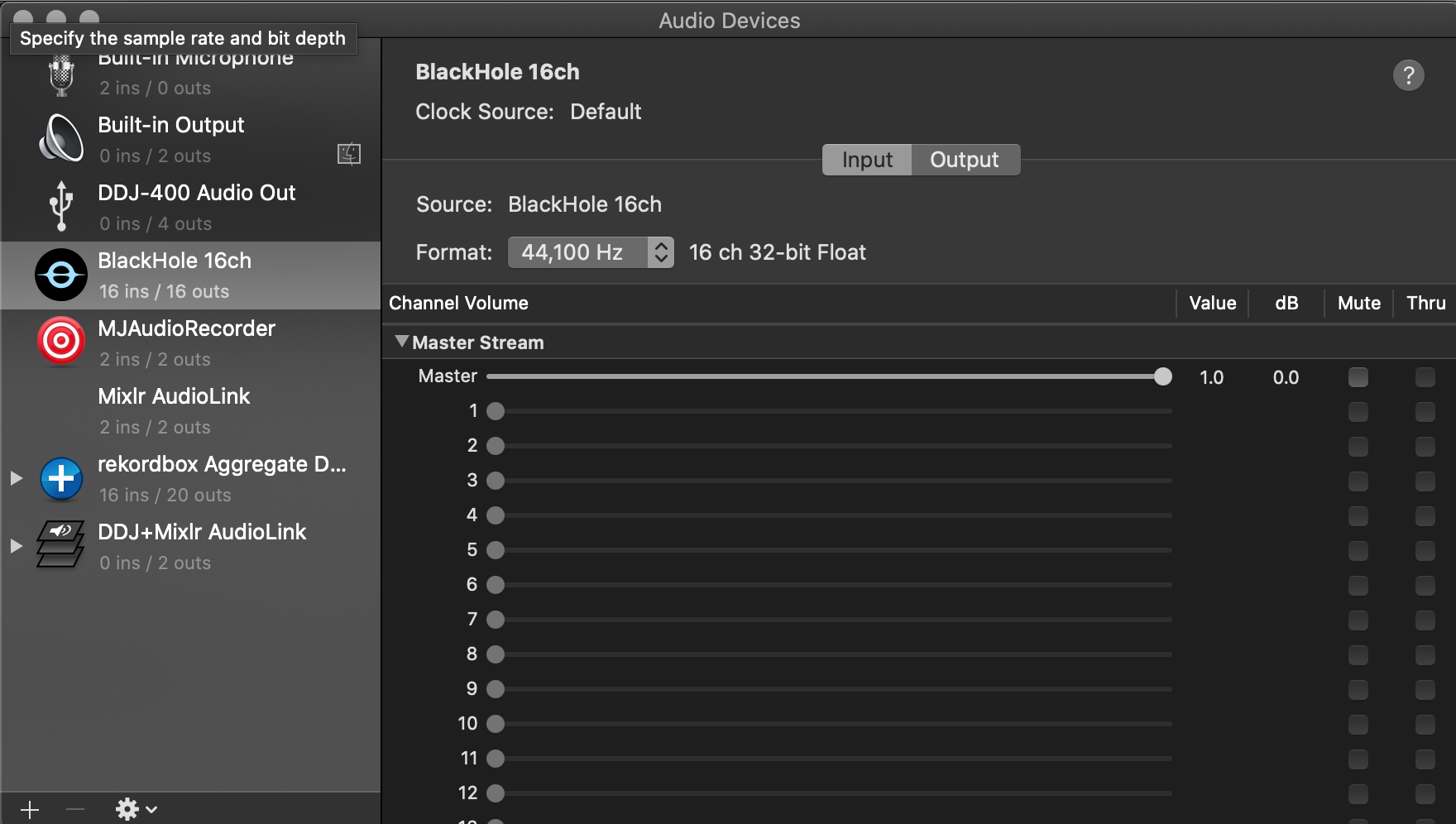
I use a DDJ-400 to DJ a weekly radio show on Mixlr. I followed instructions on another post to get my DDJ-400 working with the Mixlr app via a digital audio interface called BlackHole 16ch.
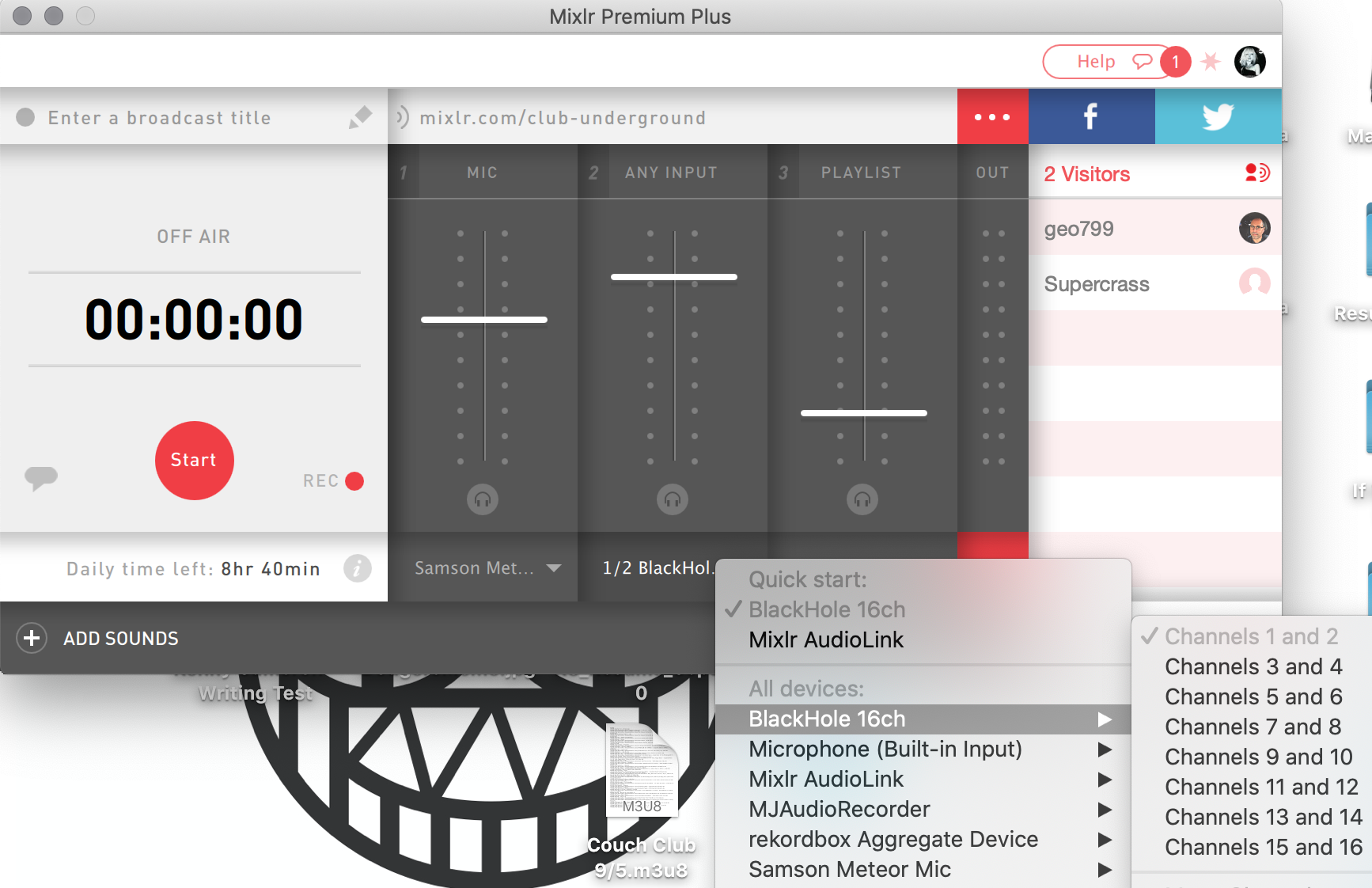
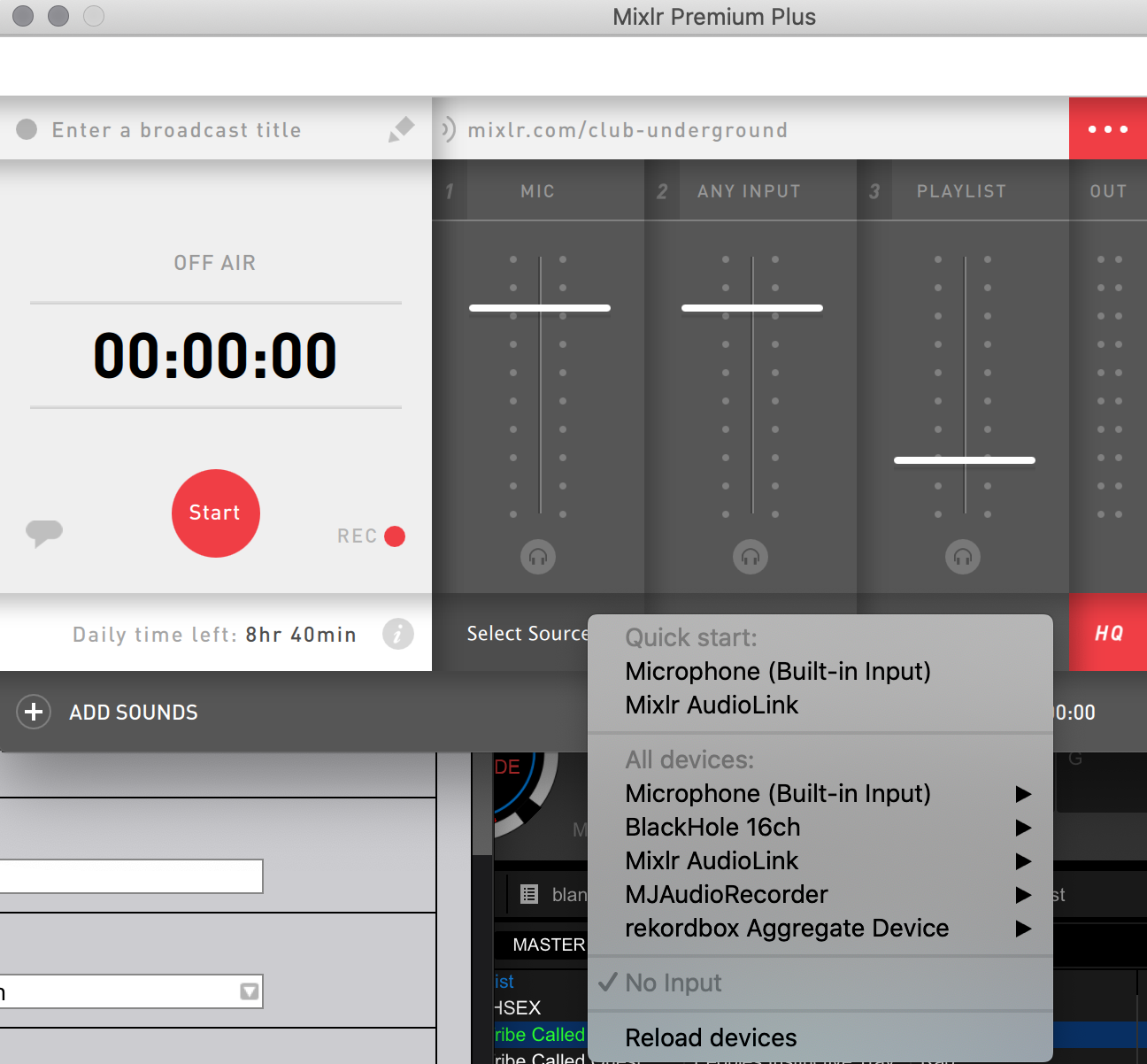
I've been using a USB podcasting mic, but it picks up a ton of background noise and it doesn't have many settings to adjust the noise gate. So I recently purchased a Shure PGA58 XLR to QTR cardioid mic to plug into the DDJ-400. I hear my voice coming through my monitors, but when I try to select the Shure mic in Mixlr, it doesn't show up as an option and I can't seem to find any input option that will pick up levels in Mixlr for the mic plugged into the DDJ.
I know the DDJ-400 has some limitations with mics, but I'm wondering if there's a fix through the BlackHole digital interface that I can't figure out. Attaching some settings screenshots below. Thank you!