Official comment

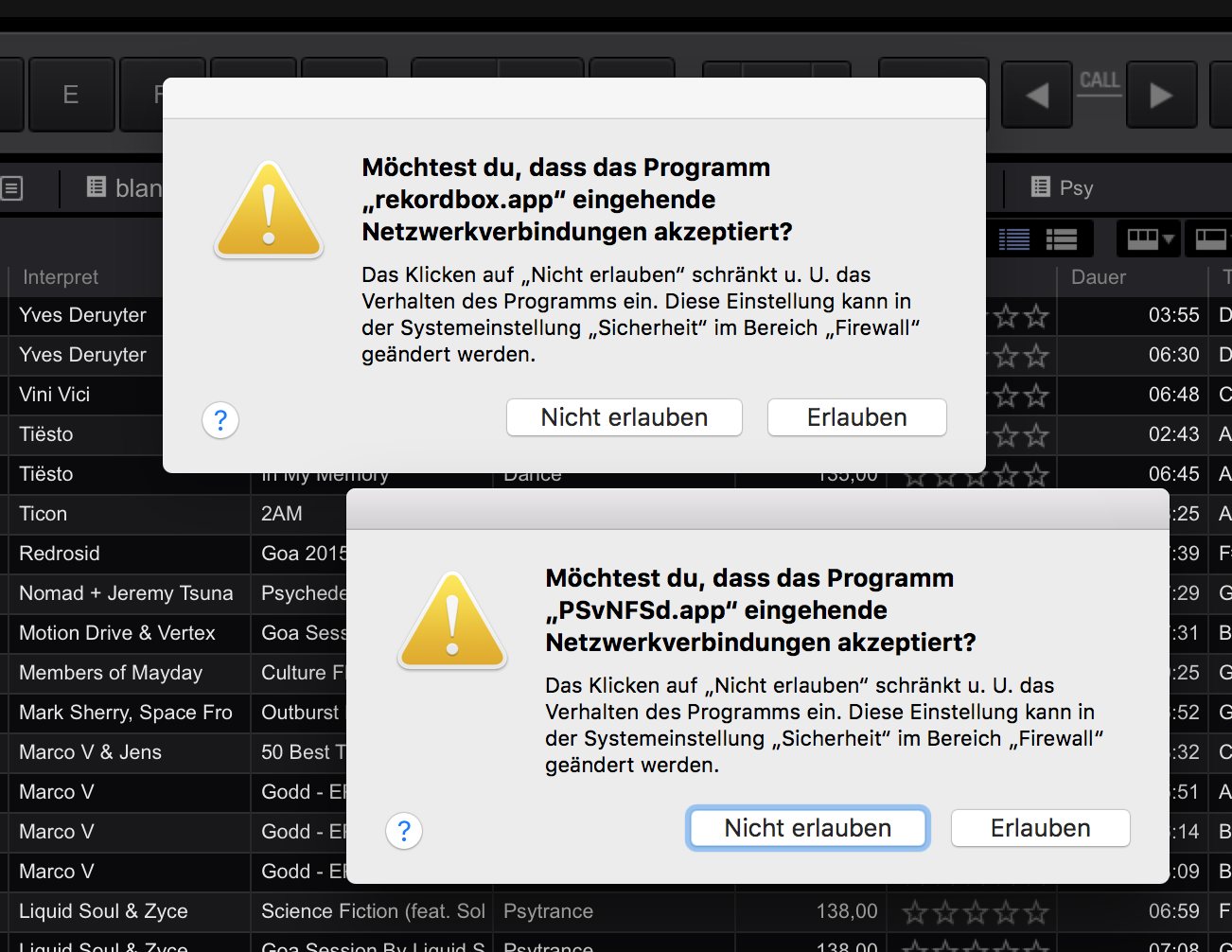
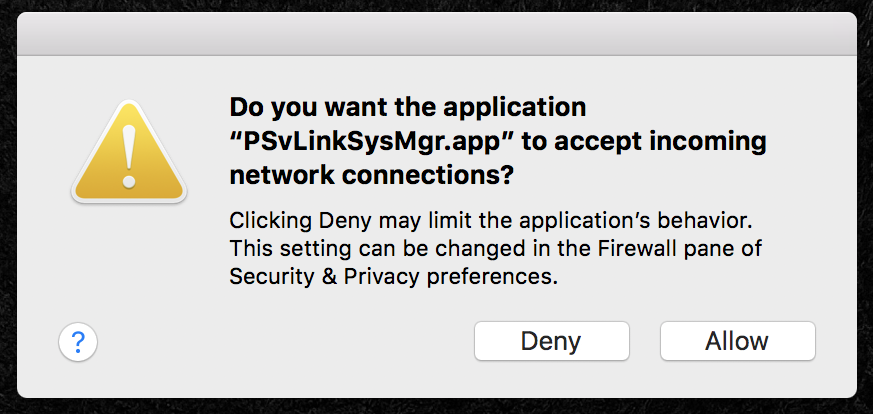
Try manually adding the exceptions to the firewall:
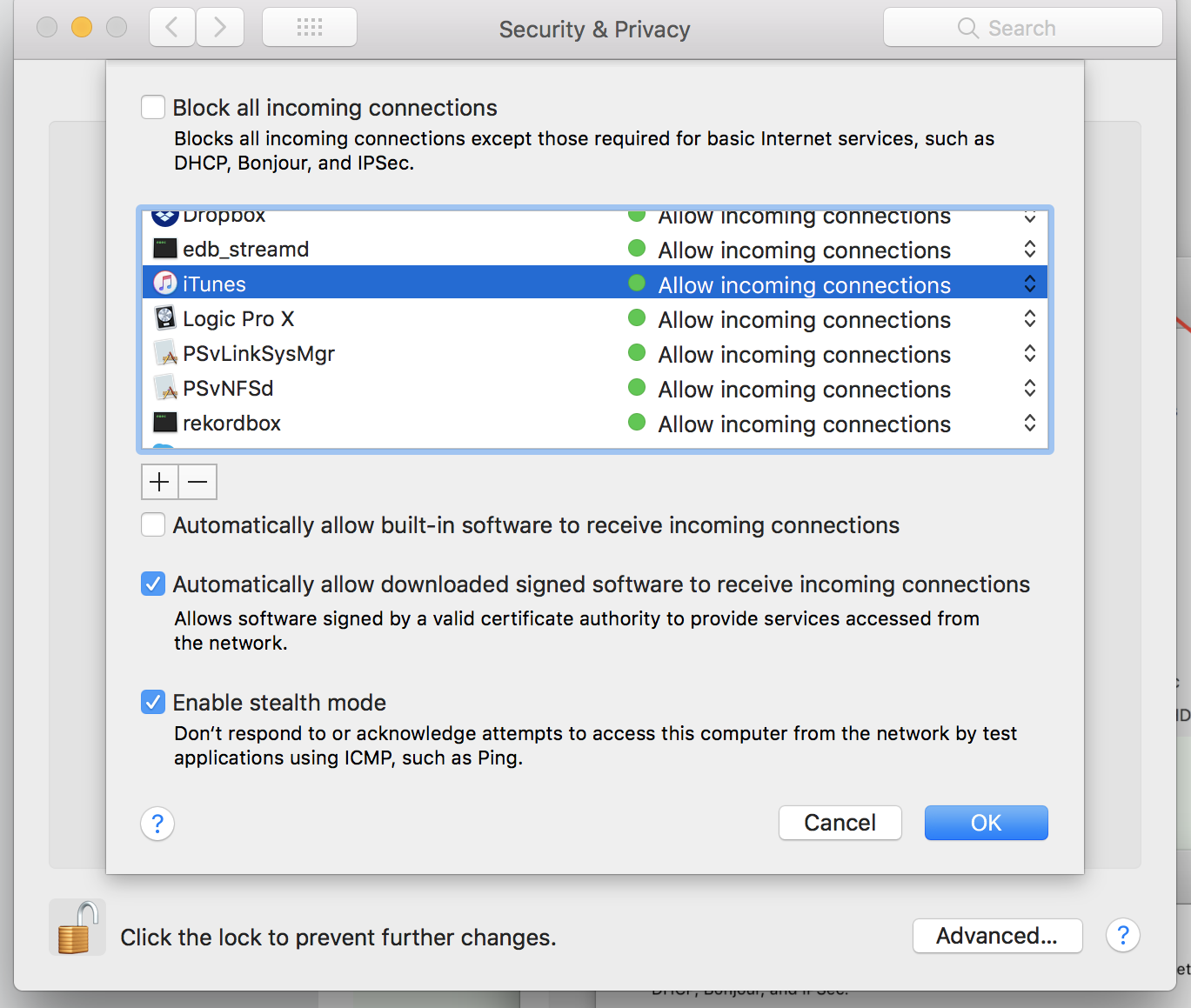
1) Open System Preferences > Security & Privacy > Firewall > Firewall Options

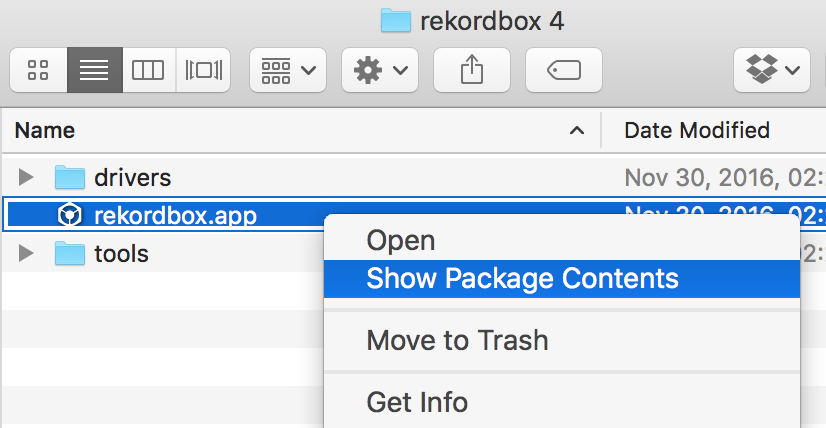
2) Open Finder and navigate to the rekordbox app, right-click and click Show Package Contents.
3) Navigate to the Contents > Mac OS folder.
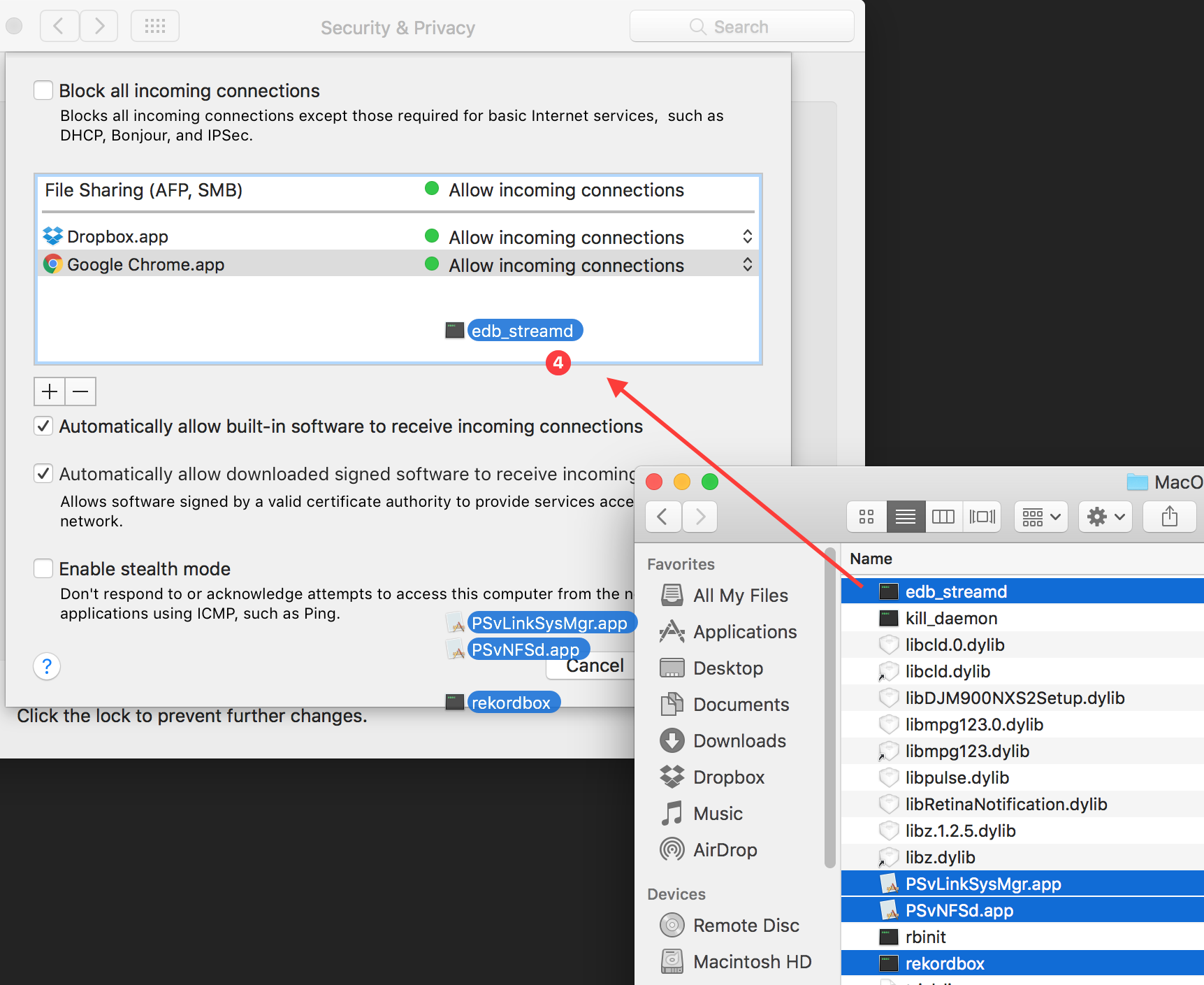
4) Select the following files:
- edb_streamd
- PSvLinkSysMgr.app
- PSvNFSd.dapp
- rekordbox
...and drag-and-drop them into the firewall window.
You'll see those items added to the firewall exceptions list:
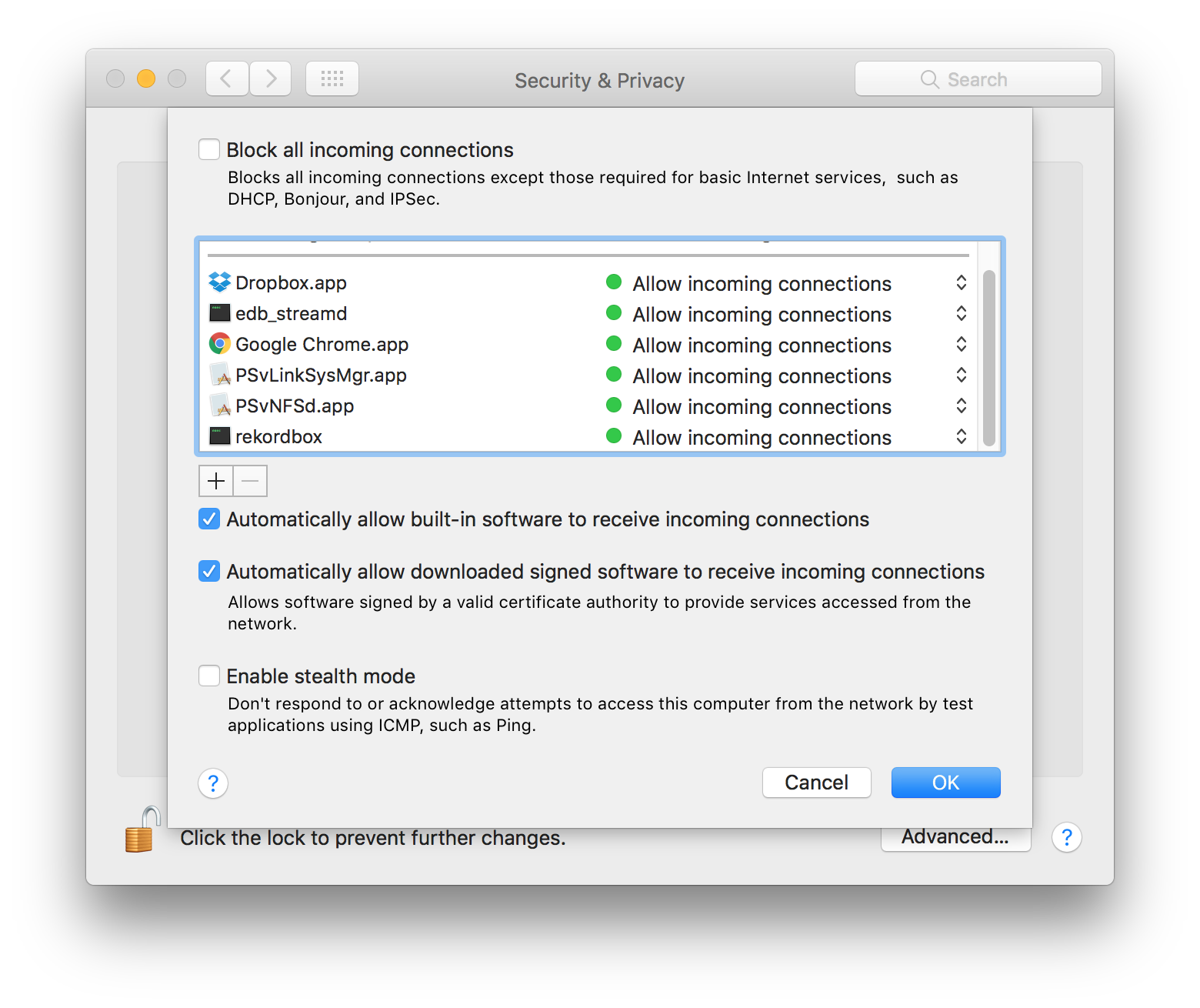
5) Click OK and close the Security & Privacy window.
6) Launch rekordbox.
7) Profit.
Comment actions