
Can you post a screenshot of what you have available?
Comment actions

The My Tag function seems disappeared: i cant see the Rekorbox preloaded tags and I can't add my personal tag on My Tag configuration window. Why is this?
Thank you for your help.
Post is closed for comments.
Can you post a screenshot of what you have available?
Hello Pioneer DJ
After working on the problem for 2 days I found the bug:
1) Rekordbox is storing its database in ~library/Pioneer/rekorbox on your main hd.
2) If your move the database to an external HD (with rekordbox database management) the database is found on the hidden root of the new hard disk (./pioneer)
3) While using the database on the external HD the ''display my TAG configuration'' was empty. NO TAGS at all.
4) After moving the database back to the main HD the TAGs reappeared.
Most probably a bug.
Thank you
So, when you said "the My Tag function seems to have disappeared," you neglected to note "...after I moved my rekordbox database." ;)
Did you follow the instructions in my video here? Or did you move it manually?
Yes I moved the database exactly this way. Thanks
Which way? I asked two questions.
I moved the database following rekordbox procedures and manual instructions of course that's why I thought it was worth to ask the experts :-)
So you used the Backup / Restore procedure?

Hi Pioneer DJ
I have the same issue, i am unable to see 'my tag' function and cant edit as well. Been searching the internet but cant find anything on it.
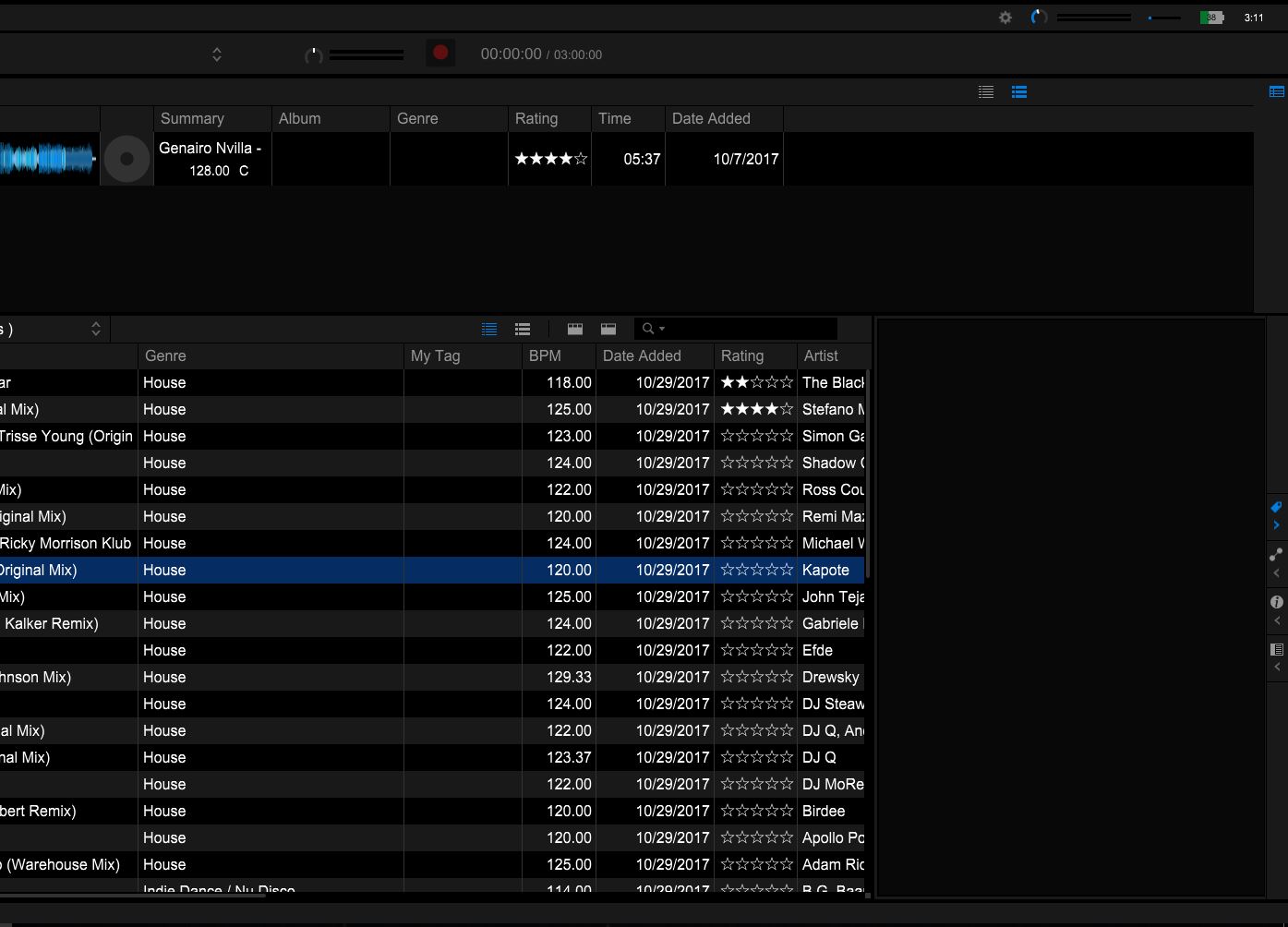
@denny > You're probably browsing your EXPLORER item on the tree; use the COLLECTION or PLAYLISTS instead.
@PioneerDJ. I am using the Playlists function.
I only use the Explorer when i need to upload to my Collection.
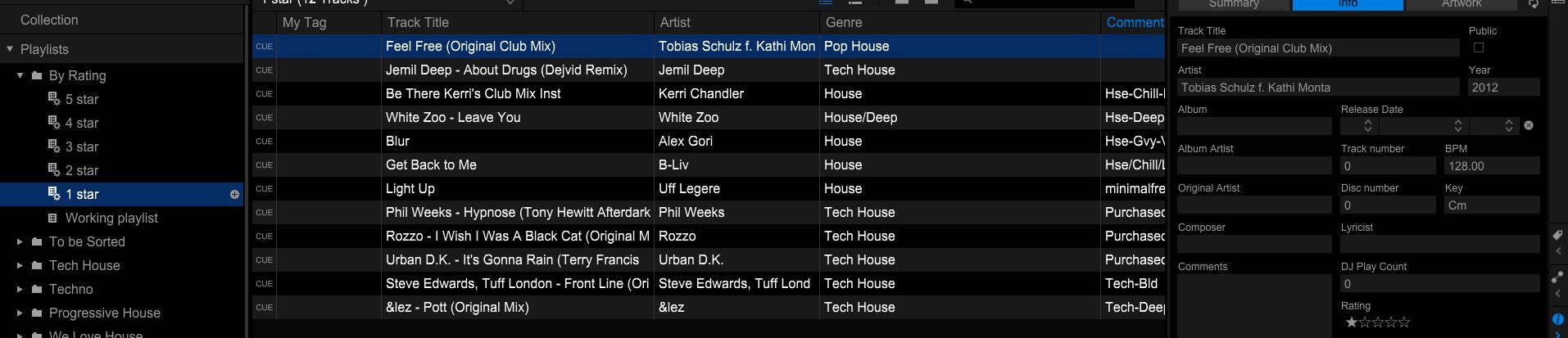
Which version of rekordbox are you running? And have you also moved / relocated / restored your database at any point?
the latest version, 5.0.2 @pioneerdj
yes i have moved my database prior but followed your video.
@dblD > When you moved your collection, did you use the move to an external / move back (to the new computer) process?

Yes I did. But I did split my song into 2 drives. Anyways how do I rectify this


