Official comment

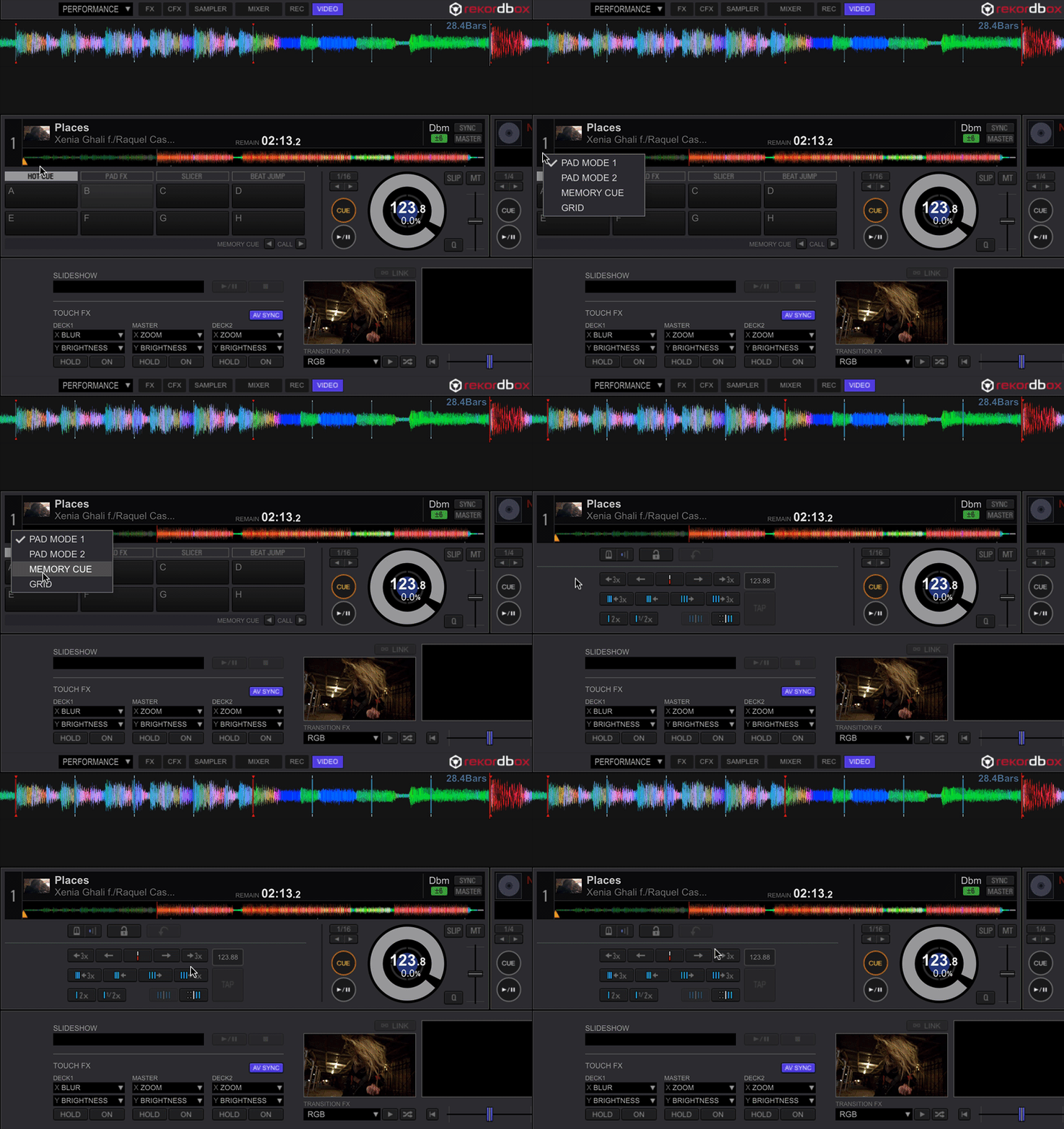
In Performance mode, it works the same whether you're loading an audio file or video file - click the drop-down below the player number:


Comment actions

In Performance mode I did not find a way to adjust the GRID for video files since the videos folder is not shown along with my collection in Export mode.
Is there a way to make this adjustment?
In Performance mode, it works the same whether you're loading an audio file or video file - click the drop-down below the player number:
Post is closed for comments.

Thats good to know. Was looking for that too. Thanks!