
@Mike > Do you have the keyboard shortcuts mapped so CTRL+F performs a search, or ALT+F?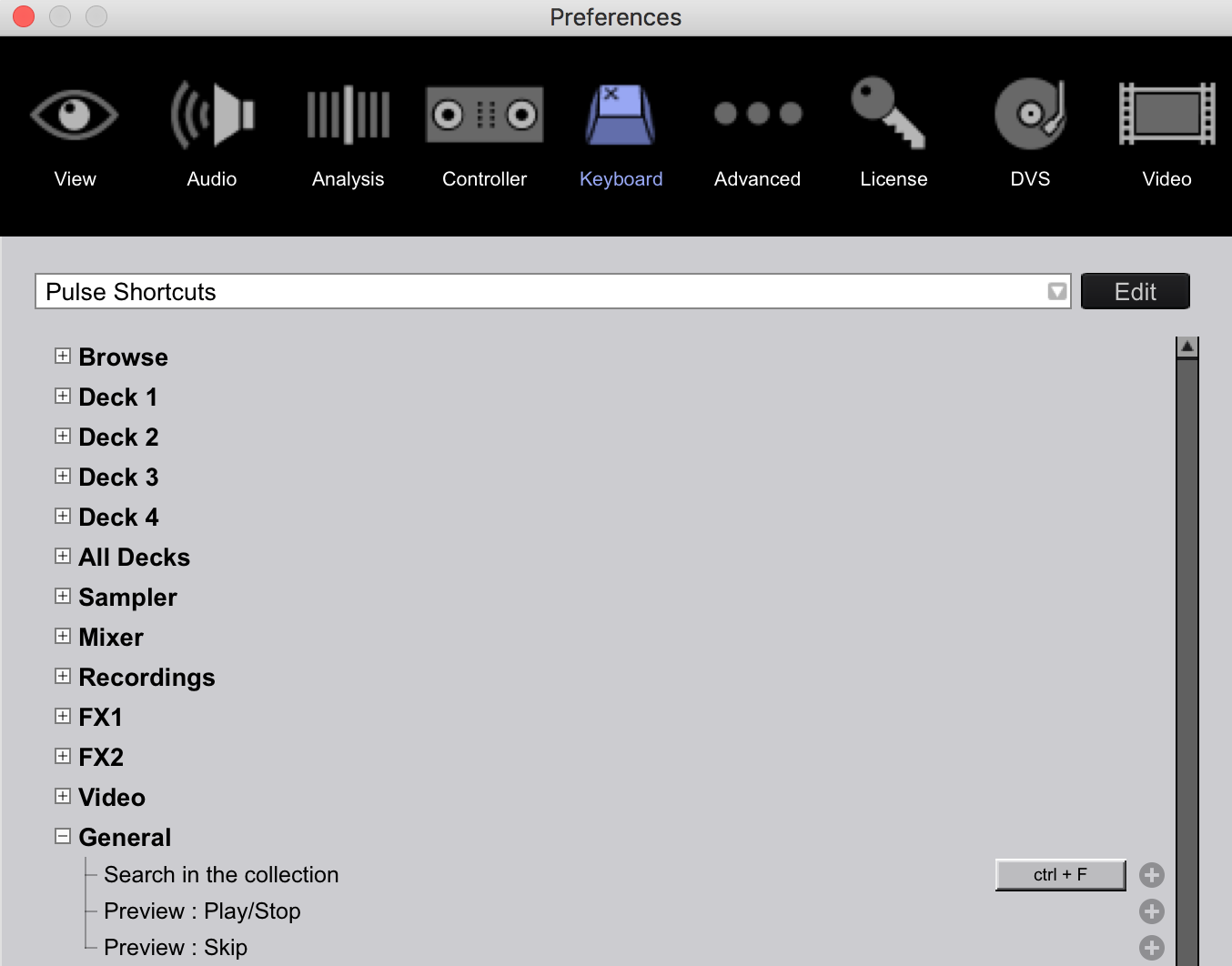


Comment actions

Alt-F (Search in collection) doesn't work correctly. Press Alt-F, the cursor moves to the search box to search in the collection. That's good. Type in a few letters. Press Alt-F again and an "f" is added to the end of the current search string. That's bad.
Doing the same thing with Ctrl-F (search in current list) works correctly - pressing Ctrl-F moves the cursor to the search box. Type a few letters. Press Ctrl-F again and the text already in the search box is highlighted so typing in a new search string overwrites the old one. Note that typing alt-f while in the search box always adds an 'f' even if searching in the current list.
The other thing that I think the search box needs is to clear the search box if the ESC key is pressed, and ideally returning to display the playlist that was previously displayed when "search in collection" was used.
Mike
Post is closed for comments.
@Mike > Do you have the keyboard shortcuts mapped so CTRL+F performs a search, or ALT+F?
"Search in collection" is mapped as Alt-F
"Search in current list" is mapped as Ctrl-F
And nope ... I can't find where "Search in current list" is the mapping preferences either, but when you hit "Reset to defaults" that's what it's mapped to.
If I map Ctrl-F to "Search in collection" it works ok. The problem is how the Alt keys are handled in the search box. Once the search box has focus the Alt key is ignored completely. Dead easy to test/prove - just click in the search box with the mouse and hit any Alt-character combination. The character is entered into the search box.
Mike
ALT is a horrible option to map - many applications (system-wise) use those as the shortcut key for a function of the program itself (eg. ALT+F4 to close). Try using CTRL+F and CTRL+SHIFT+F as the two different options perhaps?
Possible, but it's still a bug :) The default mapping contains Alt-key mappings all over the place, and surely the default Pioneer-assigned key combination should work correctly?
Ctrl-Alt-F works ok, and is quite a bit easier to type so I'll go with that until it's (hopefully maybe possibly) fixed (in RB6)
Mike
I hate the defaults! lol
I'll pass it along to be reviewed.