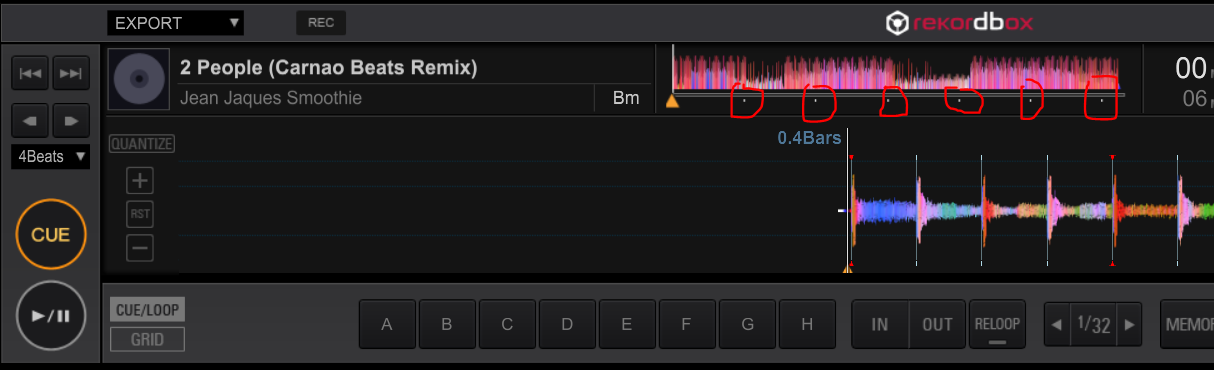
I have noticed in Rekordbox version 5 the minute markers are not visible in Performance Mode.
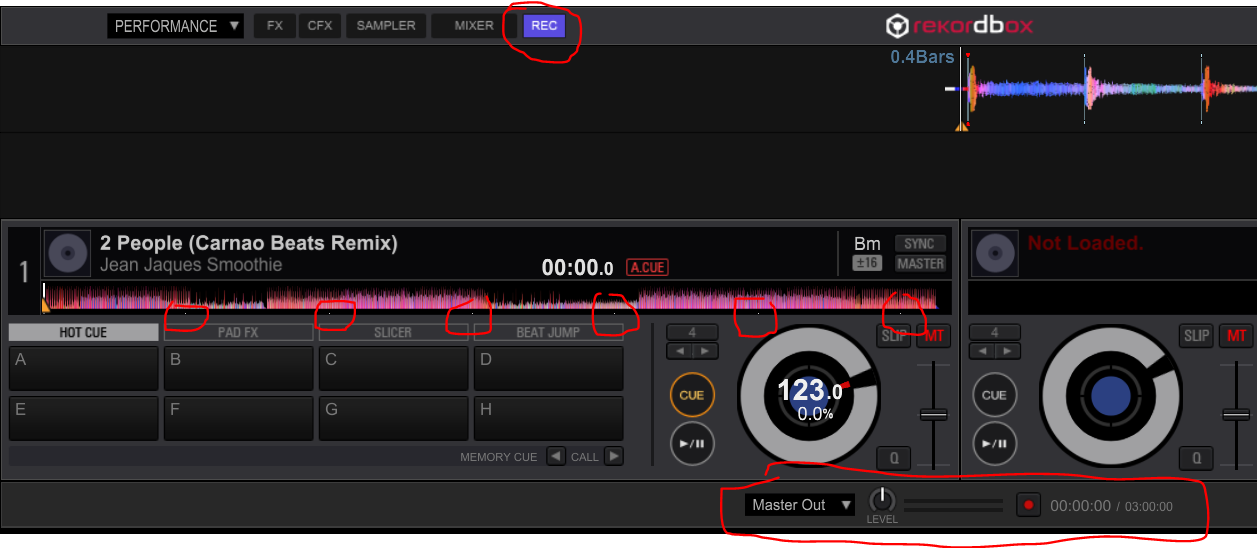
In versions 4.5.0 they were missing but when I enabled the recording panel the markers reappeared below the waveform. However, this workaround is no longer working for me in version 5.
Please advise how I can get them back or if this can be looked at in the next update.
I am using a Dell XPS 15 with Windows 10. Currently using Rekordbox 5.0.1.
Screenshots attached.
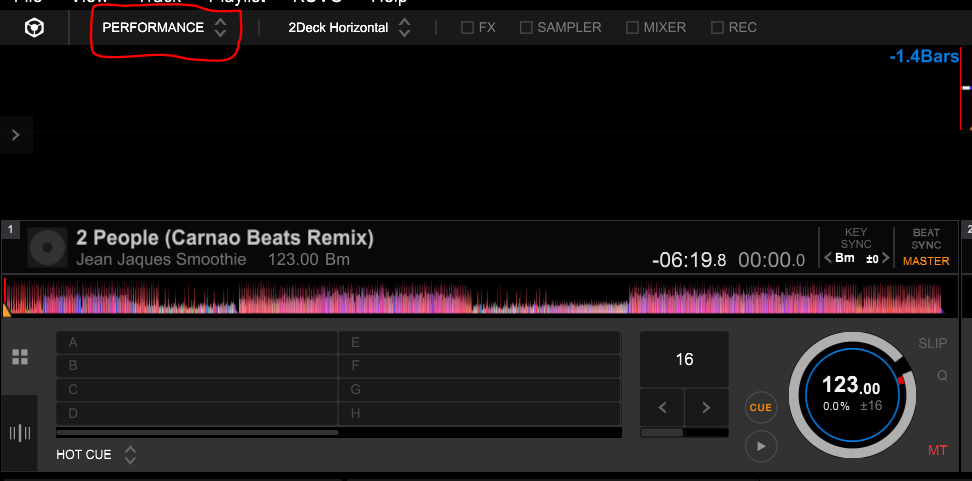
Version 5 in performance mode (minute markers missing below waveform)
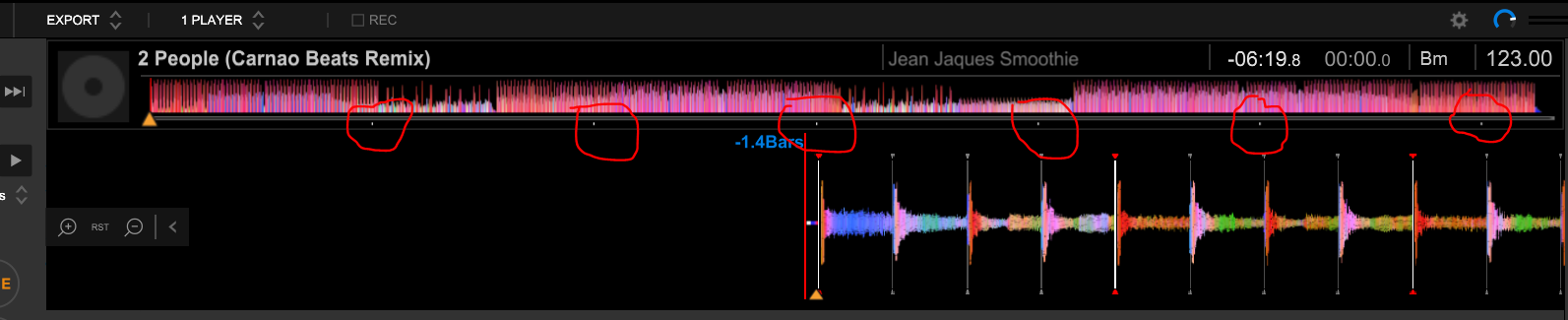
Version 5 in export mode (minute markers showing below waveform)
Version 4 in performance mode (minute markers missing below waveform)
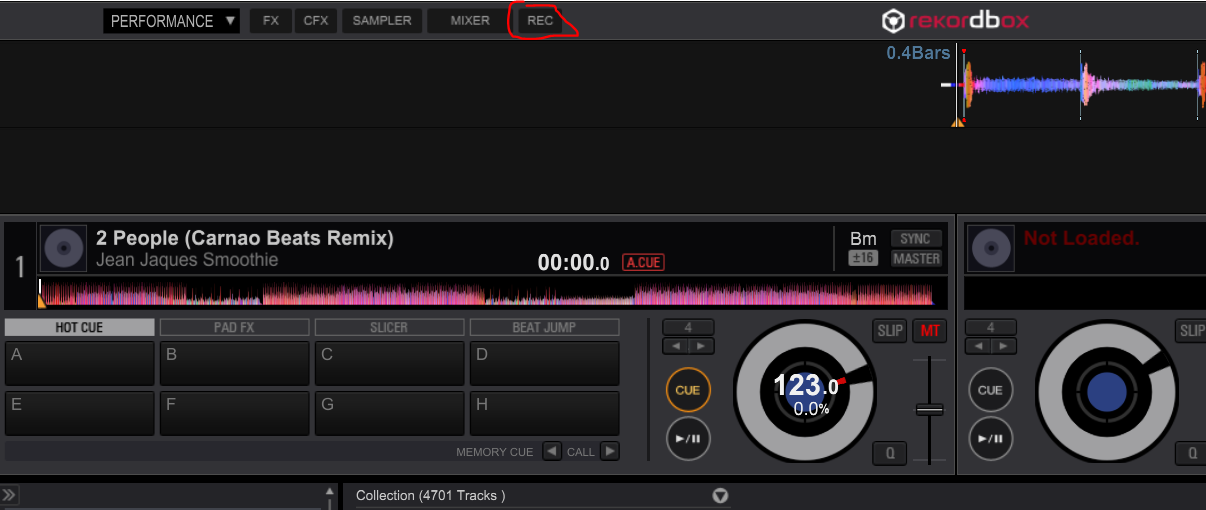
Version 4 in performance mode with REC panel activated (minute markers showing below waveform)
Version 4 in Export mode (minute markers showing below waveform)