
=> Exactly what I am experiencing now with my DDJ-RR set ... :-(
Comment actions

Hi,
I am trying to set up my DDJRB with my Mac. From what I have been reading I have made sure that all drivers are up to date and downloaded. However I'm having some troubles with the audio.
I can hear the sound out of my Mac but not my headphones. I've played around with the cue buttons but the sound still comes out my Mac regardless.
I have also found that the output channels I cannot change. The only option I have is output 1 and 2 not 'DDJ-RB - Phones' from what I have seen on other forums?
Any help would be great.

Post is closed for comments.
=> Exactly what I am experiencing now with my DDJ-RR set ... :-(

Hello Heyley,
DDJ-RB engineers saw your issue and advised as follows:
It looks like the DDJ-RB driver is not selected in the Preferences.
If you use macOS High Sierra, please follow the steps in the attached document when reinstalling the driver to allow the driver to be loaded for High Sierra.
Thank you for your kind cooperation.
CRM, Pioneer DJ
Dear,
is this a 'dedicated RB - Solution'?
In my case (DDJ-RR) next screen is displayed after a successful install (without a warning below):
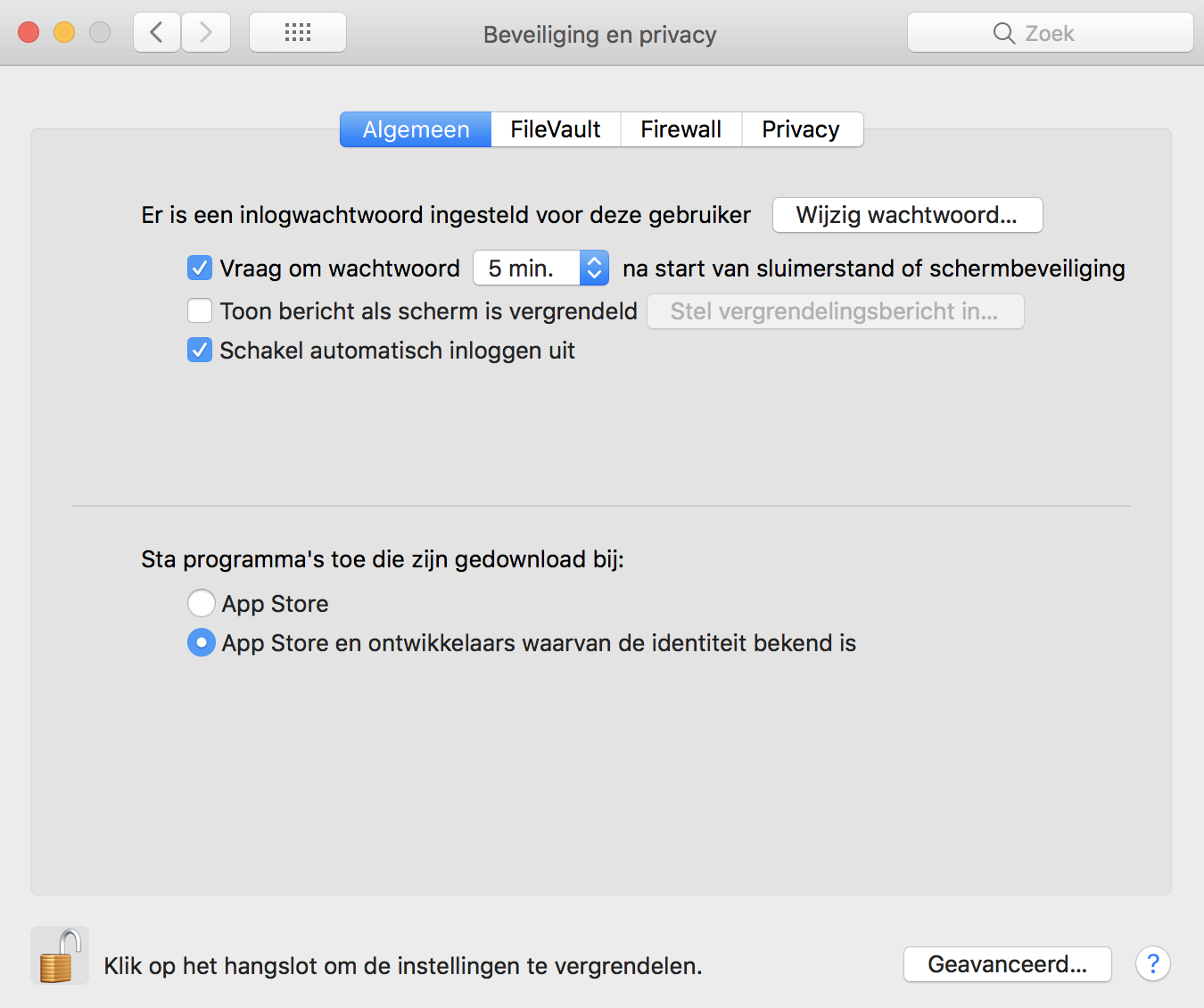
retest: Uninstalled drivers and started over. Works fine now!
Thanks!
Mva

