Official comment

If you want to use the XDJ-RX2 in LINK mode, you need to also install the LINK EXPORT driver, properly configure the firewall for your operating system, and have the unit in rekordbox mode, not MIDI mode. rekordbox itself should be in EXPORT mode, not PERFORMANCE mode.
Comment actions

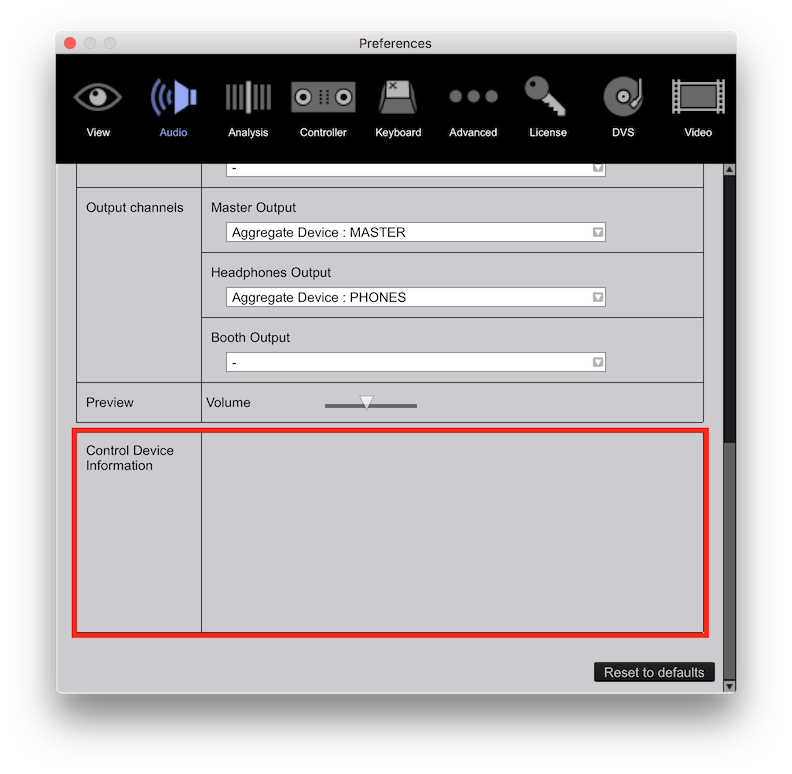
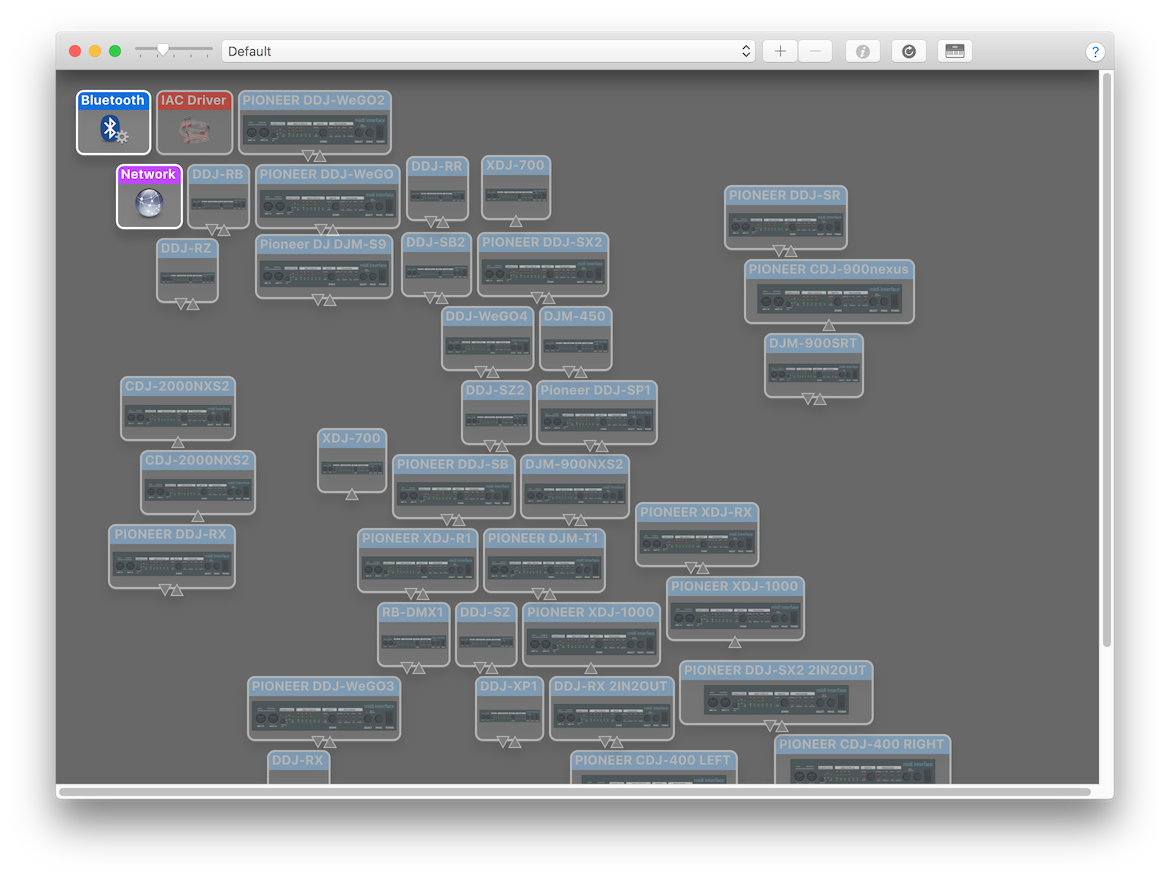 You may need to scroll around to see if the XDJ-RX2 on that page -- if it's there, select it and delete it. If it's not there, that's part of the problem, but here's what you can do in either case... click the dropdown at the top of the window, select New Configuration and create a new config - name it "2018" or something. It will scan for MIDI devices, hopefully the RX2 shows up. Put the unit in MIDI mode and see if it responds with rekordbox. You can check the bottom of the Audio configuration page in the preferences to see if it's listed as a control device: