Hello pioneer friends,
I use a rekordbox professional installation on my master pc to manage and sync my audio files.
In this installation on a Lenovo P50 Windows 10 64 Bit i am using my laptop audio drivers, with my USB interfaces from native instrument Komplete Audio 6 and another Alto live 1202 besides my usual DJ hardware.
I have a very annoying little probem with this installation.
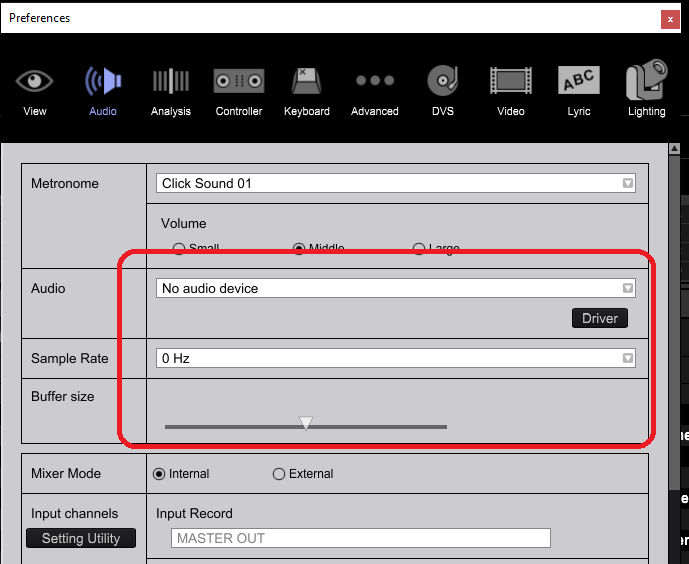
After each program start I have to set the audio again. After starting the program it looks like the picture and I get no sound. Until I just set the setting new then it works again. Unfortunately, I have to do it all over again. The setting is not saved. What is the reason, how can I fix the Probelem.
After setting everything runs but I always have to set it again at every program start.
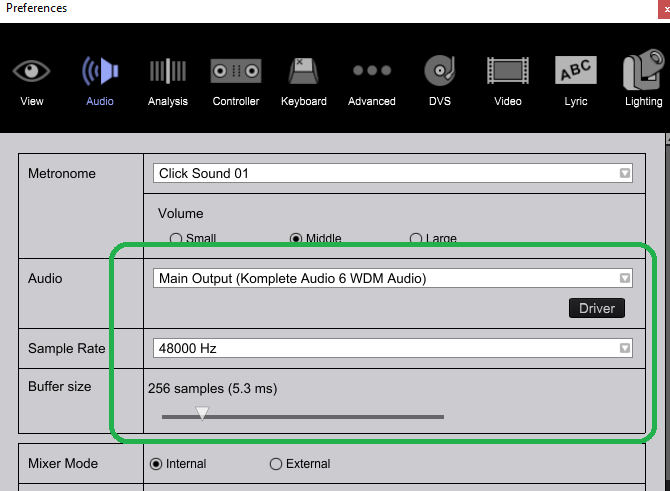
I hope that someone can help me with my other installations everything works but not with this one. And I do not know what the reason is.
Kind Regards David

