
Hi Christopher,
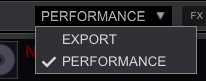
Make sure you are in Performance mode.
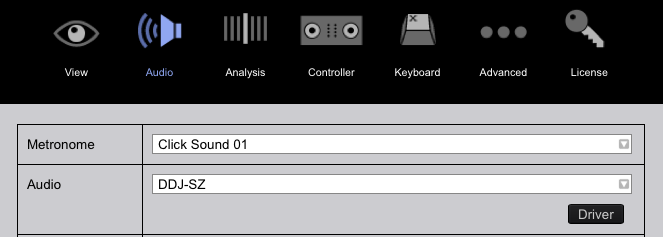
Also, be sure you have the SZ selected in your audio preferences.


Comment actions

Hey guys,
normally I use my DDJ SZ with serato dj which works perfectly fine but i would also love to test out Rekordbox Dj.
I've installed it on my Laptop which was too weak for Rekordbox (USB-Dropouts).
So I installed Rekordbox on my main Computer which has enough power
But i cant get my SZ with it to work because i can only use one channel. Every deck runs through channel 1. When I switch the Audio-Mode to DDJ SZ AISO the audio stutters and sounds extremly wierd.
Can someone please explain me how to set up Rekordbox Dj correctly for the SZ?
(Excuse my bad English but im a bit upset cause i cant find any solution)
Post is closed for comments.
Hi Christopher,
Make sure you are in Performance mode.
Also, be sure you have the SZ selected in your audio preferences.
Hi Mark Thank you for your quick reply my Audio menu looks like this: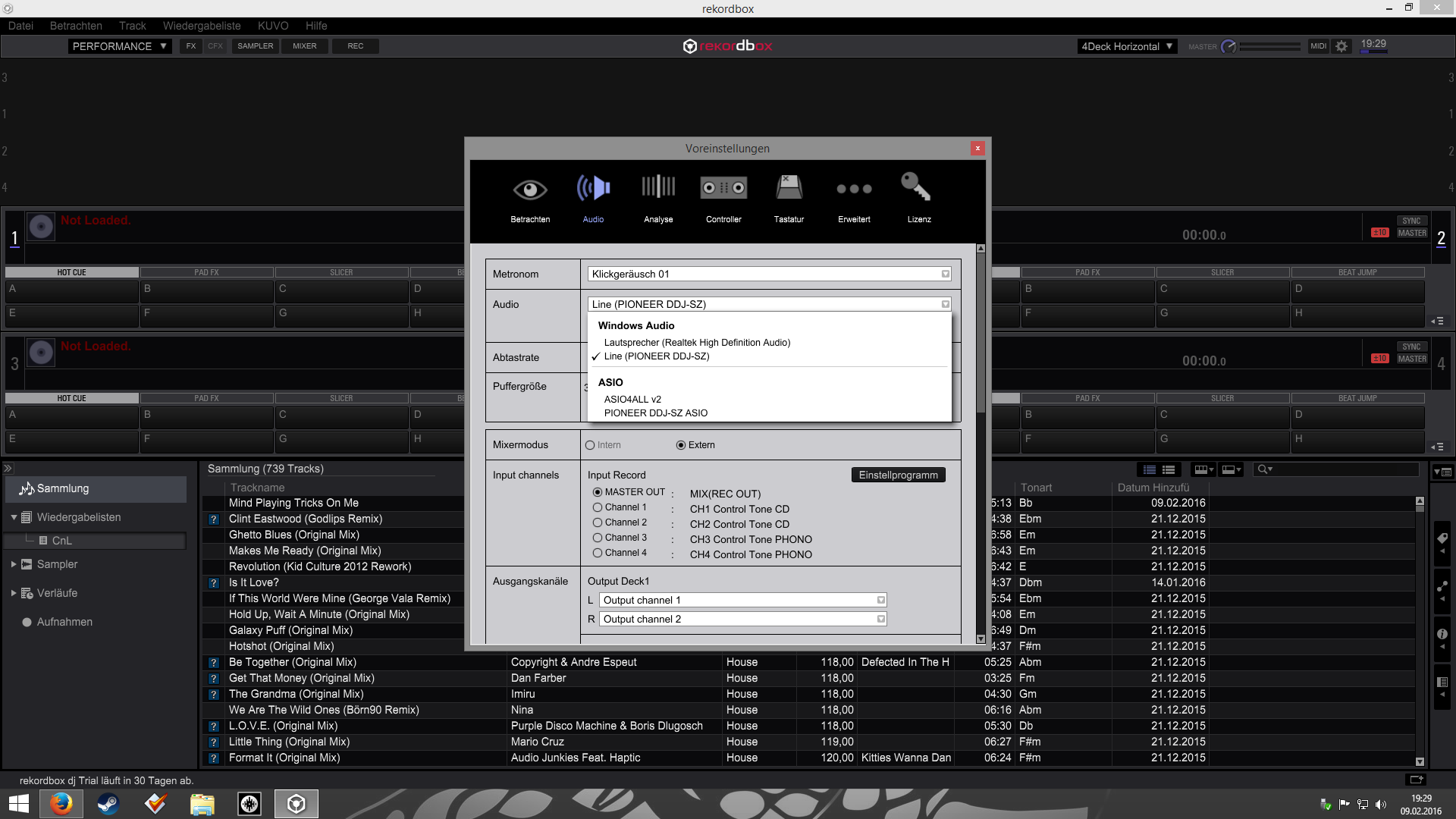

@Christopher > You're on a PC; please select the DDJ-SZ ASIO driver.
Yes i did that.
Sound sounds wierd now and deck 2 runs through channel 1 :|
@Christopher > You need to check that you're running on INTERNAL mode and that you have the output decks selected properly.
Ahhh thats the problem :)
But I can't select INTERNAL Mode...
Tried to reinstall the Driver but that didn't help either :/
Sorry, you're on the SZ - you should be able to use it on EXTERNAL mode just fine; simply assign the correct outputs for each channel below and it would work the way you want.
Thank you for the advice
Now every Deck has its own Channel but the Sound is still extremly distorted.
Do you have a solution for that? Maybe something I forgot?
Could be the audio buffer is too low - what is it set to, and have you tried restarting the computer?
I already restated the computer...
Audio Buffer was set to 1.5ms. Increasing it to 5ms worked!!!
Awesome thank you very much for your support Pulse :)
Have a nice evening/day (wherever you are in the world) :)
Cheers!
No worries - glad you got that sorted. The best setting for you will be the lowest value without any audio distortion or crackling. Personally, I test this by turning on EVERYTHING (all effects, all 4 decks, samplers, etc - max it out) and then see how low you can go before there's undesirable audio glitches, then back it up 1 or 2 notches (for a bit of breathing room).
Thanks for the helpful advice :)

Does anyone have a picture mapping for Rekordbox 4.0.6 to DDJ SX2?
The DDJ-SX2 is already supported under rekordbox without the need to configure anything - what, specifically, is it you need?

