
p.s.: I bought the ddj sx in 2014 and the macbook air is from 2012.
Comment actions
Hi,
my DDJ SX gold edition doesn't work with my Macbook Air 13'.
It never ever connected.
I've used a Macbook Pro in the meanwhile but it's not mine so I have to use my Mac now.
Does someone know why it doesn't work???
Just with my Mac. I'm so disappointed
Please help me!
Thank you
Post is closed for comments.
p.s.: I bought the ddj sx in 2014 and the macbook air is from 2012.

@Valentina > What version of OSX are you running on the MacBook Air? What version is your friend running on their MacBook Pro? Have you upgraded your DDJ-SX to the latest firmware? You can do that here.

I have run a 2014 MacBook Air with a DDJ-SX for 2 years with no issues at all, so I know it will work. Answer Marks question and we'll go from there.
10.11.3 El Capitan.
I'm trying to upgrade my DDJ-SX's firmware but it doesn't appear in my connected devices when i plug it in.
@Valentina > Turn off the DDJ-SX. While pressing the [SHIFT] and [SYNC] buttons on the left deck, press the power button. Once Update Mode is activated, the level meter will flash.
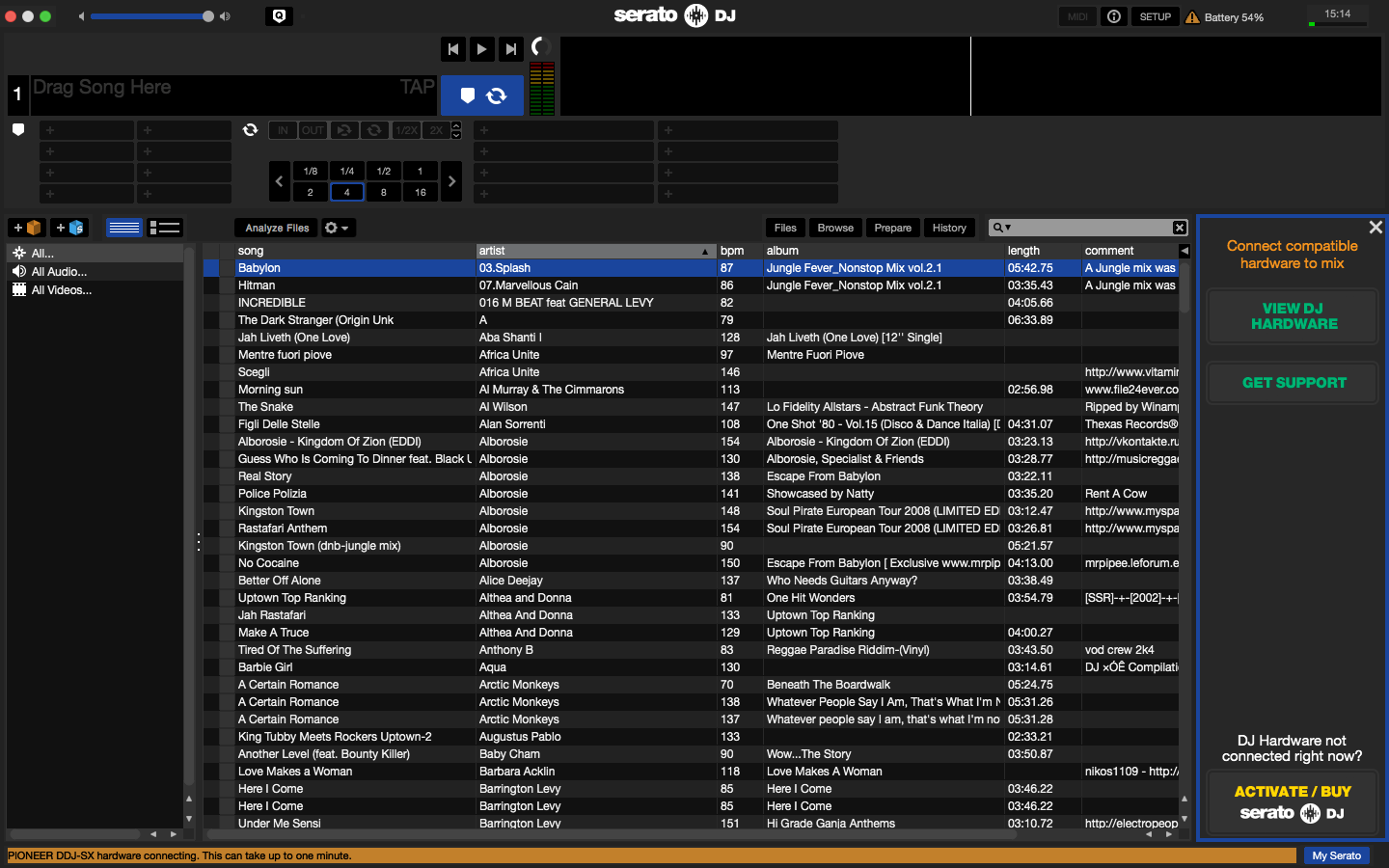 I tried everything you said, but the "PIONEER DDJ-SX hardware connecting. This may take up to a minute" and after that nothing happens. All firmwares are up to date.
@Valentina > The steps I gave you above are only to update the firmware. Once the update is complete, turn your SX off then turn it on again as you normally would. It should connect automatically. Also, try restarting the computer.
I did all of that but nothing works.

@Valentina > With the SX disconnected, go to Applications > Utilities > Audio MIDI Setup, then go to the menu bar and select Window > Show MIDI Studio. In that window, you'll see icons for all of the MIDI devices your computer recognizes. Find the DDJ-SX and click on it (you may need to scroll around to find it). It should highlight in yellow to show it's selected, then click the Remove Device button on the toolbar.
Reconnect your DDJ-SX to the computer and it should appear in the MIDI Studio window.
Next, launch Serato DJ and see if the SX is recognized.
I did everything as you told me. I'll attach screenshots to let you see what has changed:
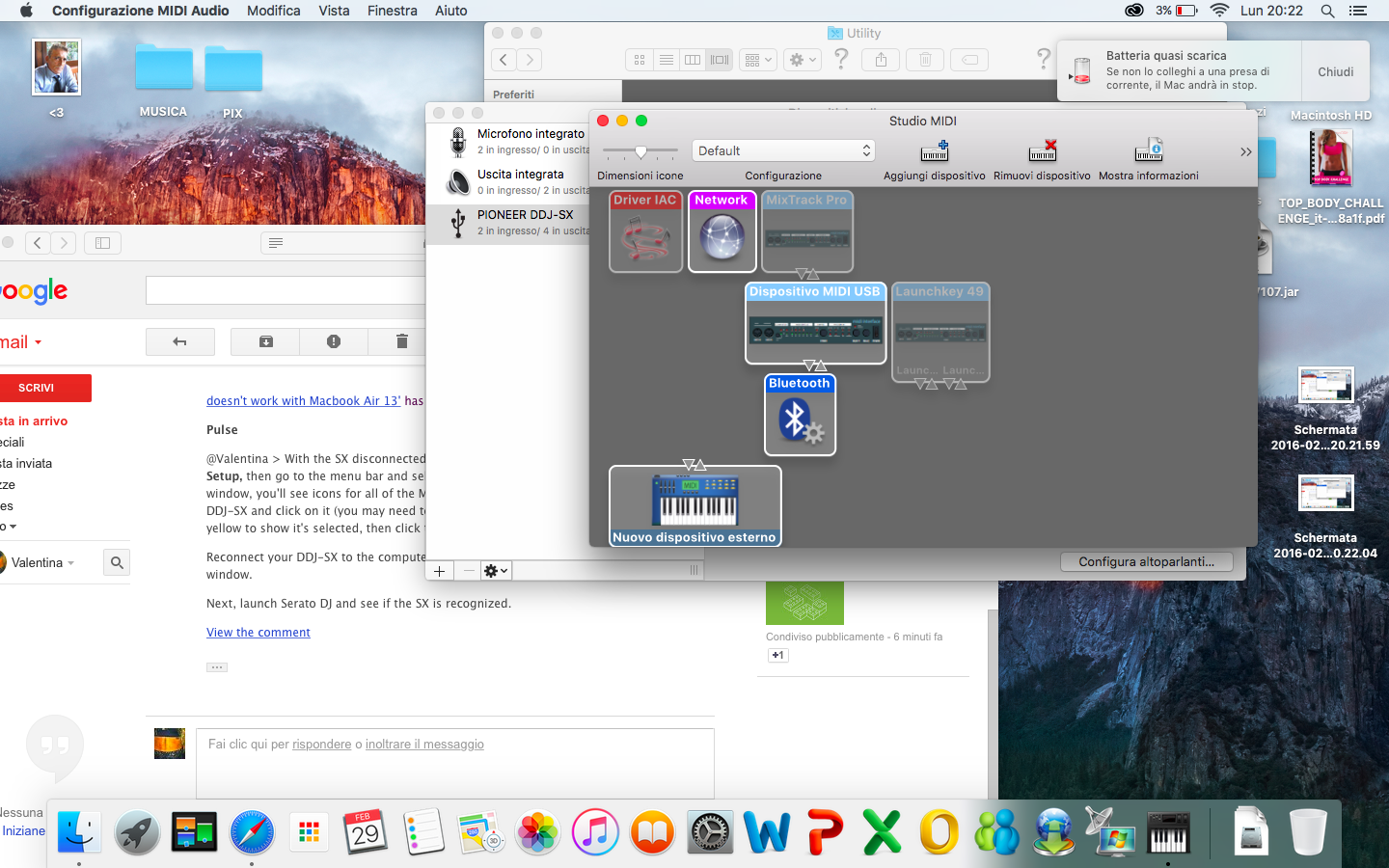 Here, is after I disconnected and removed it from the studio and then reconnected.
The ddj doesn't show up in the studio anymore!
and here it is where it shows , even after that process

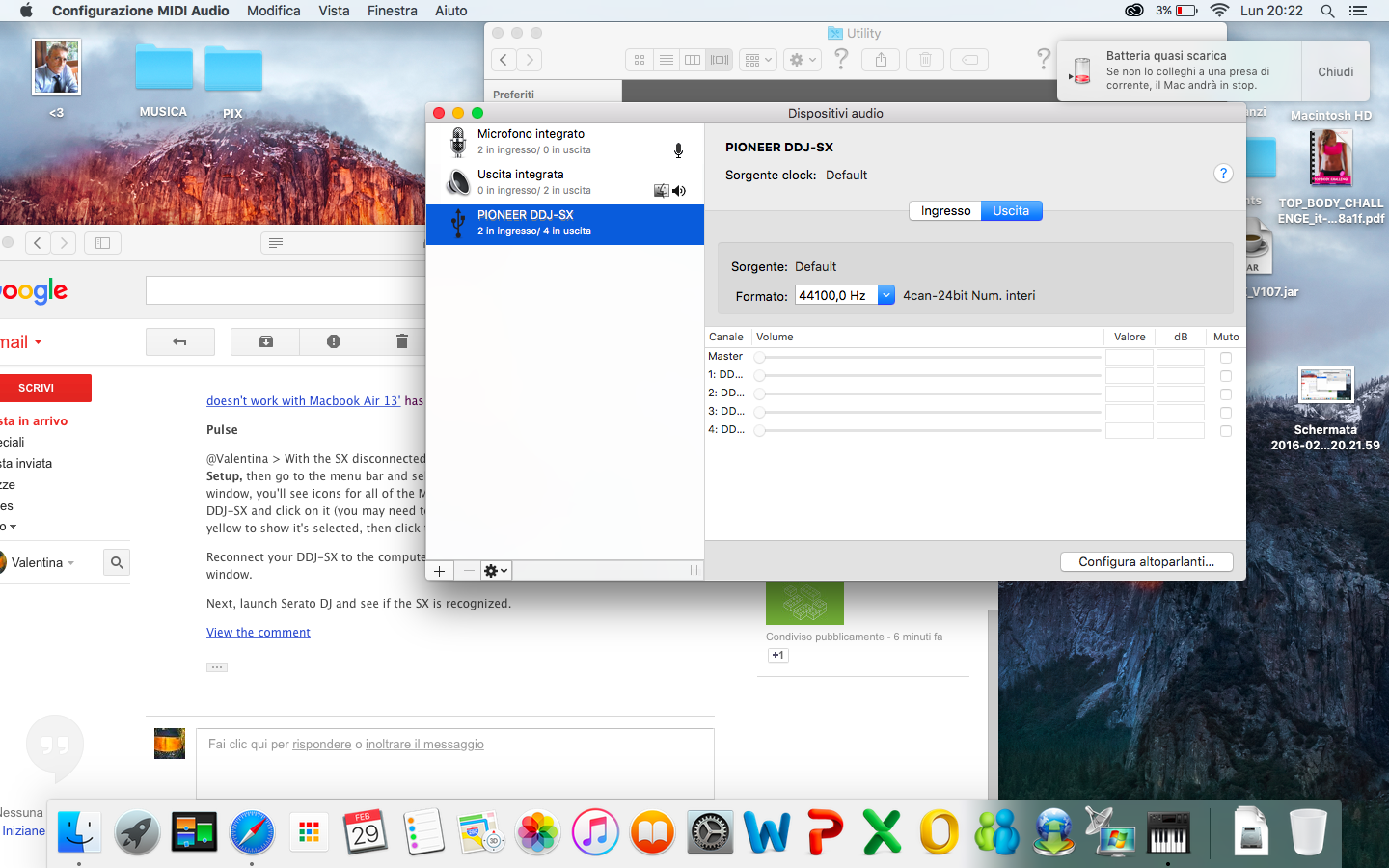
what can I do?
After you reconnected the SX, does a new icon appear in the MIDI Studio window?
no it doesn't. in fact the first of three latest screenshots i uploaded shows that it didn't appear.
No, the last screen shot doesn't even show the MIDI Studio Window...
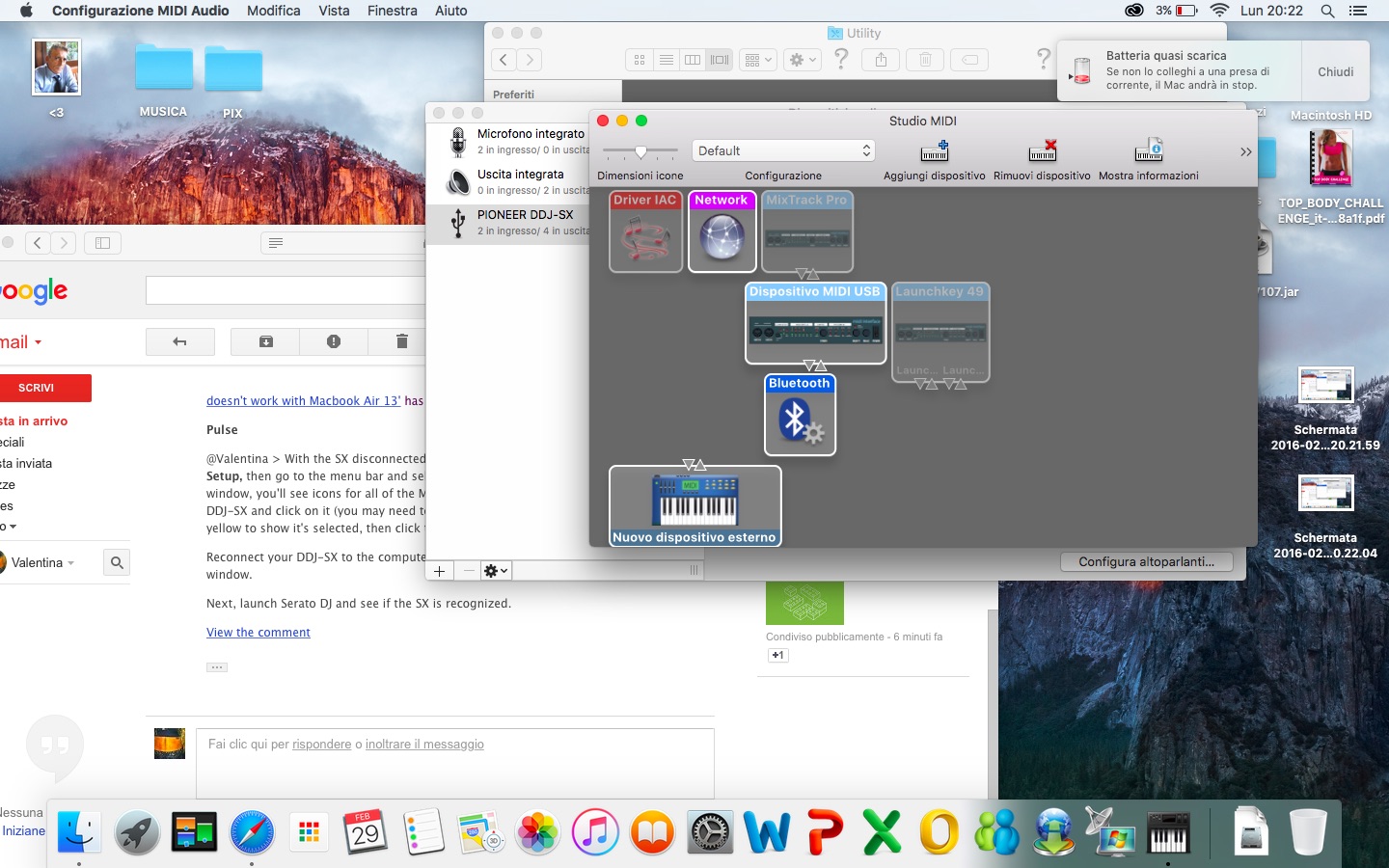 isn't this the studio? I was talking about this screenshot. :)
does anyone knows if there could be another way to try to make it work?


