
Official comment

In performance mode, press the "-" key on your keyboard to zoom out, press the "=" key to zoom in. You can also customize these shortcuts in your preferences under "keyboard."
In export mode, you can press the + or - buttons on the GUI:
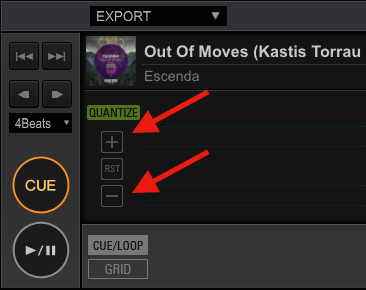
Or assign your own custom custom keyboard shortcuts:

Comment actions

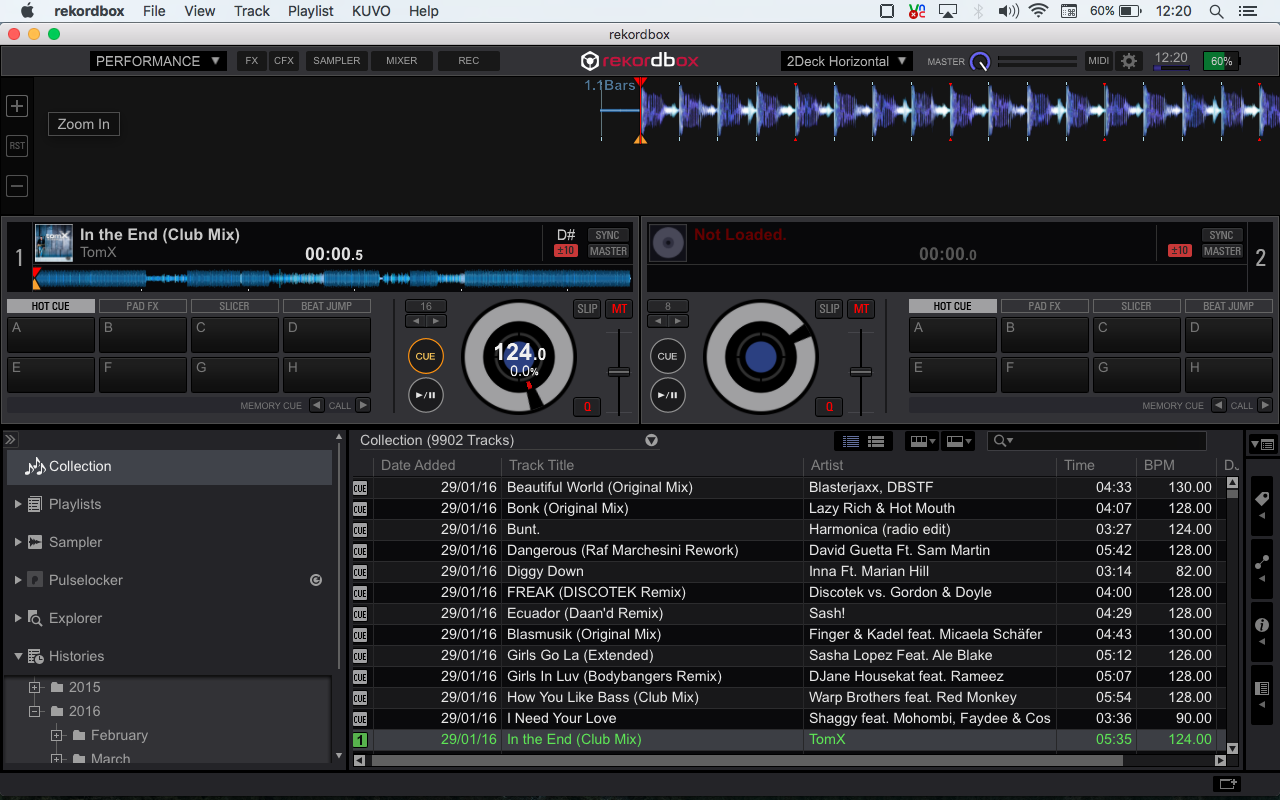 Slide over to the left of the screen and it will appear


