 Thenks for reply
Official comment

- Turn the unit off
- Disconnect USB cable
- Press and hold the SHIFT and PLAY buttons of the left deck and press the power button to turn the unit on to enter Utilities Mode
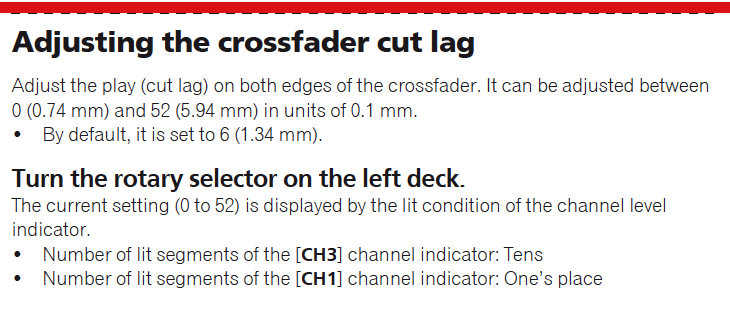
- The cut lag value (0-52) is indicated by the number of LEDs that are lit on Channels 3 and 1. Channel 3 indicates the first digit, Channel 1 indicates the second digit. For example: In the image below channel 3 shows 3 LEDs and channel 1 shows 5 LEDs. This means the cut lag is set at 35.

- Turning the rotary selector knob will adjust the cut lag up or down.
Comment actions

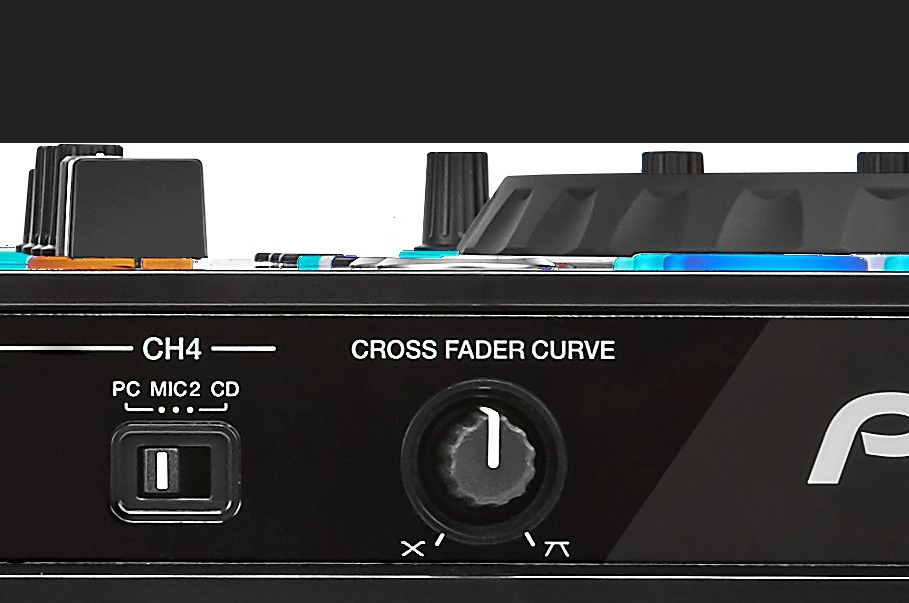
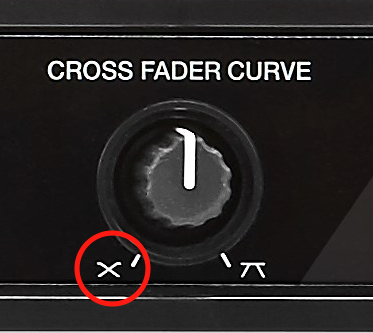
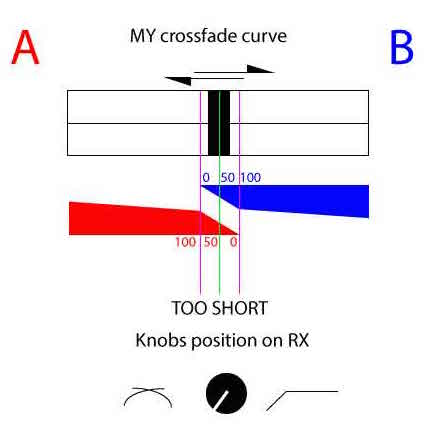
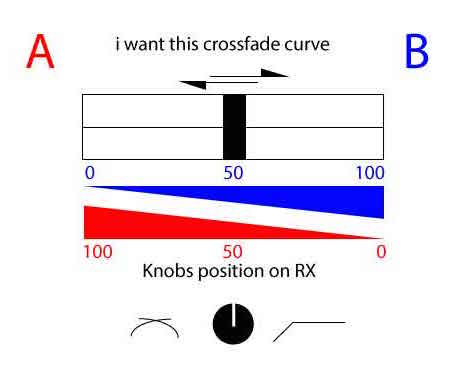 How can i set for this?