
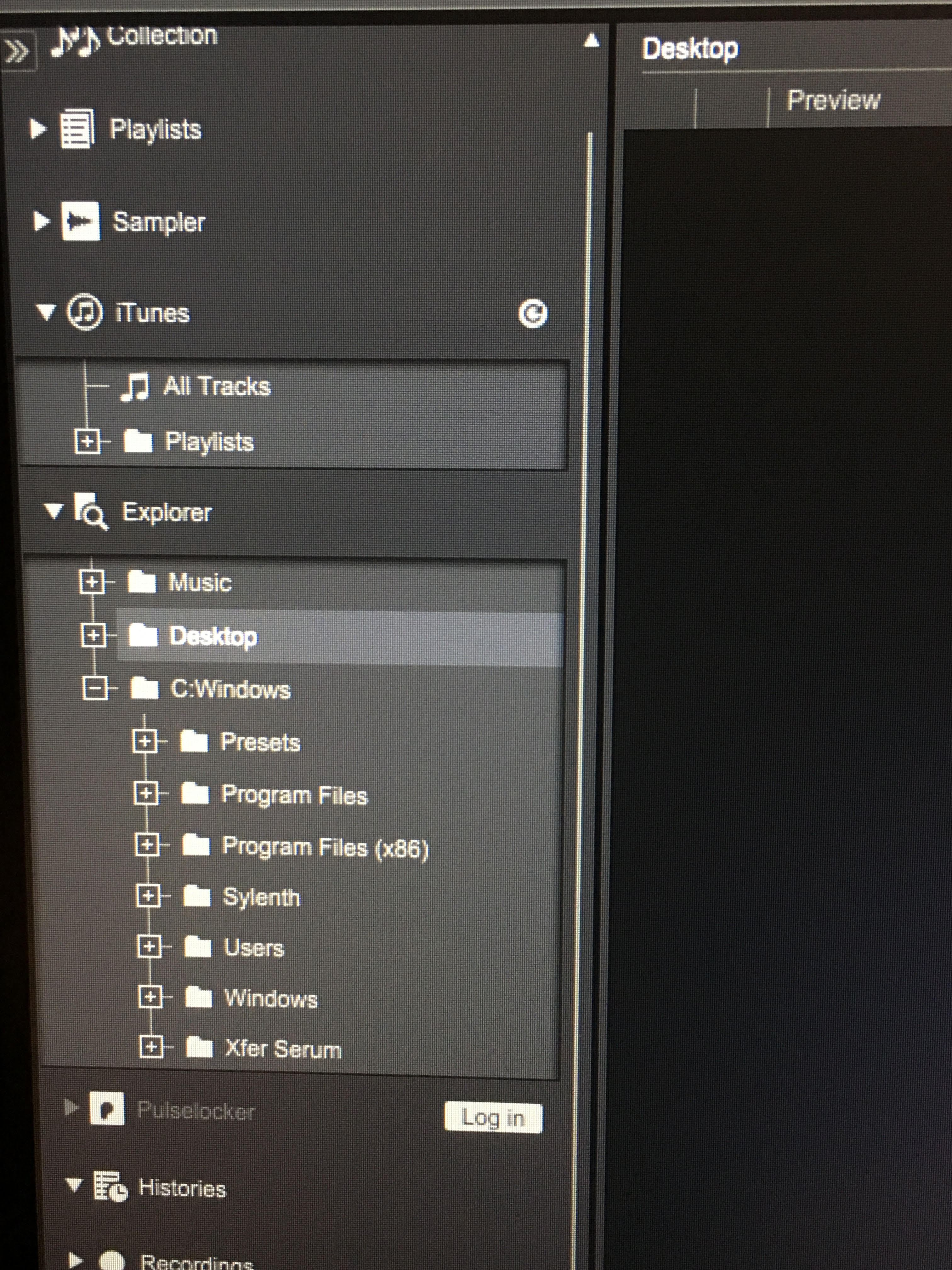
 I accidentally imported "C:Windows" Is there any way getting rid of that? l look forward from hearing back from someone.
Official comment

2 options...
1) Go into the preferences and un-check the Explorer option.
2) Click the - icon beside c:\Windows and it will collapse, then you can click the triangle icon beside Explorer to hide it all.
Comment actions