Hi there, I am having real difficultly with the audio output from my DJJ-RR (new). I can only hear sound from the laptop (MacBook Pro). 2 major problems:
#1 No audio outputs for DJJ-RR - no headphones or speakers are listed under audio settings (screenshot 1) - only available option is built in-output. When selecting setting utility an error comes up 'selected audio device does not have setting utility' (screenshot 2). No drivers are listed, and when I go into the driver and select DDJ-RR I am getting an error 'resource busy' (screenshot 3) but there are no other windows with the driver open on my laptop
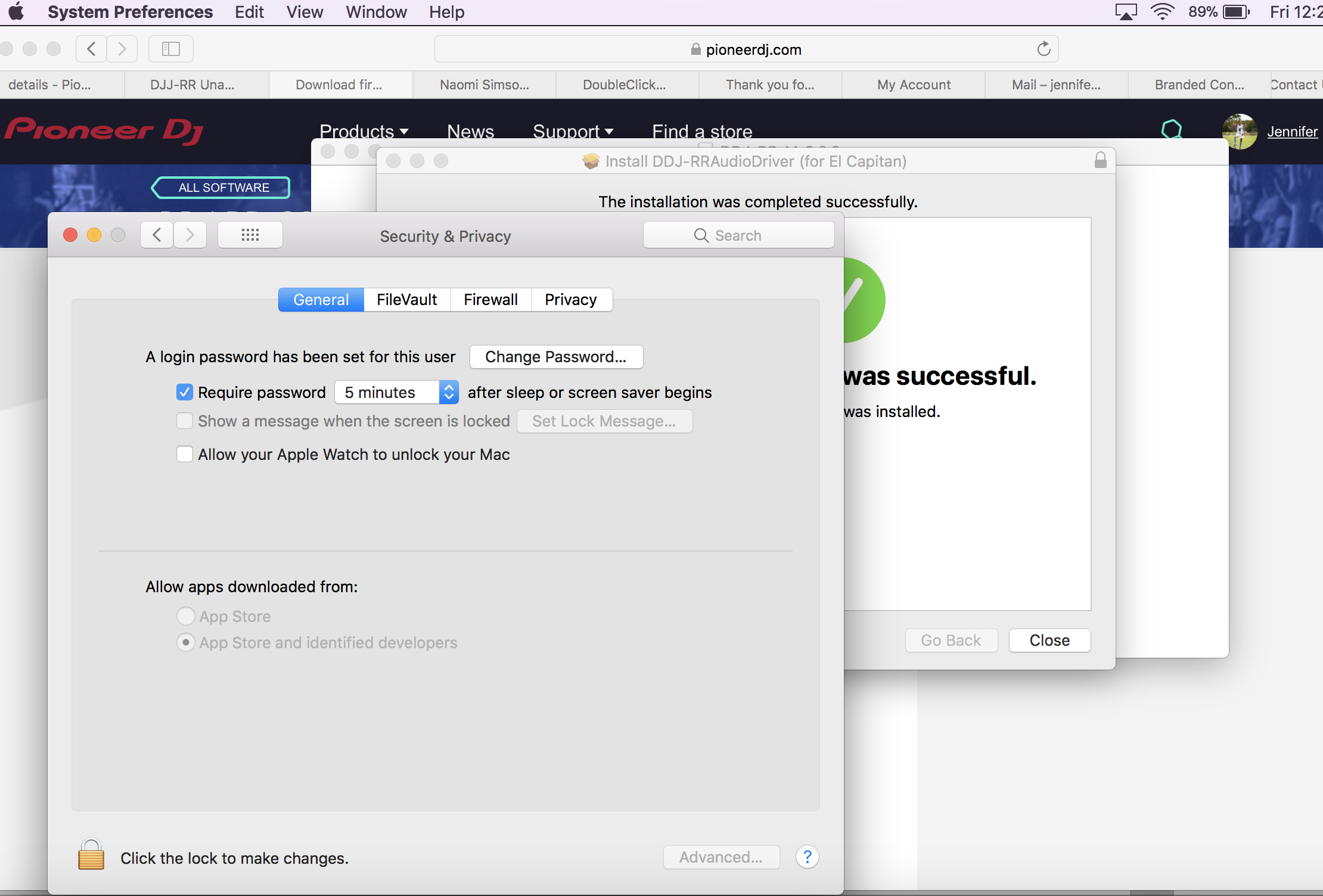
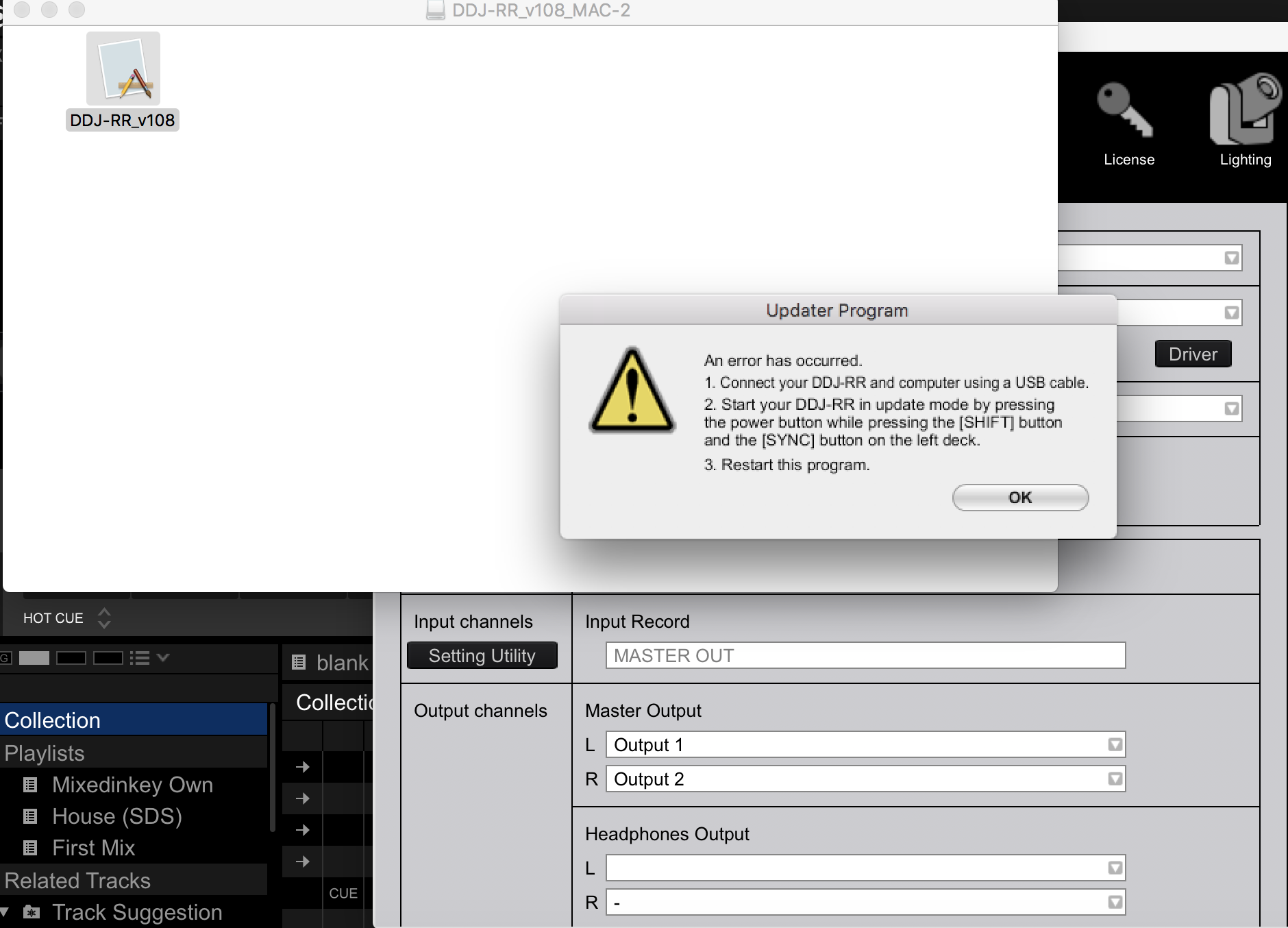
#2 I have un-installed and re-installed the drivers, but still nothing comes up. I have also attempted to update to latest firmware, however when doing so and starting the controller I get the error message in screenshot 4. However, when following these instructions still northing happens, have tried disconnecting, then turning back on and pressing shift and sync on the left controller but nothing happens. Same error message keeps coming up.
Can you please help??


I have a new MacBook Pro, Pioneer speaker and Pioneer HDJX7 headphones (all brand new out the box).
Thanks,
Jen