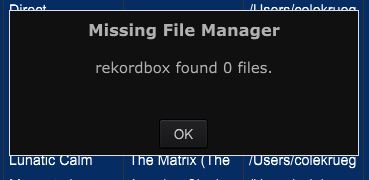
I should note that the entire library used to be organized in folders on the Mac's hard drive like so:
Artist > Album > Track
I have since pooled all the tracks into one single folder, as I do all my organization within rekordbox.
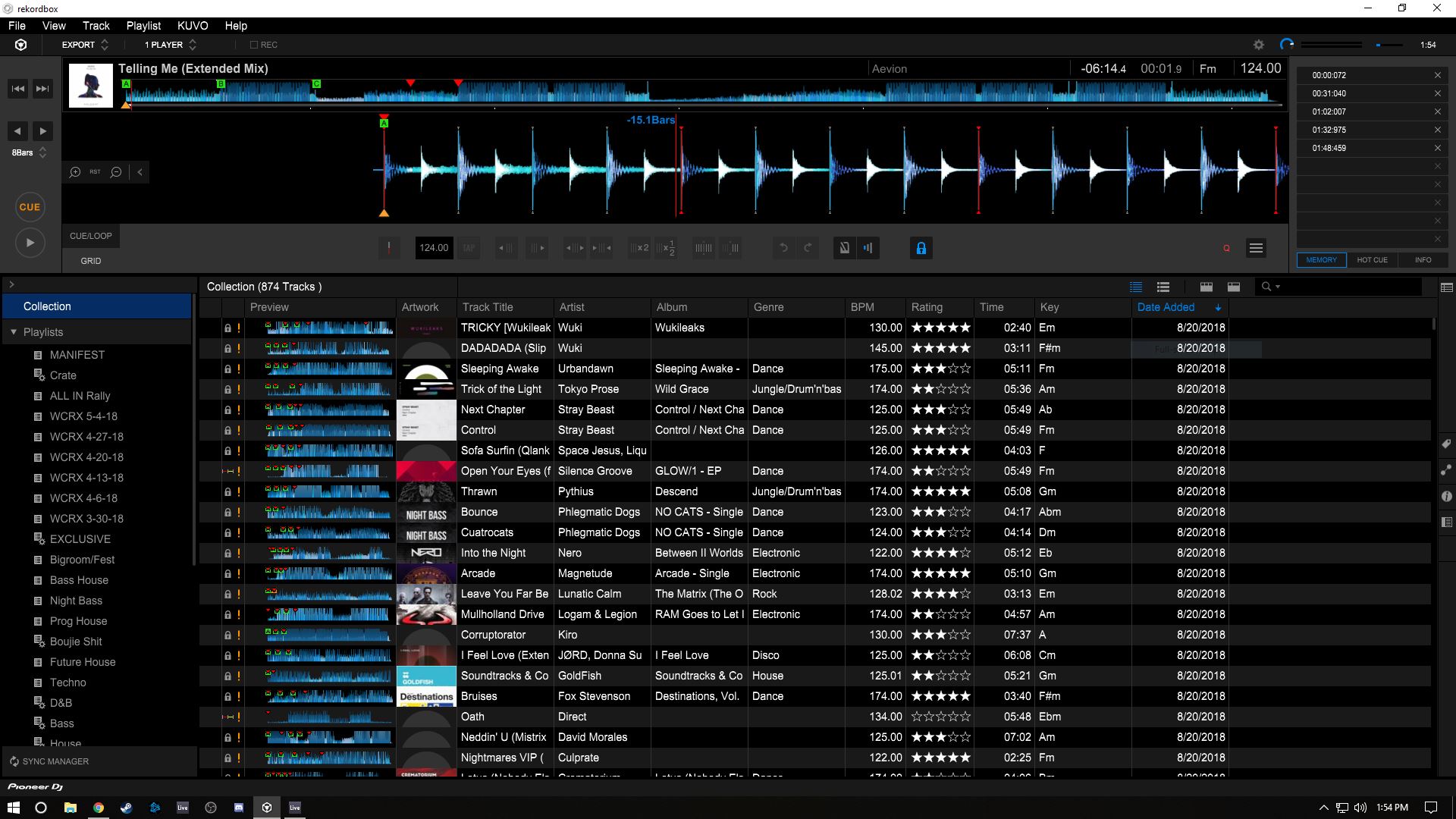
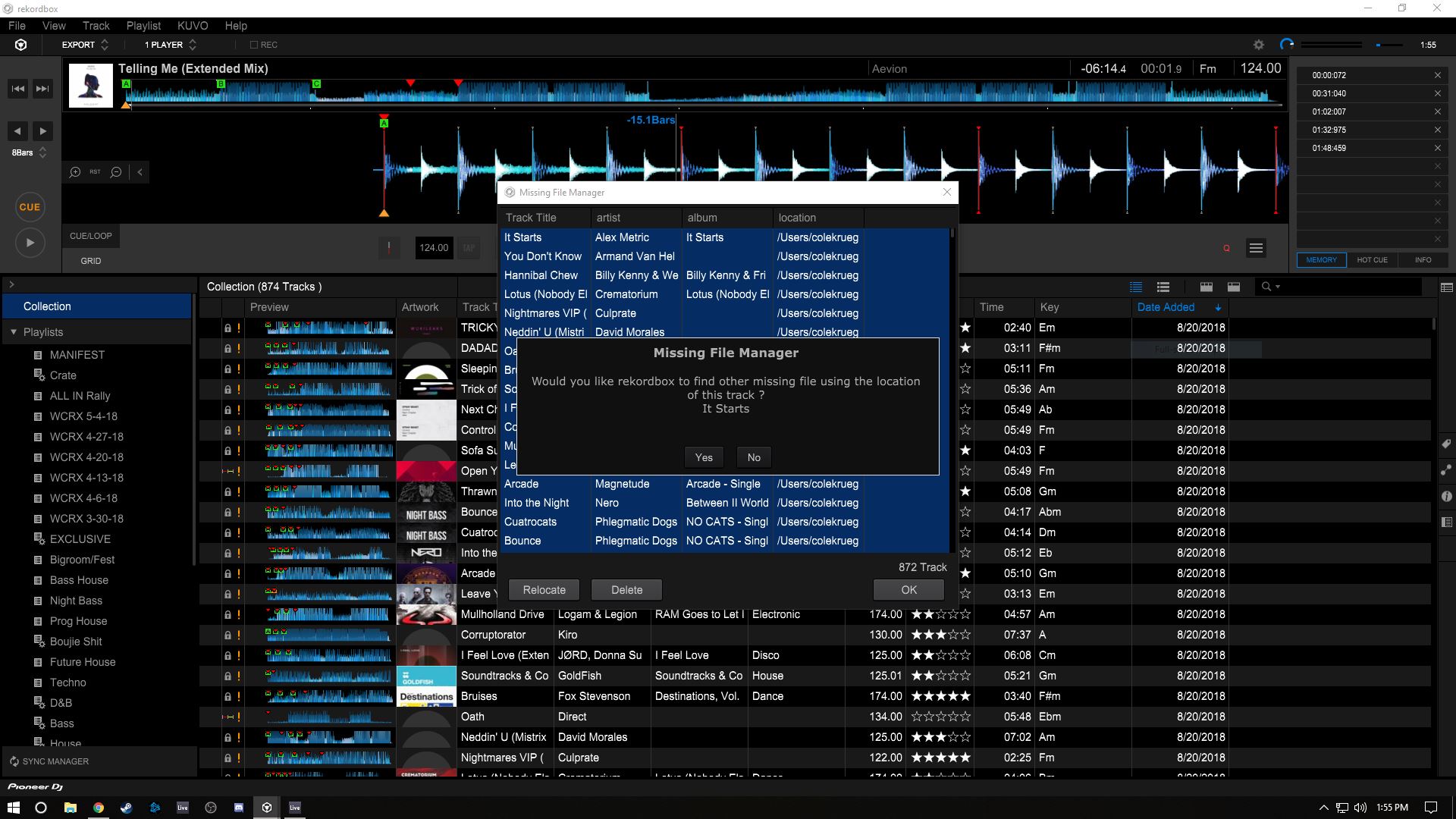
I'm switching from Mac to PC. I've successfully moved my master database, but my entire library shows up as missing. When relocating a track, I am asked if rekordbox should use that location to find the rest of the missing files. However, rekordbox is unable to find any files other than the one I manually selected, even though they're all in one folder.


Post is closed for comments.
I should note that the entire library used to be organized in folders on the Mac's hard drive like so:
Artist > Album > Track
I have since pooled all the tracks into one single folder, as I do all my organization within rekordbox.
Rekordbox's mass relocate only works if your files are still in the same folder structure. If you move the files around, you have to relocate them one by one.
I have a backup of the original file structure on my Mac, but when trying to relocate files with that version, I still receive 0 results. This is why I merged them all into one folder; I believed rekordbox was only searching within the sub-folder the track was found in, and not the parent folder holding the entire library.
Was I skipping an important step or missing anything?
Yeah, the important step would have been to not merge them into one folder. Basically you took what was:
ParentFolder\Artist\Album\Track
...and made it:
ParentFolder\Track
...correct?
Here's the problem with that -- when doing a mass-relocation, rekordbox is looking for the new top-level change. If you had changed it to:
NewParentFolder\Artist\Album\Track
...the change was from ParentFolder to NewParentFolder and everything else was the same. rekordbox doesn't look for collapsed folders - it expects you've kept the same folder structure and just moved the source.
If you still have the original file structure available, follow the instructions here to mass-relocate your music.
Yes, correct. I did that because I misunderstood rekordbox's mass-relocation process. Whoops!
On my Mac, I had all my tracks stored in iTunes' media library first, and then imported them to my rekordbox collection via the iTunes folder in the rekordbox browser. So all my files are located as follows:
/Users/myname/Music/iTunes/iTunes Media/Music/Artist/Album/Track
How would I go about migrating my collection to PC if I wanted to avoid using iTunes? If this is not possible, what is the most effective way to make the transition?
Easy - grab everything from the second Music portion and just move that to where you want it to live. It could be at:
/Users/yourusername/Music
Which would then be:
/Users/yourusername/Music/Artist/Album/Track
Using the mass-relocate it would effectively change the parent folders and everything else stays the same relative to the folder structure.
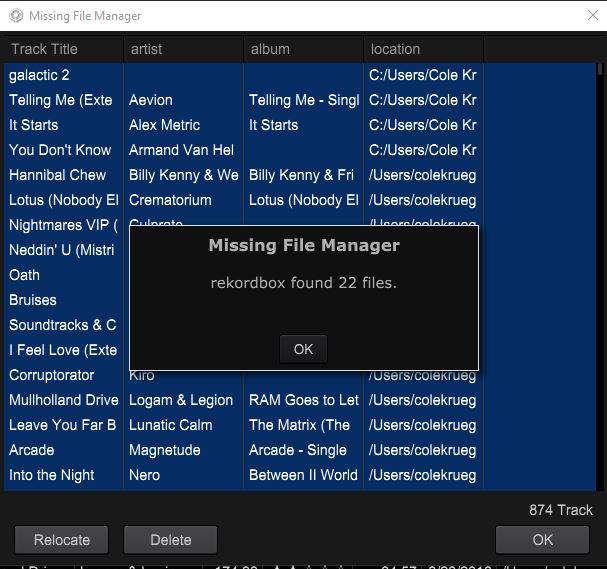
I have good news and bad news. I was able to do this and successfully find 22 out of 874 missing files.

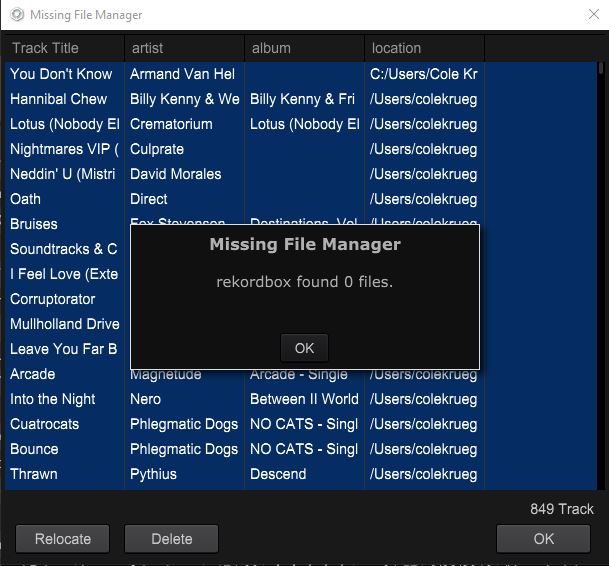
But I have turned up 0 results for the next three tracks.

The new file structure is as follows:
This PC/Music/Music/Artist/Album/Track
What's gone wrong now?
(Thanks so much for your help and patience, by the way!)
UPDATE:
Tried to relocate one more track and hey, it works! Found all of 'em!
4th time's the charm, I guess?
Thanks again!
Sounds like there were multiple "moves" that took place, but glad to hear you finally relocated them all!