
I'm back and I finally found out a solution for my problem, I download the DJM900NSX.tsi and add it to Traktor and works fine now, it was nothing to do with the permisions for this issue
Comment actions

Hi Pioneer. I can not download the drivers for DJm900 Nexus 2 on the newest Mac OS Mojave. The prompt says: "Failure the driver can not be used because it's os 10.11 or late"r. It's pretty critical cause I use the mixer as a controller - everything else works as supposed. Do you have a link for that?
Or better a solution:-)
The best,
Kristian.
Post is closed for comments.
I'm back and I finally found out a solution for my problem, I download the DJM900NSX.tsi and add it to Traktor and works fine now, it was nothing to do with the permisions for this issue

Yeah, that's for the MIDI mapping, nothing to do with audio...

Please @snake man, share the link of what you have downloaded.
The driver ain't working correctly. It really needs an update. First of all I have to force quit the app as it bug.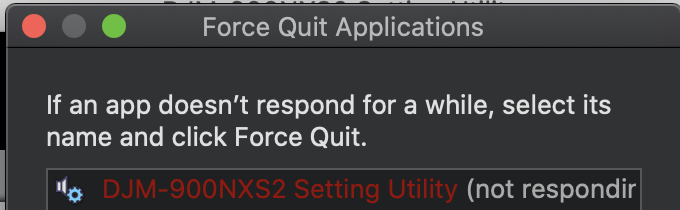
Then, when trying again, my nexus 2 as always been recognised every where. But when I use my turntables, the nexus 2 is not read by Traktor 3. 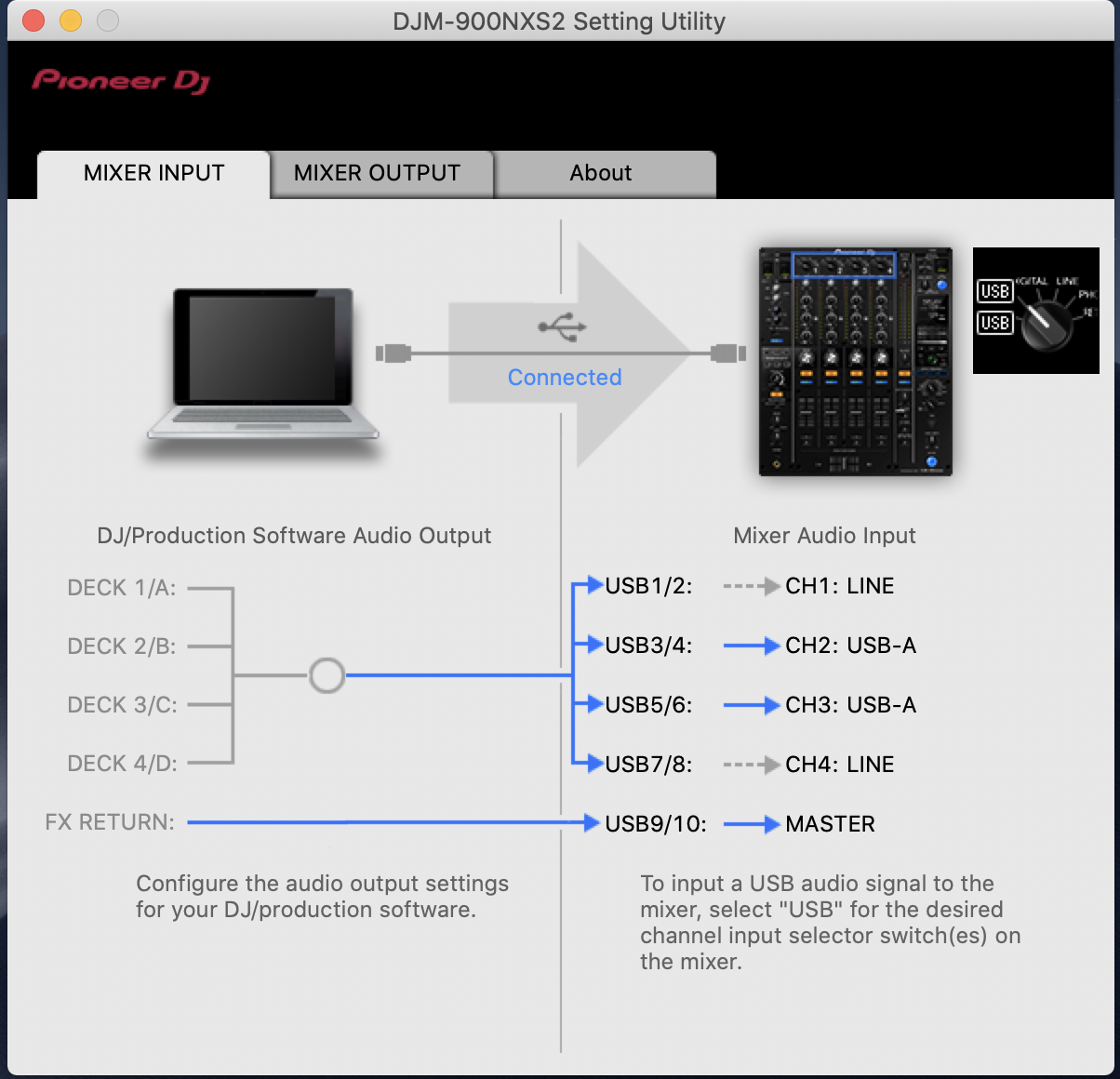
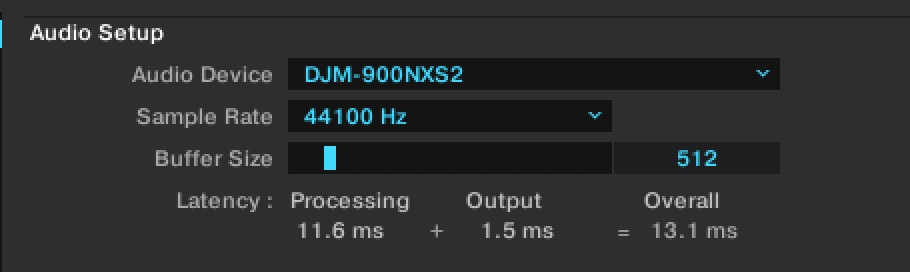
At this point, you can see that the turntable icon is not light. Even though everything seems to be plugged correctly....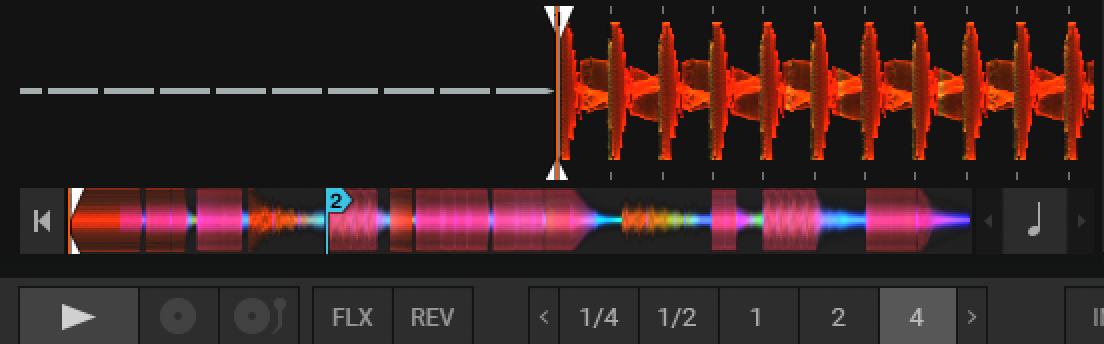

hi i'm having the same issue u downloaded the driver and when i go to the utility it says not connected
sorry what i meant to say is i downloaded the driver and i go to the utility and it says not connected
@Jnyc > Did you bypass the driver security when you installed the driver? If not, you may need to disconnect the USB, uninstall (tool within the driver package), reboot, install the drivers again, allow the drivers through security, then connect USB and play.
@Pulse Stop saying to people the same thing over. You already tell this solution and it doesn't work. This is not the solution of this problem. Pioneer need to update its firmware and hardware!!! I have tried everything, even rebooting my mac book and it still doesn't work...
@Roland > I've helped hundreds of customers, and there's two ways... that's the first, this is the second, which I don't recommend the first time around because it's usually not necessary. If you weren't able to resolve it by following the instructions I provided to UNINSTALL then reboot, install, then allow the drivers, you may need to use the "Drano" method:
And @Roland, if your problem is the timecode not coming through, go into the DJM setting utility app and toggle your outputs from PHONO to another option and back: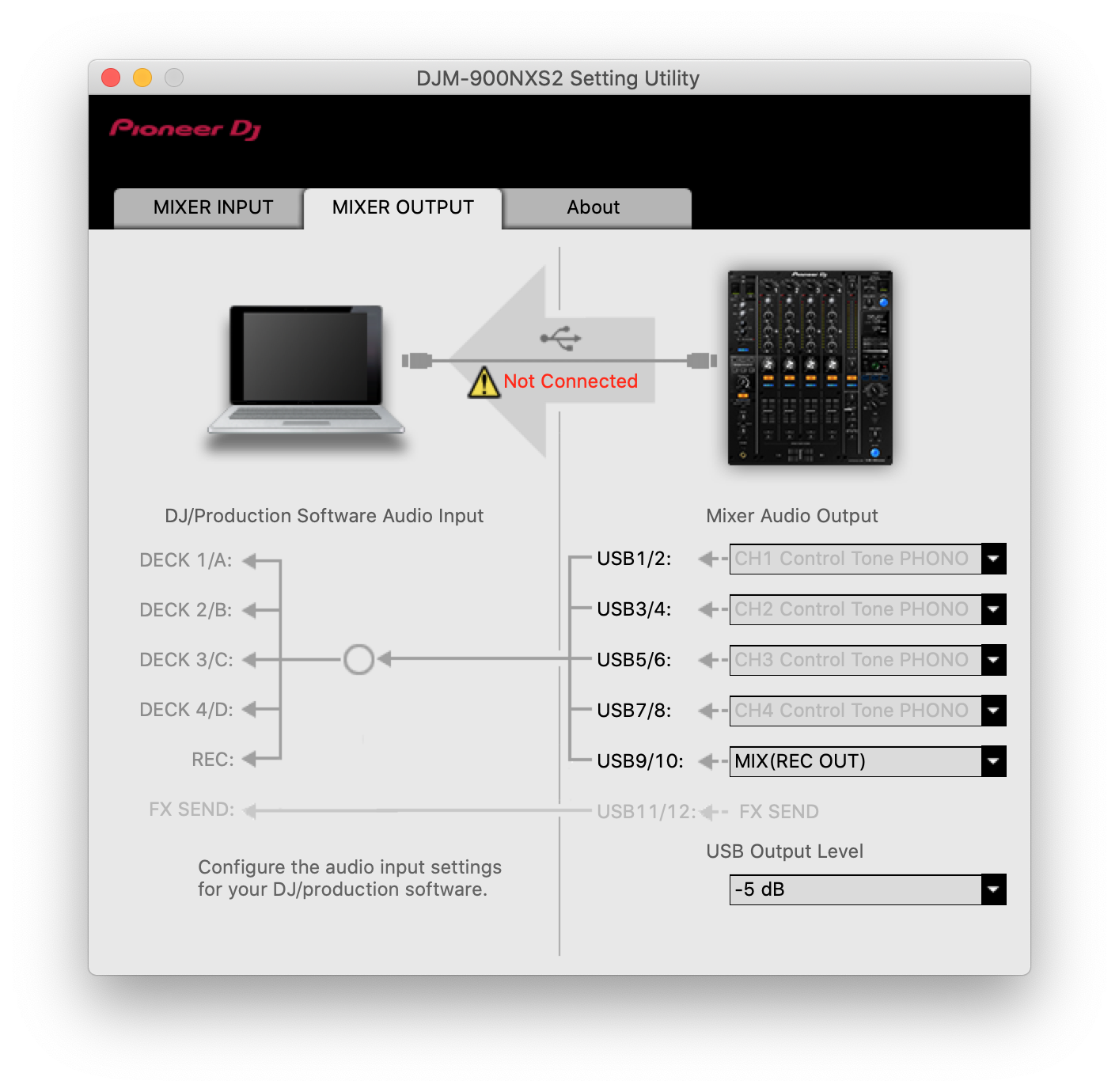
@Pulse You already wrote this two solutions on this ticket and it doesn't work.... Please, stop repeating yourself as it is annoying. And toggling from DJM-90NXS2 Setting Utility doesn't work and plus, the app crashes... BECAUSE IT NEEDS TO BE UPDATED!!! Pioneer software and firmware are bugged!!!
@Roland > How many posts a day do you read and respond to on the forums? I'm guessing it's somewhere in the neighborhood of zero to one. How many problems are you trying to stay on top of? From your profile's article subscriptions I can tell you it's one.
Mine is almost 15K:
I apologize if I've already provided you with the instructions on the first page of a 2 page post, but I don't always have the time to go back through each and every topic I'm involved in to determine what has or hasn't been said already.
And I guarantee you, the problem is not the drivers, but something within your computer conflicting with them, as they seem to work just fine for tens of thousands of people.
@Pulse What kind of answer is that? "I have a bigger than you so I am right???" Who cares about you 15k answers? Nobody has never explained to you that is not the size that matters but the quality of what you are doing, which is most important! And if your answers to other posts are the same as this one, it might not be that much of good answers on those tickets! Come back to this one when you have the right answer and stop talking about you, as nobody cares.
I am here for a solution to a problem from a hardware that I paid more than 2000€. So I will be happy to have a real answer or an updated software and not somebody that is answering to posts to show off his non social skills, without reading past comments and copy past some pre-written answers to grow his so called solved problems!
@Roland > I wasn't implying that I was right because of how many tickets I'm following, it was to give you a better sense of just how many customers and problems I have to try and keep track of, and that was in a hope of getting a bit of empathy when I post the same thing twice. But apparently empathy isn't something you're capable of because you just care about getting your answer without considering that the problem was your computer to begin with.


