Have a feature request or suggestion? Post your idea here!

Post

2 followers Follow
0
Avatar

Disable Strach Effect and Crossfader

Hi everyone,

Is there any way to disable Scratch Effect and crossfader on rekordbox?

I am using DDJ We Go 4.

Thanks in advance!

Basar Soker Answered

Official comment

Avatar

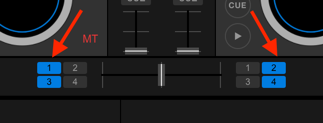
To disable the crossfader, simply open the MIXER panel and un-check these boxes:
To disable the ability to scratch, you need to disable vinyl mode - but on the WeGO4 there isn't a direct button, but you can create a keyboard shortcut to disable it on each deck:
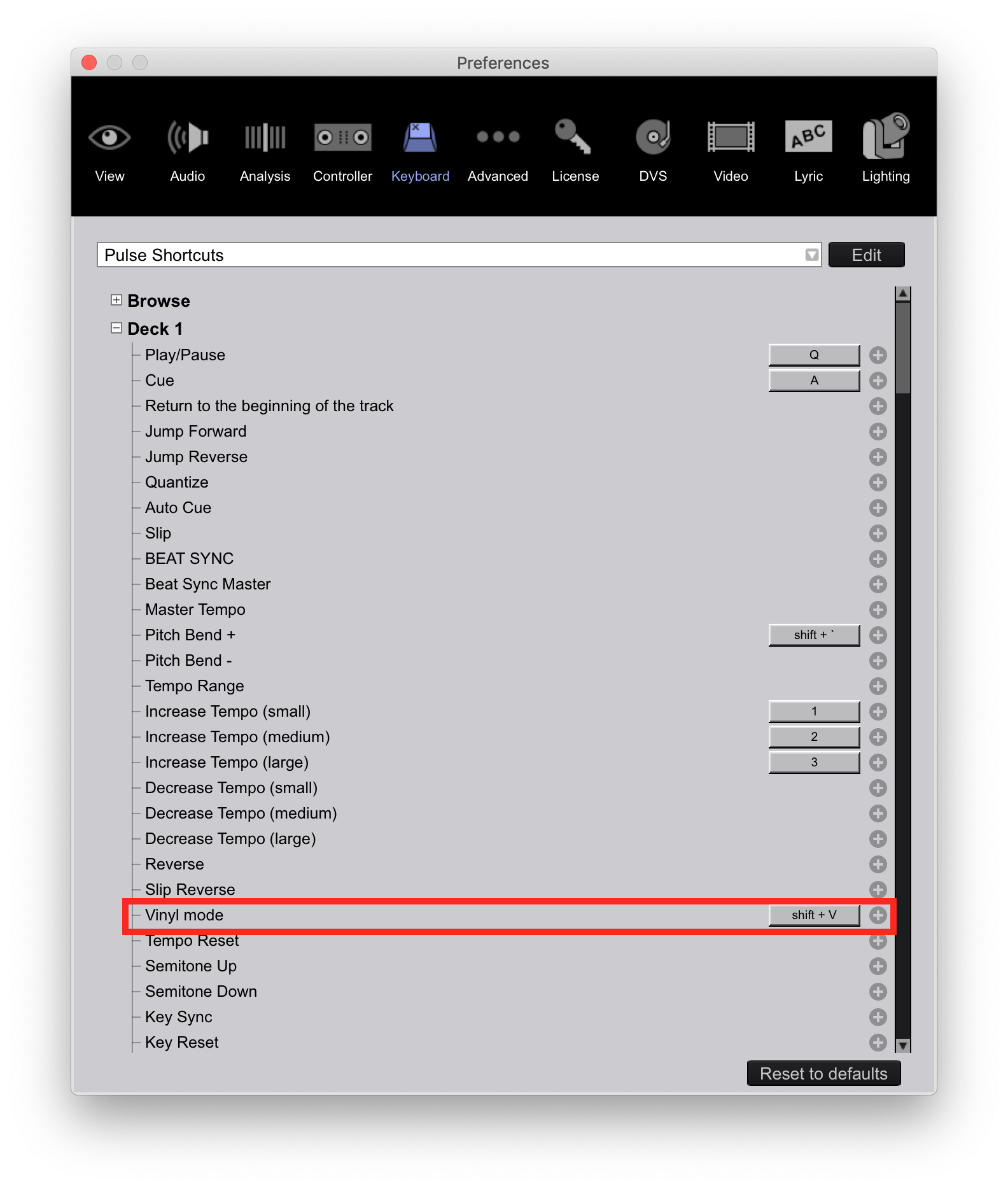
Pulse
Comment actions Permalink

Post is closed for comments.

1 comment