Have a feature request or suggestion? Post your idea here!

Post

2 followers Follow
0
Avatar

Android 9 Recordbox app issue with XDJ 1000

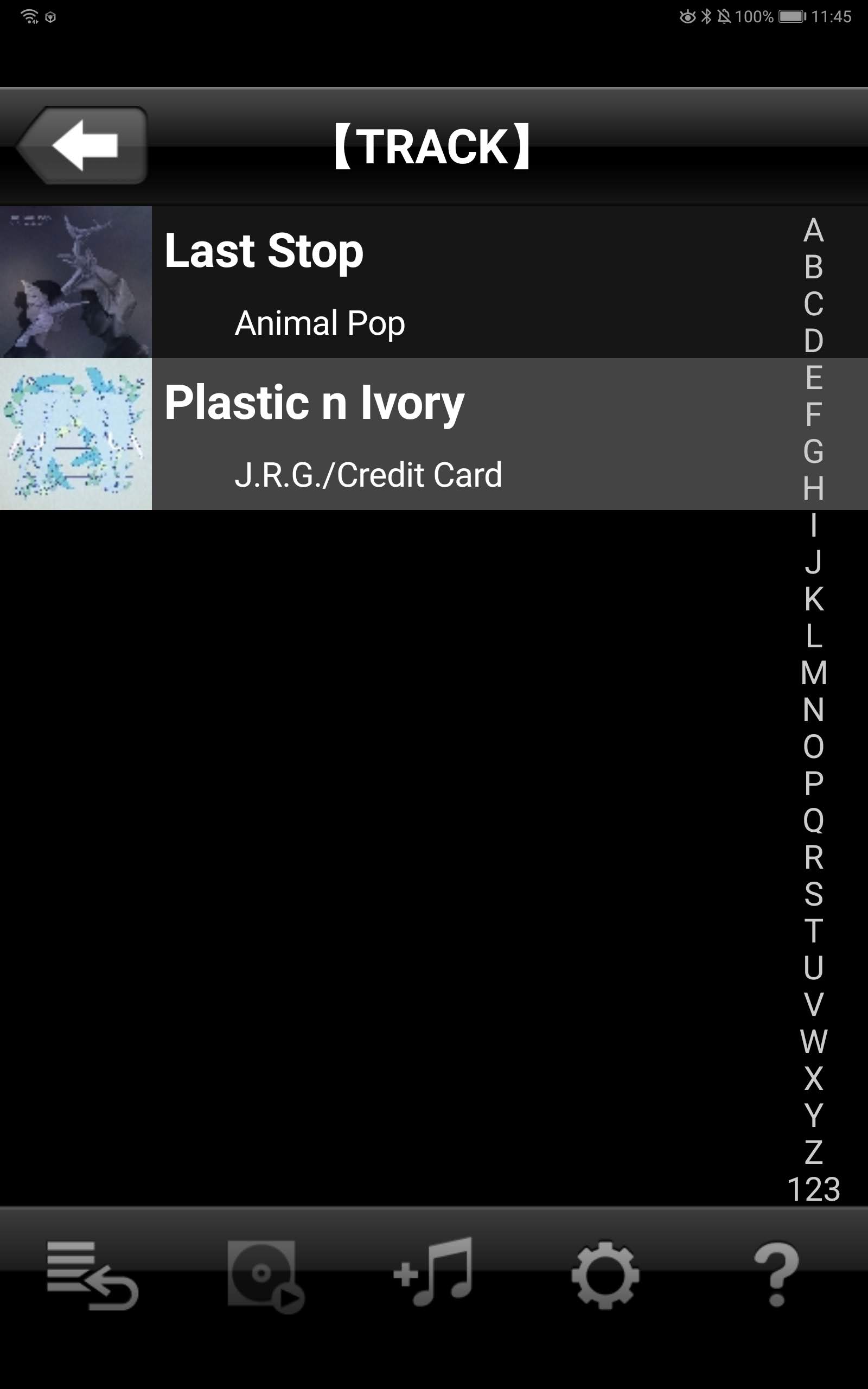
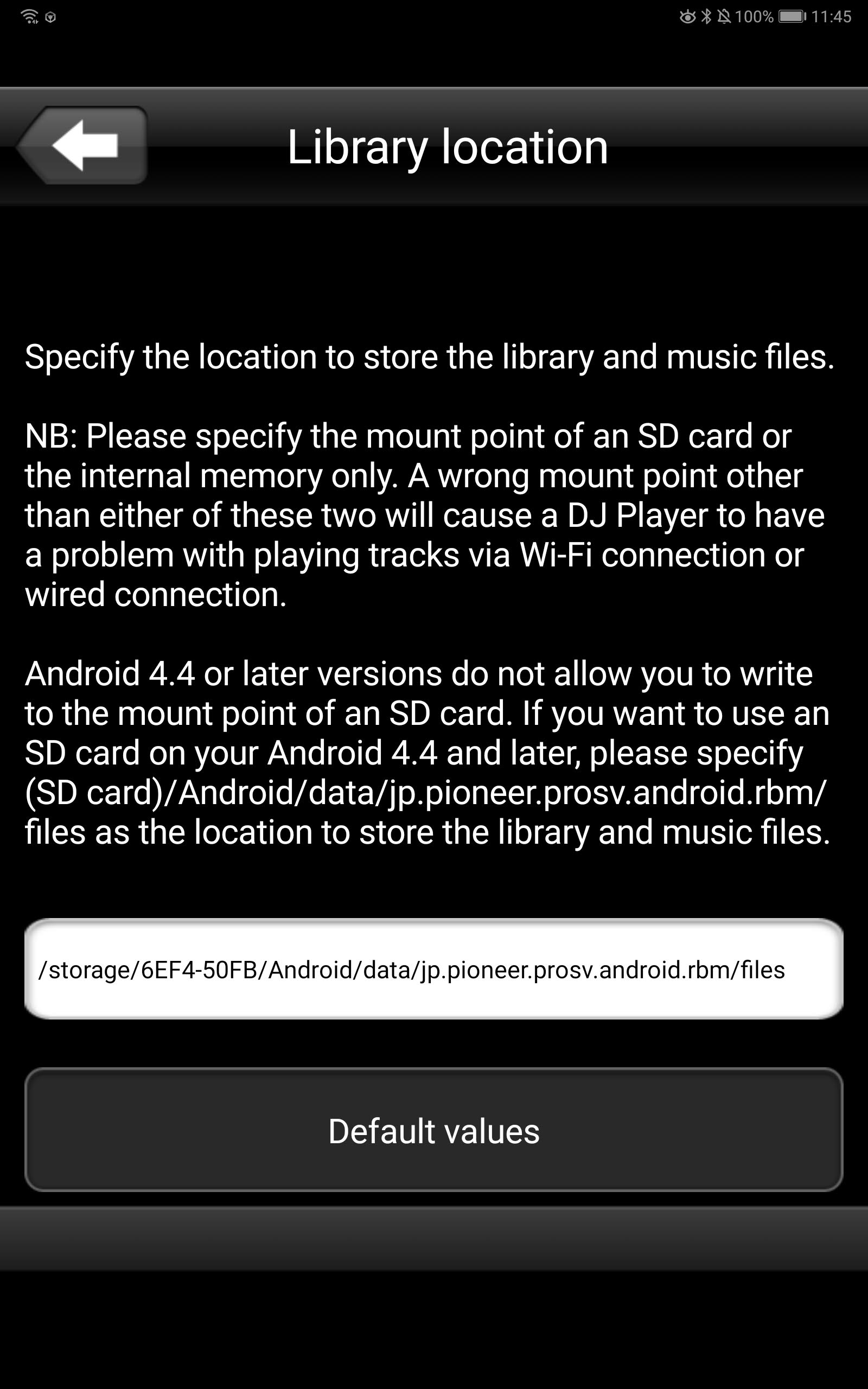
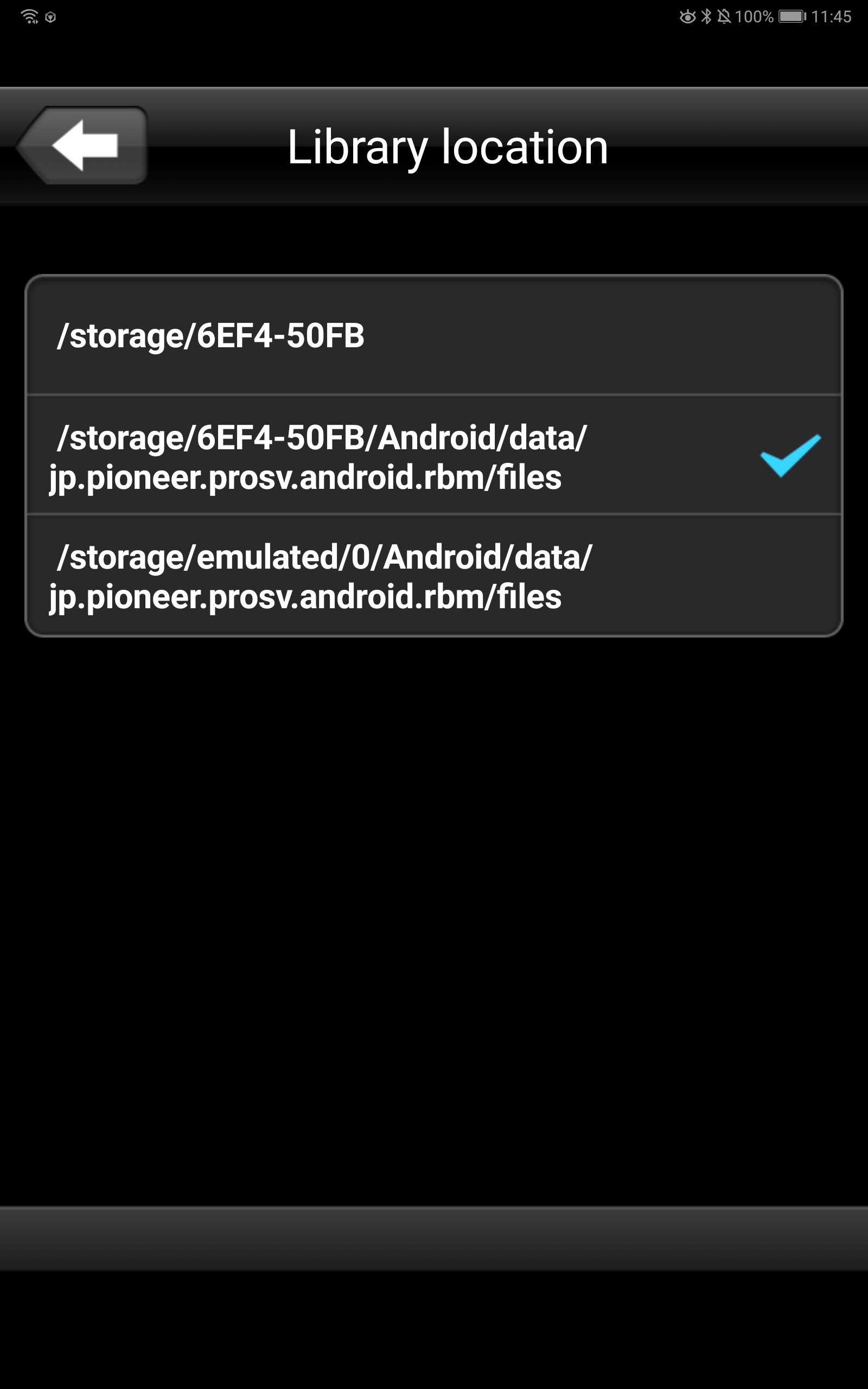
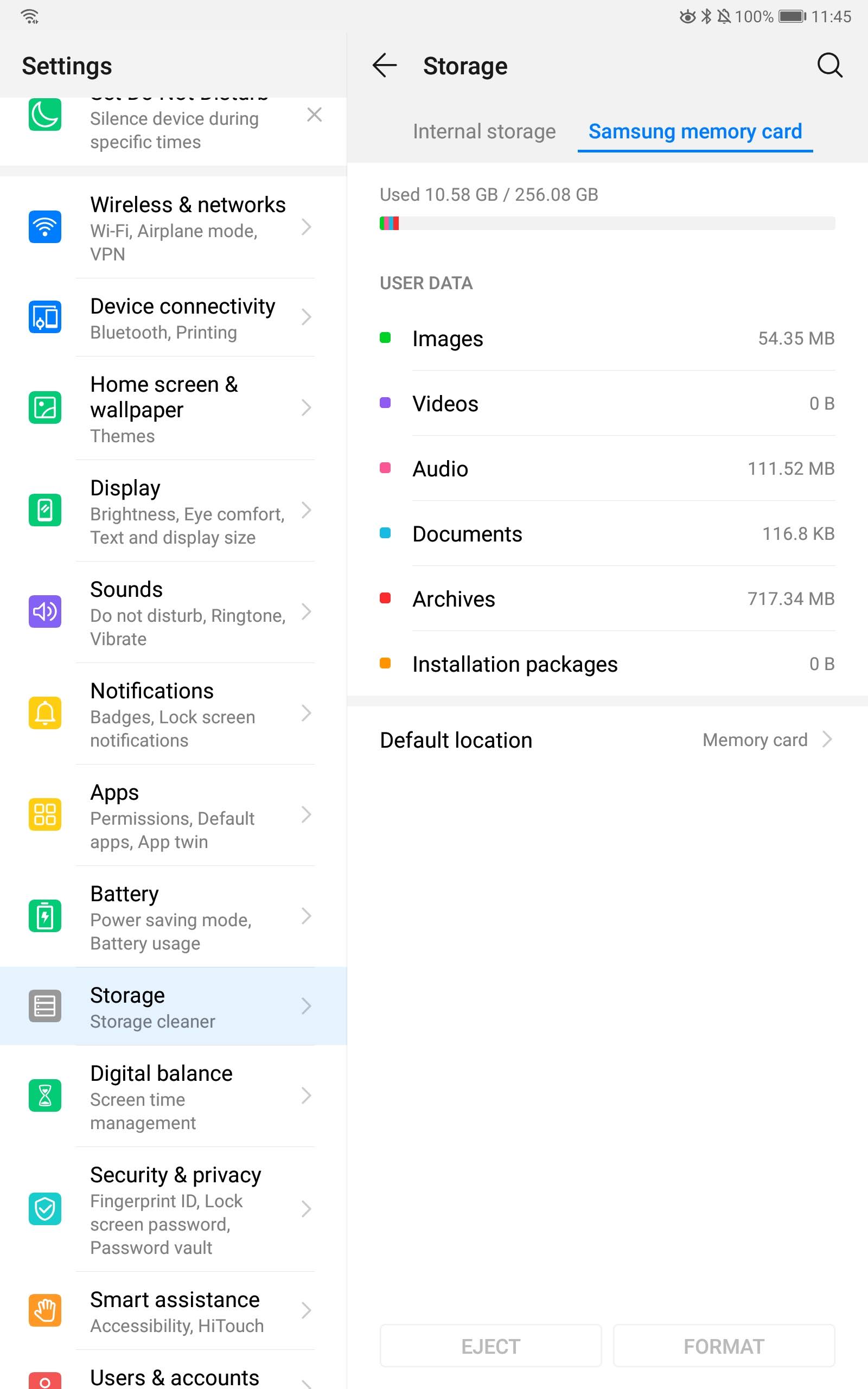
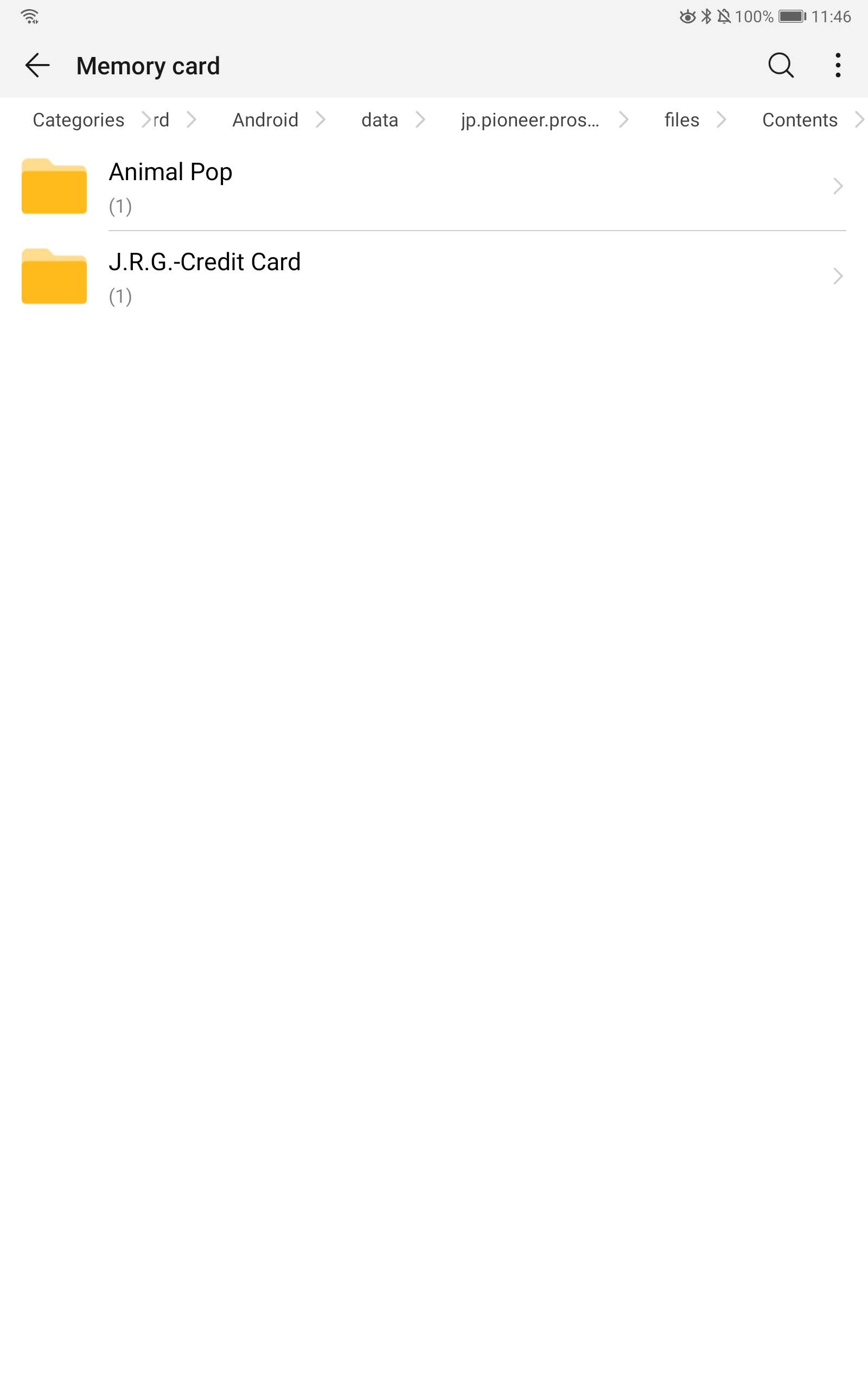
I am running the latest version of Recordbox 5.5 on my windows 10 surface pro and can WiFi export tracks to my M5 10.8 Android 9 tablet with no issues whatsoever. When on the tablet I can see and edit all the tracks I have imported on to the tablet, but when I connect the tablet via WiFi to my XDJ 100's the display on the 100's is stating that the app is empty and that there are no tracks or play lists. The tablet takes tracks fine and connects to the decks fine, I have tried changing the location of where the Recordbox app stores the tracks (internal and external SD) and have no issues in the app but still have the issue of the decks saying that the app is empty. My XDJ 1000's, Recordbox app and Recordbox are all upto date, I just don't seem to be having any luck with Android 9.on my old Samsung tablet on Android kickkat I never had this issue. Any advice or help is much appreciated.

ian melville Answered

Official comment

Avatar

@ian > I see you had also created a ticket for this, so I'm closing this forum post and would direct you to the ticket for any further questions you have as our engineers have provided a response there for you.

Pulse
Comment actions Permalink

Post is closed for comments.

10 comments

0
Avatar

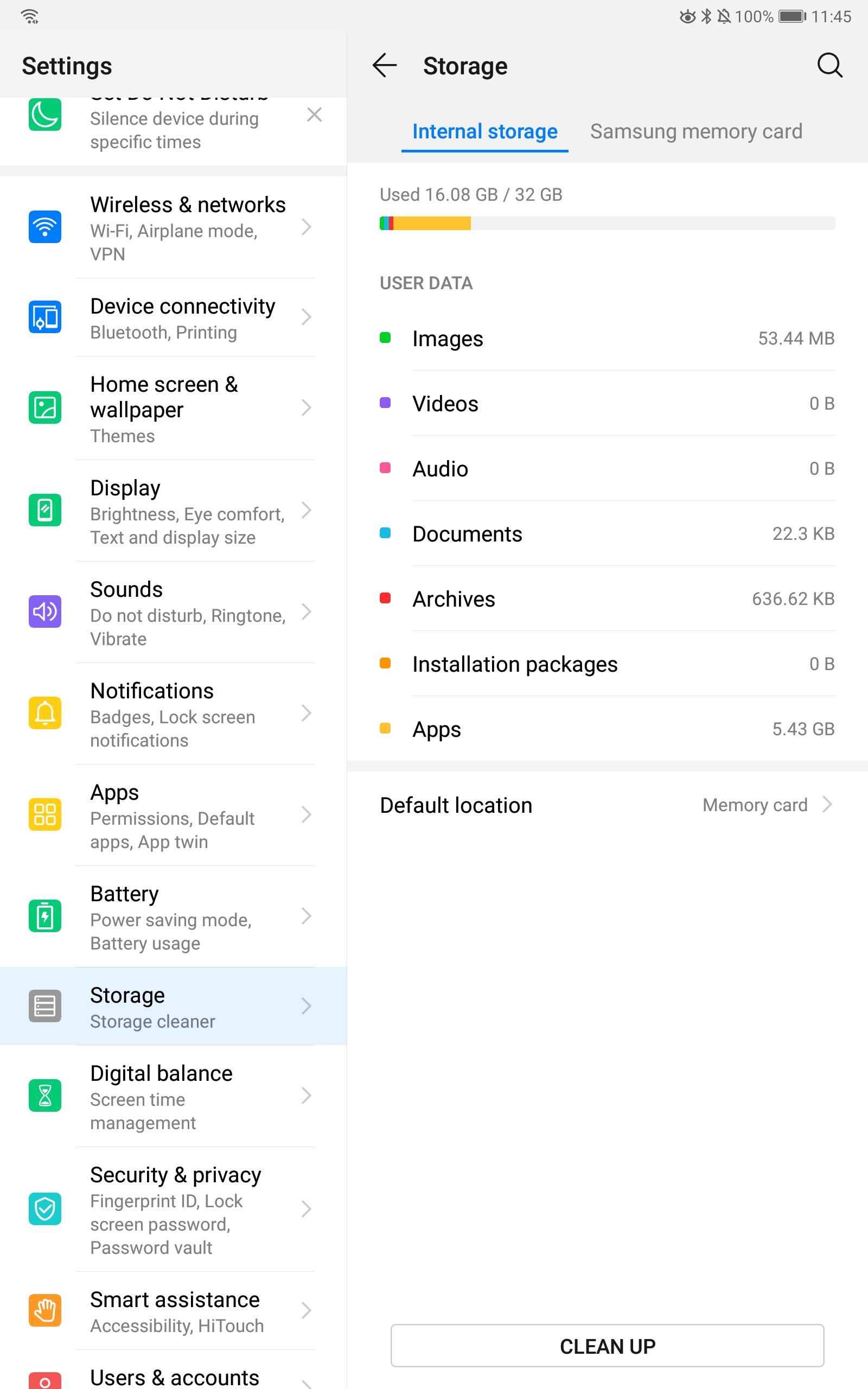
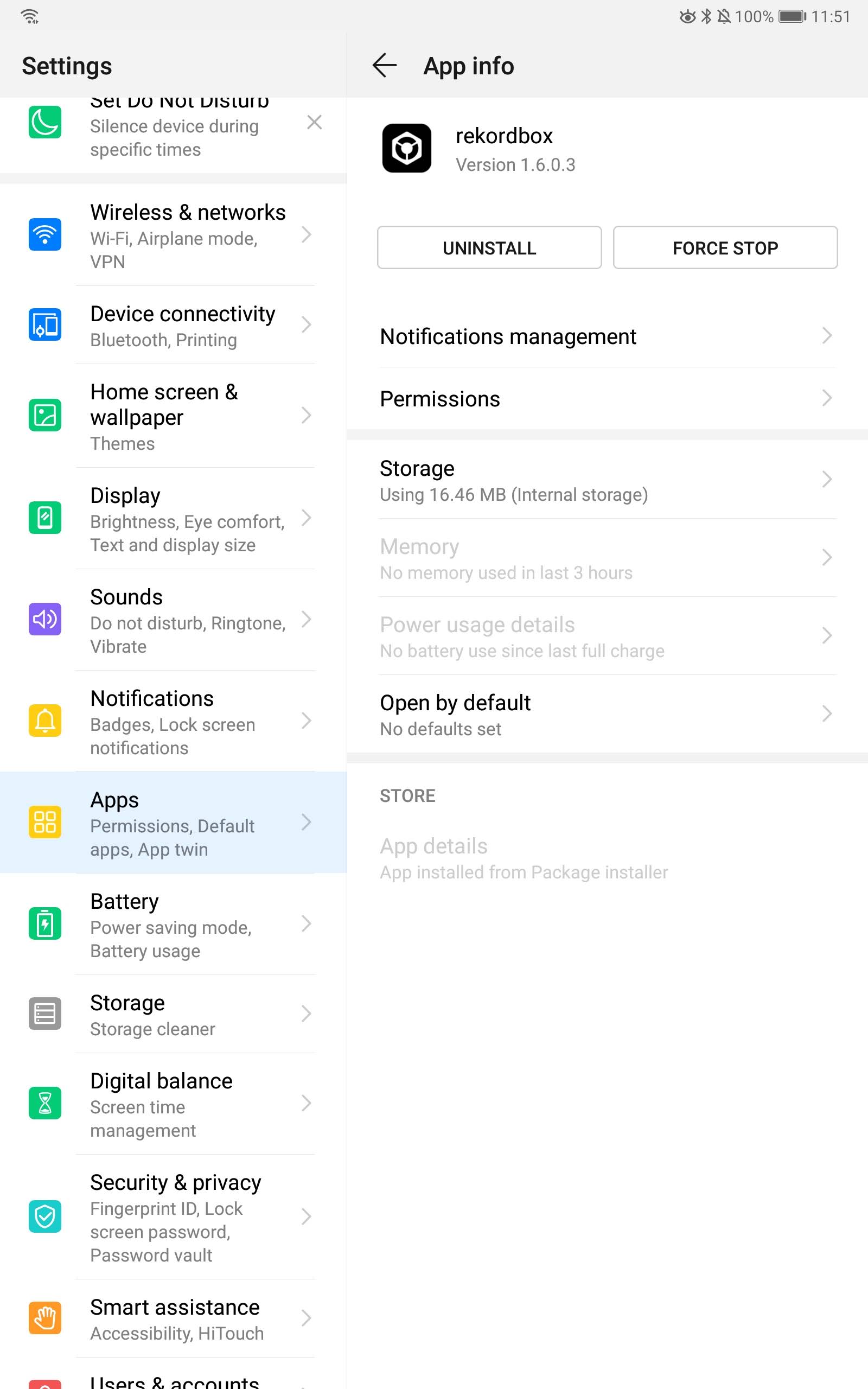
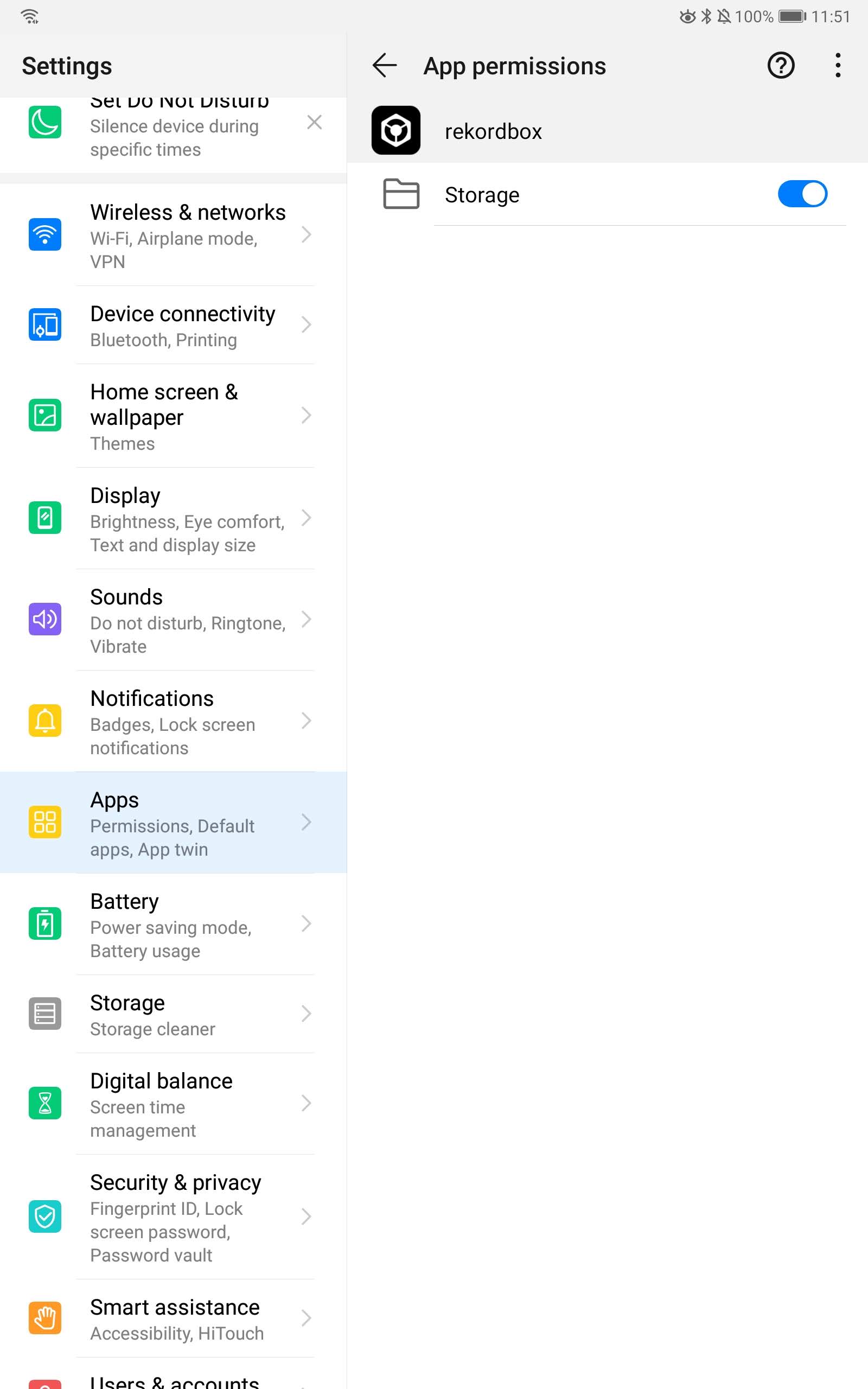
Forgot to mention that it is a Huawei tablet. I have found online that Huawei does not let you move apps to SD card only media, could this be what is causing my issue with the xdj 1000 reporting that the rekordbox app is empty when it is not?

ian melville 0 votes
Comment actions Permalink
1
Avatar

Have you tried using a different router? I know some devices can manage the traffic between wired and wireless networks, and while some functions may go through (like connecting), it may block the other functions (like actually seeing the data on the device).

Pulse 1 vote
Comment actions Permalink
0
Avatar

Hi thanks for the reply Pulse, the router port configuration and firewalls are all set correctly as my laptop and old Samsung tablet on kickat work fine. I have also tried multiple other routers (communications engineer so have loads laying about) and I am experiencing the exact same issue, so I don't believe it's a router configuration issue.

ian melville 0 votes
Comment actions Permalink
0
Avatar

Are you able to connect and load songs when the tablet is connected via USB?

Pulse 0 votes
Comment actions Permalink
0
Avatar

Tried usb connection with all settings with no luck so far.

ian melville 0 votes
Comment actions Permalink
0
Avatar

I'll pass this on to our team in Japan as I don't have an Android device for testing, but they're off for Golden Week until May 6th,

Pulse 0 votes
Comment actions Permalink
0
Avatar

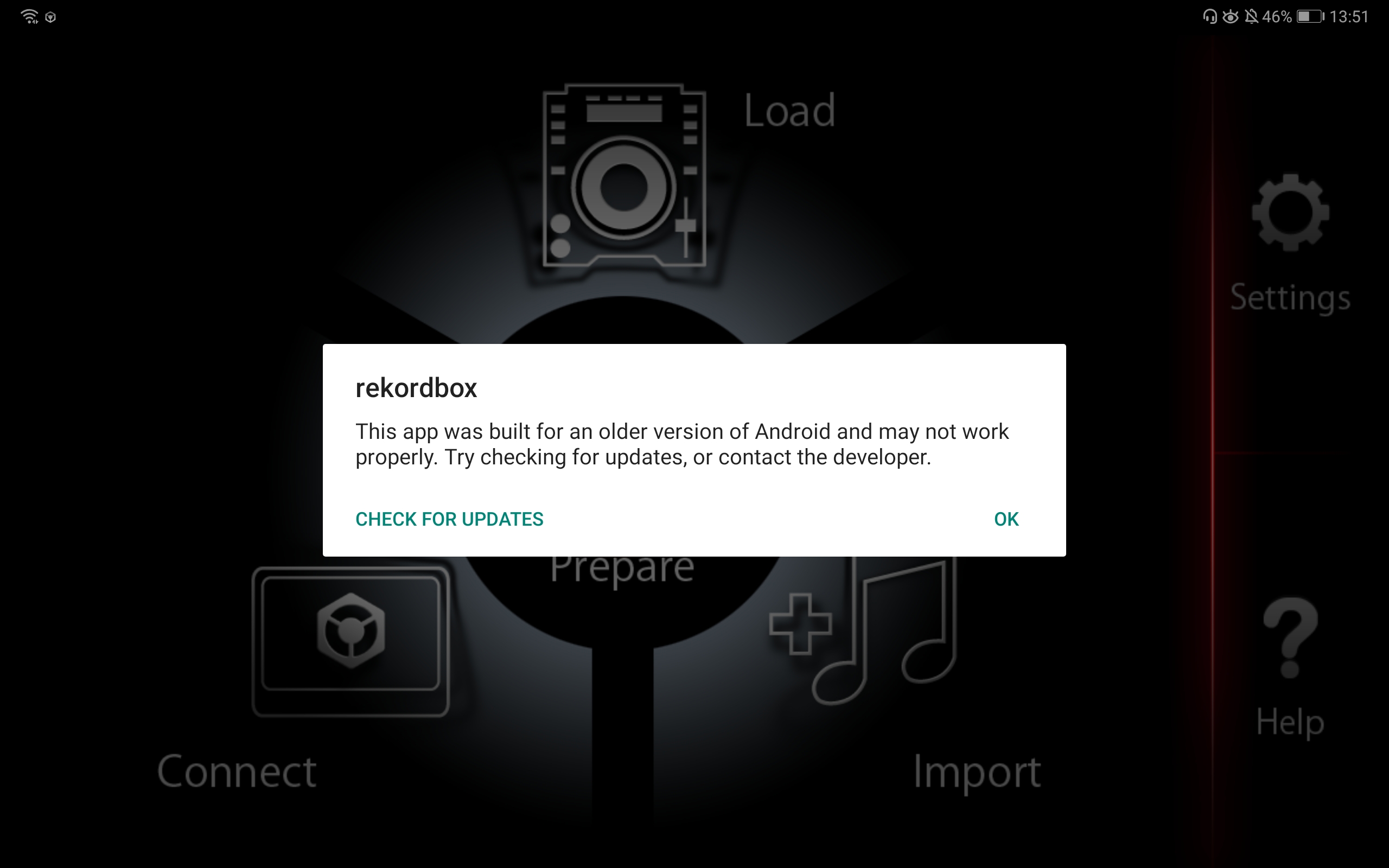
Thanks Pulse. This also comes up when launching the app for the first time with a fresh install on Android 9, looks like the app is to far out of date now to work with Android 9 or 10.

ian melville 0 votes
Comment actions Permalink