
Official comment

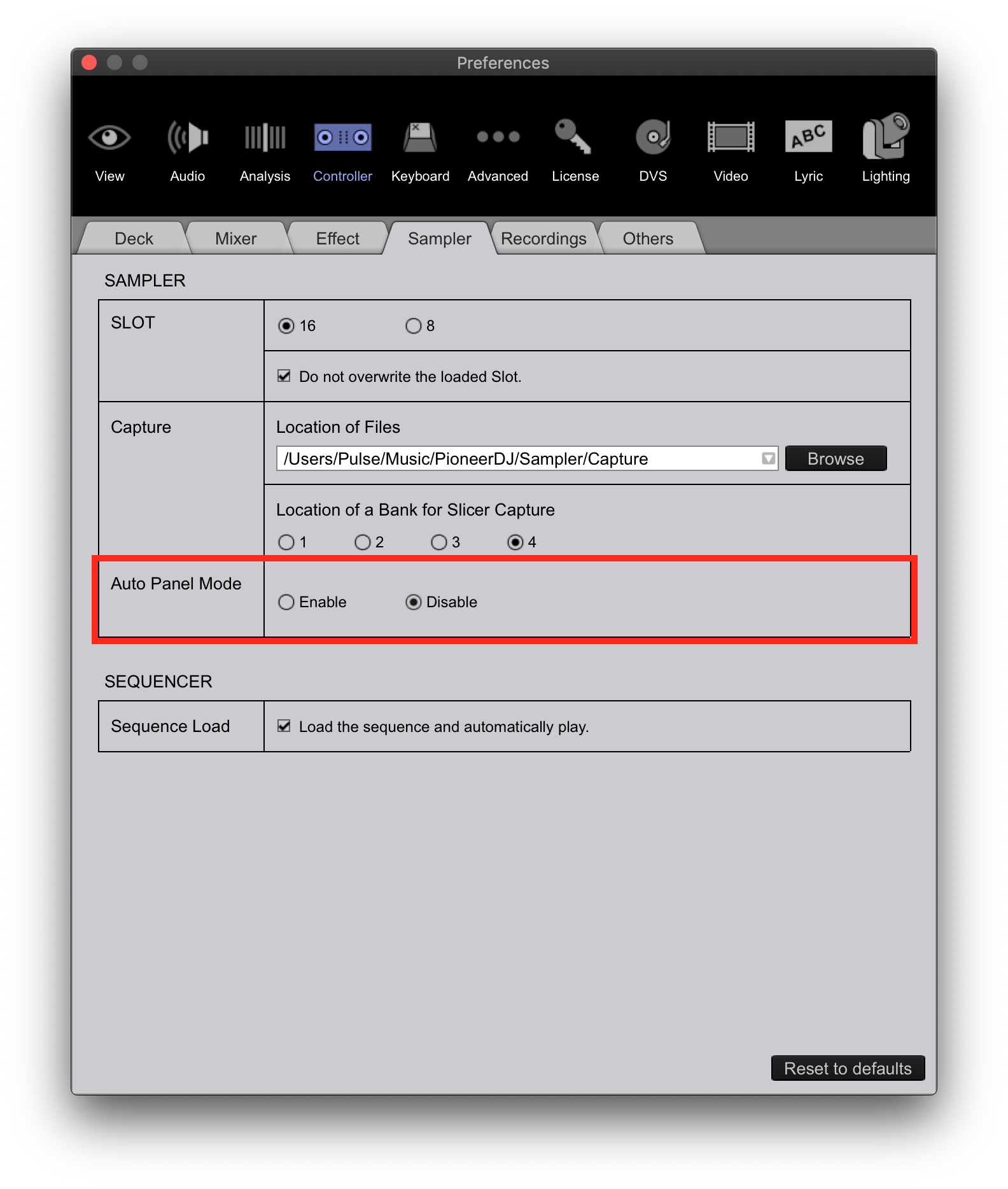
1) What happens when you press the SAMPLER button on the right deck? Do you not see it appear onscreen? If not, you can enable the auto mode here in the prefs:
2) That would happen when using sync and you've set the software pitch to that position. You have to do what's called a "pick-up" by moving the hardware to the same value of the software fader in order to make any subsequent changes. This prevents jumping to the hardware position value.
3) You'd have to create a loop at the hot cue then store it to memory. I think there may be a user who created a script to do this, but it's probably not much easier than doing it manually.


Comment actions