
@didier > Looks like you haven't fully installed the drivers; did you allow them through the OS security? You may need to uninstall and reinstall the drivers to get that prompt again.
Comment actions

Bonjour,
Matériel : XDJ RX 2 sur MacBook Pro
lorsque j'utilise le mode export, tout est OK.
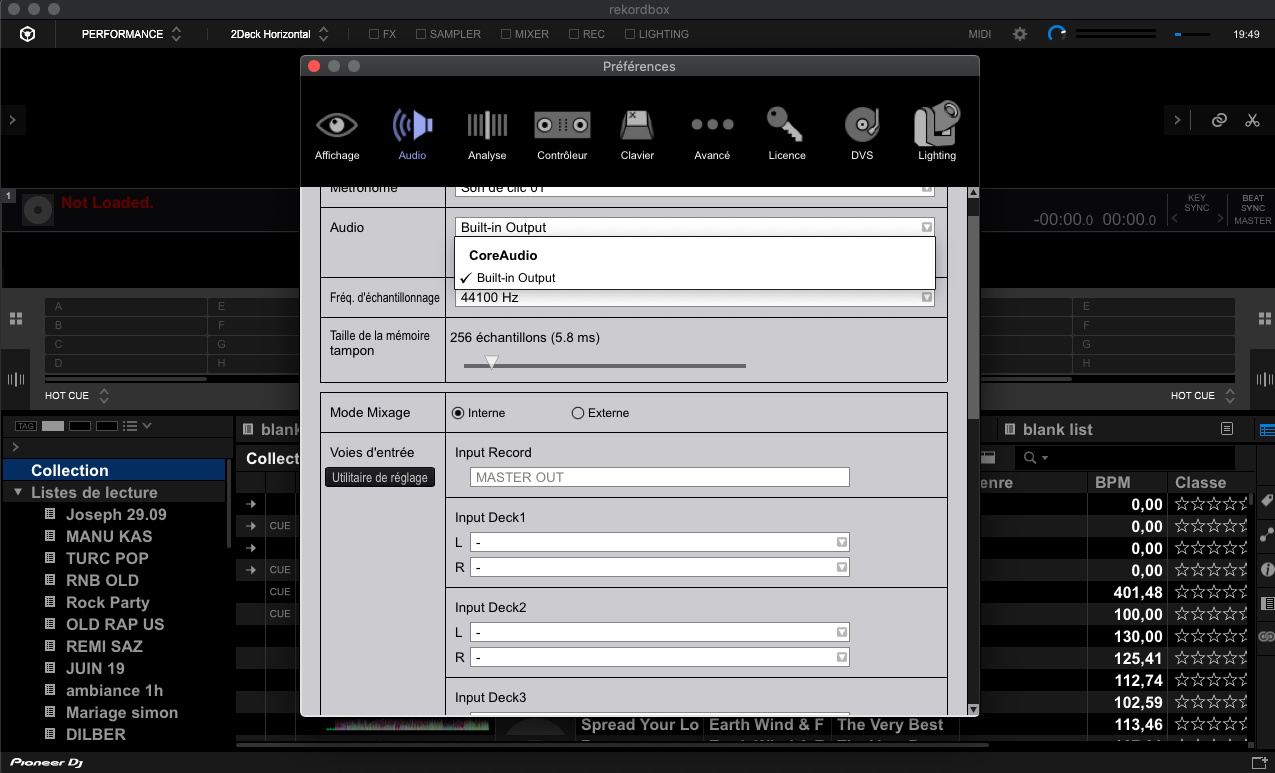
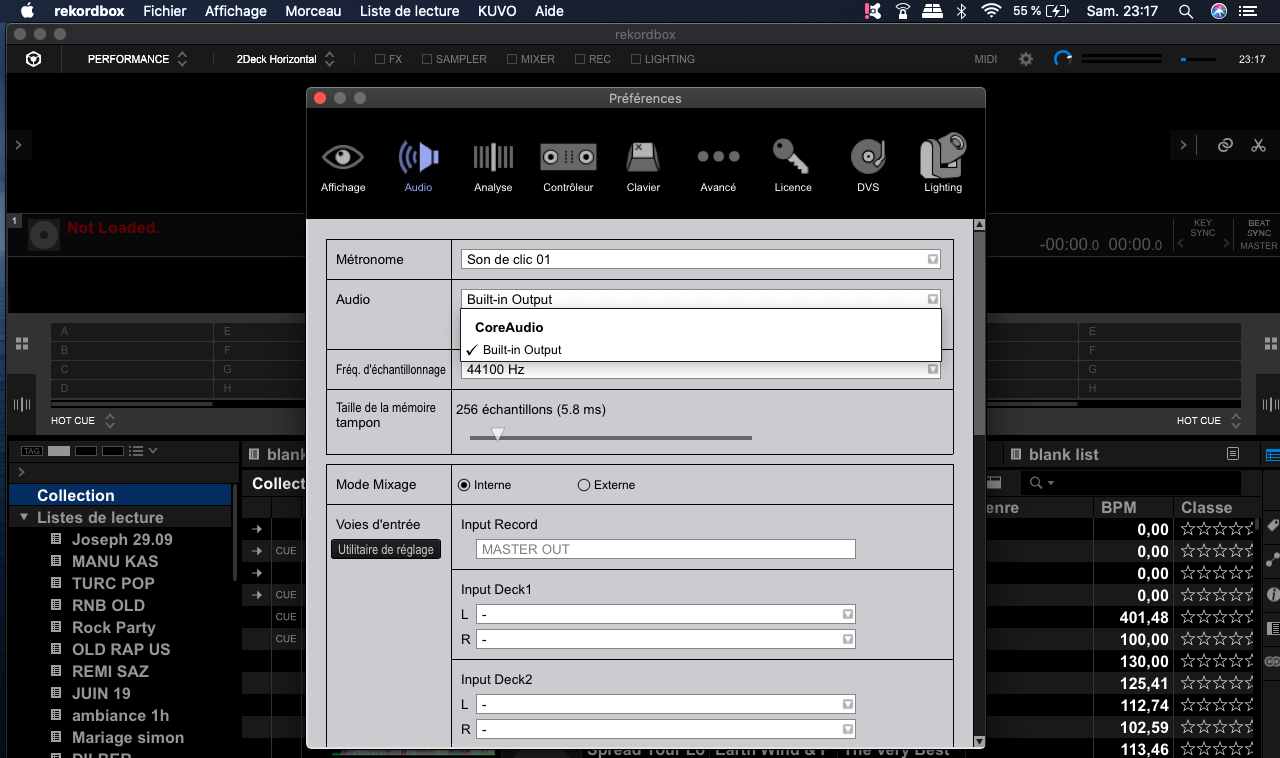
mais lorsque je passe en mode performance, le son sort de mon ordinateur et non des enceintes. Dans les réglage AUDI je n'ai que le "BUILIT-IN OUTPUT"
j'ai desintaller et réinstaller les drivers USB et AUDIO mais rien a faire toujours la même chose. j'ai regardé sur tous les forums et video YouTube j'ai tout essayé mais rien a faire.
HELP ME PLEASE
Post is closed for comments.
@didier > Looks like you haven't fully installed the drivers; did you allow them through the OS security? You may need to uninstall and reinstall the drivers to get that prompt again.
Bonjour,
oui je viens encore de le refaire
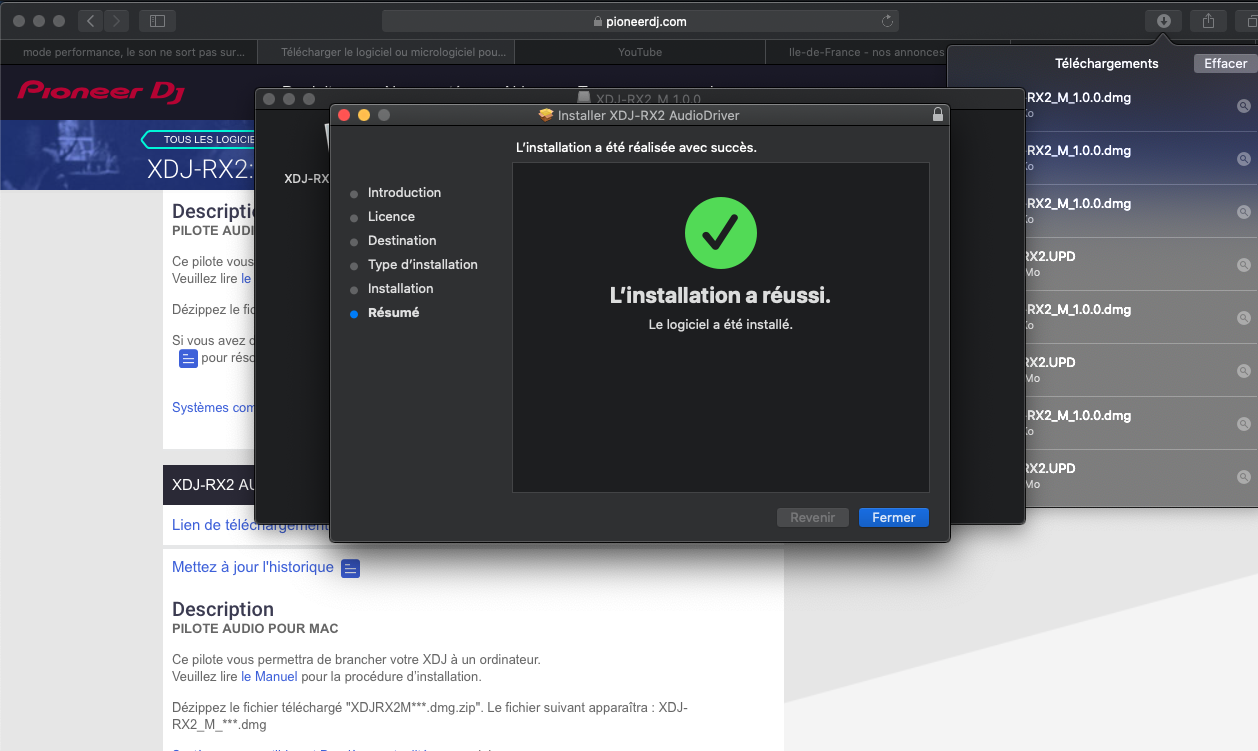
That confirmation itself doesn't mean the drier has been allowed through security - did you follow the instructions I linked?
what security do you speak to ?
I put allow and accept everywhere
I download from the site Pioneer
there is a setting to make ?
tk u
I have just tried again. always the same.
I do not know why Rekorbox does not accept the audio driver?
do I have to adjust my macbook?
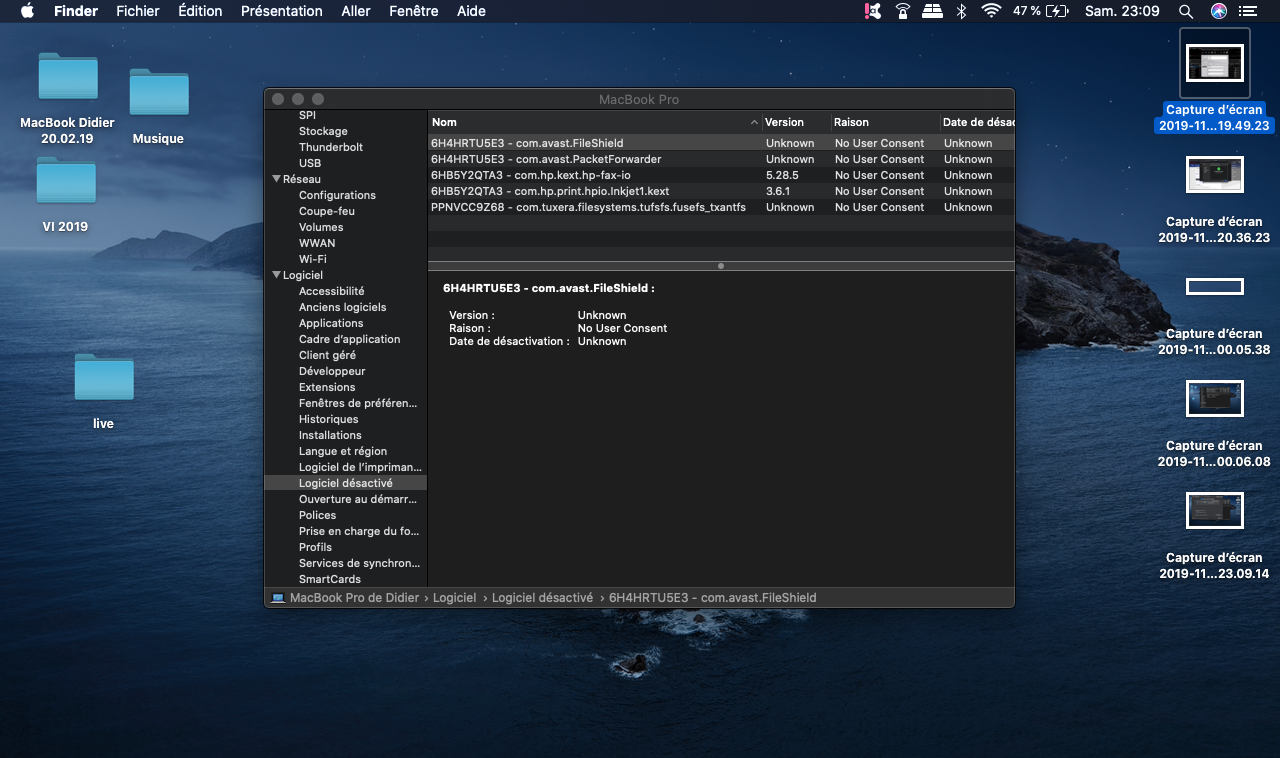
Can you please open your System Information app and go to Software > Blocked Software and if there is anything shown on the right, please provide a screenshot?
Thank you.

Yep -- so all of those are installations that were not permitted through the security process.
Try this:
Usually I do not cope well in computer but the I can not do it.
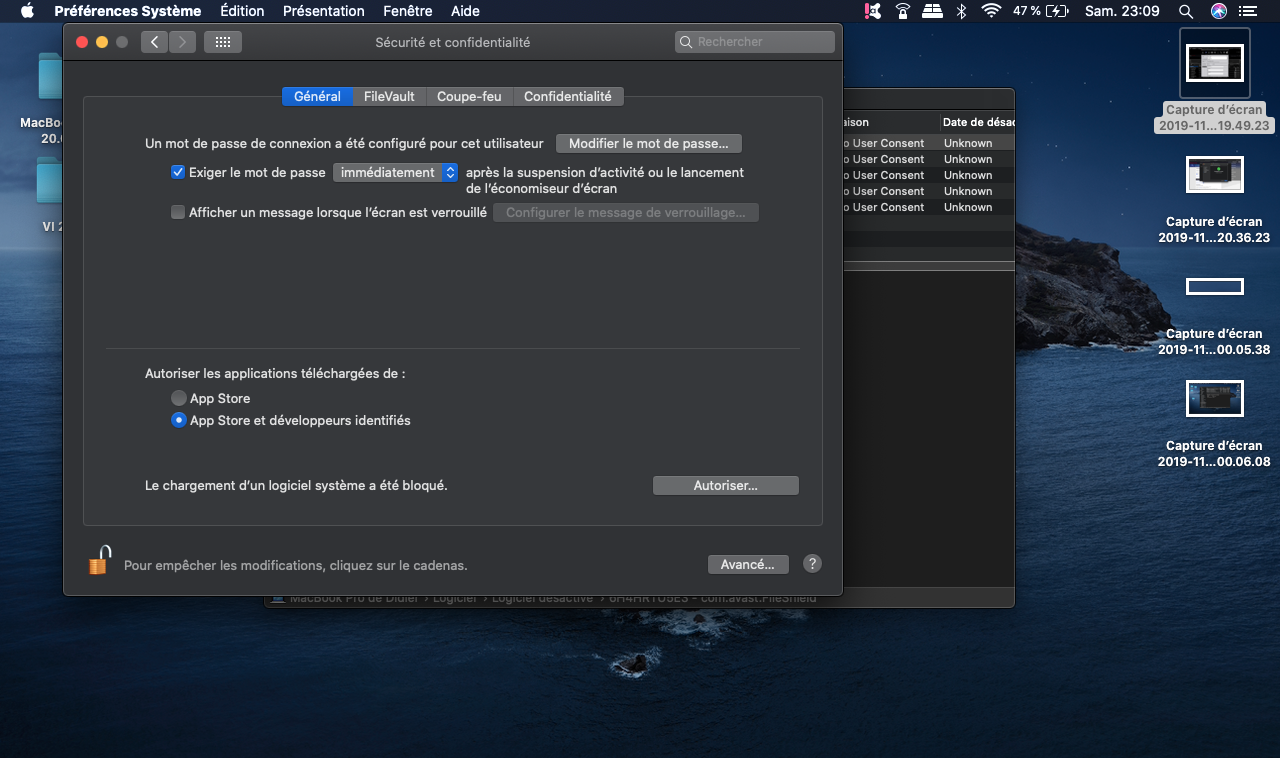
I managed to activate the pioneer software that was disabled in the security setting, I uninstalled and installed the audio driver software.
result, still nothing.
watch my screenshots.
it's crazy, thanks again to you
With the XDJ connected via USB, please open the Audio MIDI Settings app and send a screenshot.


