Hi There,
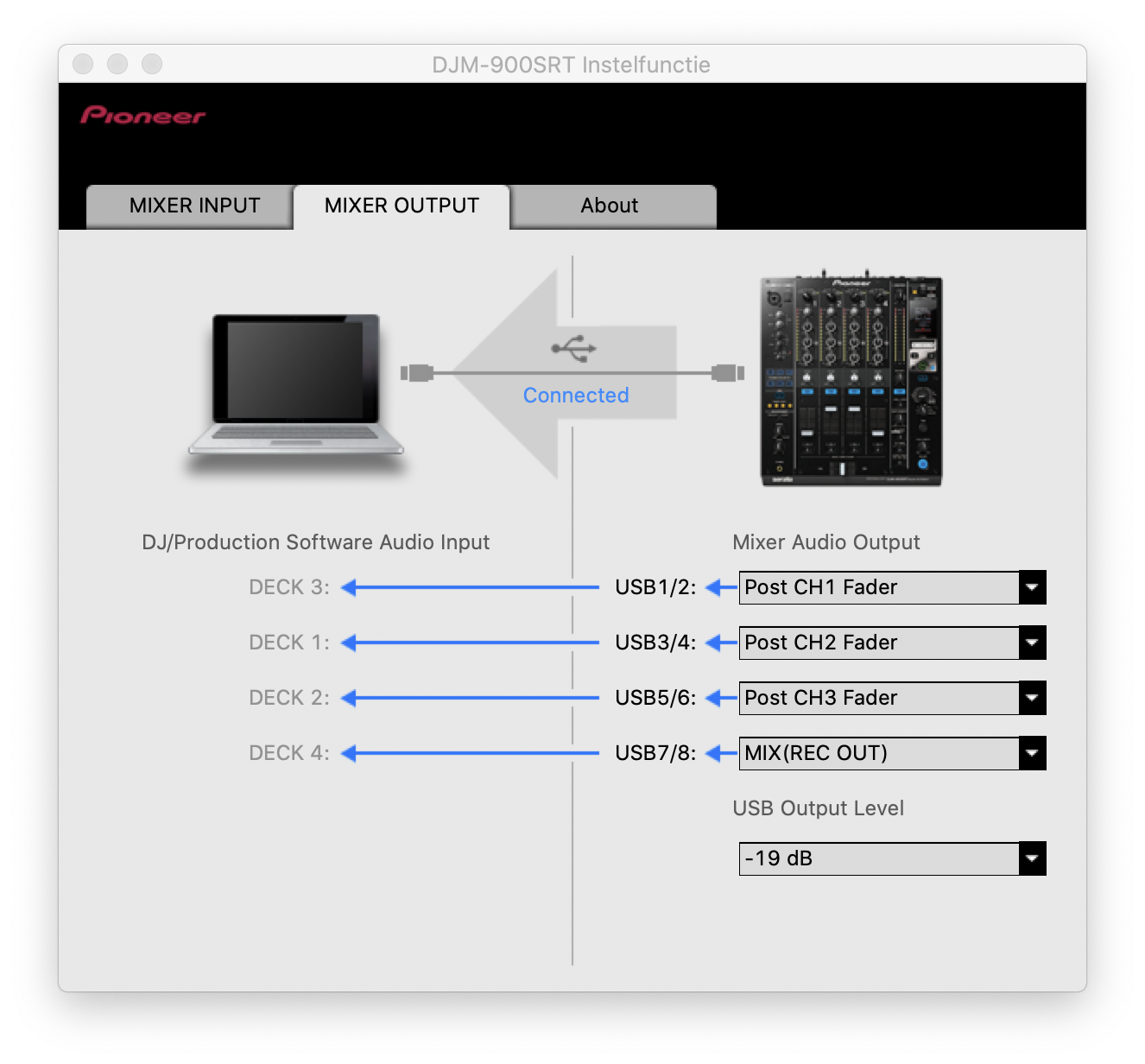
A friend of mine asked me to help him installing RB on his new laptop, and during this I found a strange ASIO driver issue which I can't solve:
Fresh out of the box 2020 Lenovo laptop with Pentium Gold CPU, 8GB, and 256GB SSD. Runs on Windows 10 Home Edition, with all the latest updates done. And Rekordbox full version with license key.
After installing RB on to the laptop, I connected a Nexus setup (2x CDJ-2000NXS + CDJ-900SRT) via USB. Rekordbox gave a pop-up telling that it installed a CDJXJD ASIO driver. Strange, but ok...
In RB Audio settings tab, I saw that on top the Audio was set to Pioneer CDJXDJ ASIO, so I tried to change this in to Pioneer CDJ-900SRT ASIO. And therefore I needed to install the ASIO driver, which I did.
After the driver was downloaded, I unplugged the CDJ-900SRT USB, installed the driver, and reconnected the USB connection of the CDJ-900SRT again. Then I selected in Audio the CDJ-900SRT ASIO, but I got a pop-up:
Error when opening [Pioneer DJM-900SRT ASIO]
I've tried to install the driver again, rebooted the laptop, and for an unknown reason I managed to set the Audio with the Pioneer DJM-900SRT after a few attemps.
Issue solved I would say. But when this friend of mine went to a studio to do a live radiomix, he connected his laptop via USB on a similar Nexus set but with a DJM-900NXS, and he had no audio on deck 2. Investigation learned that in the Audio settings tab, the Audio was automaticly set to Pioneer CDJXDJ ASIO again.
He selected the Pioneer CDJ-900NXS but instantly the pop-up [Error when opening Pioneer DJM-900nexus ASIO] showed up again. And I don't know how to fix this...
Back home he uses a simple DDJ-RB for pre-selection and testing his music. Installing this driver within RB, and working with this controller in RB works flawless.
Why is the CDJXDJ ASIO driver installed? He never touched such player...
What are the most common made mistakes, or issues causing this ASIO error?
What is the best work around to fix this issue?


 Oh, and why does RB switch to Spanisch (or Italian?) in the pop-up language, to install the CDJXDJ Asio driver..? RB it self is set to Dutch language.