
Official comment

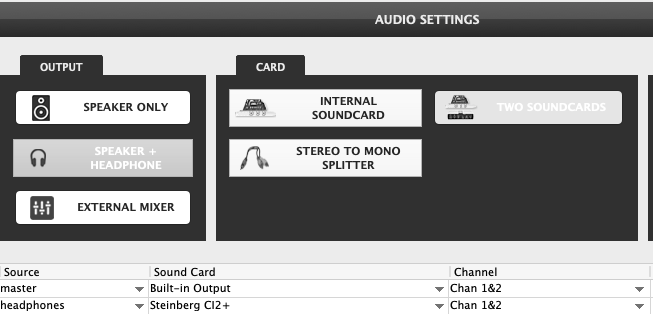
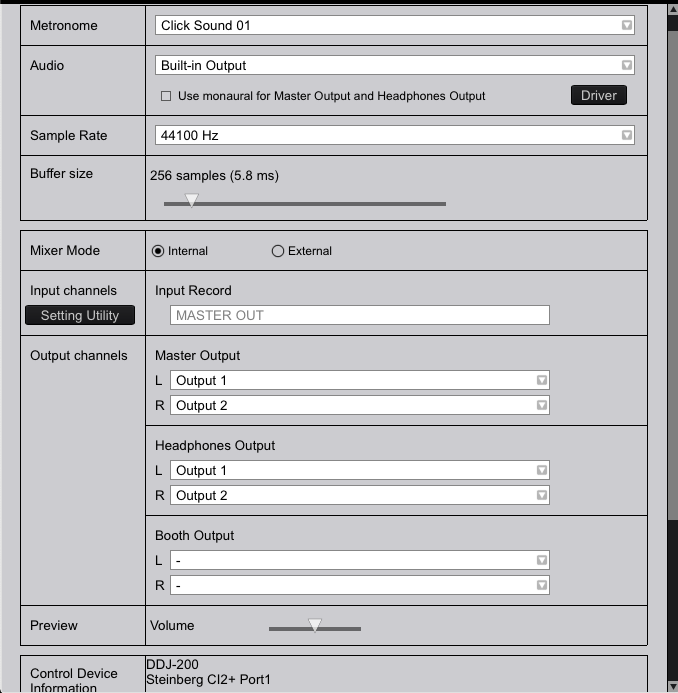
rekordbox only allows for one audio device to be used, but if you're on a Mac (which it looks like you are), you can create an aggregate device in the Audio MIDI Setup app:
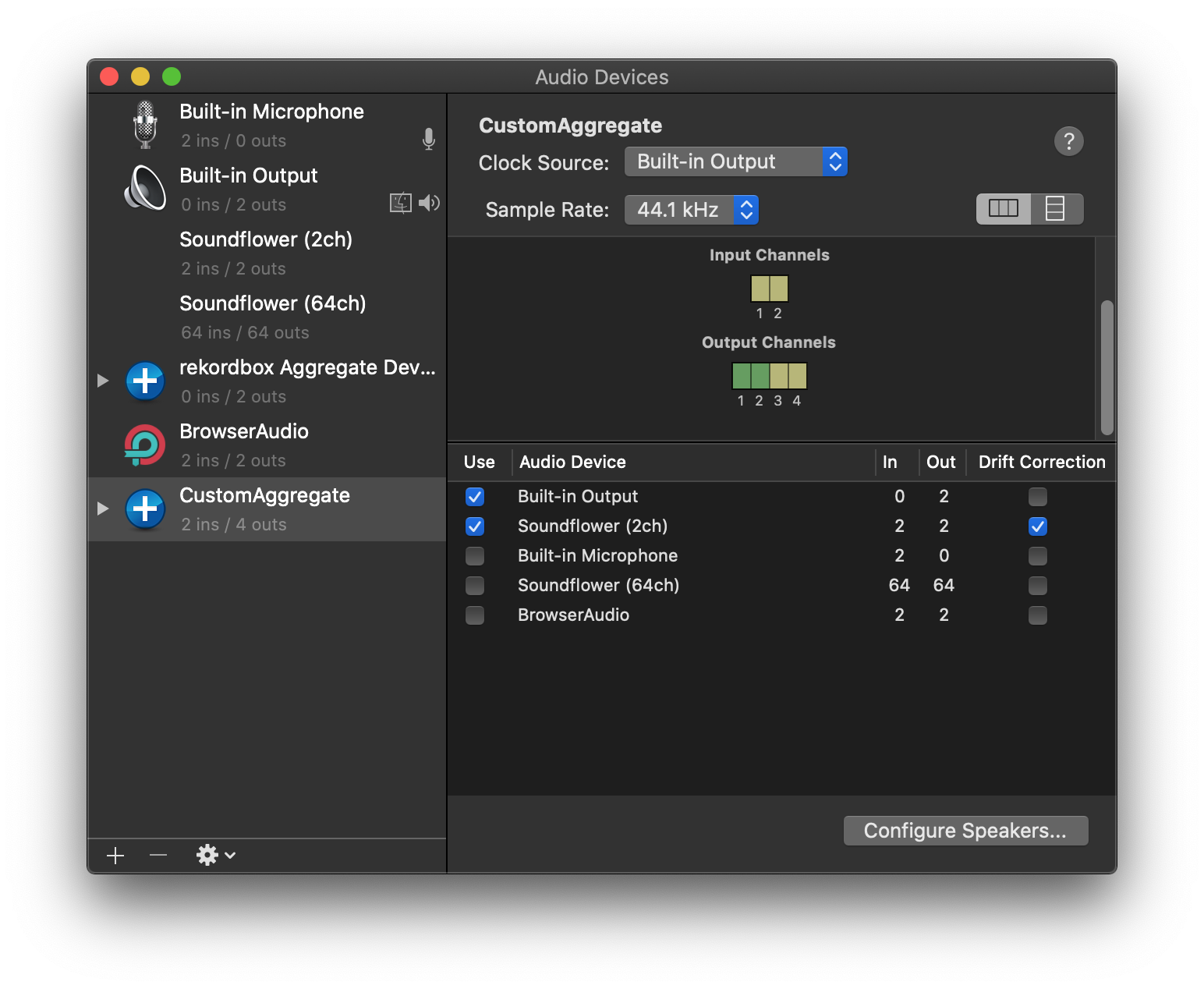
Just click the + icon at the bottom left, add an aggregate, name it, then add the hardware devices you want on the right, in the order of master first device, headphones second device.
Within rekordbox, select the aggregate you just created as the device:
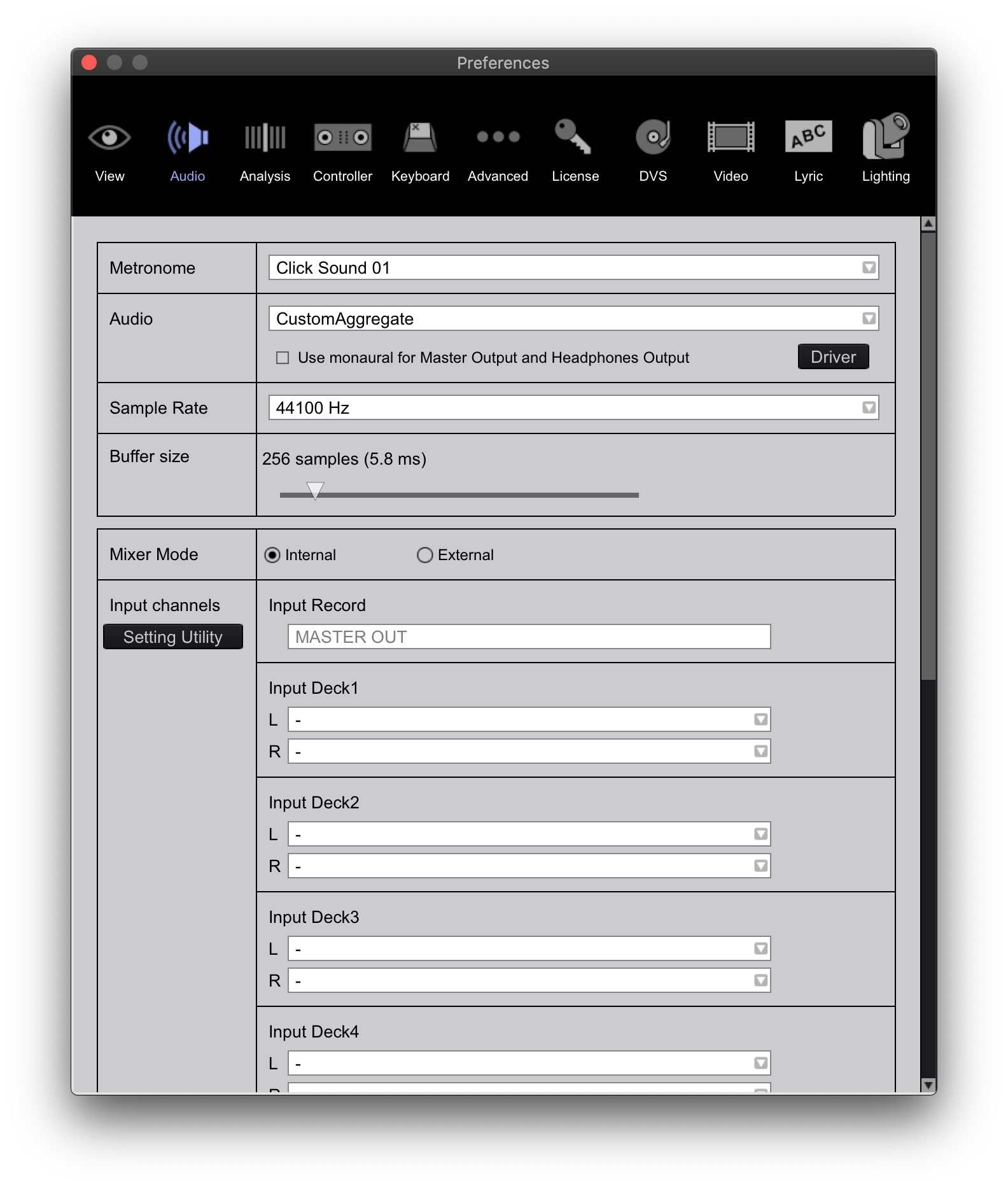 Then scroll down and check that the outputs match 1/2 for master and 3/4 for headphones:
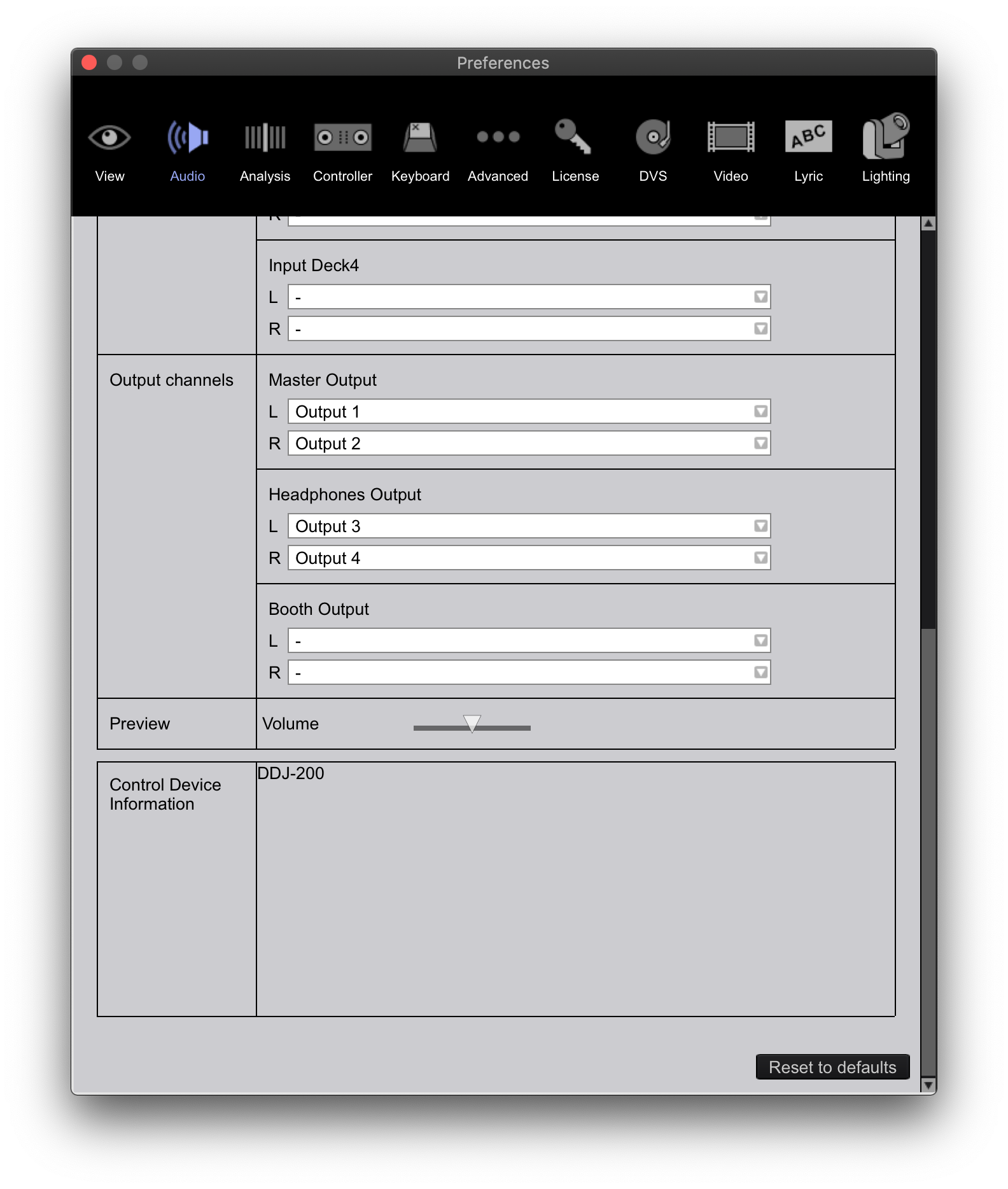
And you're set!


Comment actions