
Did you allow rekordbox permission to use the MIC in the System Preferences > Security & Privacy > Privacy ?
Comment actions

Hello everyone, I am trying to make the following setup work:
- macbook pro 13" 2019, macos Catalina latest
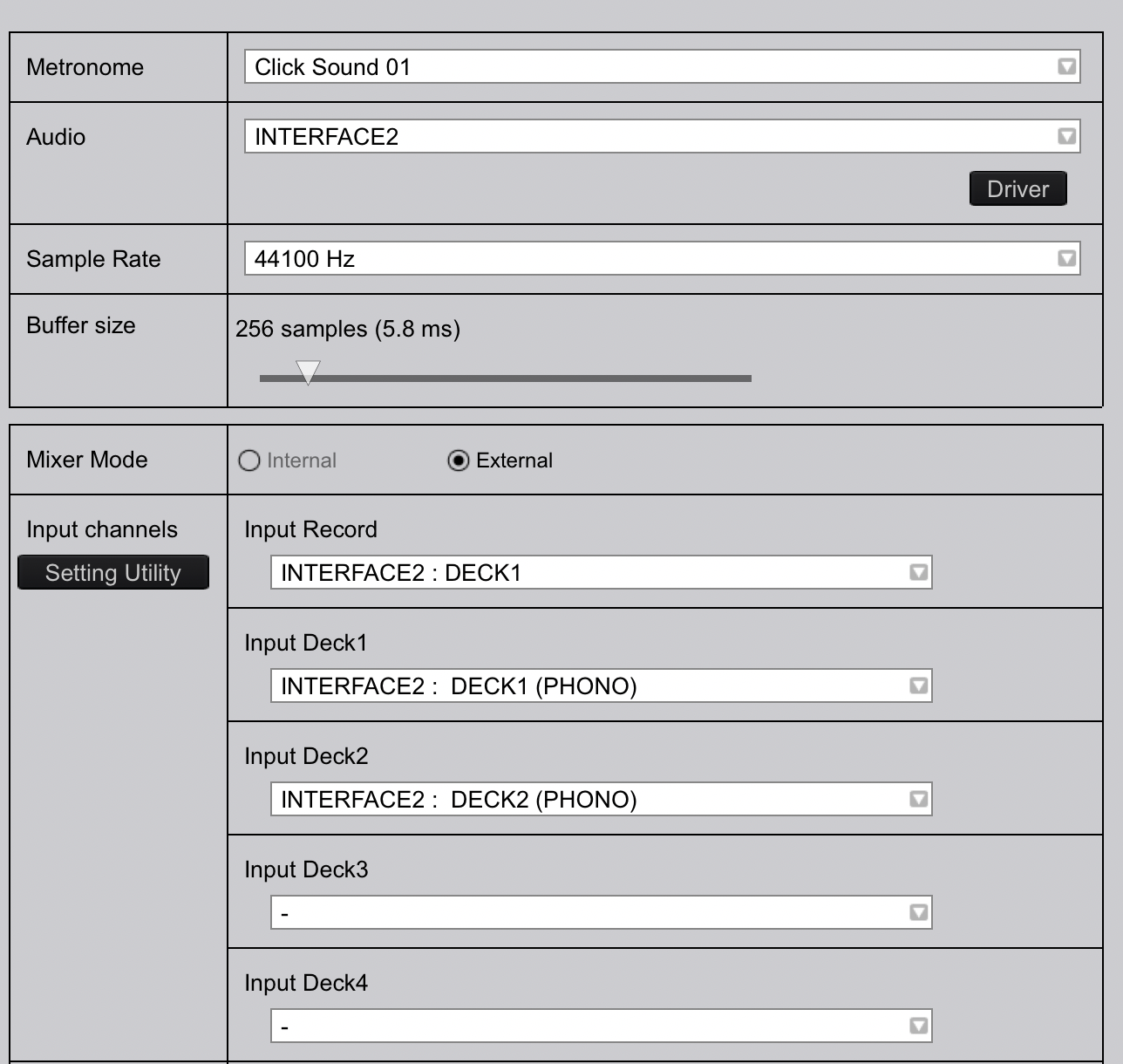
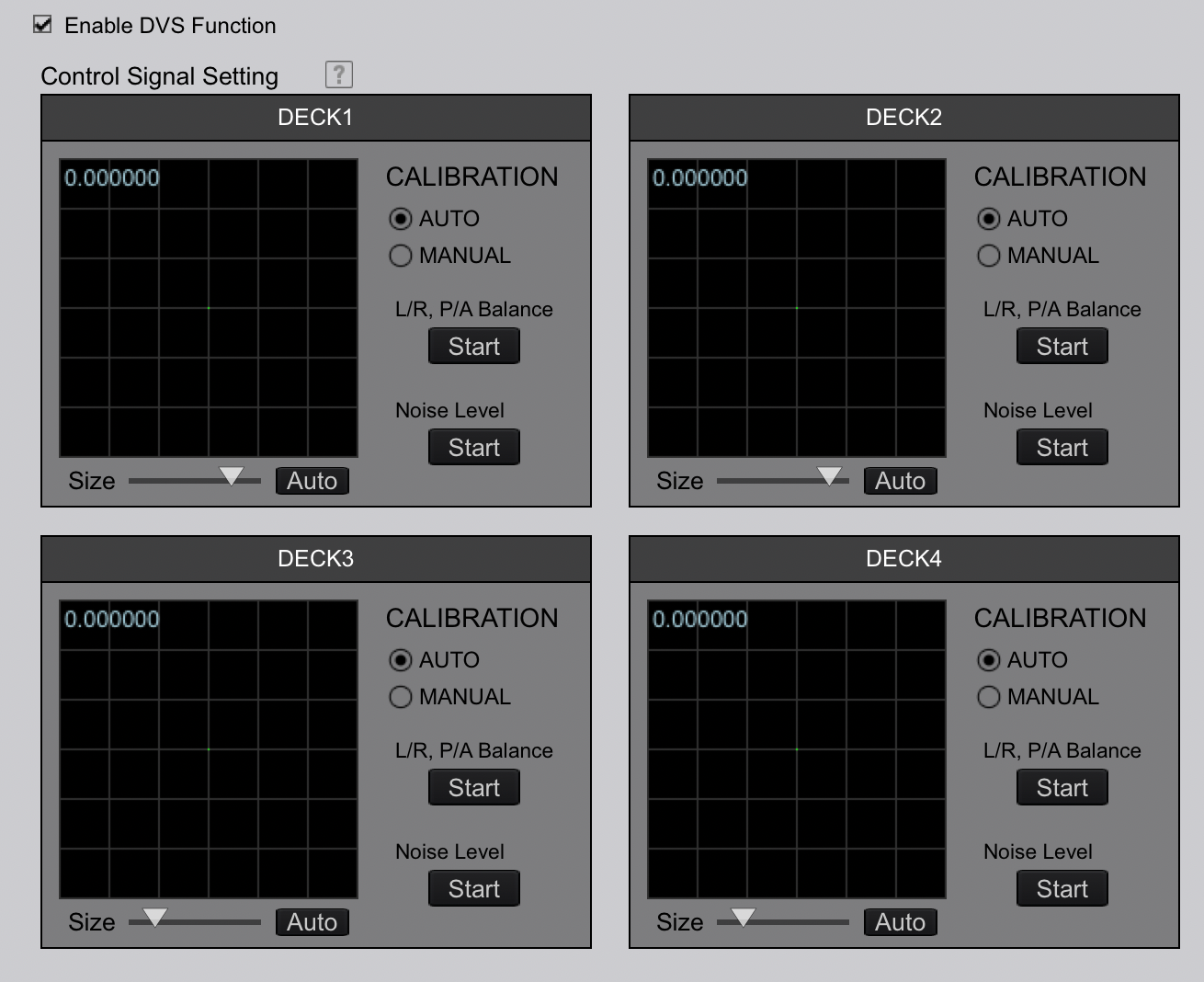
- rekordbox 5.8.4, DVS activated
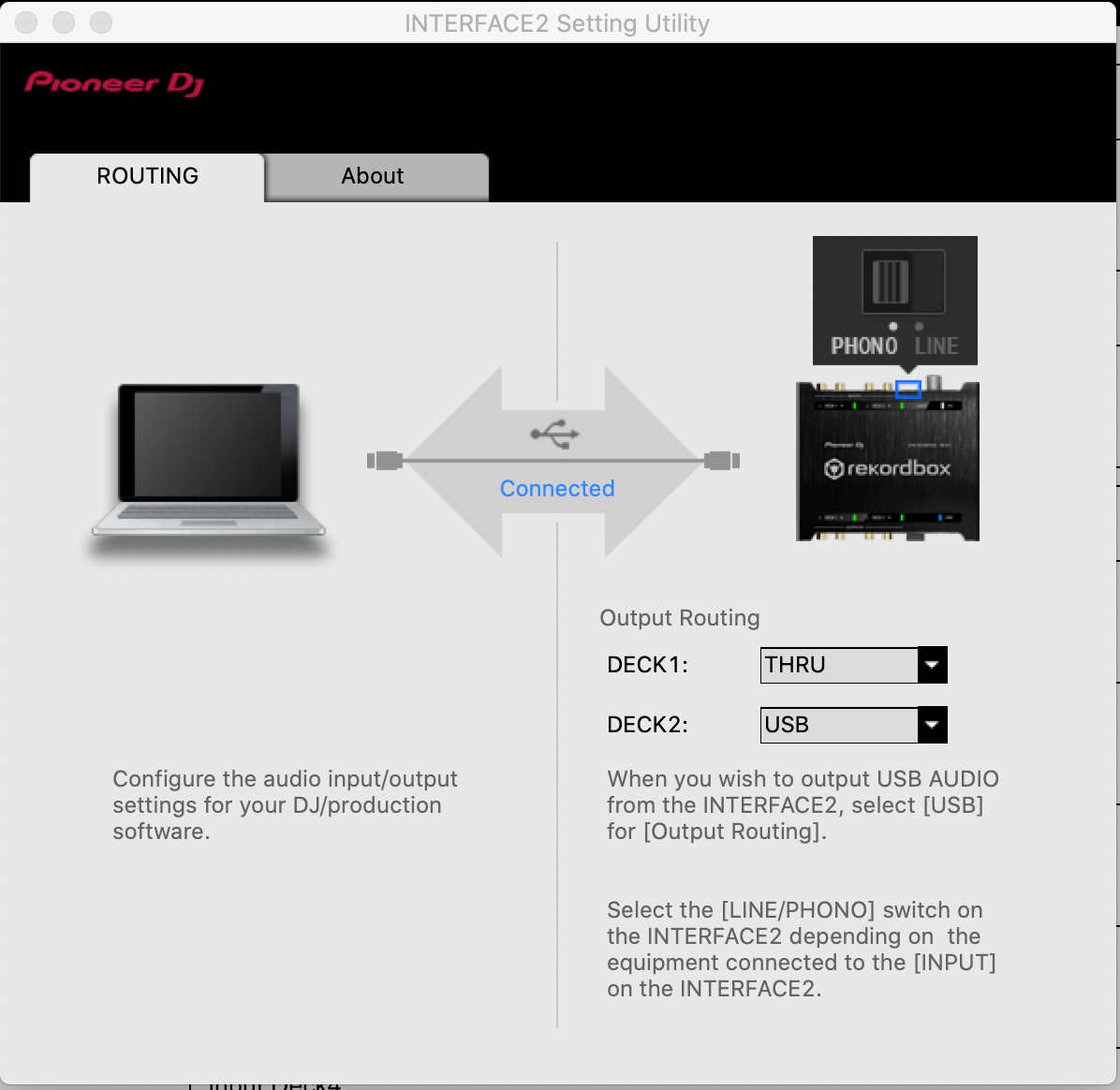
- 2 x PLX-500, outputting PHONO to
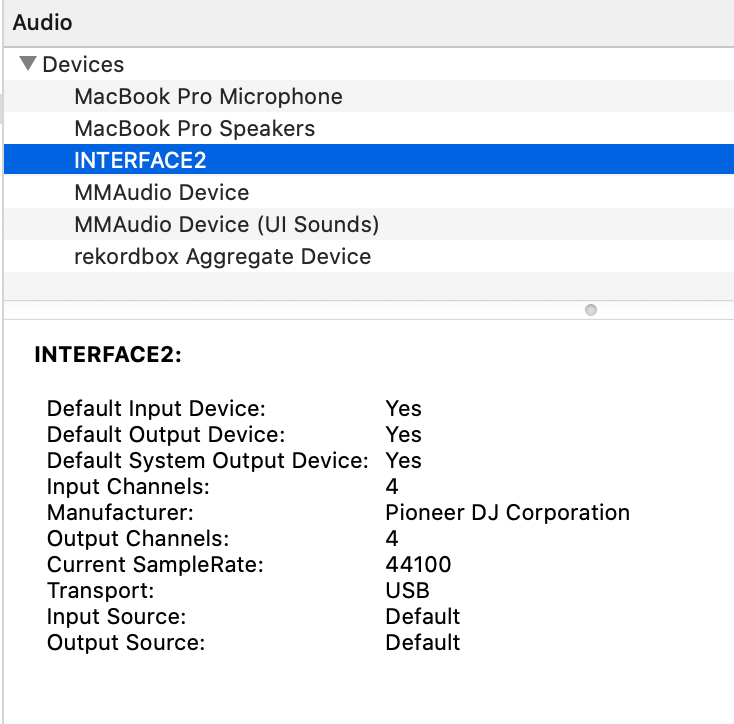
- INTERFACE2 (latest drivers), linked via USB to the laptop
I just can't get any signal form the timecoded (or "normal") vinyls into rekordbox. The exact same setup, but on a Windows laptop, works perfectly.
So I assume I'm missing something on my mac. I have followed all troubleshooting instructions (i.e. uninstall, reboot, reinstall etc.) a couple of times. However I never get those warning popups, no pioneer app appears blocked by macos security etc. Everything seems to (un)install properly.
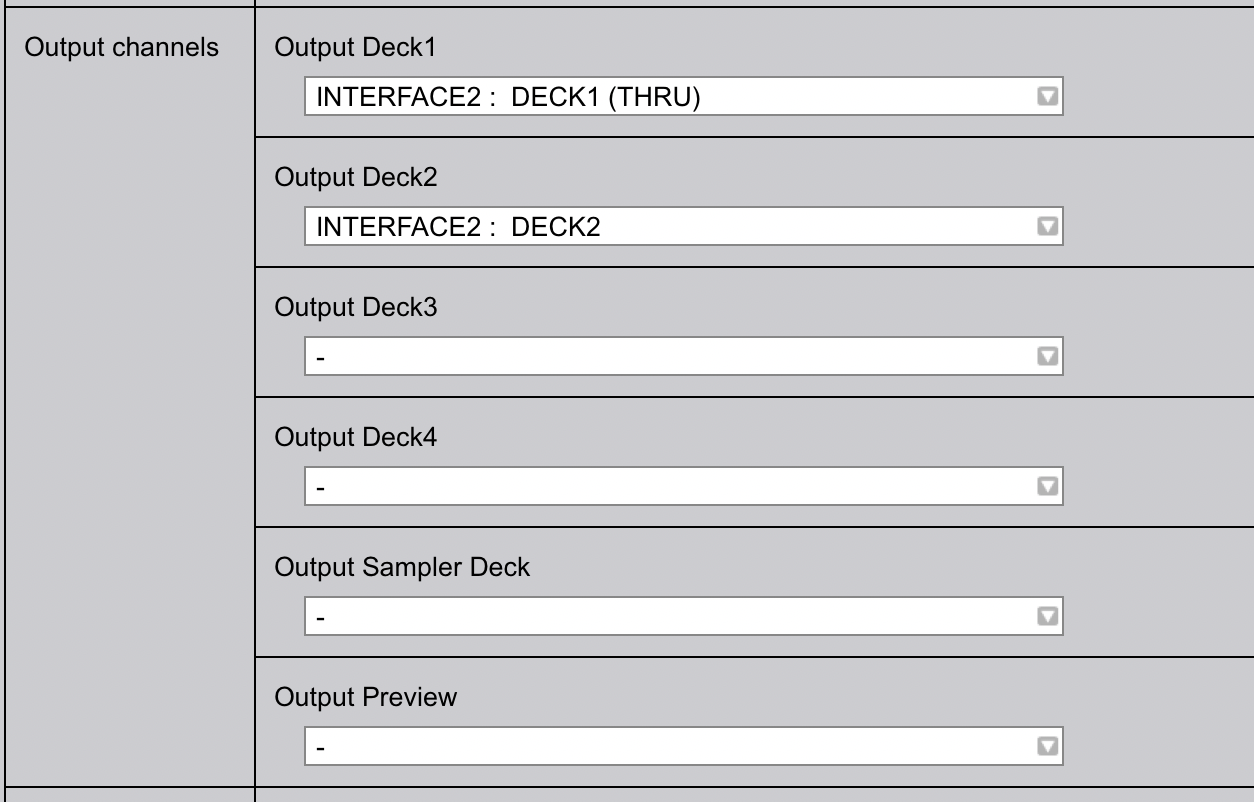
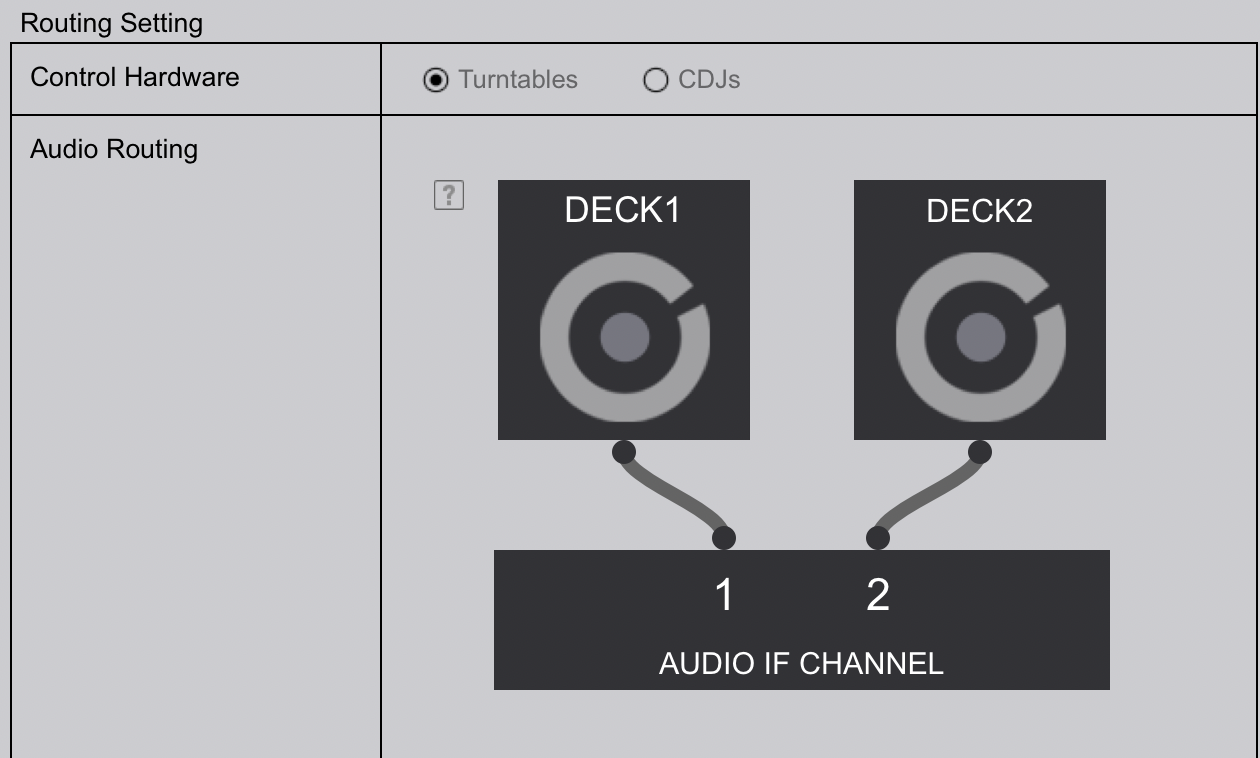
I have also attached screenshots of the current rekordbox config, similar to the windows one that works (of course I tried probably all other possible combinations as well on the mac).
Hope I did not miss anything, any suggestion is welcome.
Thank you in advance for your help!
kD
Post is closed for comments.
Did you allow rekordbox permission to use the MIC in the System Preferences > Security & Privacy > Privacy ?
Not until I read your reply.
This solved it, a thousand thank you's, kind sir (or m'am).
Cheers!
kD
It's sir, and you're most welcome! Enjoy. :)

Thanks! Fixed it for me too.