Hi,
After purchasing the DDJ-400 and installing rekordbox, I found out that the master out is not functioning.
When searching for this problem I found this Troubleshooting PDF (troubleshooting_highsierra_or_later). As Installed the 'drivers' the first time without this instruction, I followed step 2 of this guide.
As nothing is shown under [disabled software] on my MAC, I proceeded with Step 2.2. this mentions reinstalling the drivers on pioneerdj.com/support/
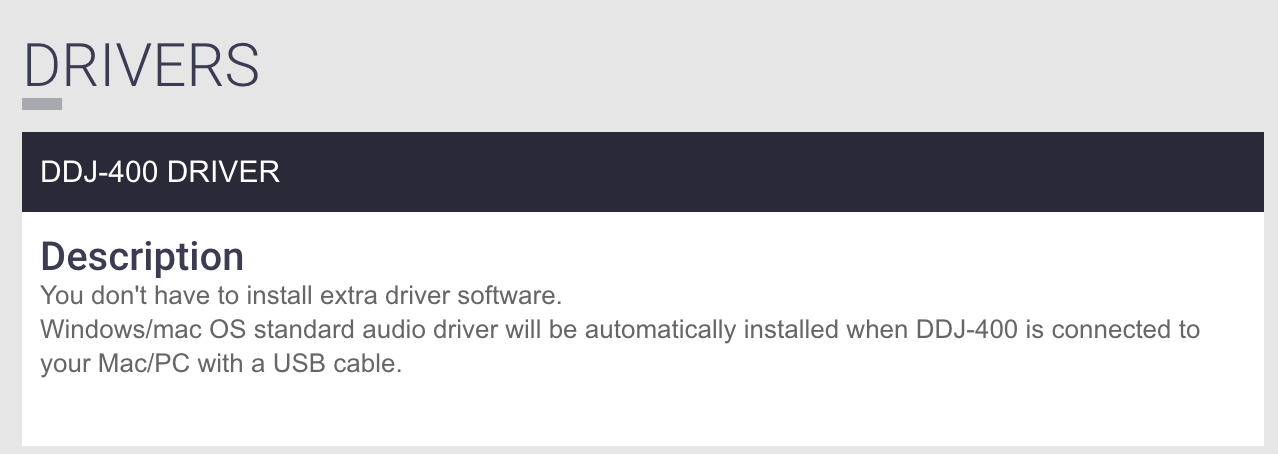
However, the DDJ-400 does not require any driver software as this is automatically installed.
Thus, this leads me to 2 questions?
1. How do I correctly reinstall these drivers, as they are initially installed by connecting the DDJ-400 to my MAC?
2. What could be other reasons for my OS to block the DDJ MASTER out and how can I solve this? As it clearly not caused by [disabled software] as mentioned in the guide/
kind regards,
Louk de Loijer

