Have a feature request or suggestion? Post your idea here!

Post

2 followers Follow
0
Avatar

Unable to save to My Tags (section disappears when you try)

I have been happily sharing a database between 2 machines at home but as of today, I think since upgrading to 6.0.3, I am unable to edit My Tag information on any of my tracks.  I can create new Tag categories and I can see existing Tags, but when I try and check or uncheck any Tag setting then the configuration window simply disappears.  This happens on both PCs (running Windows 10, both on 6.0.3).

I have tried moving the database to another location (using Pulse's video tutorial to make sure I was doing it right) but still have the same issue.

Any ideas?

djtboy

Post is closed for comments.

6 comments

0
Avatar

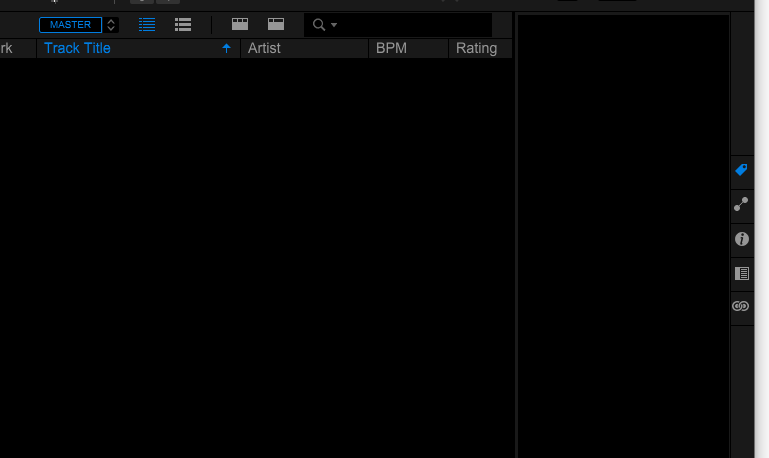
Update: I can remove existing checks/ticks tags - it seems it is checking/ticking new tags that causes not only the "My Tag" configuration window to go completely blank but also the current playlist tracks.  I can bring the display of the playlist and configuration window back by switching playlist or collection, but it is still not possible to check/tick tags.

Before ticking a new Tag:

After:


djtboy 0 votes
Comment actions Permalink
0
Avatar

(Ugh, it's a mess. After trying to tick a new tag in the playlist above, Rekordbox then reported there were zero tracks in the playlist when I reselected it.  I tried to add one back in that I knew had been in it before and was told there were duplicates.  I pressed Cancel and all 15 came back. Please help!)

djtboy 0 votes
Comment actions Permalink
0
Avatar

I have a DDJ-400 and am using Rekordbox 6 in core mode (+ hardware unlocked features).  Does that mean I cannot export my library as xml as I need a subscription to use the Rekordbox Companion App?

I have tried installing Rekordbox 5 but, unsurprisingly, I am unable to recover any of my track info (cue points, tags etc) from the Rekordbox 6 database.

Sigh.

djtboy 0 votes
Comment actions Permalink
0
Avatar

It seems it was "simply" a corrupted database and I have managed to find and restore a working copy of master.edb database and, hopefully, now have access to most of my Tagging and haven't lost too much in the process.

It would be helpful if Rekordbox could be more aware of such issues, and produce a useful error message when a broken database is detected.  Trying all of the things that I did actually overwrote all of the auto-backups, and it is a while since I made a manual one.

djtboy 0 votes
Comment actions Permalink
0
Avatar

Sorry I wasn't able to get to this topic sooner - and sorry about the mess with the database corruption. I agree, it would be beneficial to have more explicit logging of errors like this and the ability to recover (there is actually some backup intelligence built-in, but I'm not sure what might have caused this error).

Are you syncing / sharing the database between computers using my unofficial instructions?

Pulse 0 votes
Comment actions Permalink
0
Avatar

Hi, thank you for the reply.

Yes I think so - I have an external FAT32-formatted hard disk attached to my desktop Windows 10 PC which is mapped as the R: drive.  That drive is shared across my home network and accessed by my Windows 10 laptop, which I have also mapped as R:.  The external disk has all of my music and the master database.  My thinking is that with this arrangement I can unplug and take the external drive with my laptop if I need it outside my home (and switch the R: mapping from the network share to the locally attached device).

I try to make sure that I don't run RekordBox on both machines at the same time to avoid synchronisation/locking issues with the database and, until the problems above started (and since I have been able to recover the database back to a good state), it has worked very well - all tagging, playlists, cues etc have simply worked between the desktop (where I tend to work on importing and analysing) and the laptop (which is what I usually use with the DDJ-400).

I lost some database information, but I haven't been using RekordBox for long so it wasn't too much, and the sharing seems stable again now.  I manually backup my music to OneDrive anyway and am now trying to remember to make regular database backups there too.

Please let me know if you would like any more info.

djtboy 0 votes
Comment actions Permalink