Hi. New user alert. I've had a play with a friends DDJ-400 and going to press the button on one for myself. I've got questions about music file storage, workflow, Rekordbox etc etc. I've downloaded Rekordbox already and had a play with the software already. I've got a Windows laptop.
Currently I've got a TON of music, mostly Apple and AIFF lossless. Stored on my Synology Network Drive (NAS). Currently managed by iTunes so in the good old Artist / Album folder hierarchy. I like this setup as I also have a Sonos system in the house and this setup works well to access my music library from the Sonos.
I'm thinking ahead to when I get my DDJ-400. I want to get the workflow right.
My current thinking is import all of my electronic / dance music to my Rekordbox 'collection'. NAS will work OK as long as I have a mapped a drive, I tried this on a couple of tracks last night it worked OK. Is a network drive still not 'officially' supported?
I would then create playlists of tracks in advance of when I want to create a mix with a view to sharing the mix?
I doubt there will be many times I won't be connected to the NAS drive but I guess it's possible if I was asked to DJ at a friend's place, at my mate's with the DDJ-400 or even if I did something in the garden? Is it possible to use the export to thumb drive then import, or even re-import to same instance of Rekordbox when not connected to the NAS?
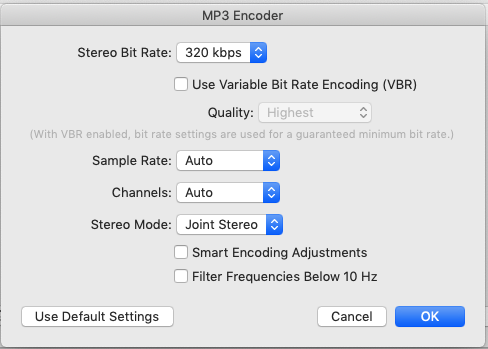
I've read other recommendations where maybe I'd be better off just creating a copy of all the lossless music as MP3 locally on the laptop, external drive or thumbdrive?
So many newb questions apologies in advance. I just hoping to get this right first time rather than commit then have to go through a time consuming rework further down the line...
TIA