
Shouldn't have a hum, and if you have tried other cables, have you tried direct into the KRKs? Also can you try a DI box or USB isolator?
Comment actions

Hello ALL, New here :)
Running a DDJ-SB3 into a Focusrite Scarlett Gen 3 18i20 interface using the USB and RCA plugs that came with the machine with Serato DJ pro. When I connect the RCAs to 1/4 jack directly into 18i20 the music playback is significantly decreased to about half volume and a Huge drop in bass Freq. if i unplug either RCA ( just one) the music comes back up to normal with a huge HUM sound. tried different cables, double checked input settings ( not on PAD or Instrument) same HUM. sounds like the same if you plug in a guitar cable into an amp and place your thumb over the end (60 Hz ?)
All updates are current. This was straight for playback and not running into a DAW. Settings Input/Output is Focusrite 18i20 into 2 KRK 10's isolated on stands.
CHEERS AND THANKS !!
Windows 10 (new computer)
DDJ-SB3
SERATO DJ Pro
Ableton 10
Native Instruments
Korg PADKontrol
Roland D-500 MIDI Keyboard
Post is closed for comments.
Shouldn't have a hum, and if you have tried other cables, have you tried direct into the KRKs? Also can you try a DI box or USB isolator?

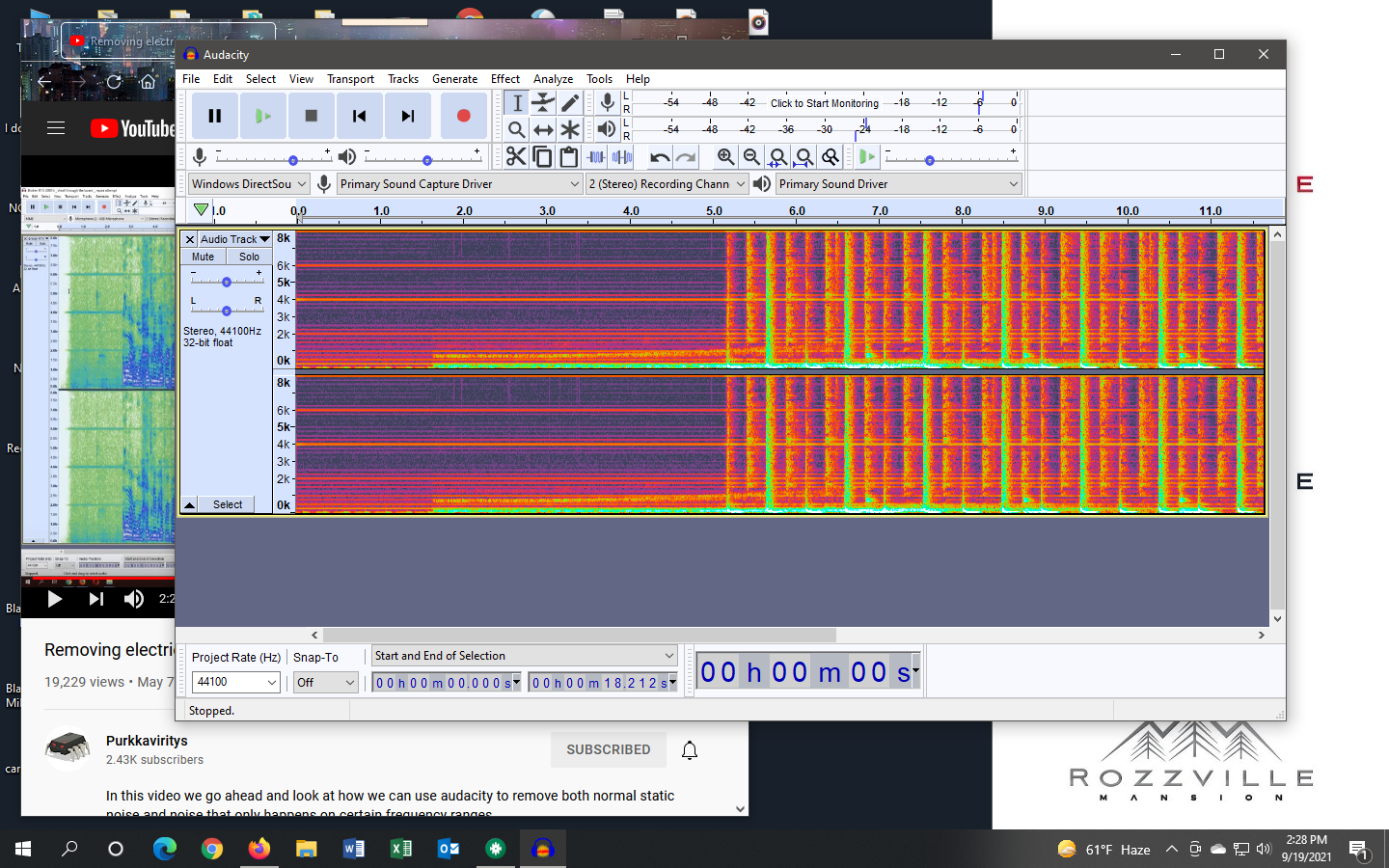
Pictured here is a picture of the audio out from the Pioneer DDJ SB3. The noise seems to be connected to the unit.
Test ran:
1. I recorded multiple clips in Audacity using different USB ports and audio in ports. Each time the hum was thick throughout the clips.
2. I plugged two of my mics into my PC, both using the same mic line in ports. Neither time did I have the hum noise.
3. I unplugged each side of my RCA line from the Pioneer, one at a time and recorded clips to see if either side was the issue. The hum was the same both clips recorded in Audacity.
4. I did notice that when I moved around my RCA line the frequency sound in my headphones changed in pitch. However, I can hear the change in frequency from the unit lights in my USB port as well.
Are these units known to have bad audio output? I will try a new cord, but the one that came with the unit is the one that's changing frequency pitch when I move it.
Would a USB powered port help eliminate this issue?
Any suggestions on any other troubleshooting would be nice.
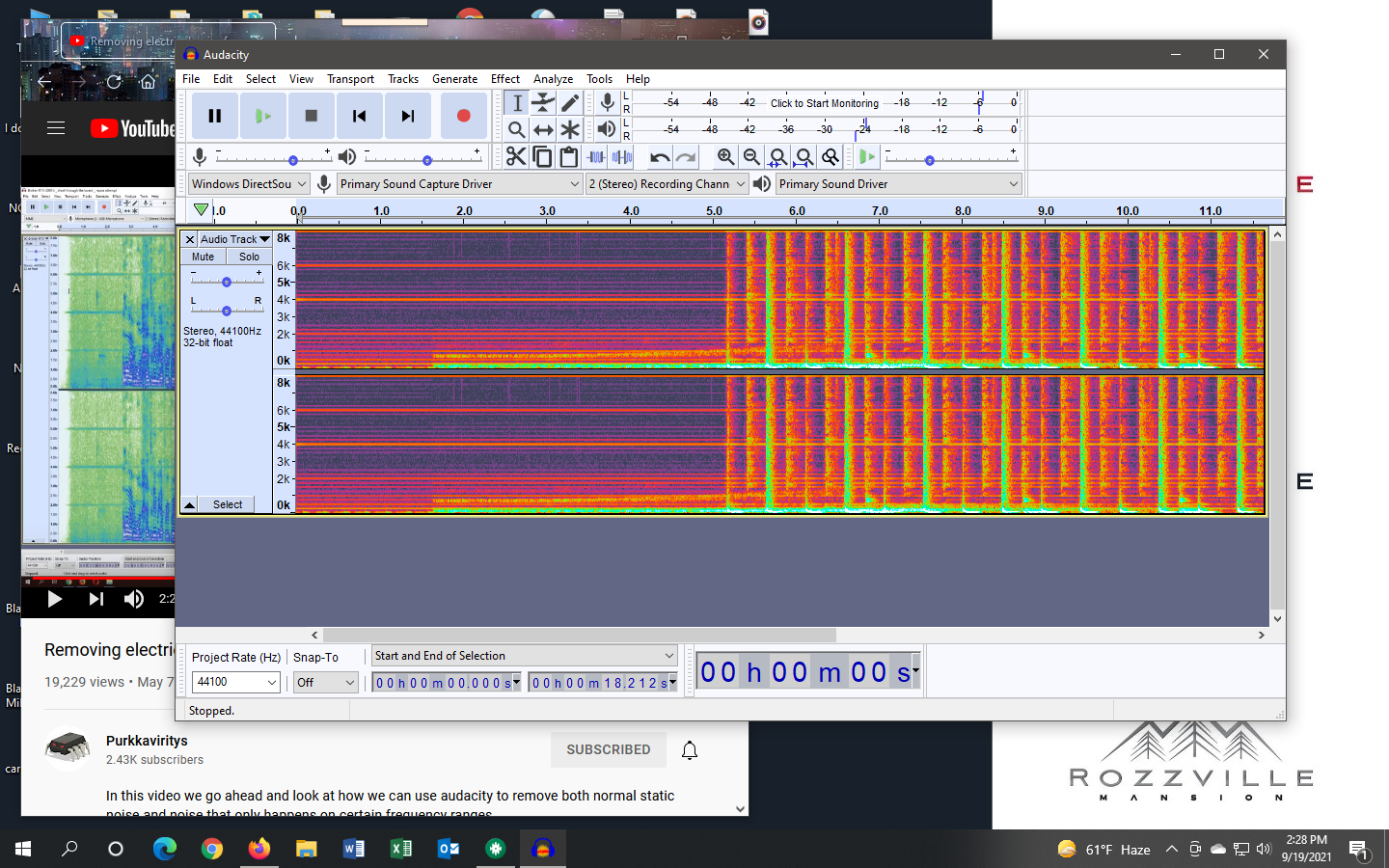

This is almost exclusively noise caused by your computer system and the interference is being amplified by the SB3's audio output. You can try using a USB ground isolator / power injector to separate the power from the computer.
An easy way to test is if you're on a laptop to disconnect the computer's power supply - you may hear a change in the audio interference.
I'm looking into that now. Thank you for the feedback.


