
You've got that song in the collection from two different locations. Either delete the one that's not missing and then point the missing one to the physical file, or remove the missing one.
Comment actions

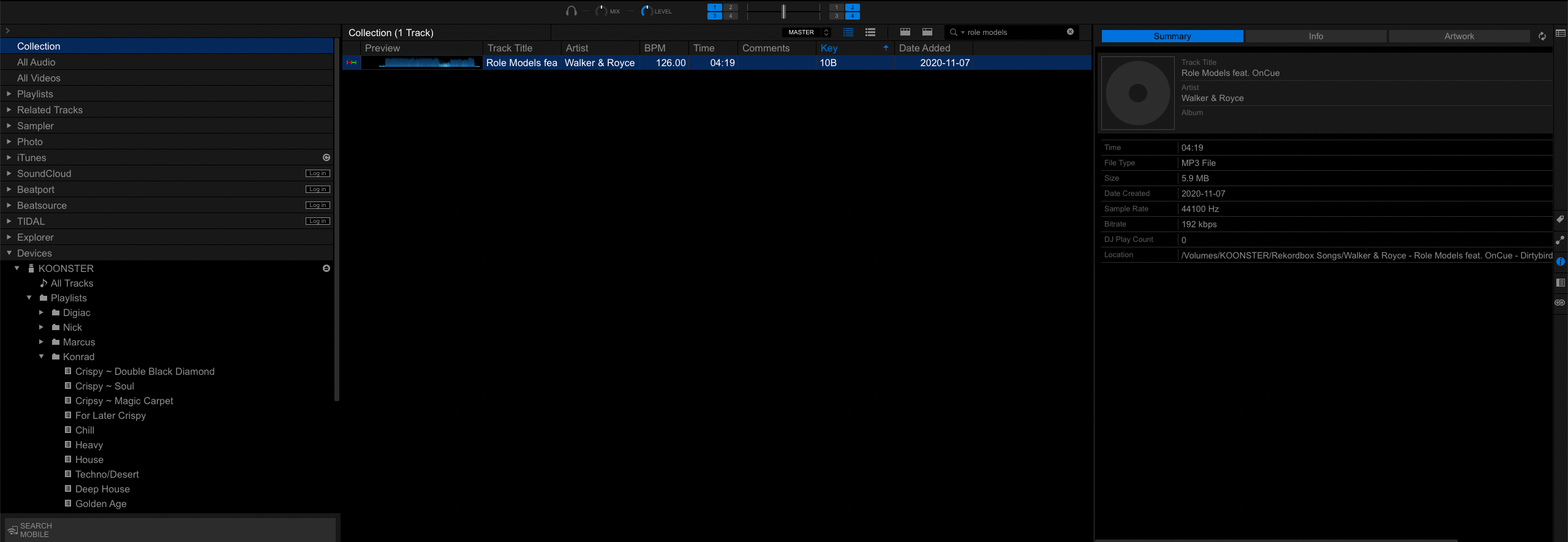
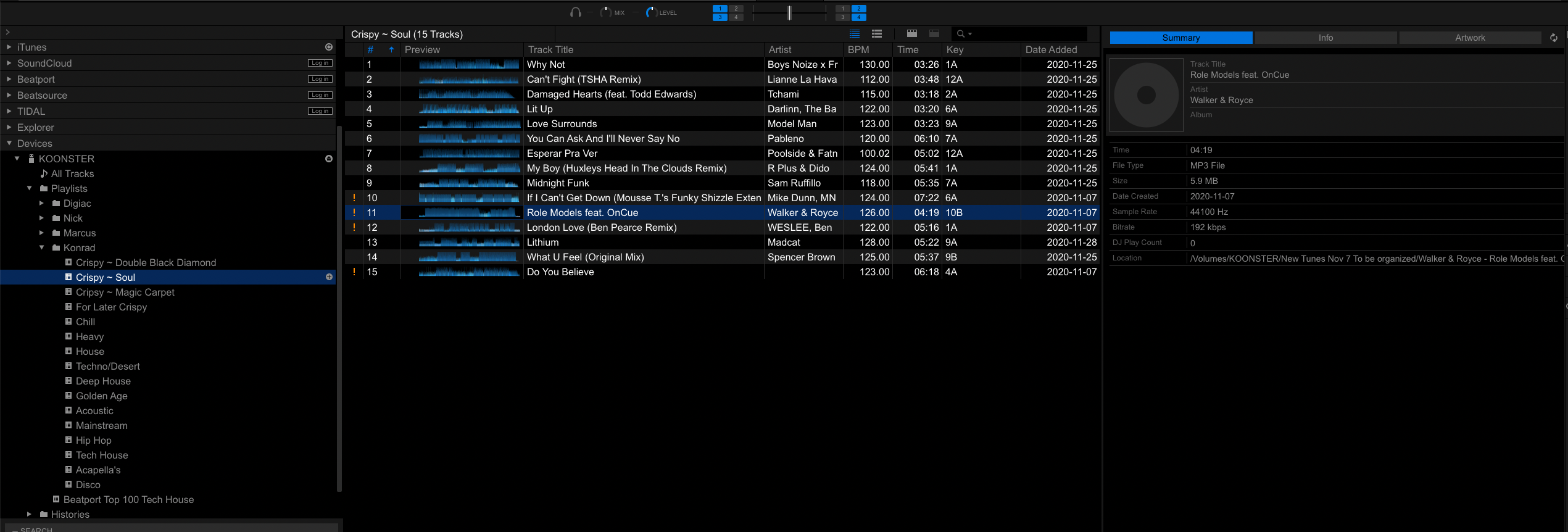
Issue: When trying to access certain songs via playlists on my USB, the "!" icon is displayed beside them indicating they're missing. If I search for those songs through my collection however they are able to be loaded.
The "Location" listed in the Summary tab of these songs is incorrect when accessing the songs via the playlist and correct from the collection.
If I delete the songs from my playlist and copy them back from the collection the directory in the playlist remains incorrect. Below are some screenshots illustrating this.
When I select these files and use "Track > Relocate" from the menu bar I get the "Missing file is already in the collection" error.
Thoughts on how I can repair these missing/broken files?
Post is closed for comments.
You've got that song in the collection from two different locations. Either delete the one that's not missing and then point the missing one to the physical file, or remove the missing one.