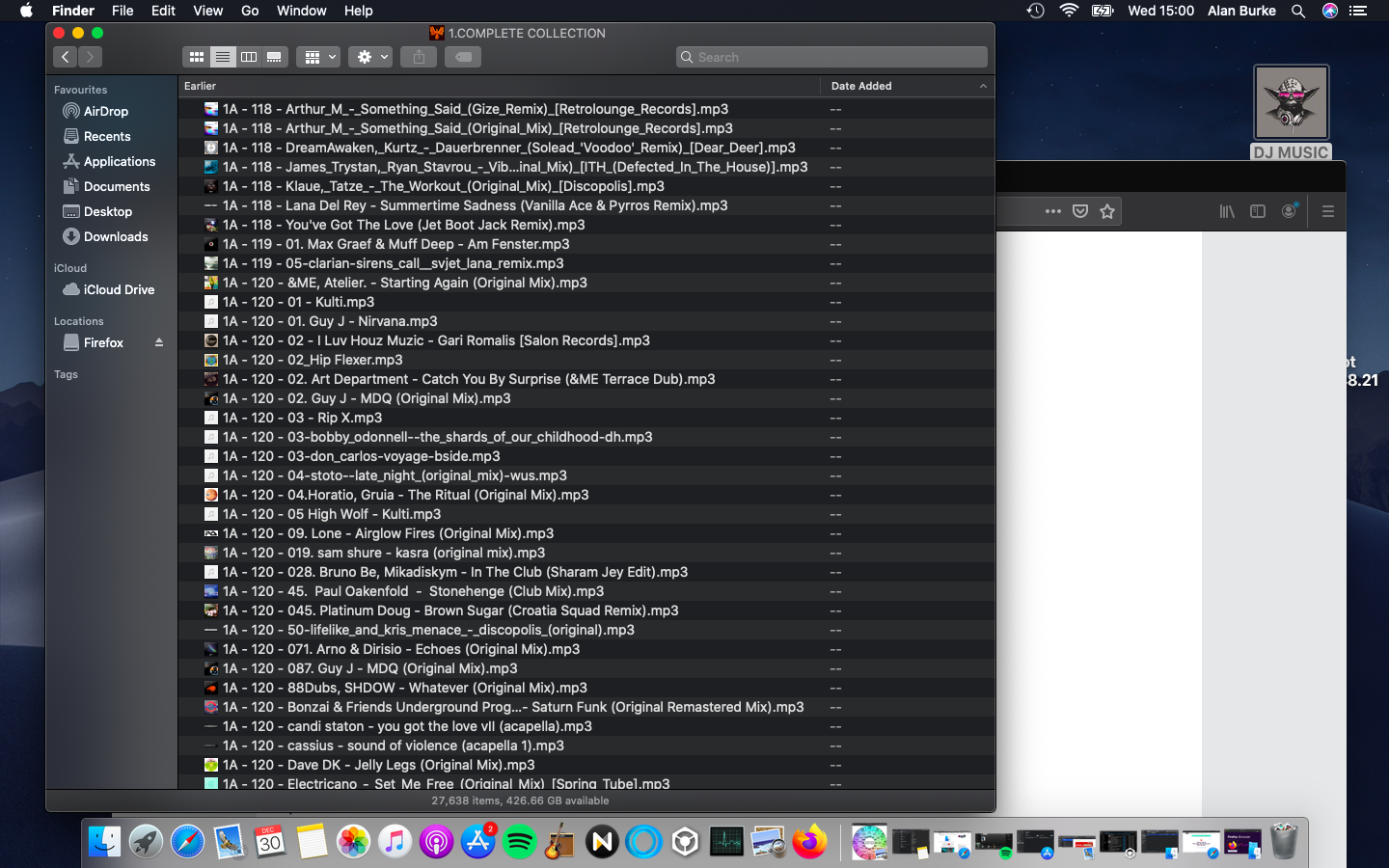
I have a Pioneer APS - X503 connected to my Macbook Air and this is the drive I import my music files to.
I'm running Catalina 10.15.7 & Rekordbox 5.8.5
Initially, when I purchase new tracks, they are saved to a folder called new tracks on my desktop. I can view the files by date added, date modified, date created (basically by any method I wish)
After running through tracks through Mixed in key, I would normally import these files into a folder on my external called 'complete collection'
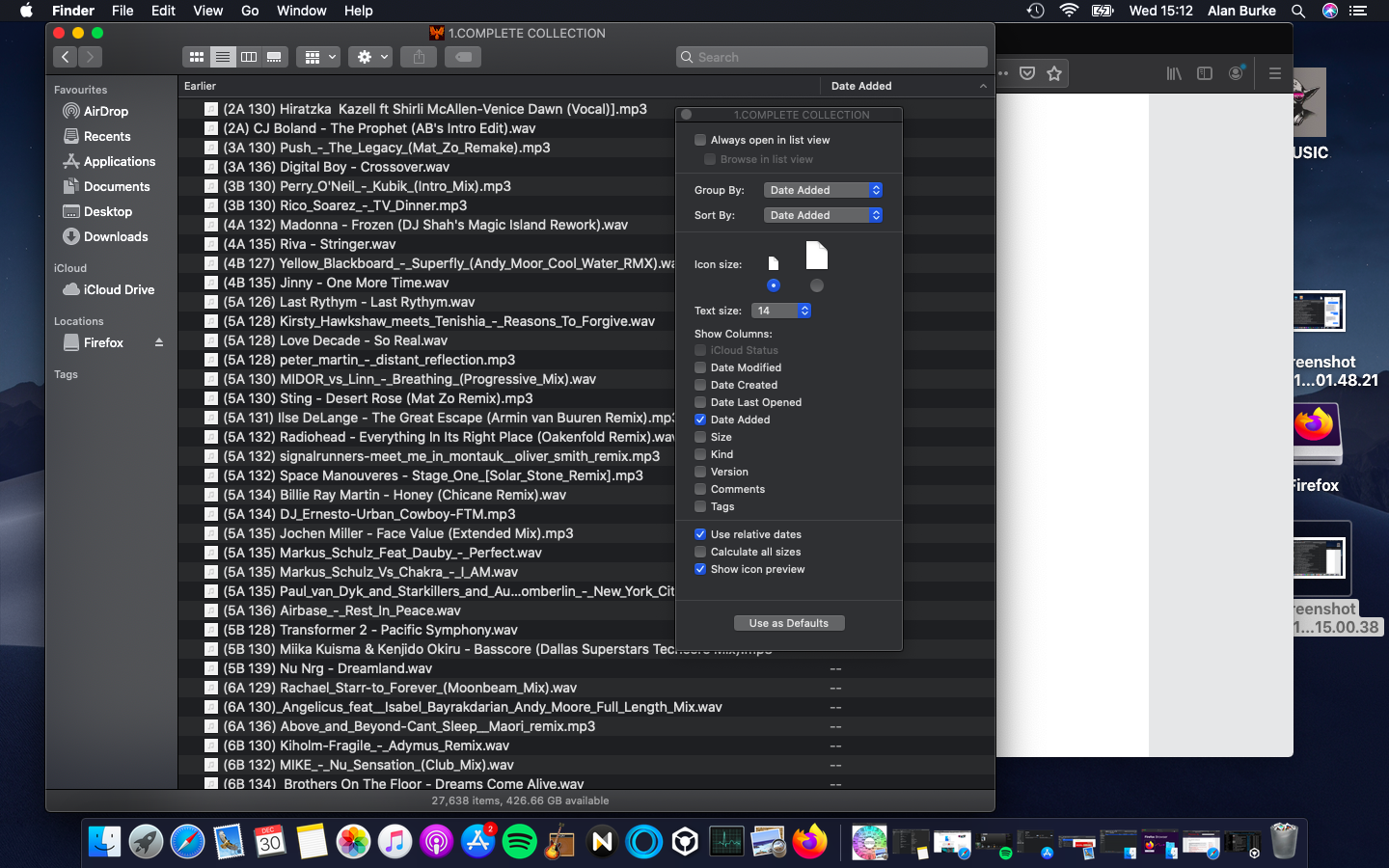
Until last night I could view these tracks by 'date added' but now this doesnt appear to work.
Date modified & Date created still works but I really want date added...
So much simpler to view by date added and then just select and drag to Rekordbox to then allocate to playlists.
Also, the drive takes AGES to open up. The seagate I had previously opend within seconds but the Pioneer takes in excess of 2 minutes and it actually has less files than the seagate.
Hope someone can help. Thanks in advance.