
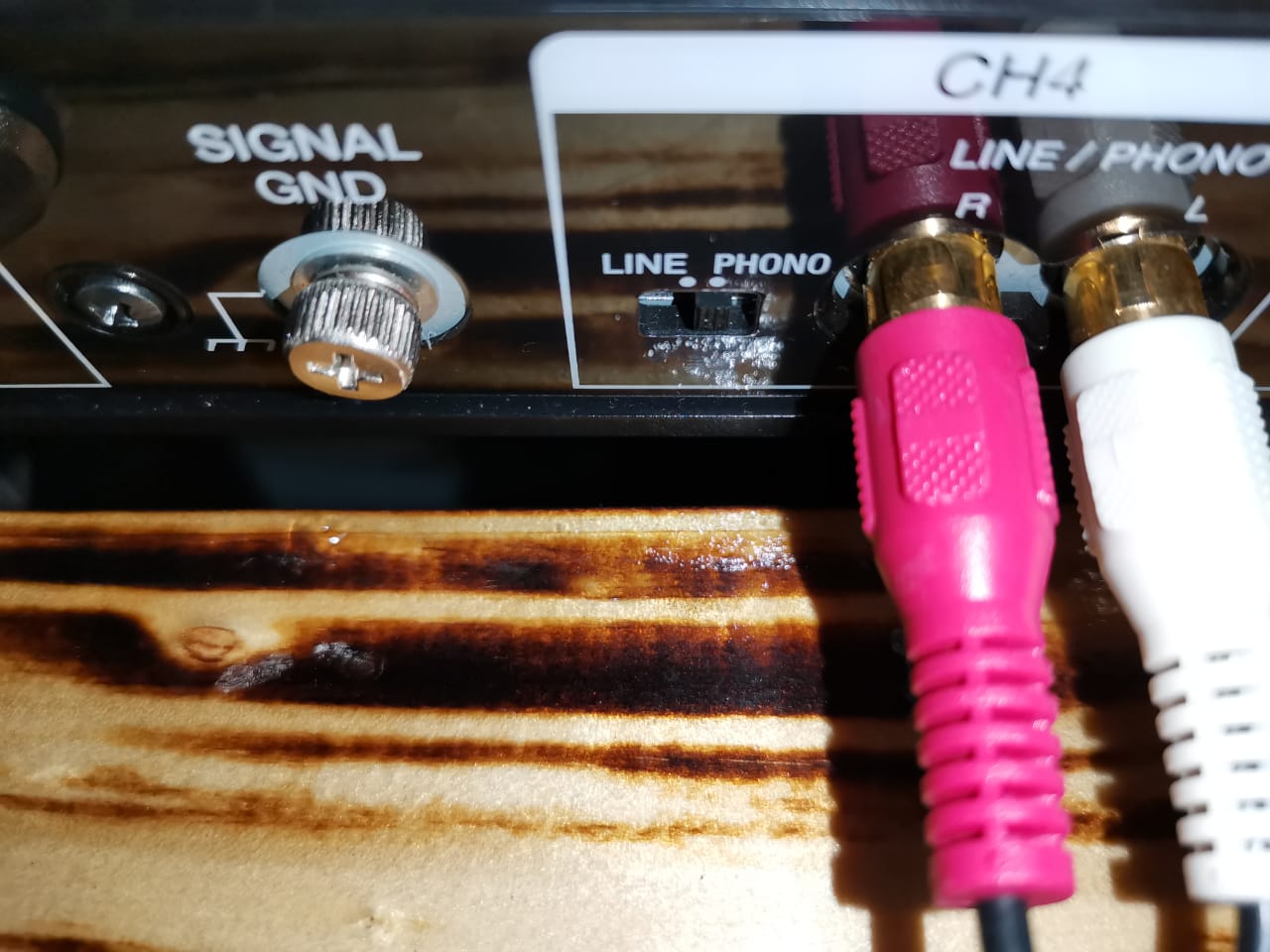
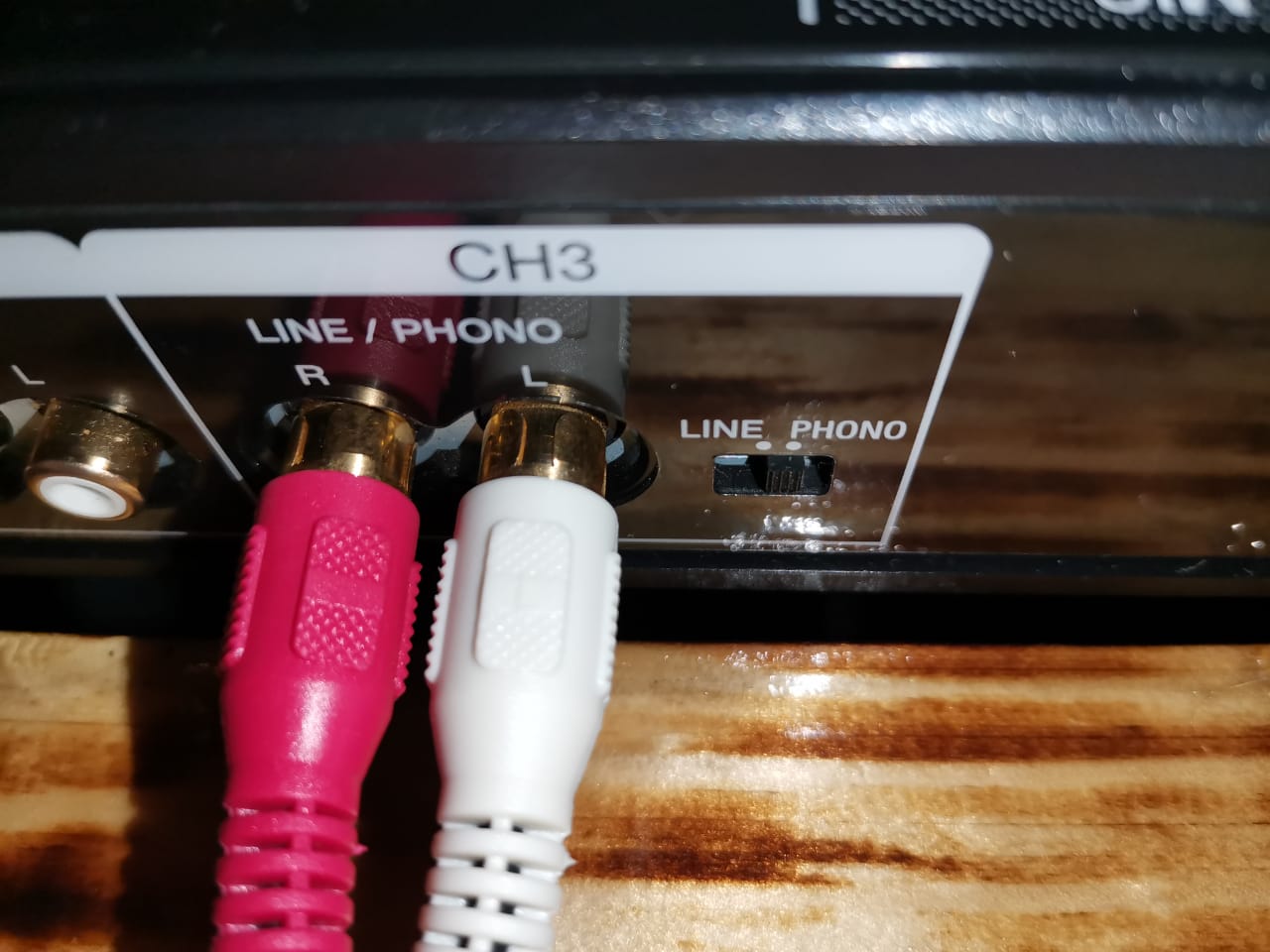
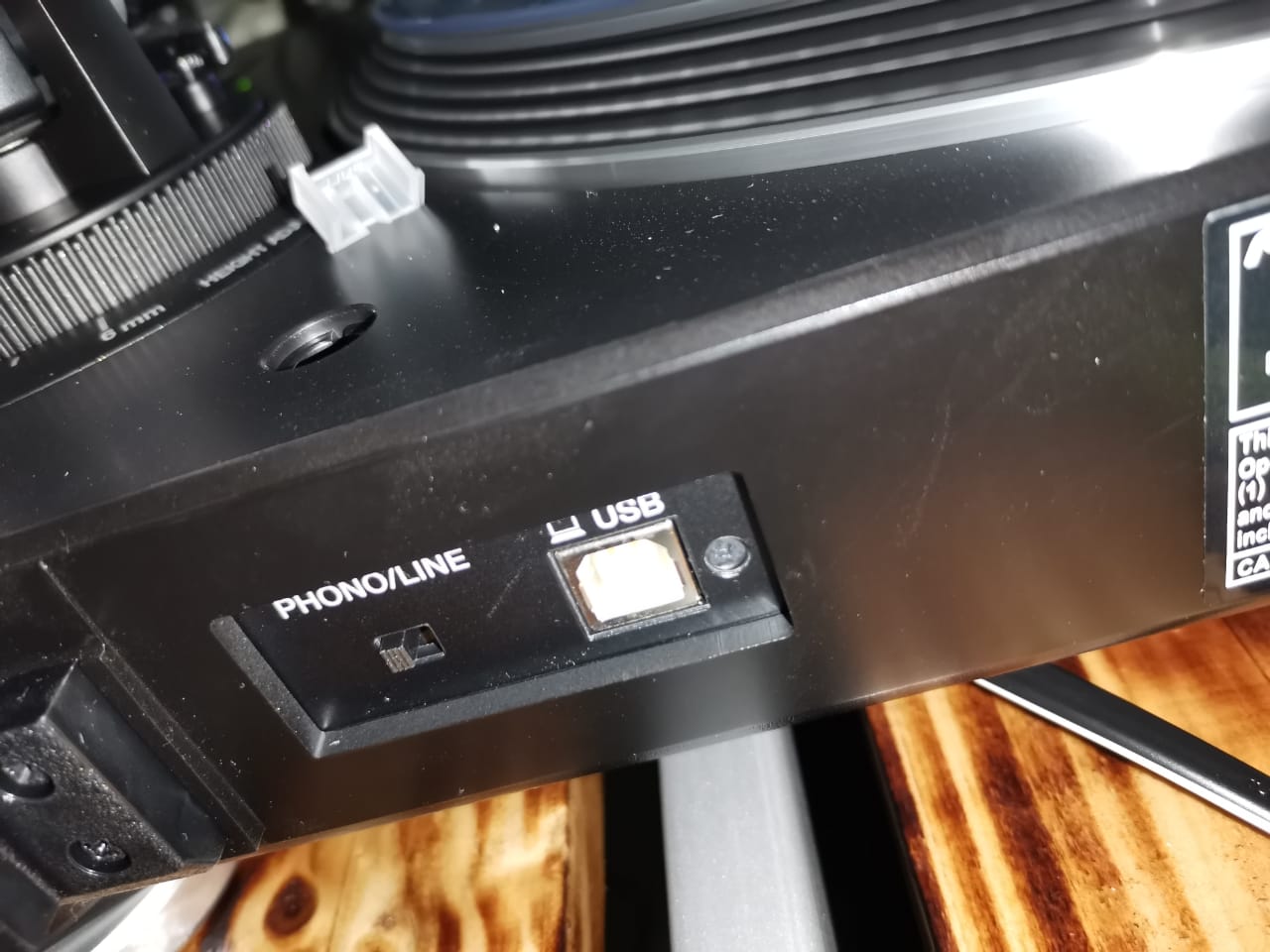
Turn both toggle switches on the DDJ-1000 and the turntable to 'Line'
Comment actions

How about estimates...I have the following problem
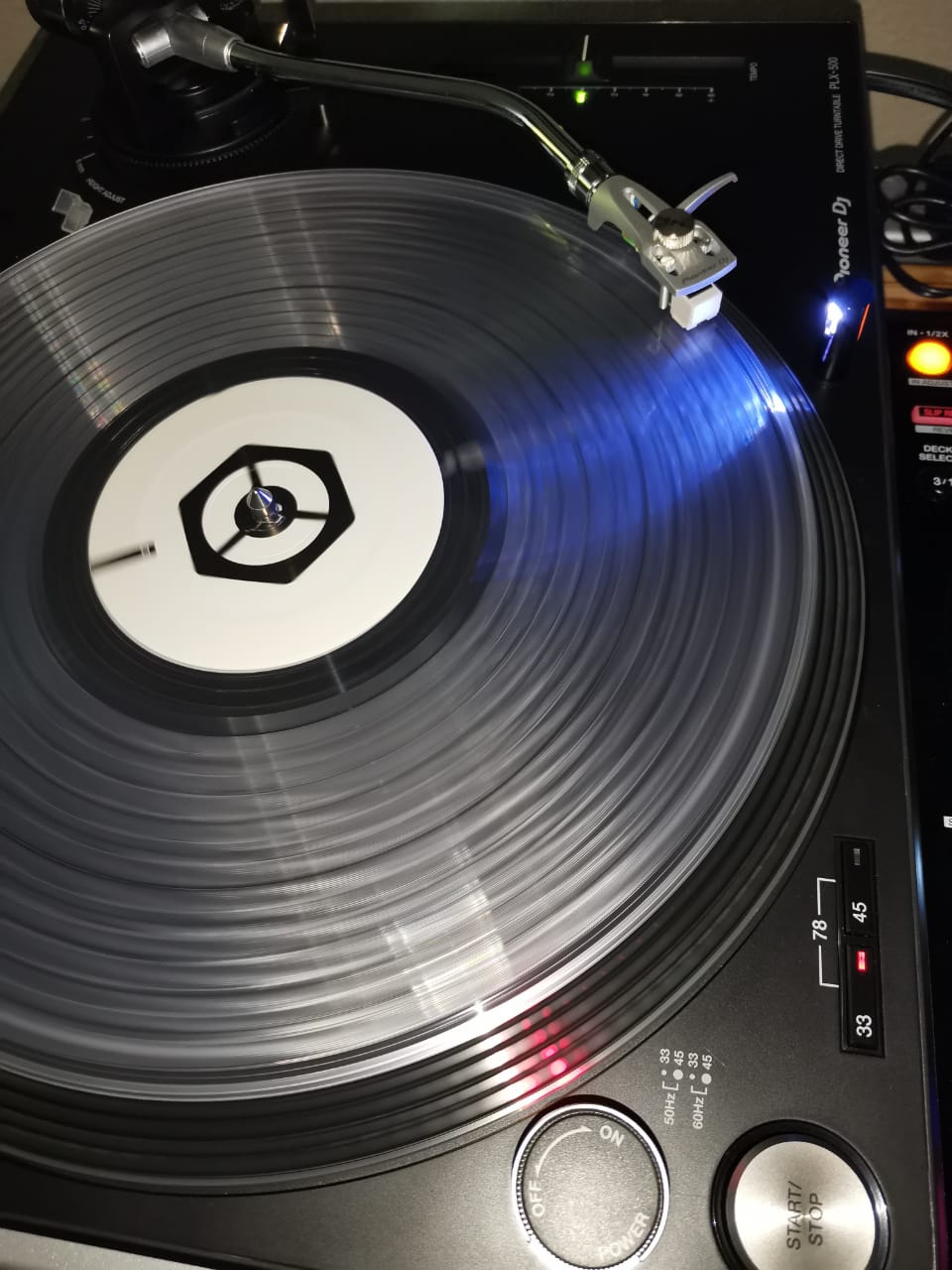
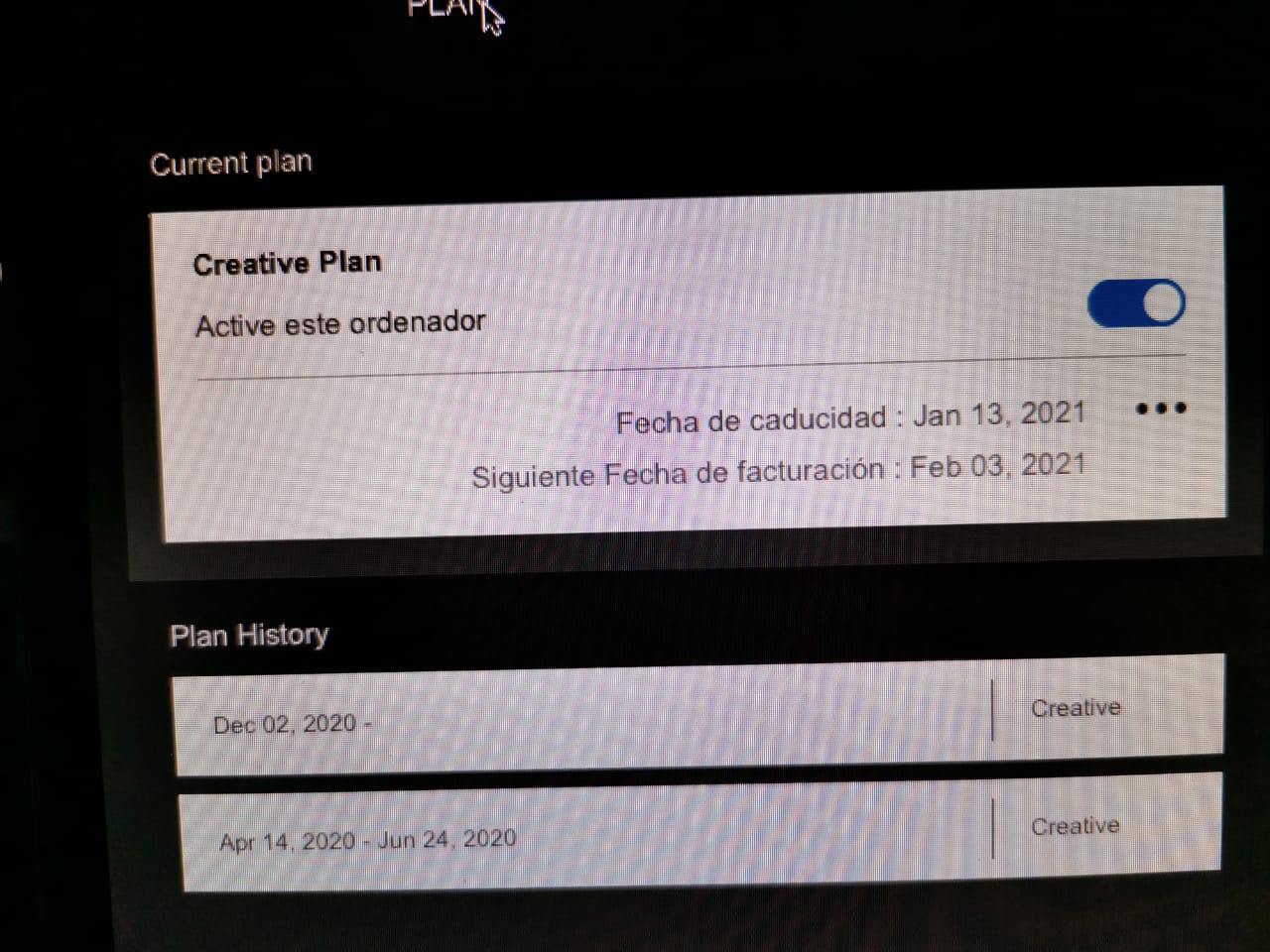
I currently have the ddj 1000 and I just bought a couple of turntables PLX-500 together with the vinyl control discs RB-VD1-cl...so in order to use them I made a subscription to "CREATIVE PLAN" and thus unlock the DVS.
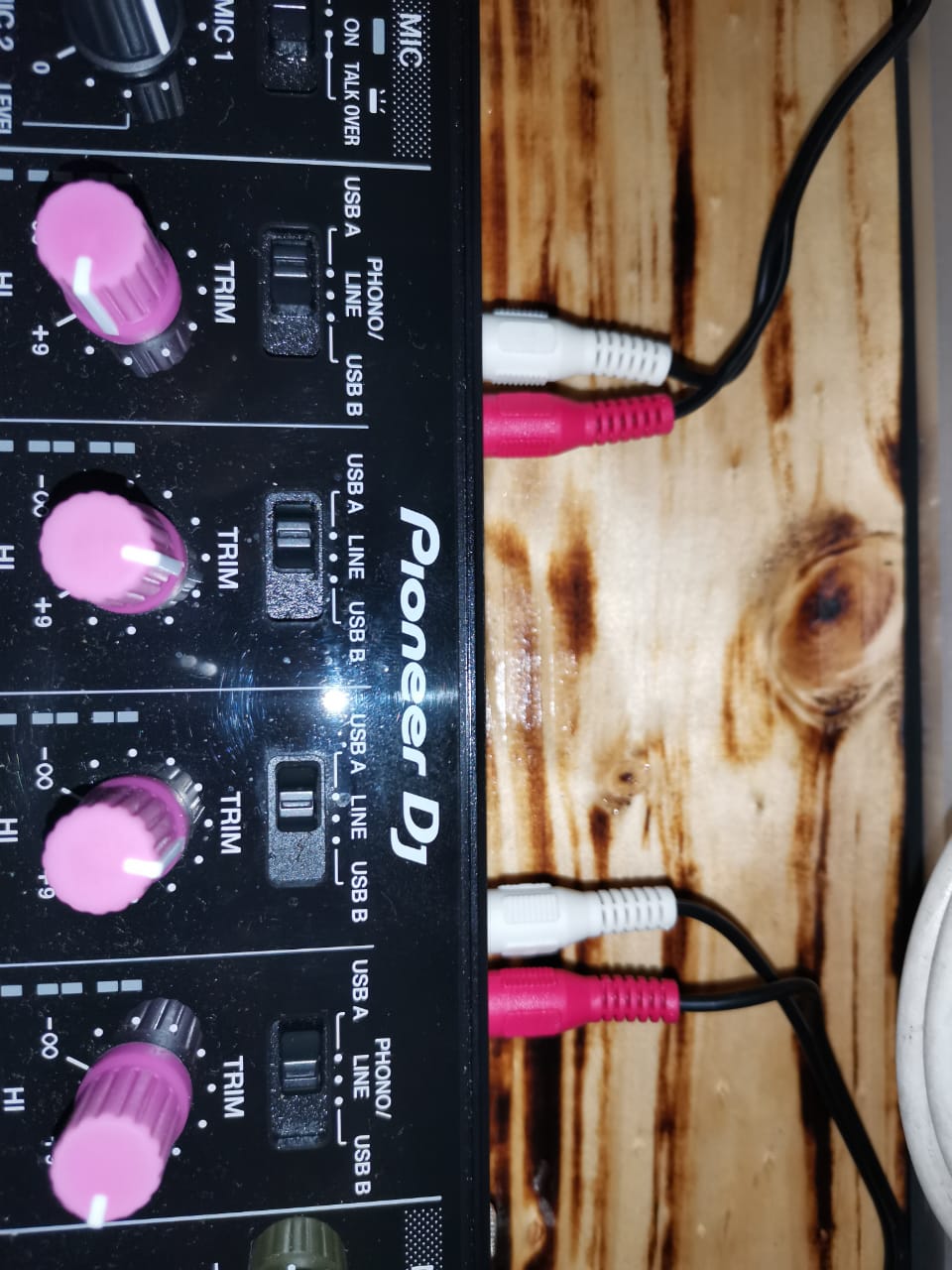
Well, I connected the turntables to channels 3 and 4 (both in PHONO) of my ddj 1000 and both channels in "USB-A" selection.
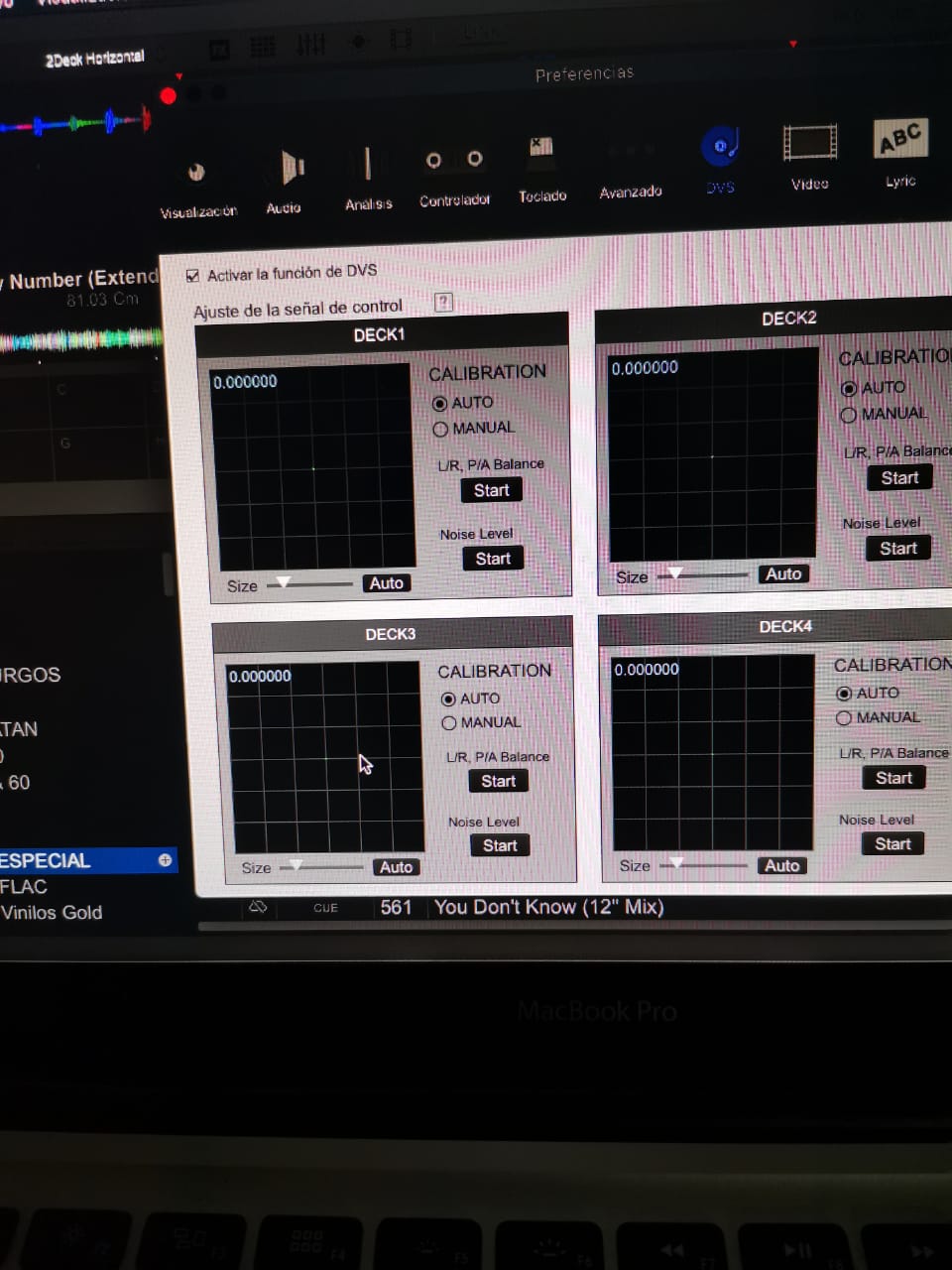
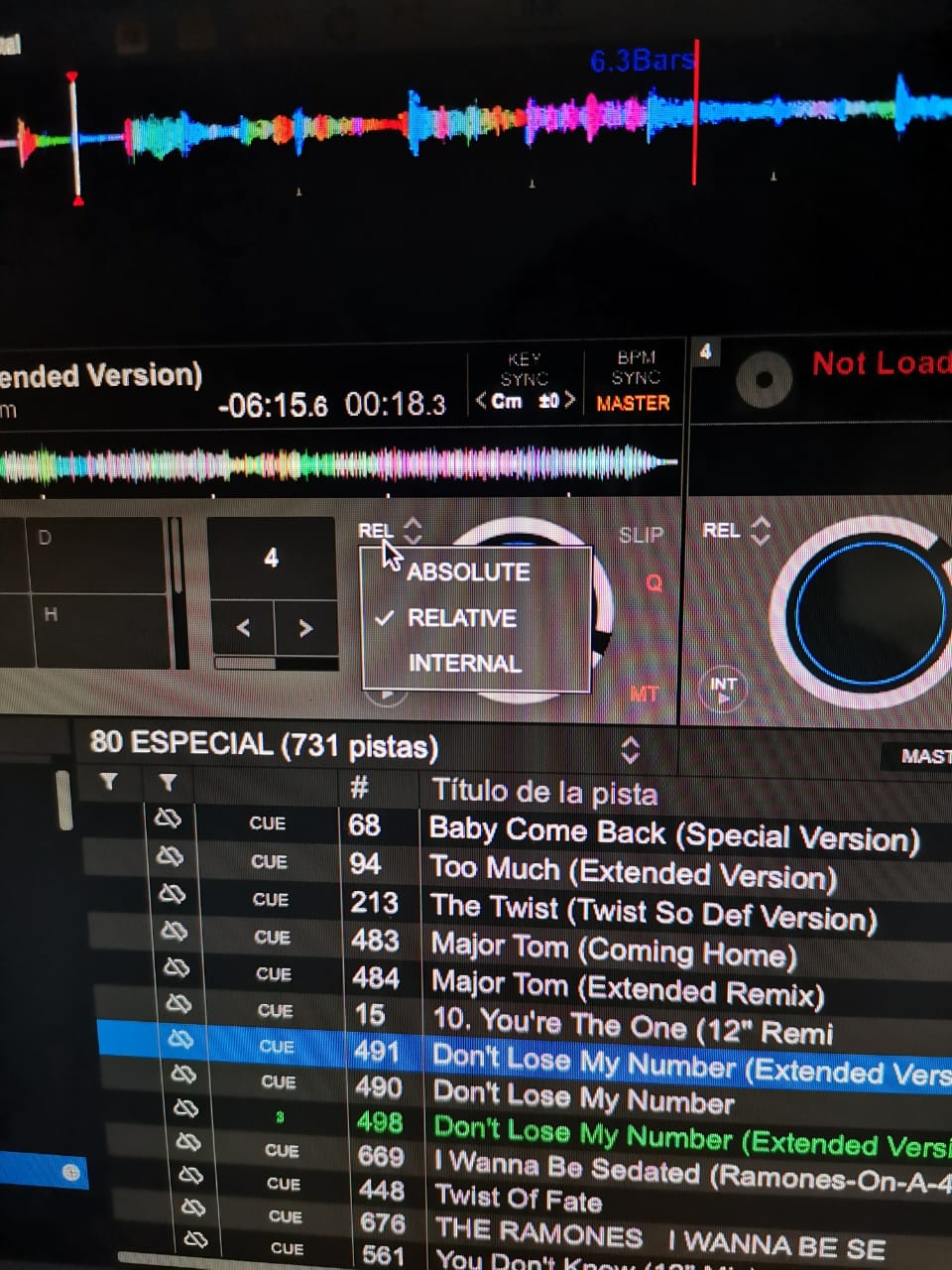
When I calibrate the DVS I check that the DVS function is activated, but when I put the needle on the vinyl control...the DVS does not show anything on the decks and therefore I cannot calibrate.
I ask you to follow the steps to make a good configuration and connection (including the connection of the equipment) in order to use DVS with my libraries.
note: can you handle "bad" vinyl control discs?
I will attach photos
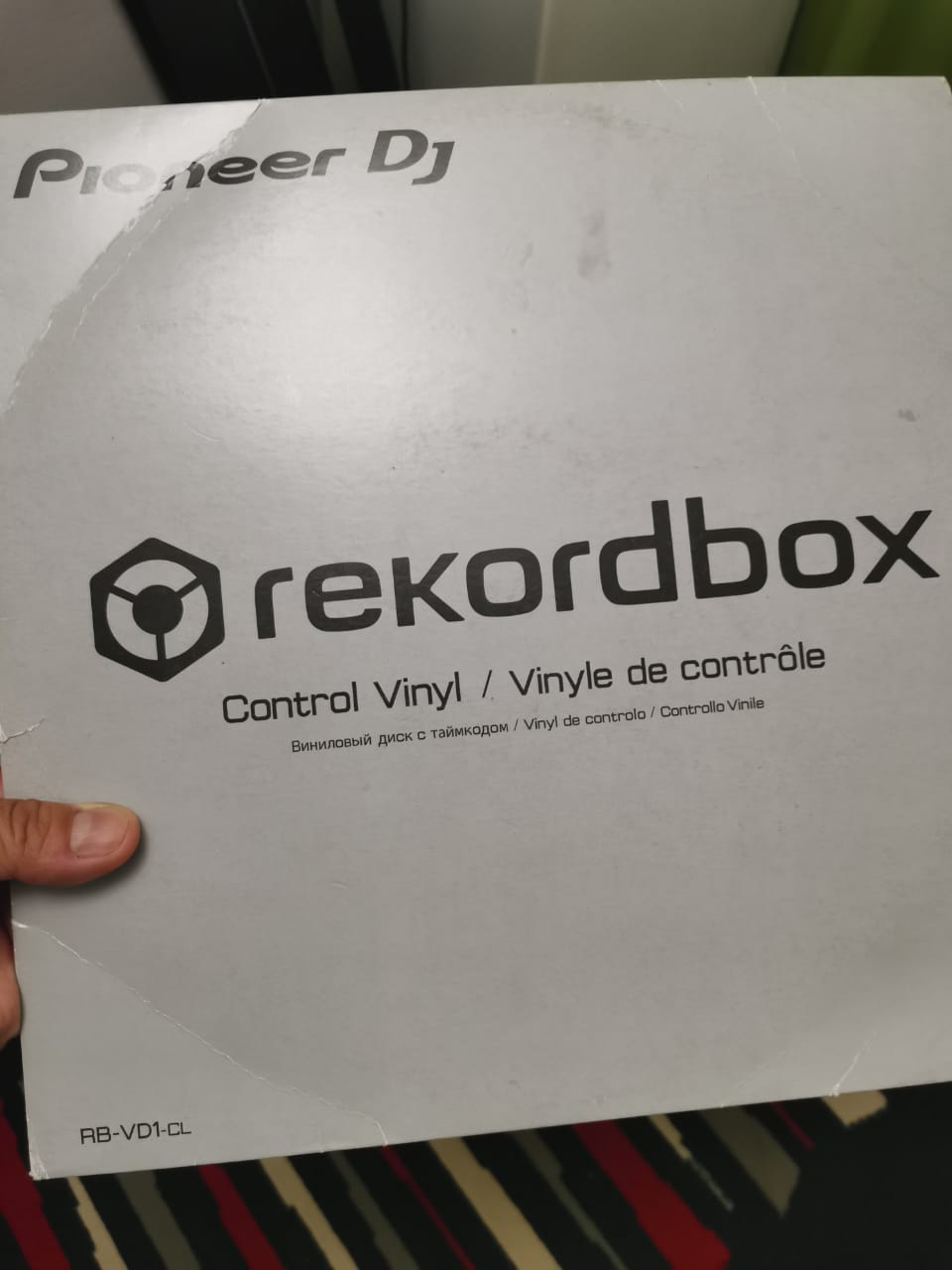
Post is closed for comments.
Turn both toggle switches on the DDJ-1000 and the turntable to 'Line'
I will carry out the tests with your advice...I think that if I leave work I will arrive immediately to carry it out...and I tell you, thank you very much....
hopefully that is the solution
Well, to get out of the doubt...I managed to go home to perform the indicated tests (both machines in LINE) and it didn't work either.
There is no reading by the DVS (green circle)
I don't know what my mistake will be, I have reviewed and tested audio from the PLX-500 with vinyl and it sounds without problems.
I hope that it is something of own configuration of the Rekordbox.
Friends...how can I raise some kind of ticket with support, I think I deserve a more direct contact from pioneer...please

Your deck source switches (above trim/gain) need to be on USB A (or B, depending where your laptop is plugged in) and not phono/line.

You can use either PHONO or LINE, so long as it's matched on both the turntable and the DDJ.
Can you post a screenshot of the audio configuration page showing the inputs? Thanks!