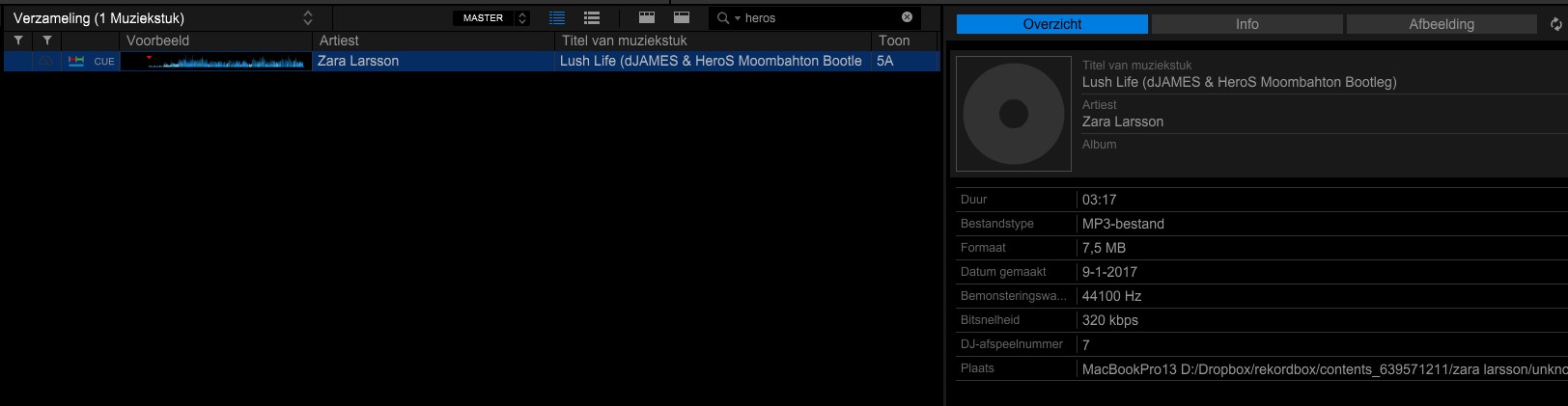
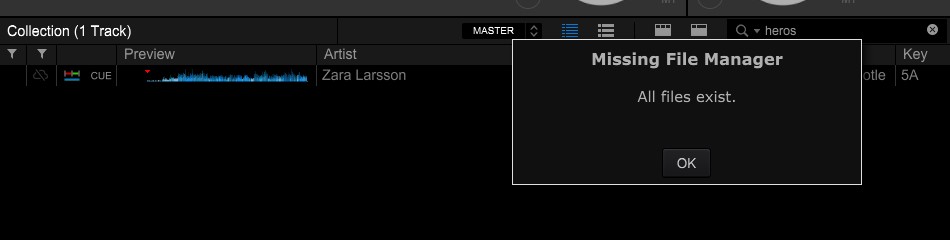
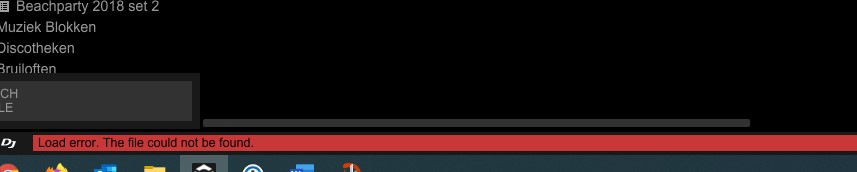
Dear forum users, I work on a PC and a Mac, OSX Big Sur, both with Rekordbox 6.5 with a Creative Plan. On the PC I prepare my music, set cue points and put the tracks in playlists. When I'm done I upload the files to Dropbox with Cloud library sync, after which I use the Mac to play in performance mode. By coincidence I discovered a duplicate music file in the Dropbox folder and it turned out that more than 3500 files are duplicated in my collection. These files have an addition (2). Obviously I want to delete the files with a (2) addition because it is a total of 50GB of unnecessary disk space. However, if I remove a duplicate music file from dropbox, Rekordbox PC version does not indicate that this file is missing, but when I try to load the music in question, I get the message "file not found". The track has a message that the file is stored on another computer or a mobile device .. However, on the Mac, there is an exclamation mark in front of the track in the collection that the file is not present. With the Relocate function, which I assigned to the Dropbox folder "Rekordbox" the file is also not found, which makes sense, I manually submit the file without (2) linking to the correct music file. Files on the PC are linked to files without (2) but also with (2). Can anyone tell me why the feature does not work on PC and how to solve 50GB of duplicate files problem on different platforms? Thank you in advance