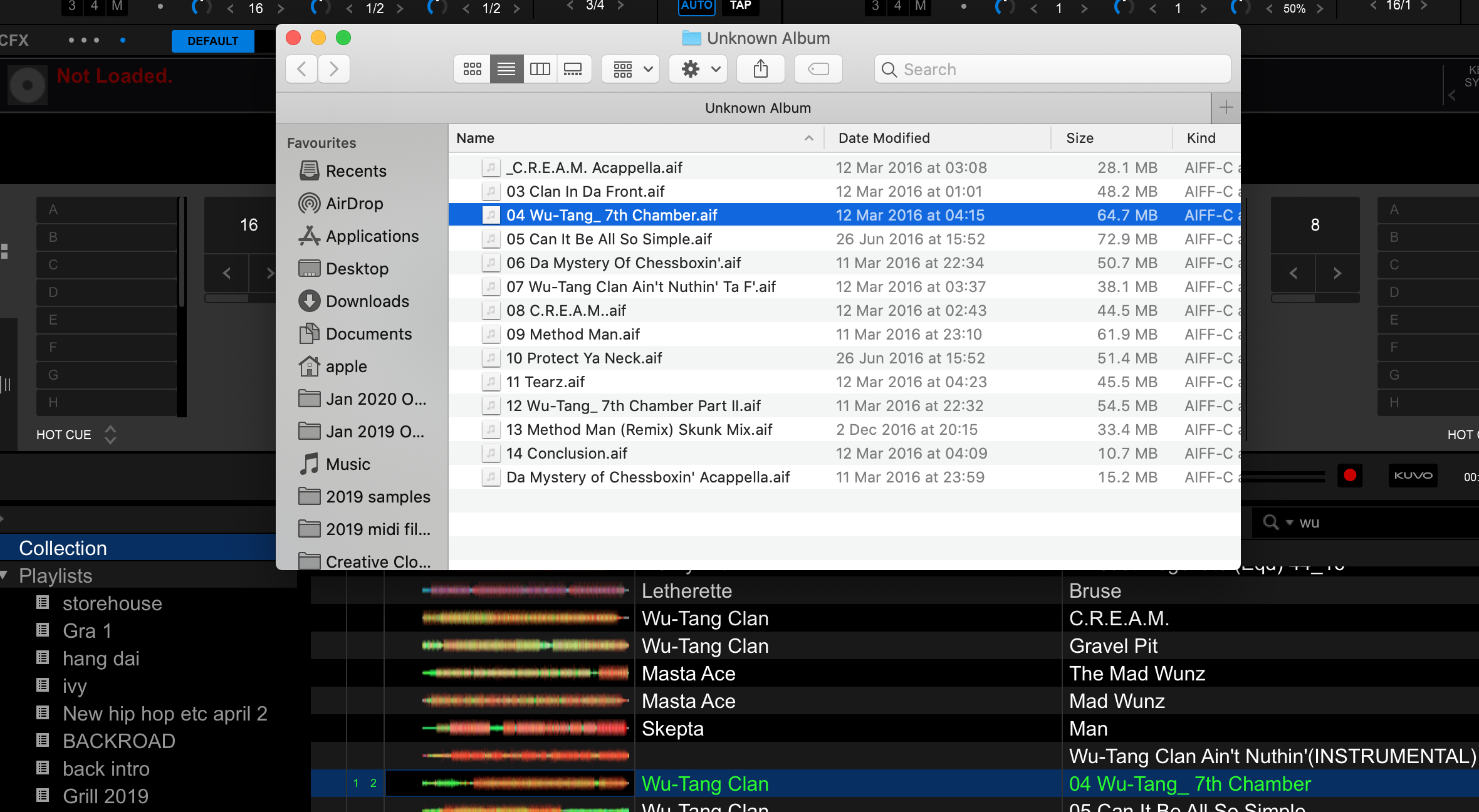
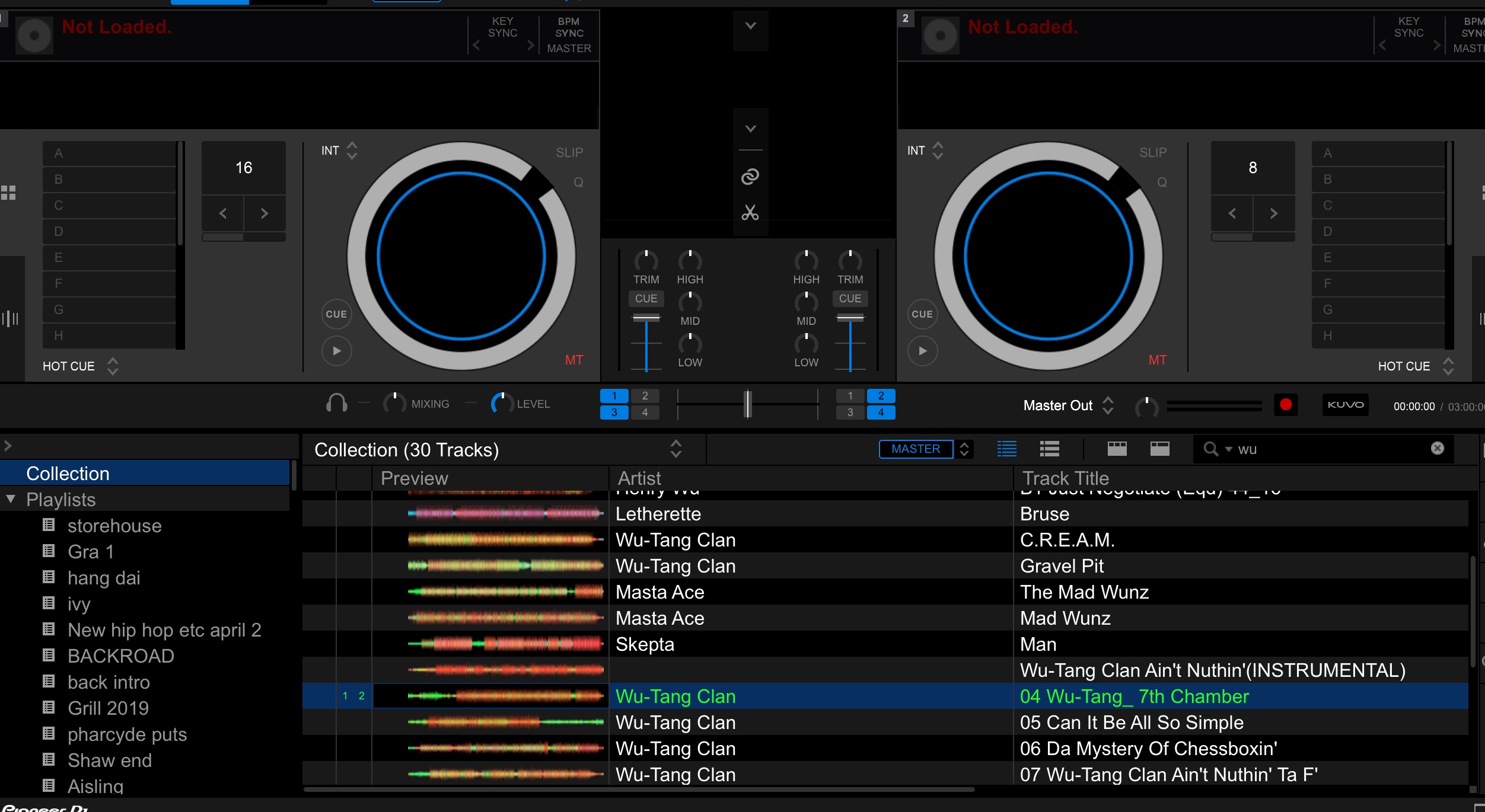
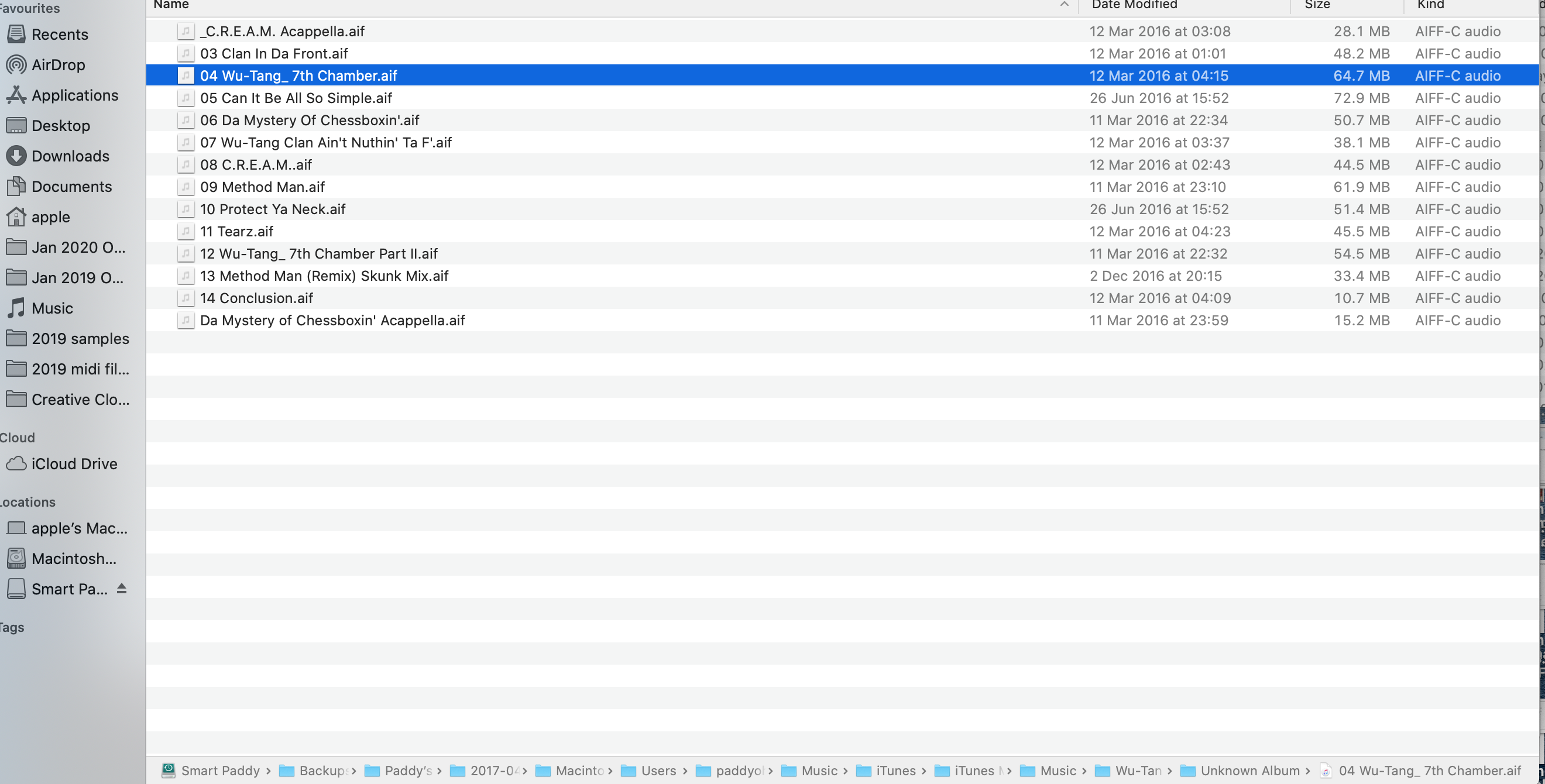
Hi, I have searched the forums and can't find an answer to this specific question. All my files from pre 2019 are on an external HD, which was no problem until I got an SSD upgrade on my Mac recently. The SSD is a clone of my old HD. Now the only files I can load on a deck in Rekordbox are the ones on the internal drive. The difference between my query and the others on this forum is that the external HD files and their waveform info etc show up in Rekordbox, and when I do "show in finder" they are there and can be played via iTunes etc, but they don't load. When I go to File- 'Display missing files' the external HD files that won't load don't show up, just files that I have deleted. I have attached two screenshots, in one I have tried to load the highlighted song on both decks, in the other is what I see when I click "show in finder". The file plays from finder. I hope that makes sense! Thanks in advance for any help.