
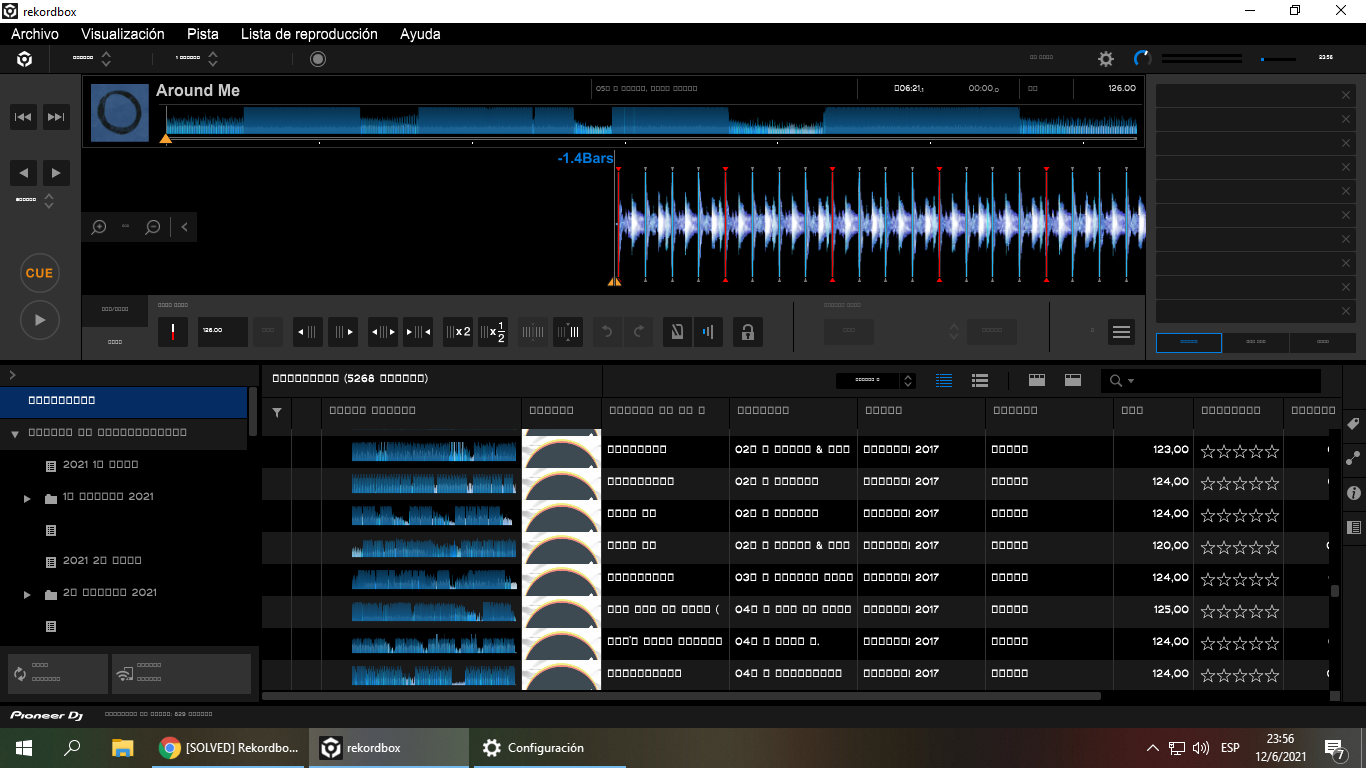

With rekordbox closed, try this...
1) Click Windows icon.
2) Click Settings.
3) Click System icon in Settings Window.
4) Click Apps & features in the left menu, then click "Manage optional features".
5) If the following fonts are not in the Optional features list, please add the items that are missing and click "Add a feature".
・ Chinese (Simplified) Supplemental Fonts (Additional fonts: DengXian, FangSong, KaiTi, SimHei)
・ Hebrew Supplemental Fonts (Additional fonts: Aharoni Bold, David, FrankRuehl, Gisha, ...)
・ Japanese Supplemental Fonts (Additional fonts: Meiryo, Meiryo UI, MS Gothic, MS PGothic, MS UI Gothic, …)
・ Korean Supplemental Fonts (Additional fonts: Batang, BatangChe, Dotum, Dotum, ...)
6) Re-launch rekordbox.
Comment actions