Have a feature request or suggestion? Post your idea here!

Publicación

3 seguidores Seguir
0
Avatar

DJM-900NXS2 Sound input not connecting on macbook pro

Trying to record on audacity but the sound input on my mac doesn't detect the mixer. The driver and firmware have the latest updates as well. the driver is connected

Courtney Sanders

Comentario oficial

Avatar

Hi Courtney,

Did you allow Audacity access to the audio inputs? Open System Preferences > Security & Privacy > Privacy and find the Microphone input on the left, then tick the box beside Audacity on the right. You may need to click the lock at the bottom-left to unlock the page.

Pulse
Acciones de comentarios Permalink

La publicación no admite más comentarios.

8 comentarios

0
Avatar

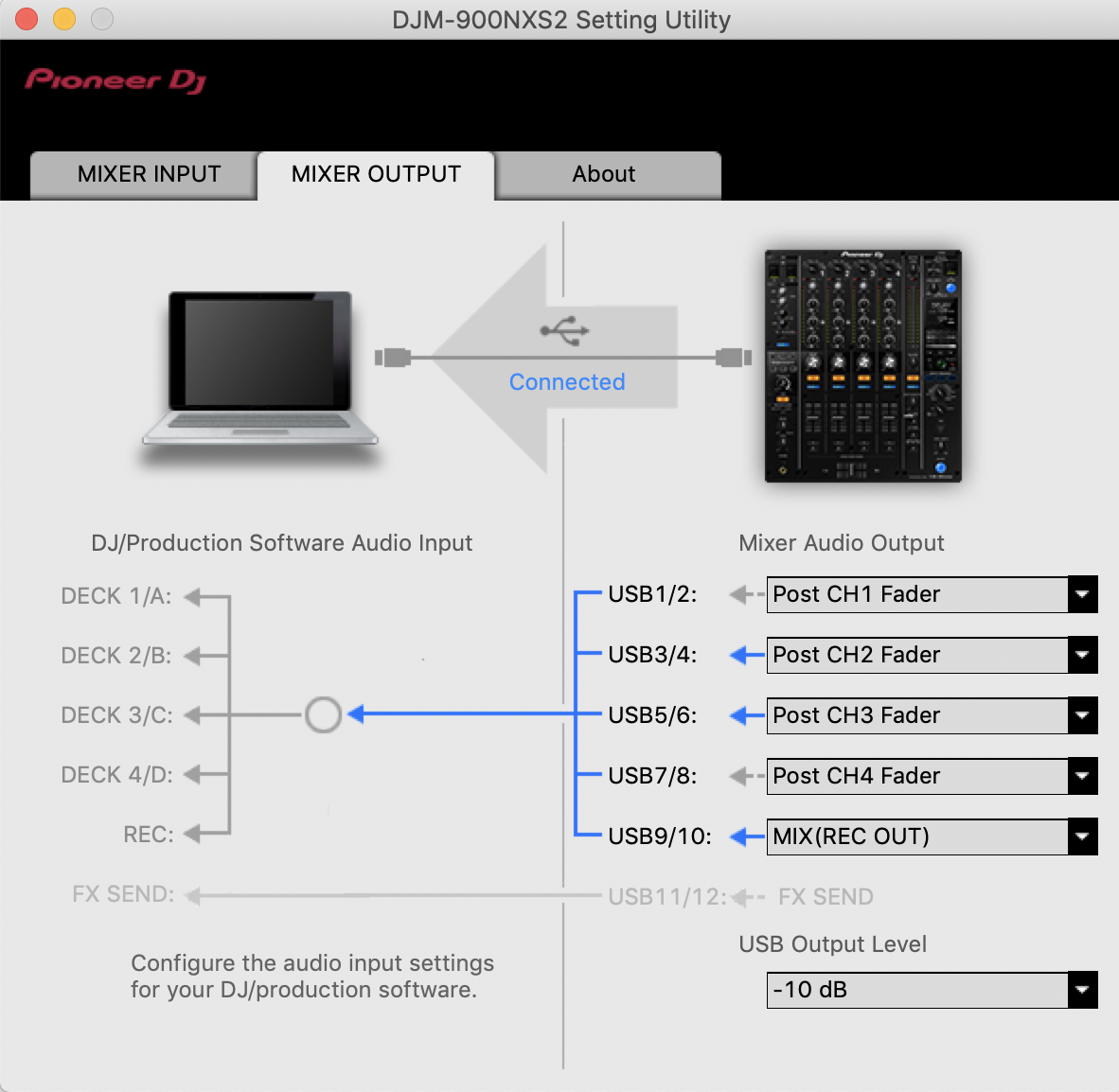
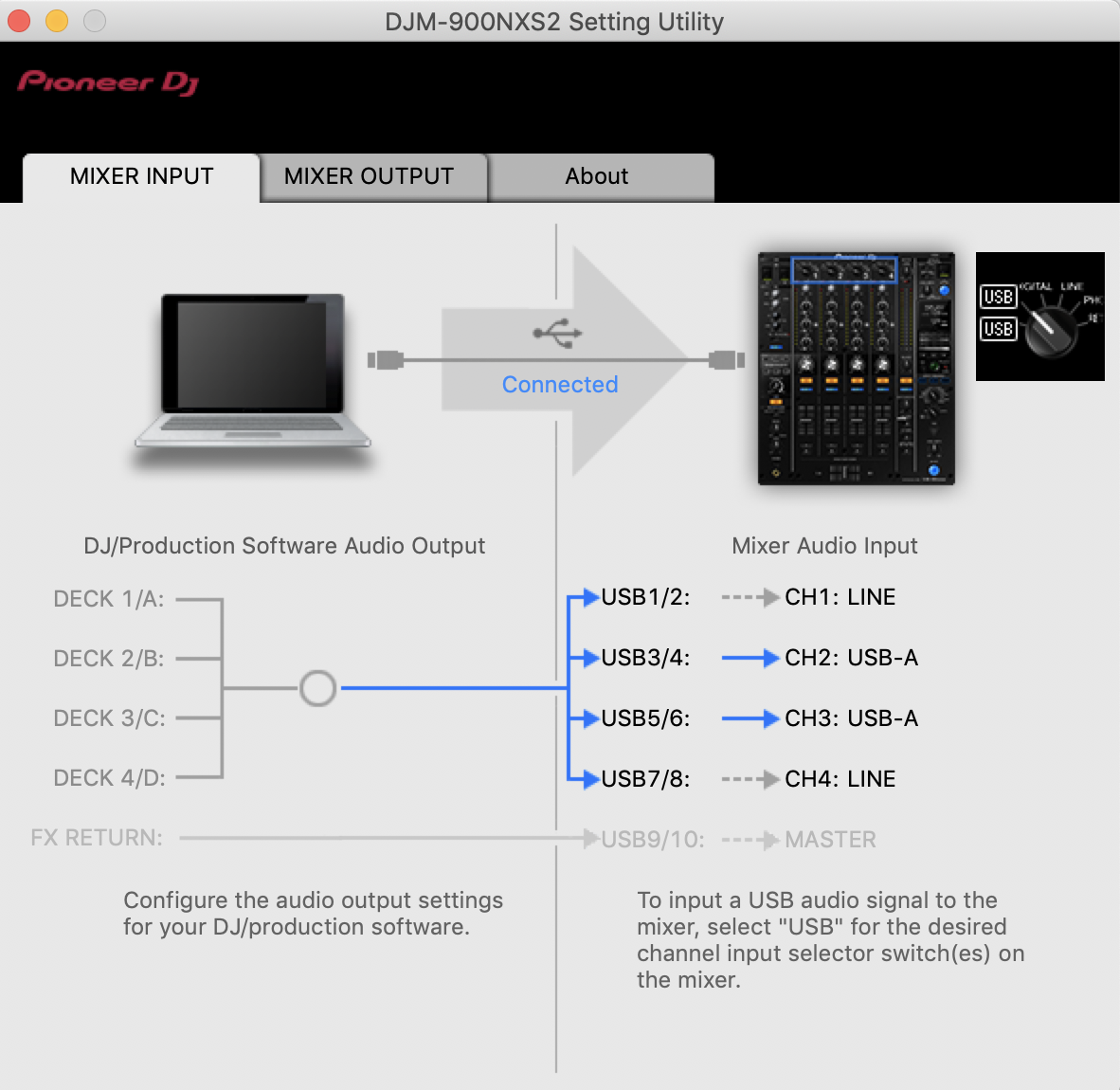
Yes it has access. Here are my settings. 

Courtney Sanders 0 votos
Acciones de comentarios Permalink
0
Avatar

When you installed the drivers, did you bypass the security setting on the OS? If not, you'll need to use the uninstaller from the driver installation package, reboot, then install, allow the drivers through security, then complete the installation and reboot again.

Pulse 0 votos
Acciones de comentarios Permalink
0
Avatar

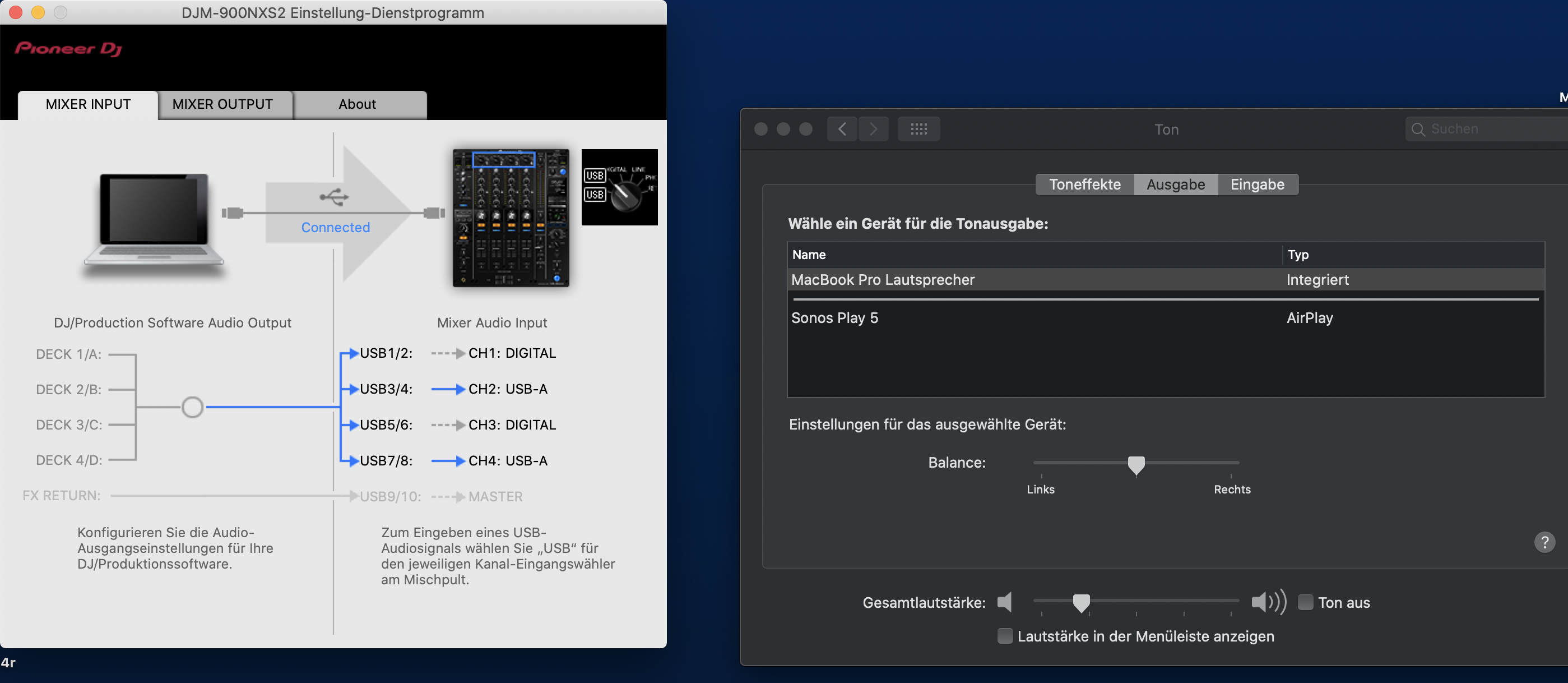
Hi I do have the same but a uninstall its the same any idea ?

Running driver 2.1 on mac os 10.15.4


Or is this a new problem with the newest MacOS?


tricade 0 votos
Acciones de comentarios Permalink
0
Avatar

@tricade > I'm guessing you might not have installed the drivers properly. Did you allow them through the macOS security? If not, download the drivers again, run the uninstaller tool, reboot, install, then click to allow them through security and THEN connect your DJM.

Pulse 0 votos
Acciones de comentarios Permalink
0
Avatar

with the tutorial I was able to fix it ;) thanks so much!

tricade 0 votos
Acciones de comentarios Permalink