
I think your problem is, you need to open the edit tab, in the right side of software pads, and define if you want to release, or hold the pads.
Actions pour les commentaires

[Video Link] 4.0.5 Windows - Bug - When using pad effects RB doesnt release trigger
Here are two examples I caught on camera during 1 hour mix where the pads do not release after being triggered - they do the rest of the time.
Any ideas?
Thanks
Rikki
Cette publication n’accepte pas de commentaire.
I think your problem is, you need to open the edit tab, in the right side of software pads, and define if you want to release, or hold the pads.
It works the way intended for the rest of the hour mix - apart from those two glitches
ah ok it was a random issue... i also have a very similar issue, with ddj-sx when i make combos between beat grids and slip reverse, my autoloop became active by itself, and i need to press it.... i asked about it in forum and via inquiry, but no answer... 8 weeks and counting...

@Rikki > I've passed this along to engineers to investigate, they may require more information - if so, I'll let you know.
@feel4steel > Sorry if your post was missed, we're trying to play catch-up with the recent flood of posts. Please just go and add a comment to it and I'll try and reply today.
Pulse - thanks for that, any more info you need just hit me up :)
@Pulse
I've done the refresh of my inquiry right now. If it help you to find it, the ID is 3129.
Thank You.
@feel4steel > Got it, thanks.
@Rikki > The engineers are looking into the SLIP ROLL issue, but are wondering if you might have the BRAKE PAD FX set for HOLD mode.
Click the EDIT button below the PAD FX, then at the bottom-right of the BRAKE effect pad you will see HOLD can be set to ON or OFF.
Hi Pulse - no it wasnt set to ON ... I was doing an hours mix and it just randomly happened a couple of times
Engineers are working to identify and resolve the cause of this issue - thanks for reporting it and for your patience!
@Rikki > Engineers have fixed the slip loop issue but the slip roll is still eluding them. Please update to 4.1.1 and provide your feedback!

I have the same problem with DDJ 1000, pressing combo pad Slip Loop (1/4 - 1/2) rekordbox hold on (random). So I don't think these issues are fixed!.
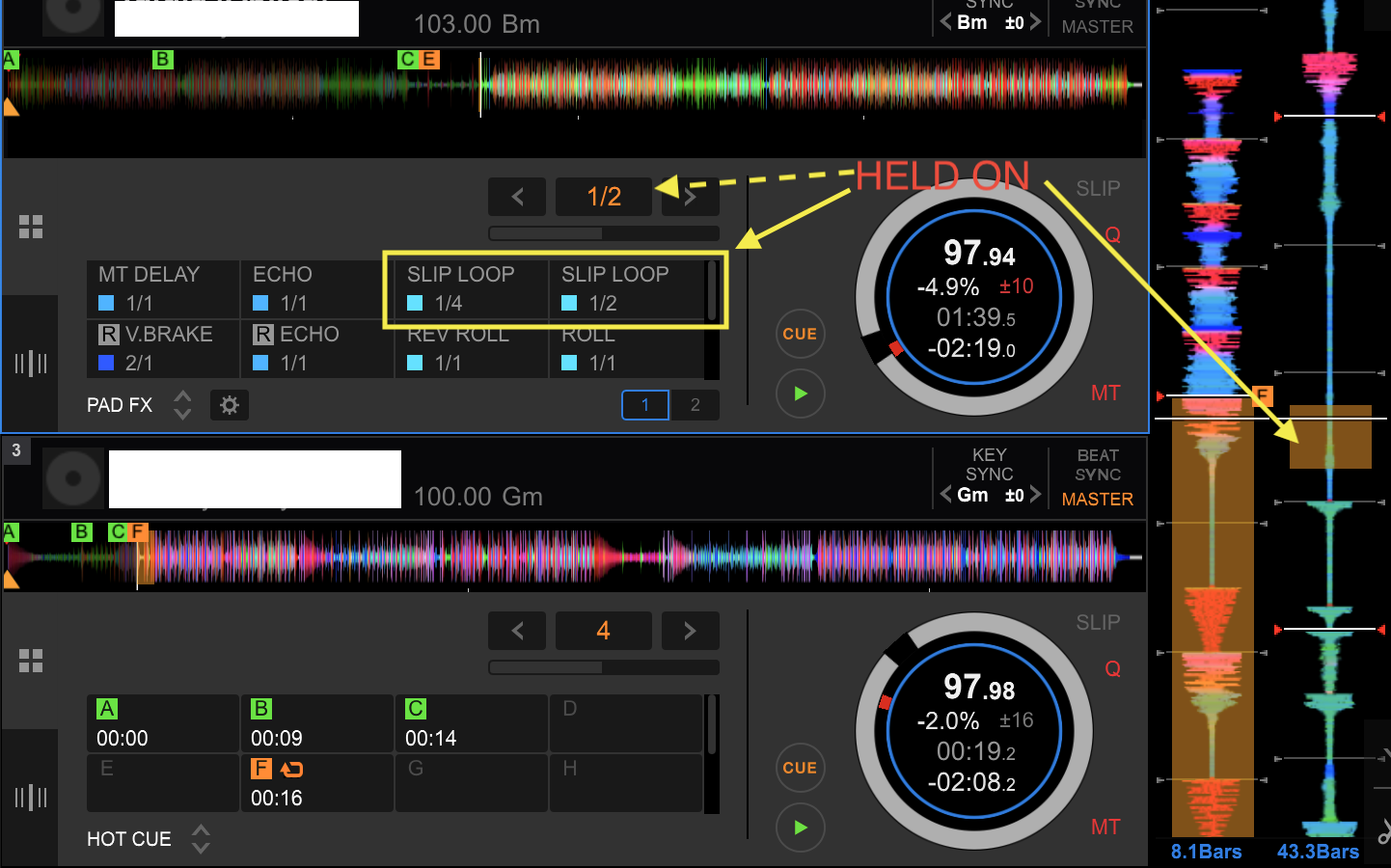
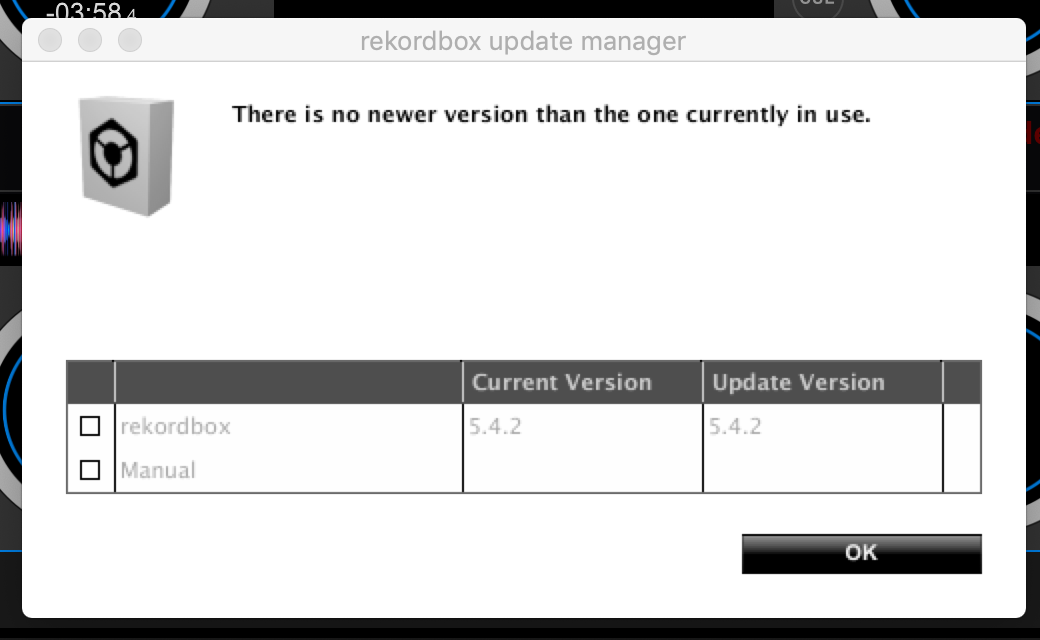
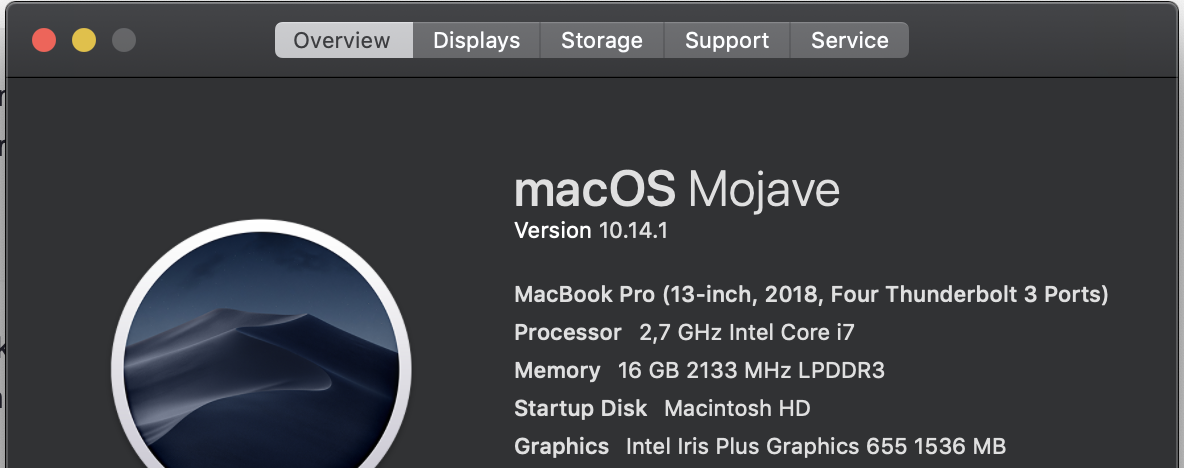
I need any additional config? Seriously Helppp!!!
@Edward > Can you provide a bit more detail as to what you're doing and what the problem is? You've piggy-backed on an old and somewhat unrelated thread and I'm not 100% sure what you're reporting.

