Commento ufficiale
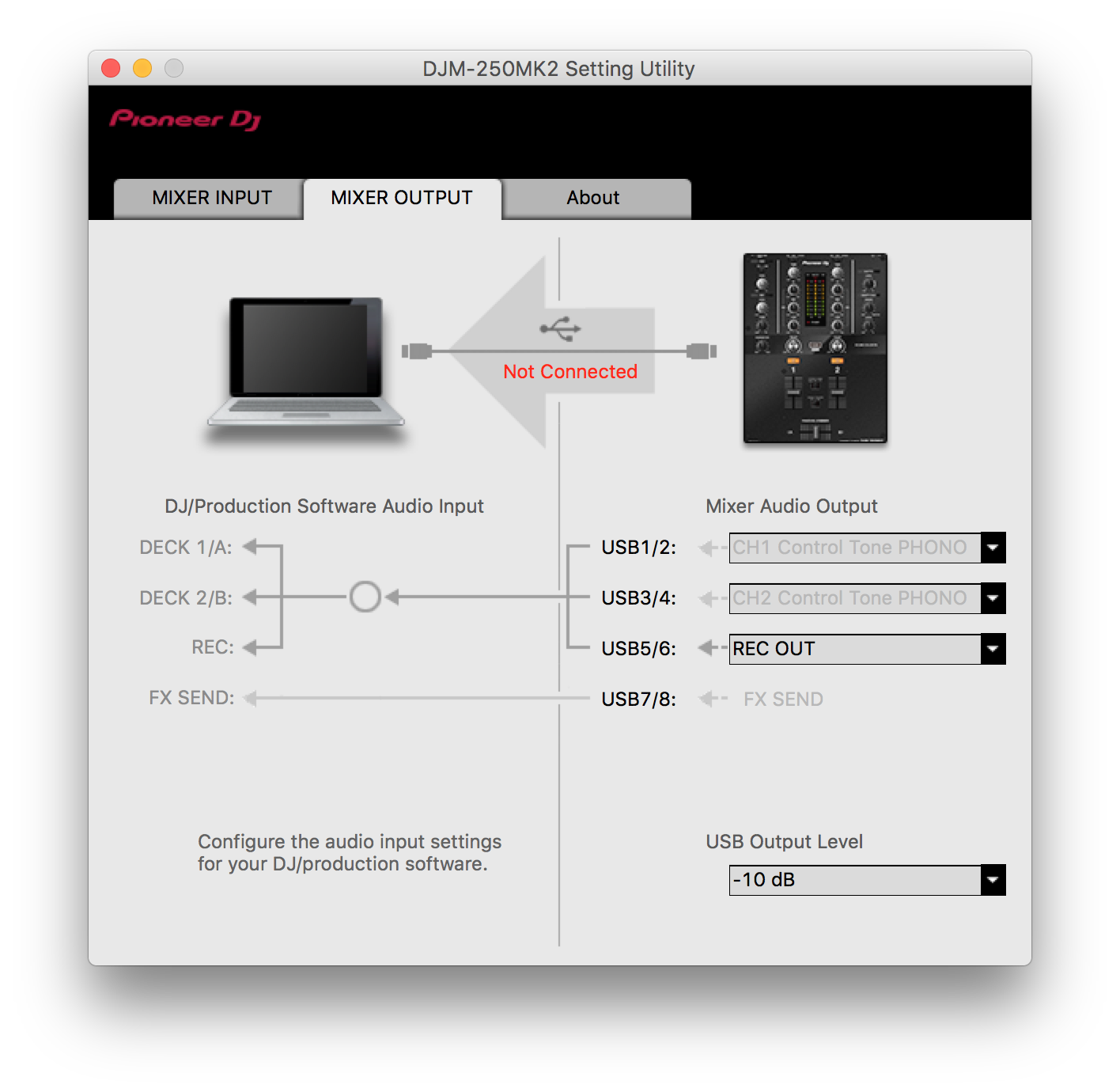
@Brad > Try opening the DJM-250 settings utility and changing the input from the Control Tone PHONO to another option, then back. Be sure your channel selectors are set to USB.
Gear:
DJM-250MK2
Audio-Technica LP120
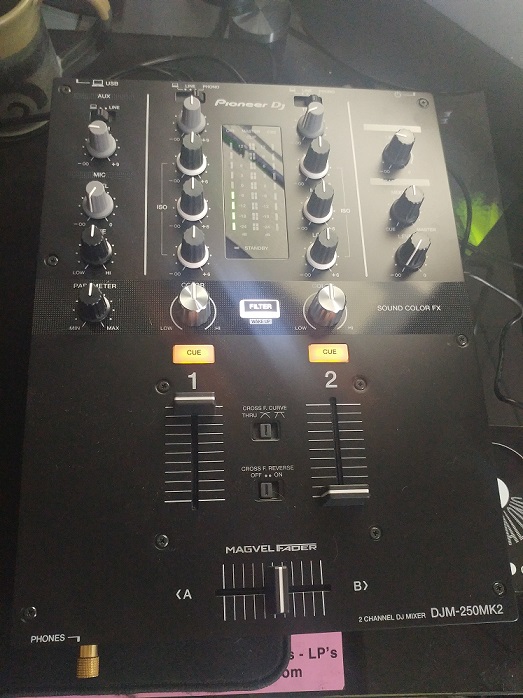
When attempting to calibrate the new rekordbox vinyl I received, the channel 1 calibration display doesn't show anything. I have the TT hooked into the mixer via the phono inputs for channel 1. I've got the leftmost switch (labeled AUX) on the laptop icon and the channel 1 switch on the phono.
When i play the scratch record, i can see the mixer levels rising so I know the sound is getting to that point. But when I try to calibrate the record, i get no visual feedback in the UI like it even knows it is playing.
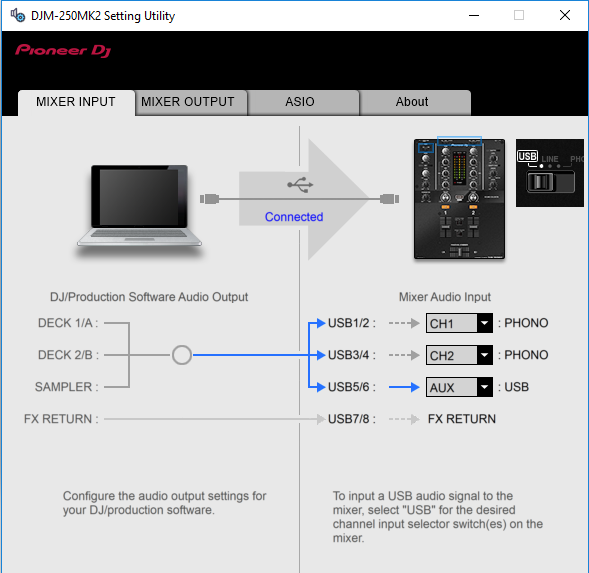
I have the DJM250 settings and drivers installed as far as I know, and I used the Settings Utility to get the inputs/outputs correct (so i know the PC recognizes the mixer). Anything obvious that i am missing here?
@Brad > Try opening the DJM-250 settings utility and changing the input from the Control Tone PHONO to another option, then back. Be sure your channel selectors are set to USB.
Il post è chiuso ai commenti.

Hey Pulse, thanks for the response.
I tried changing the mixer output settings from phono to aux, and then back to phono. It didn't seem to make any difference and I still didn't get any signal registered in the application. I also tried uninstalling the DJM250 driver and rekordbox, and reinstalling. Didn't seem to change anything
Here's my settings and mixer setup


Nevermind, I guess I did have the channel selector switches wrong.
Seems to be working now.
Thanks!
Yep -- I was going to say, the channel input selectors needed to be on the PC (USB) input, not phono, otherwise you'd just be hearing "BEEEEEEEEEEEEP!" lol ;)
Glad you got it sorted, enjoy!