正式なコメント

Create your slicer loop, then mouse over to the right side of the waveform, click the scissors icon, then drag-and-drop it to the sampler bank you wish to use.
コメントアクション

Been searching and cant find no such button on rbdj. Read the manual as was suggested in other post but nothing.
Create your slicer loop, then mouse over to the right side of the waveform, click the scissors icon, then drag-and-drop it to the sampler bank you wish to use.
投稿コメントは受け付けていません。

I also hav a question about this: I dont have the scissors icon. The only way for me to save a loop is with right mouse click and "save as.wav".
@Dancaire > Which version of rekordbox are you using, and are you in performance mode or export mode?
Hi Pulse,
I am using 4.2.5 both in export & performance mode. I have read the manual (p217), but there's just no scisscors like displayed in the manual:
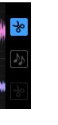 In Export mode i have the related track icon, in performance mode there is no icon at all.
@Dancaire > Did you create a loop (or activate the Slicer mode) before trying to mouse-over the right end of the waveform window to find the scissors?
Hi Pulse,
Thanks for your quick reply. I am @work, will check at the weekend and get back.
Hello Pulse,
I have checked in performance mode but no joy:
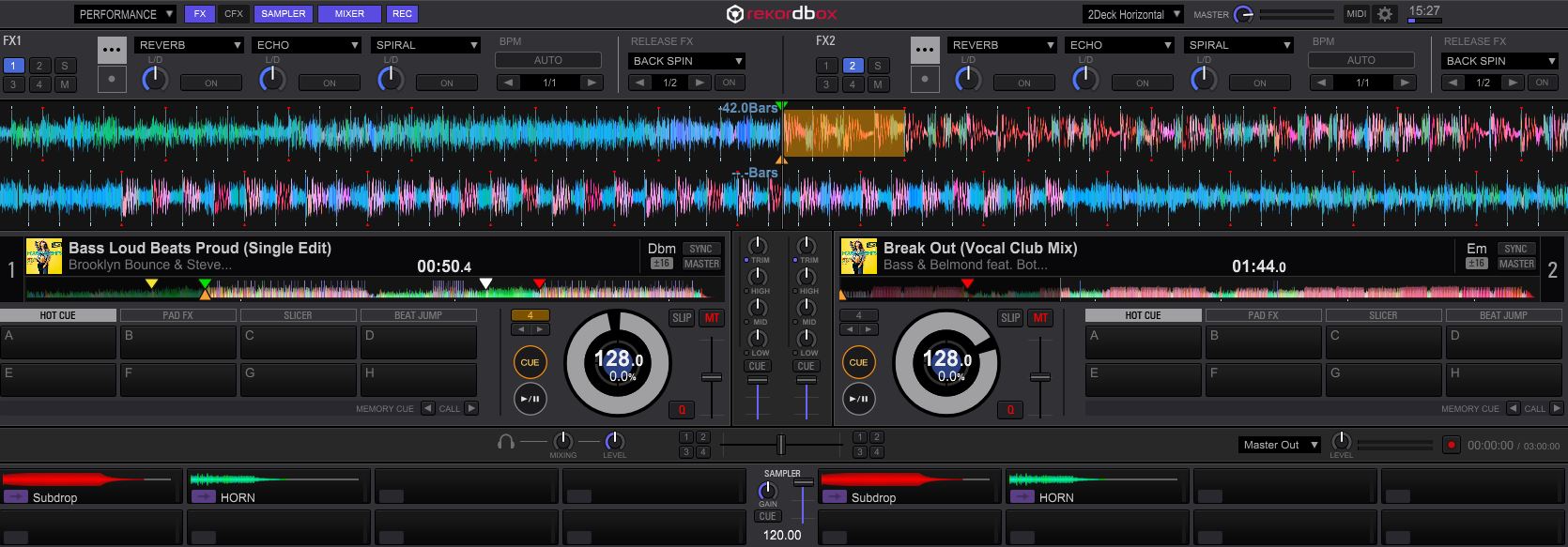
Note there's know sciccors icon when i hover my mouse over the loop, nor related track icon.
I guess ther's something i am doing wrong but i don't get it...
@Dancaire > Not quite -- mouse over the very right end of the waveform. It's there...
Found it! Thanks for your help, i wouldnt have located it otherwise. Never realised it were pop-up icons.
Thanks again..
I know, right? We've asked for that to be improved.

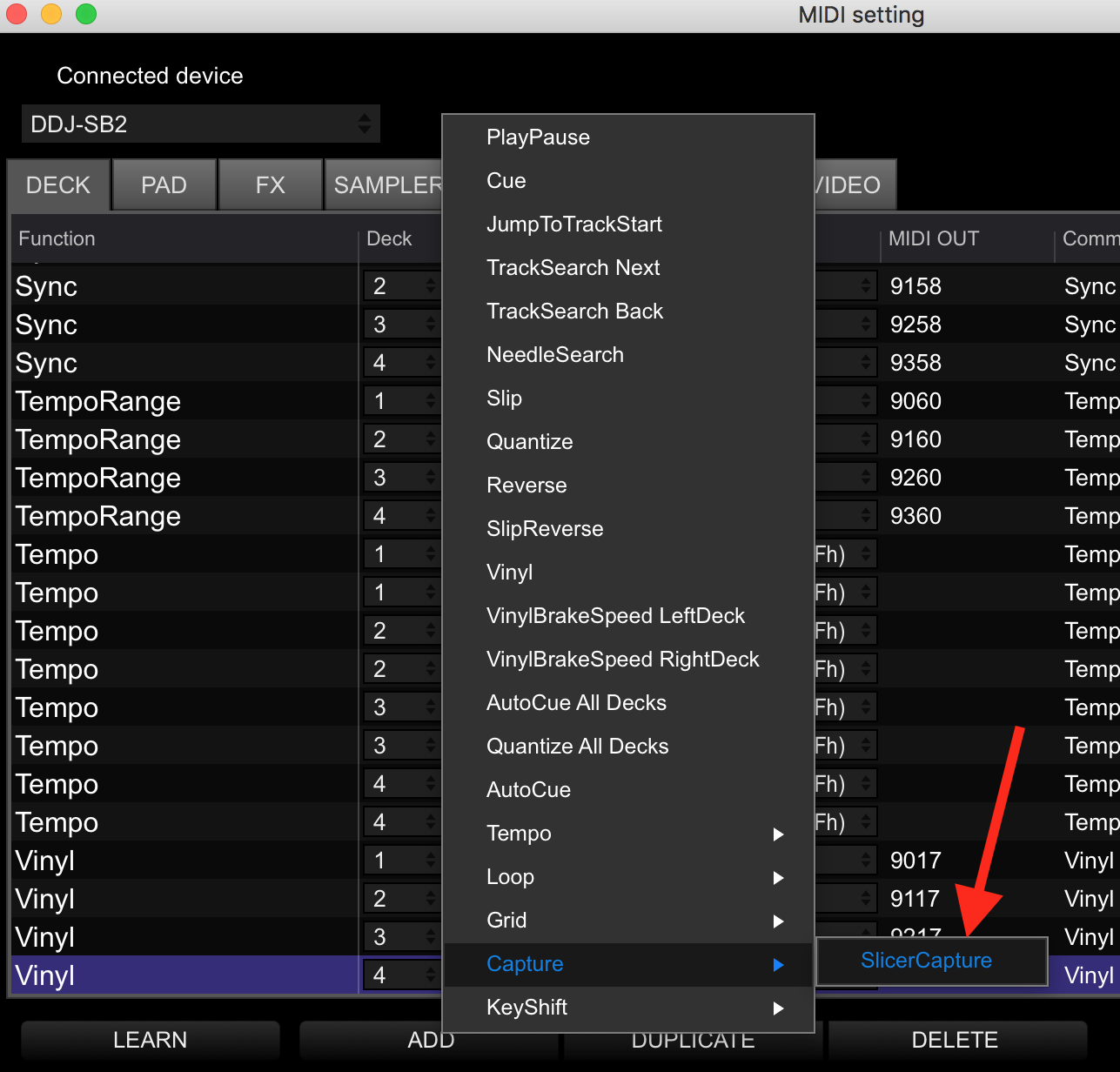
Is there a way to midi map that command??
Yep, right here under the Deck tab: