
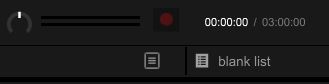
 Recording symbol is not lit up either


コメントアクション
Example screenshot provided. I cannot find choices anywhere else within the program, help would be really appreciated!
投稿コメントは受け付けていません。
Recording symbol is not lit up either
Nevermind, figured out the problem was that I'm on external instead of internal - but now I can't hear anything in the program

You can have it on internal or external mixer mode depending on the type of audio device you have, but we recommend for the 200 that it's set to internal as most users have a single stereo output device which needs to be split for separate output for headphones and master.
How do you have it configured now?
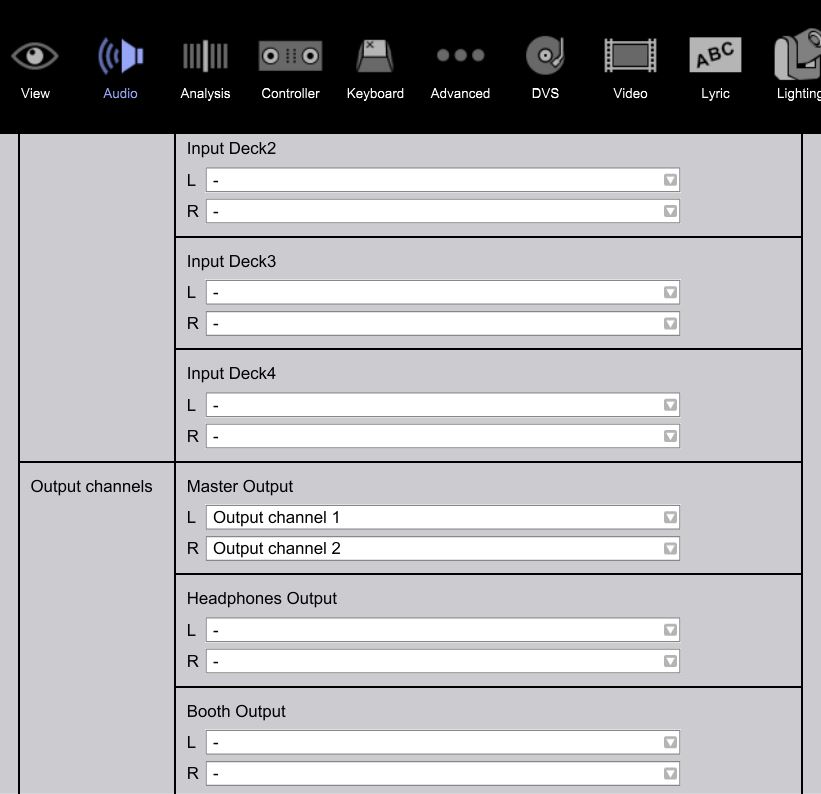
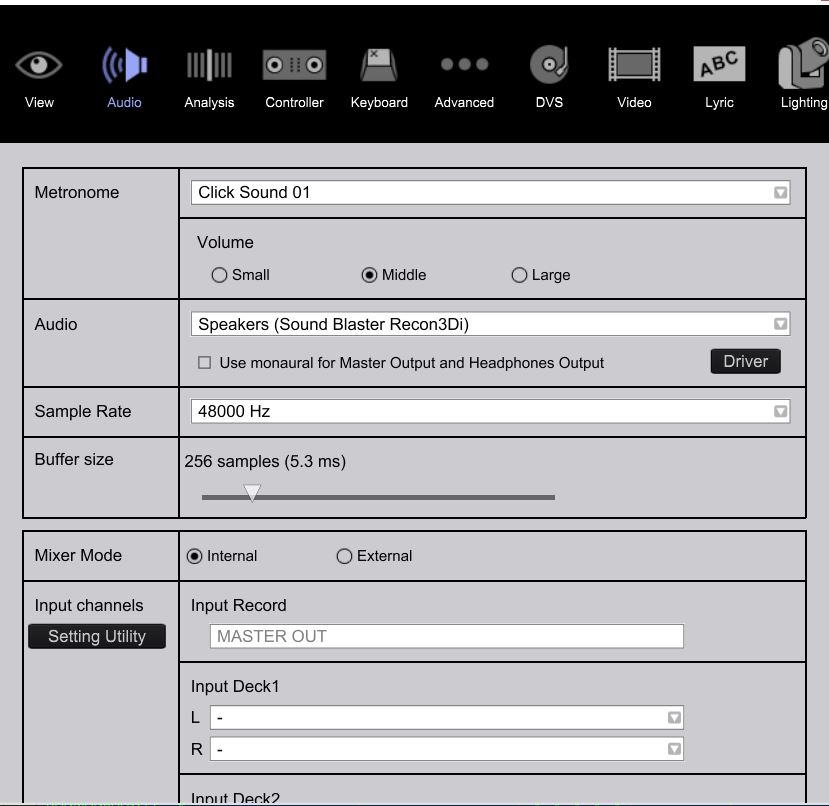
These are my inputs, I have no other choices than these - idk why
That's correct -- please tick the "Use Monaural Split" box and it should automatically split the output audio for you to connect your headphones to one side of the included splitter, and your speakers to the other.
You won't have any inputs selected as the Sound Blaster you have set for output wouldn't be an input; the recording is done based on the software mixing.
What (externally) are you trying to record?
I'm trying to record a mix. I selected the box, but I still don't hear anything coming through to my headphones
I reloaded Rekordbox after closing it and played & was able to hear the Deck 1 track for roughly about .5 seconds, is there a fix?
nevermind i figured out the issue, thank u sm for the help

What was the solution? My settings are the same as your images above, but can't seem to change them?


