
Hello Jan,
DDJ-FLX10 engineers already answered in the Zendesk ticket you kindly created. The "issues" you kindly provided are not the issues, but please follow the steps to see if they work as expected.
- Demo mode issues:
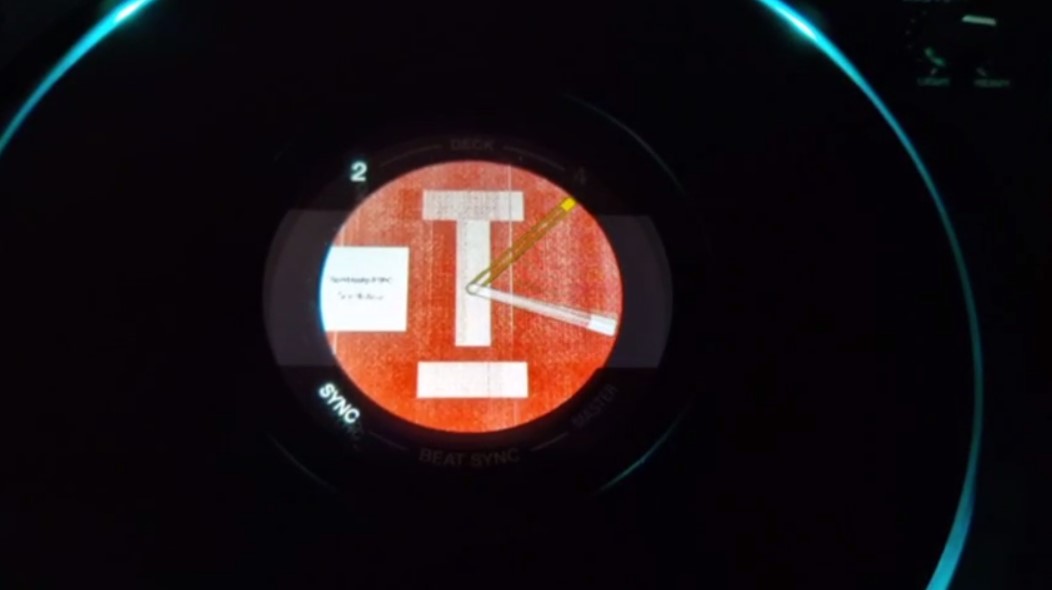
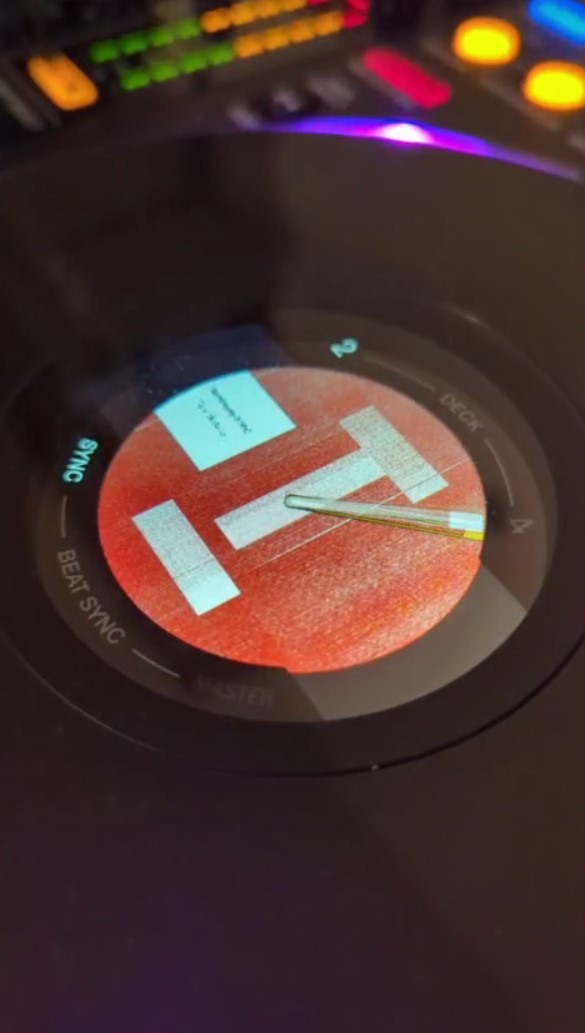
The jog displays of DDJ-FLX10 has four different display modes and the display shown in the photo is in the "Artwork Display" mode.
The artwork shown there is just a sample artwork and it is shown as specified.
2. Utility menu:
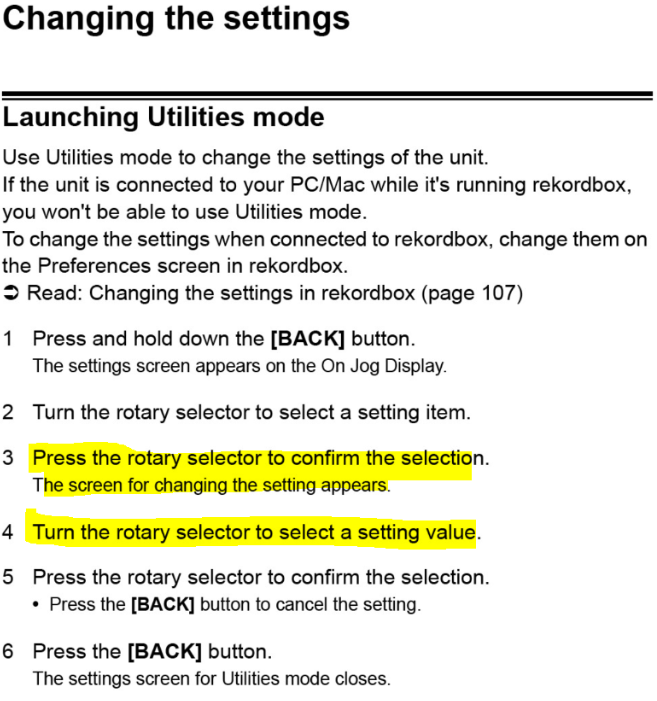
Please make sure to follow all the steps shown in "Changing the settings" in page 154 of the DDJ-FLX10 manual from the link below.
https://docs.pioneerdj.com/Manuals/DDJ_FLX10_DRI1822C_manual/?_ga=2.96998495.1370220138.1688342209-733914764.1652316406&page=154
Please make sure to press the rotary selector after selecting the item in the Utilities mode.