
Did you install the Audio driver of DDJ-RR into your Mac?
https://www.pioneerdj.com/en/support/software/ddj-rr/#drivers
Ações de comentário

Hi all
I have recently purchased DDJ-RR. Set up is via my iMac and output via sound card. However when i select the sound card in the audio settings within record box - my cue buttons do not provide any sound via the headphones! This is so annoying.
When i set the output in the audio settings within rekordbox to DDJ-RR I ONLY get sound through the headphones.
Is there a simple fix for this?
Thanks!!
Publicação fechada para comentários.
Did you install the Audio driver of DDJ-RR into your Mac?
https://www.pioneerdj.com/en/support/software/ddj-rr/#drivers

Hi All,
the same issue is seen in my setup... :-(
Installing the audio drivers (Mac - High Sierra) and the installer indicated 'succeeded'.
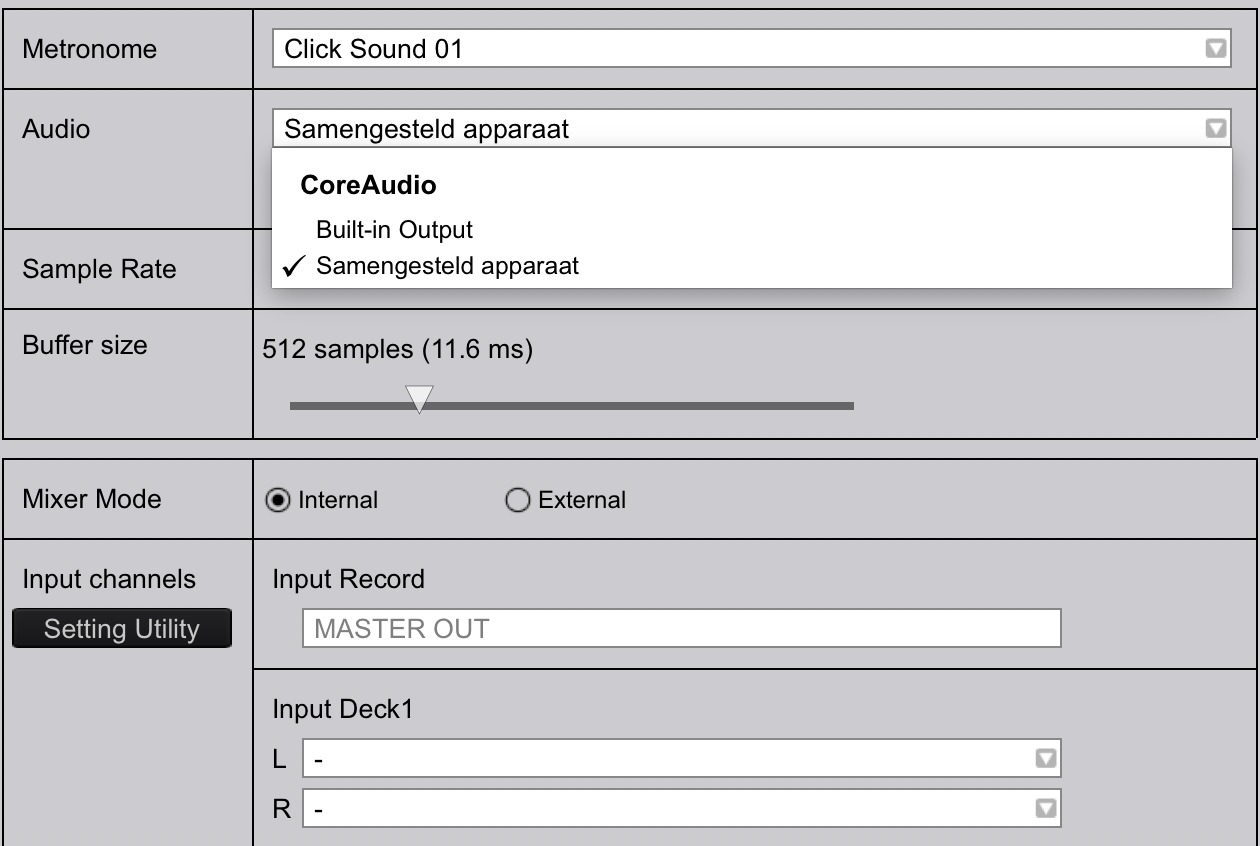
In the Rekordbox audio setup, the dropdown only gives me only 2 choices (build-in output and samengesteld apparaat (?=? composite device)
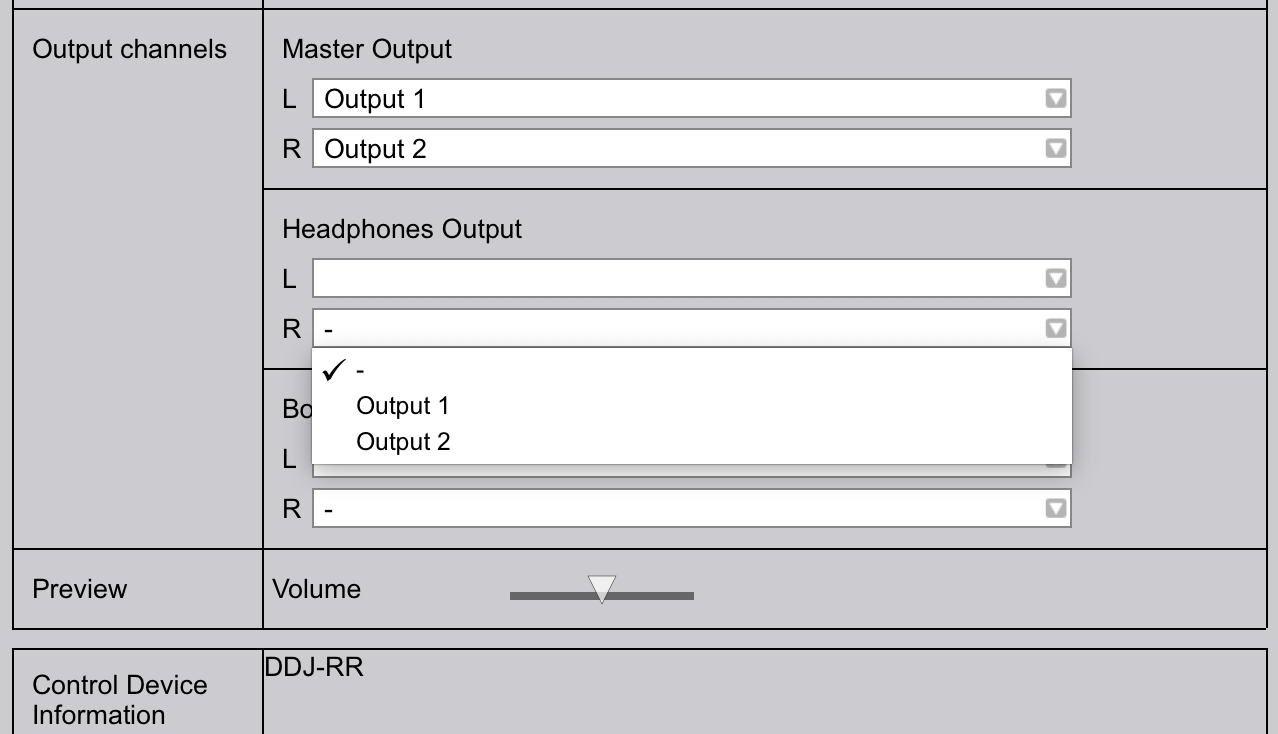
=> so , no pioneer/... driver to select resulting in no 'cue' sound in my headphones!!!
(not for Ch1, Ch2, master. No Mather which position for headphones level button, nor headphones mixing knob)
Any ideas/things to check?
Thanks,
MVa
This guide will help you.
=> not resolving the issue for me on 2017 iMac :-(
(Will try it tonight with a MBP)
Good news: Works out of the box with the test MBP 2013
+ Uninstalled drivers on the iMac 2017 and started over.
Works fine!

