Have a feature request or suggestion? Post your idea here!

Publicação

2 seguidores Seguir
0
Avatar

Tracks exported to CONTENTS folder. XDJ-R1 can't handle this.


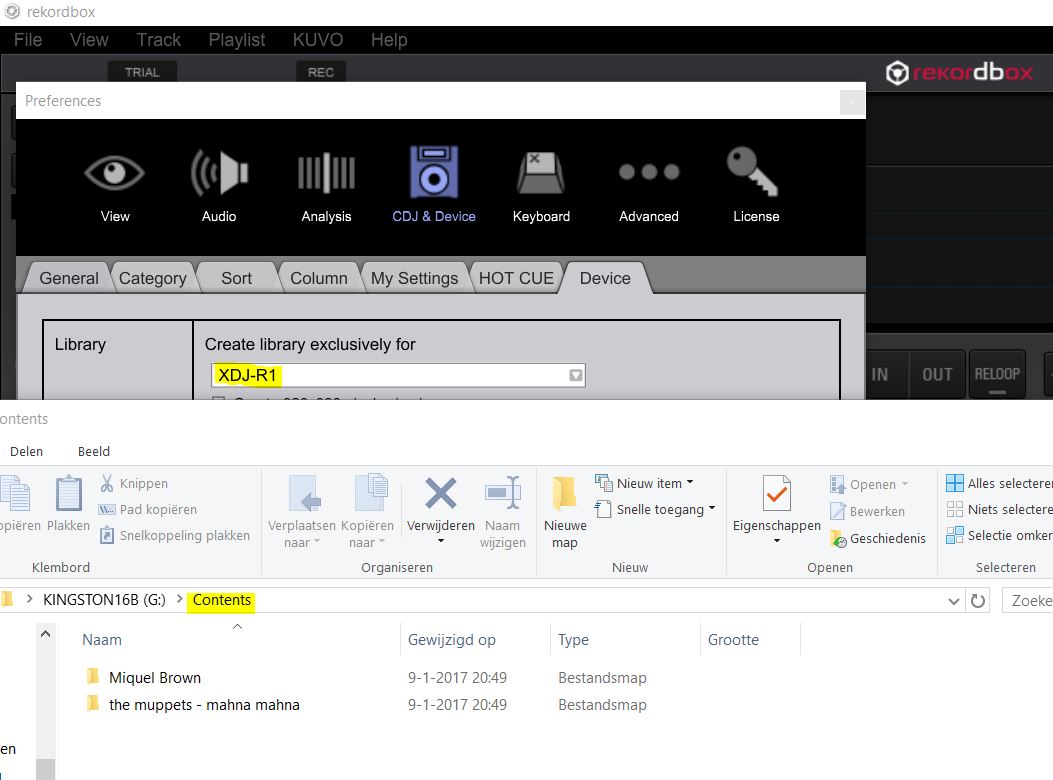
After refreshing Windows 10 and installing RB 4.2.5 (latest) all tracks are exported to the CONTENTS folder. XDJ R1 can not handle this; no playlists available...

  • Device Settings;  XDJ R1 exclusively
  • USB 16GB FAT32 (reformatted)
  • Before refreshing and installing RB 4.2.5 this was not the case, same USB stick
  • Tried another USB drive with PIONEER folder but without CONTENTS folder - After exporting today the CONTENTS folder was created with all tracks in it.
  • Removed all databases, created new playlist, same result

My XDJ-R1 has become pretty much worthless... PioneerDJ, please advise!


Sander Kriek

Publicação fechada para comentários.

3 comentários

0
Avatar

Hi,

Could you describe the steps how exactly are you exporting to the USB?

Are you using the sync manager on doing an export (which would be completely wrong for what you are trying to achieve....)?

M.

Marek 0 votos
Ações de comentário Permalink
0
Avatar

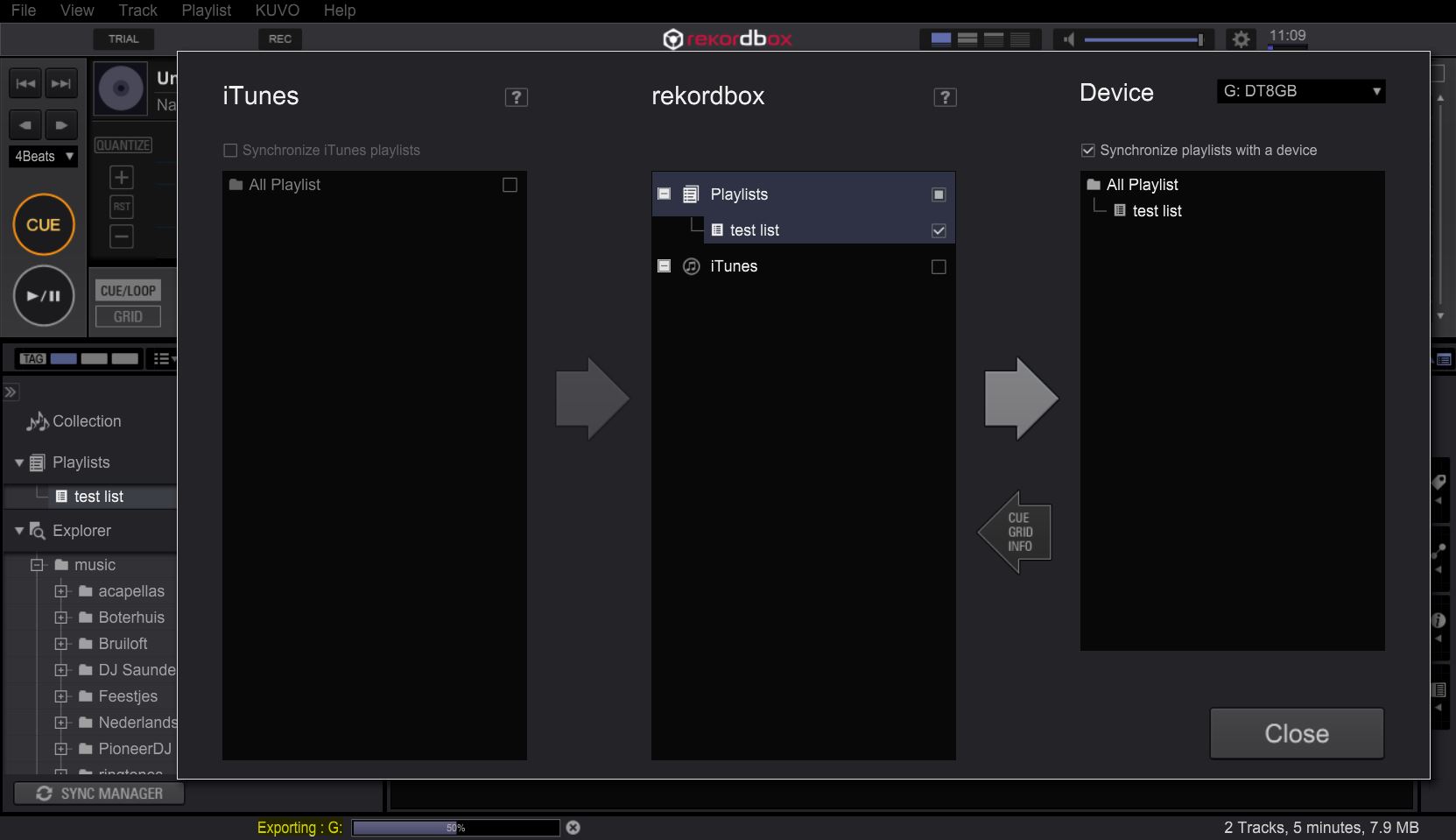
Hi Marek, thanks for your message! I have always used SyncManager and I until recently I have always been able to use playlists on my XDJ-R1.

Steps:

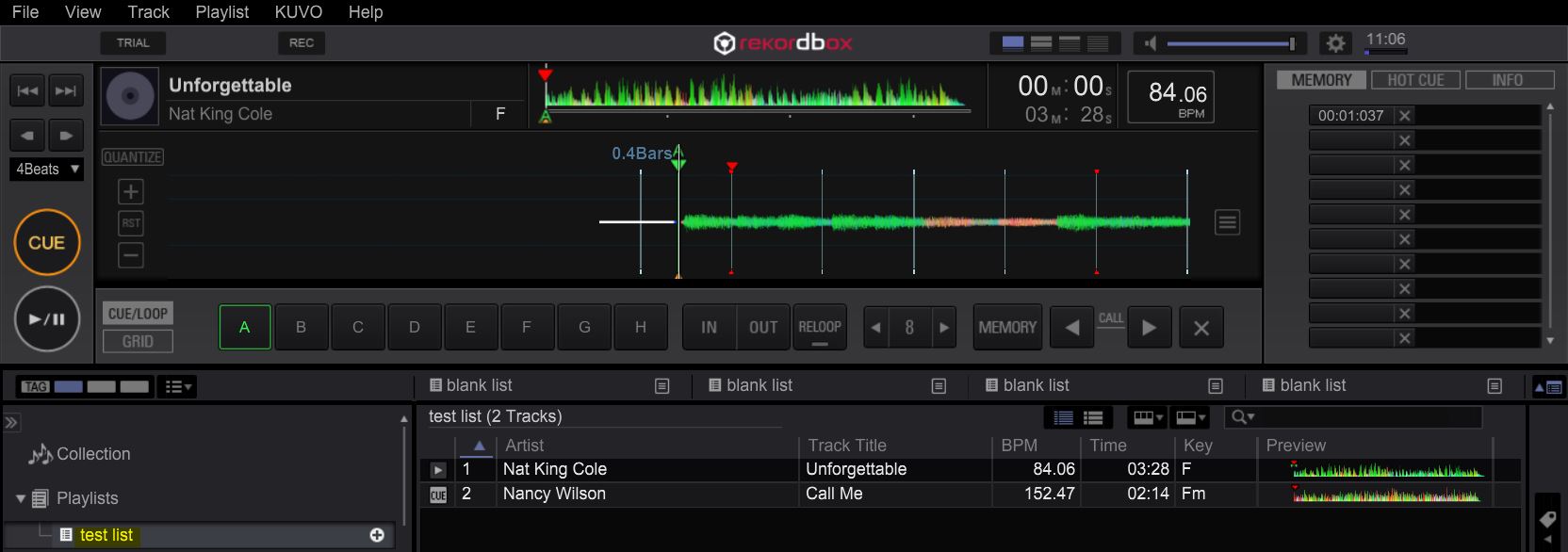
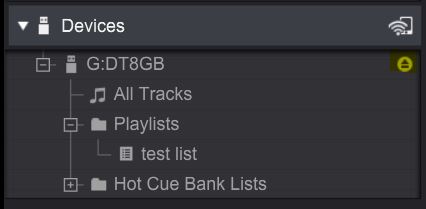
  1. Created a new playlist (TEST LIST) with only 2 tracks
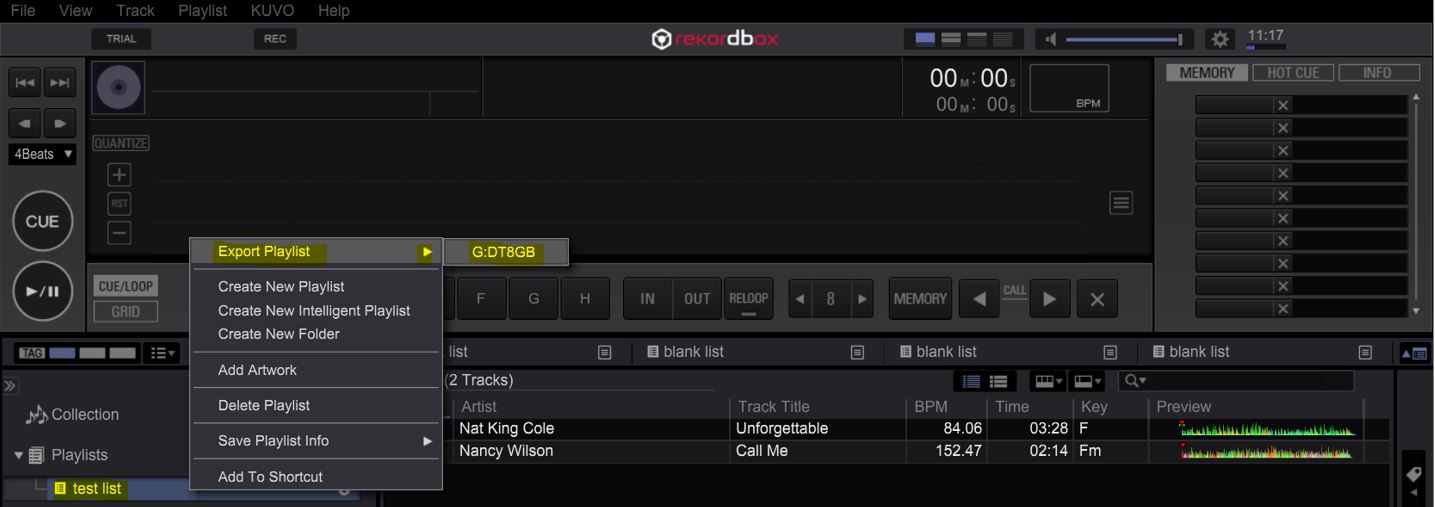
  2. Used SyncManager to export to formatted USB drive
  3. Device > Create a Library and remove USB device

Result: the R1 shows CONTENT folder, no playlists.

I'm quite sure that I have always done it this way but your remarks makes me think that I might always have done this the wrong, way correct?

Thanks for you help, I appreciate it!

Rgds, Sander

(I'll post my pics seperately)

Sander Kriek 0 votos
Ações de comentário Permalink