
Comentário oficial

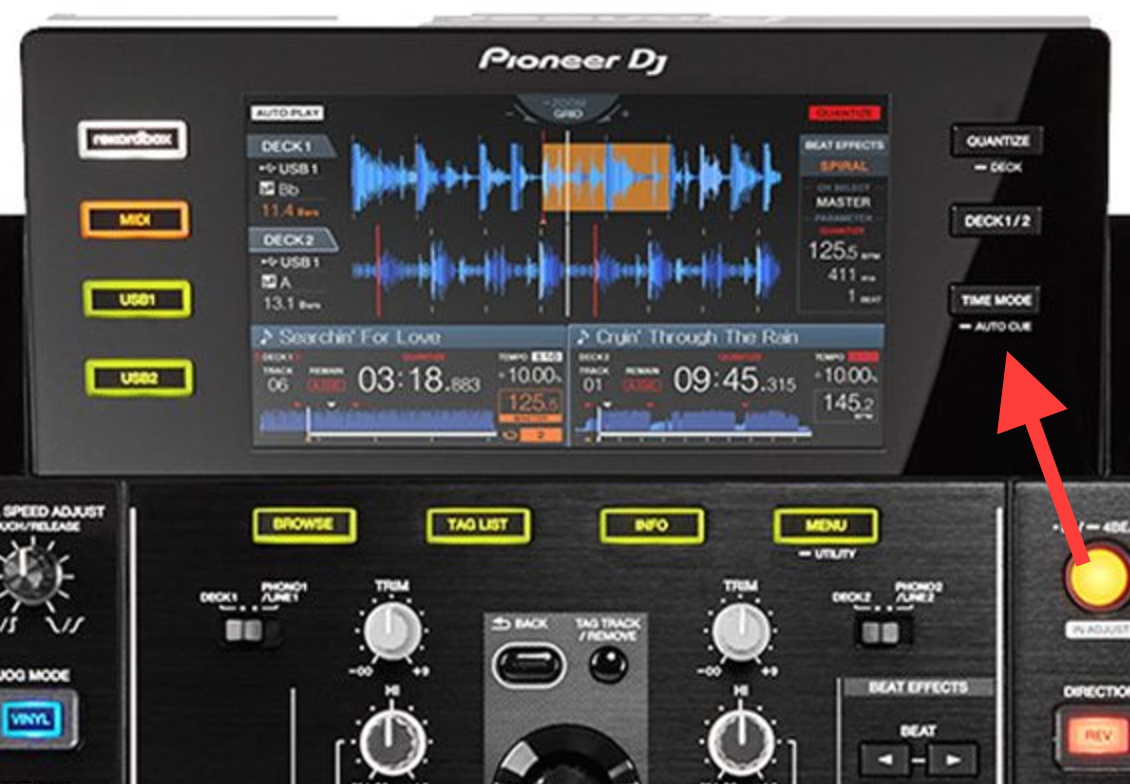
Press and hold the TIME MODE (AUTO CUE) button; it will toggle auto cue (which is seen in the player display as A.CUE, which automatically forces the player to create a cue point at the beginning of the track (or at the first memory point, depending on the setting), and it will stop playback and wait at that point.


Ações de comentário